
This page is not an official page of the app or its developer, but an independent editorial publication created for informational and commentary purposes. Unless expressly stated otherwise, neither the app nor its developer is affiliated with, endorsed by, sponsored by, authorized by, or otherwise officially connected with MWM, Apple, Google Play, the app publisher, or the app's developer, and nothing on this page implies that the app was developed using MWM's services. Any trademarks, logos, screenshots, and other content remain the property of their respective owners.


MixEffect Pro - Paid Up-Front
Take full command of your live video productions with customizable layouts, animated SuperSource transitions, and powerful Shortcuts automation on iPhone, iPad, and Mac.
Downloads
23K+User Rating
Total Ratings
0Publisher
Category
Photo & VideoLocales
5Latest Version
2.4.0Size
113.1 MBFirst Released
Apr 17, 2022Master Your Live Broadcast with Pro-Level Control
Unlock the hidden potential of your ATEM hardware with a mobile-first interface designed for speed, advanced automation, and flawless execution.
Visual SuperSource Management
Create and animate complex multi-box layouts effortlessly with drag-and-drop tools that outperform standard hardware limits.
Powerful Workflow Automation
Leverage iOS Shortcuts and Siri to trigger macros, change layouts, and automate your production based on real-time audio levels.
The following screenshots and description are sourced directly from the app's official store listing and are the property of the app developer.
App Store
Screenshots
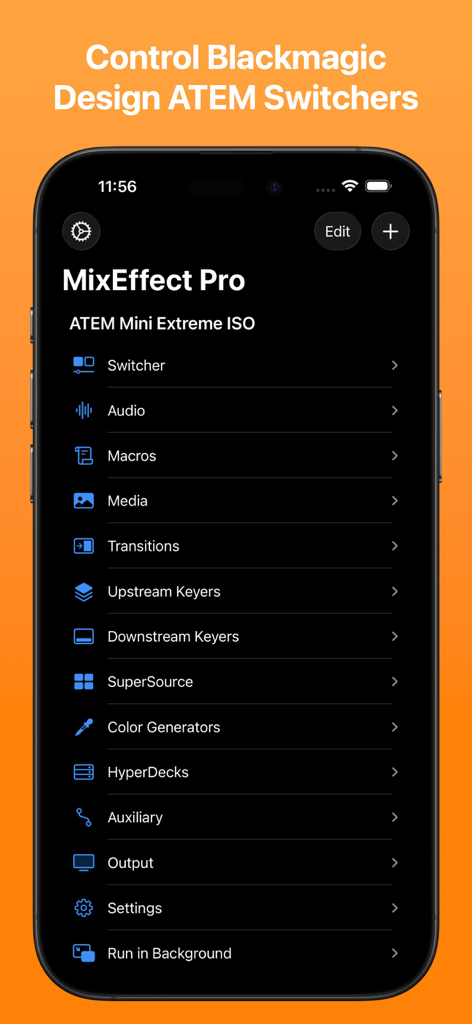
MixEffect Pro iPhone app main menu showing control options for Blackmagic Design ATEM switchers including audio, macros, and transitions
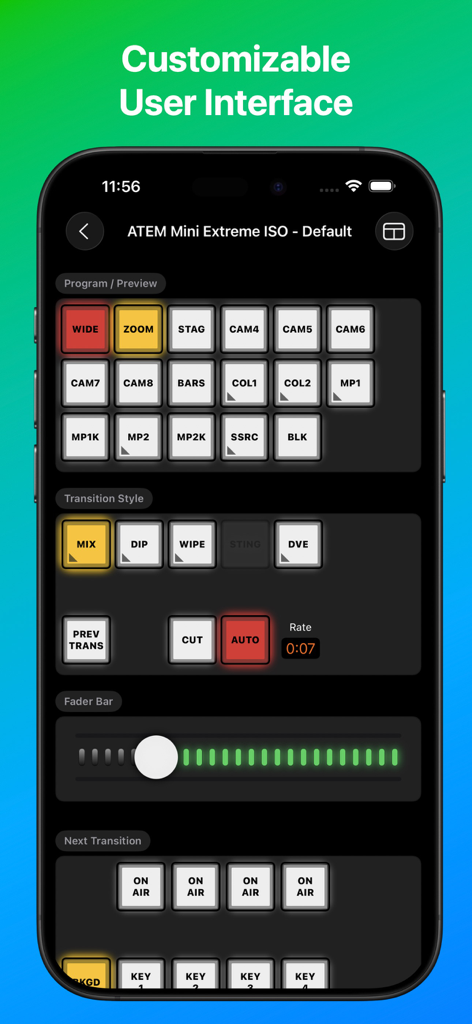
MixEffect Pro app interface for ATEM Mini Extreme ISO switcher control
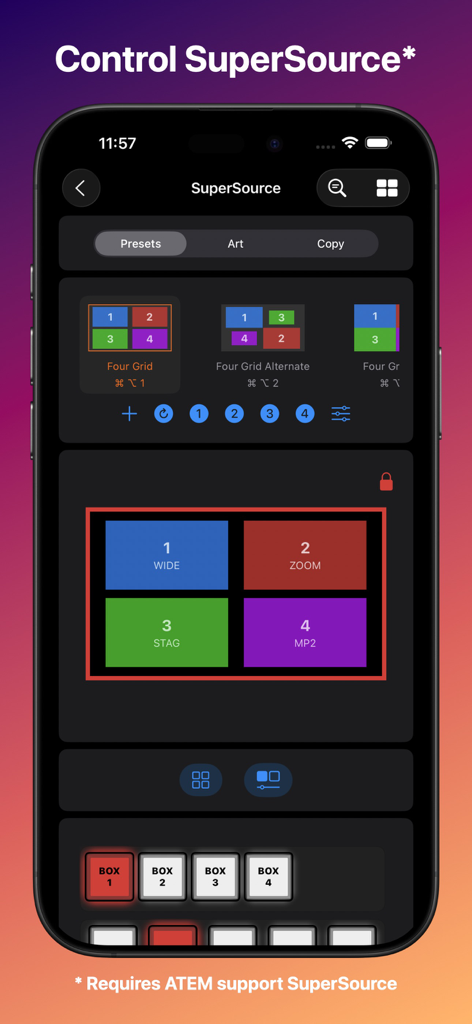
MixEffect Pro iPhone interface for controlling SuperSource layout presets in live video productions
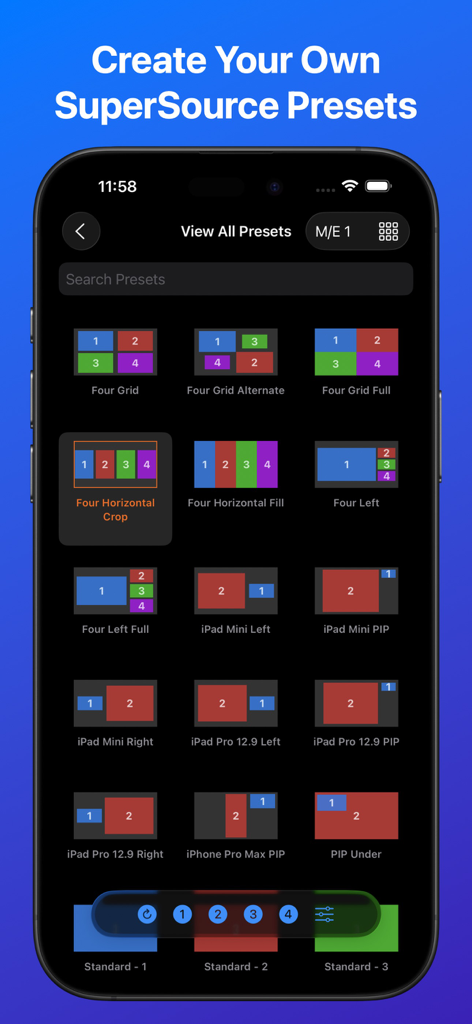
MixEffect Pro app interface showing a grid of different SuperSource layout presets for ATEM video switchers
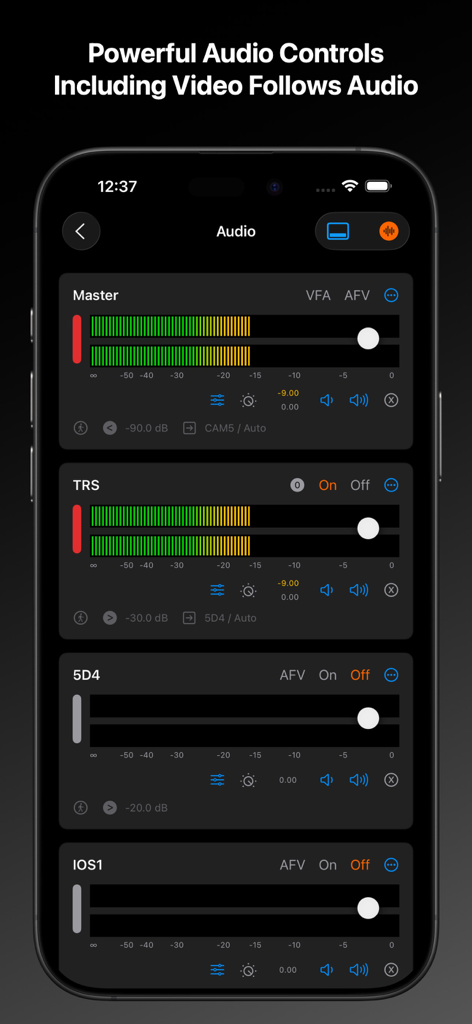
MixEffect Pro app audio mixer interface on iPhone showing master and individual channel level sliders
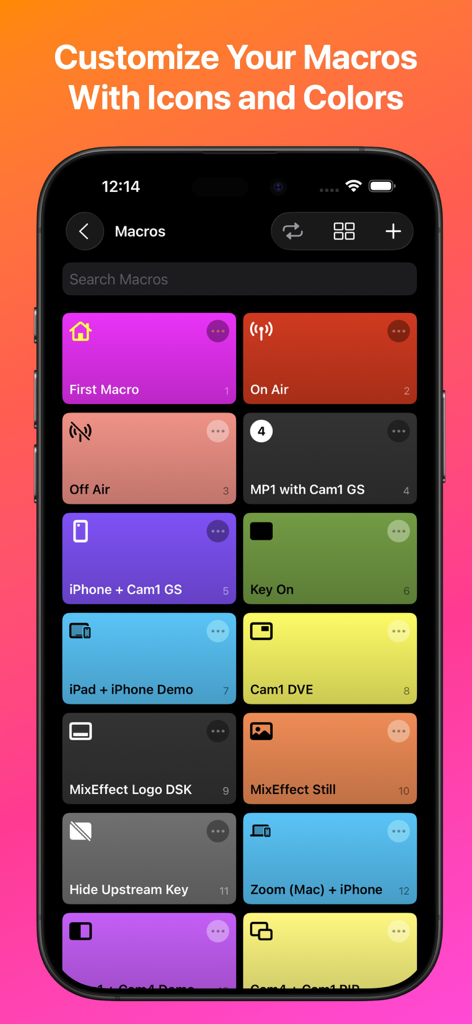
MixEffect Pro app interface showing a grid of colorful macro buttons with custom icons on an iPhone screen
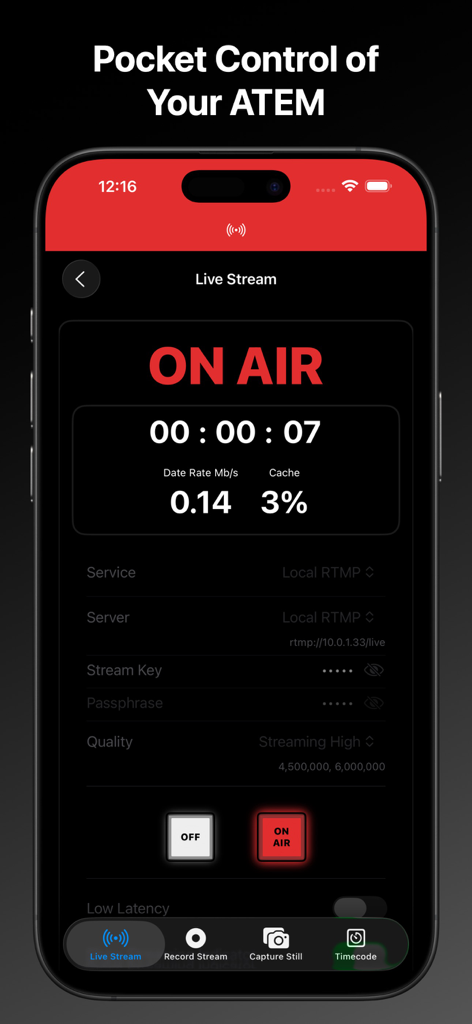
MixEffect Pro iPhone app interface showing live stream on air status and streaming data for ATEM switchers
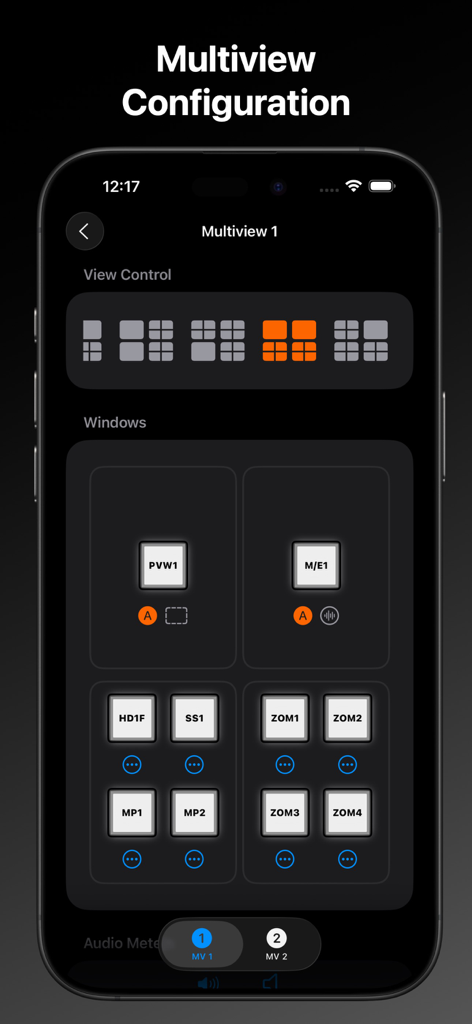
MixEffect Pro interface showing multiview configuration settings for video switcher layout control
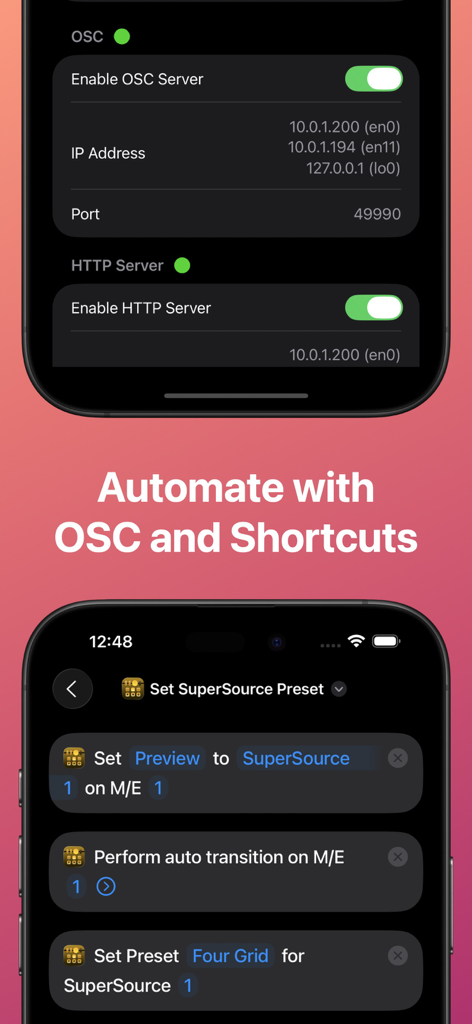
MixEffect Pro app interface showing OSC server settings and iOS Shortcuts for ATEM switcher automation.
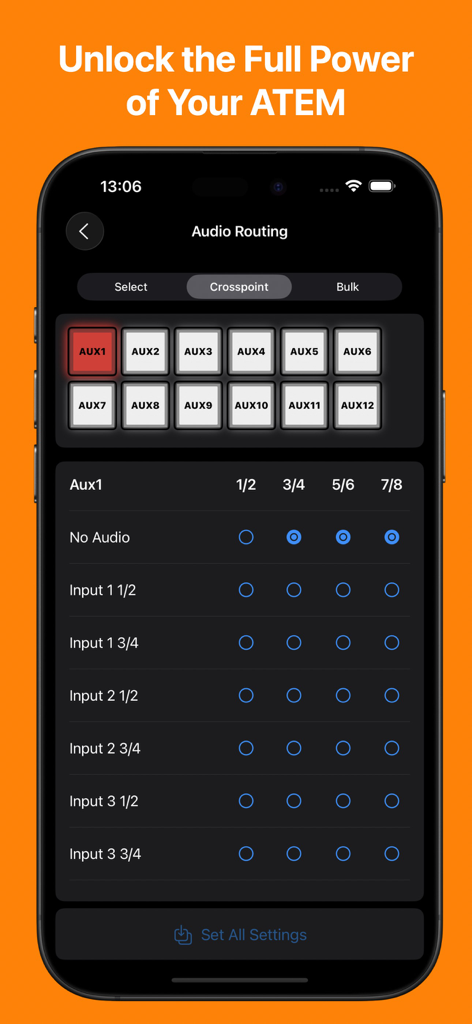
MixEffect Pro app showing the audio routing and crosspoint management interface for ATEM switchers on an iPhone
Description
Download
More Like This
Top-ranked apps in the same category

CapCut: Photo & Video Editor
BYTEDANCE PTE. LTD.

Instagram, Inc.

YouTube
Google LLC

Canva: AI Photo & Video Editor
Canva Pty Ltd

Snapchat
Snap, Inc.

快手
Beijing Kwai Technology Co., Ltd.

Edits: Video Editor
Instagram, Inc.

Meitu- AI Photo & Video Editor
Xiamen Meitu Technology Co., Ltd.

Google Photos: Backup & Edit
Google LLC
This page is not an official page of the app or its developer, but an independent editorial publication created for informational and commentary purposes. Unless expressly stated otherwise, neither the app nor its developer is affiliated with, endorsed by, sponsored by, authorized by, or otherwise officially connected with MWM, Apple, Google Play, the app publisher, or the app's developer, and nothing on this page implies that the app was developed using MWM's services. Any trademarks, logos, screenshots, and other content remain the property of their respective owners.