
This page is not an official page of the app or its developer, but an independent editorial publication created for informational and commentary purposes. Unless expressly stated otherwise, neither the app nor its developer is affiliated with, endorsed by, sponsored by, authorized by, or otherwise officially connected with MWM, Apple, Google Play, the app publisher, or the app's developer, and nothing on this page implies that the app was developed using MWM's services. Any trademarks, logos, screenshots, and other content remain the property of their respective owners.


Moasure
Ditch the tape measure and trundle wheel. Visualize area, volume, and elevation in real-time as you walk, then export DXF files directly to your workflow—no subscriptions, ever.
Downloads
0User Rating
Total Ratings
0Publisher
Category
UtilitiesLocales
12Latest Version
3.2.3Size
247.3 MBFirst Released
Nov 5, 2021Measure Smarter, Bid Faster
Replace outdated tools with a digital surveying suite designed for modern pros. Capture complex geometries and elevations in the time it takes to walk the site.
Instant 3D Site Mapping
Visualize measurements in 2D or 3D instantly on your screen. Capture complex curves and slopes as you walk, with no GPS or cell signal required.
Pro-Grade Calculations
Eliminate manual math. Automatically calculate area, perimeter, volume, and gradients for even the most irregular landscapes or building sites.
The following screenshots and description are sourced directly from the app's official store listing and are the property of the app developer.
App Store
Screenshots
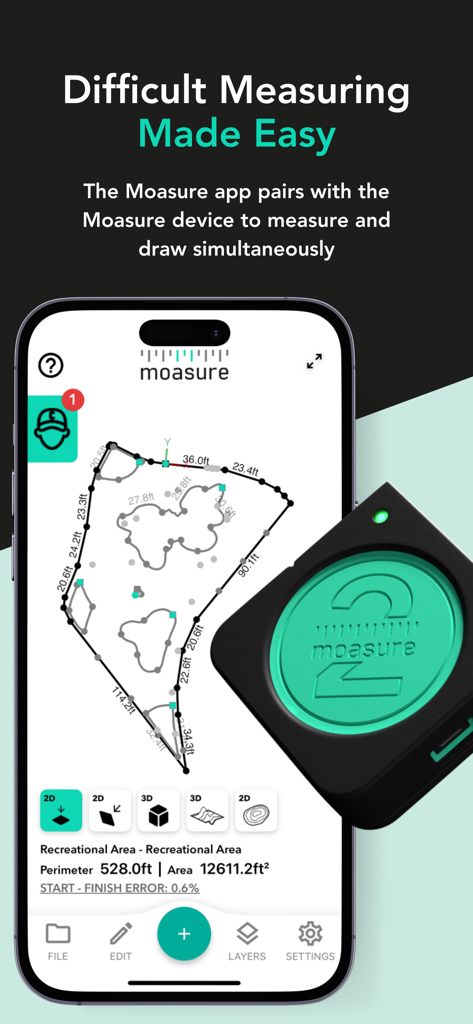
Moasure app displaying a complex 2D site measurement and area calculation next to the Moasure device
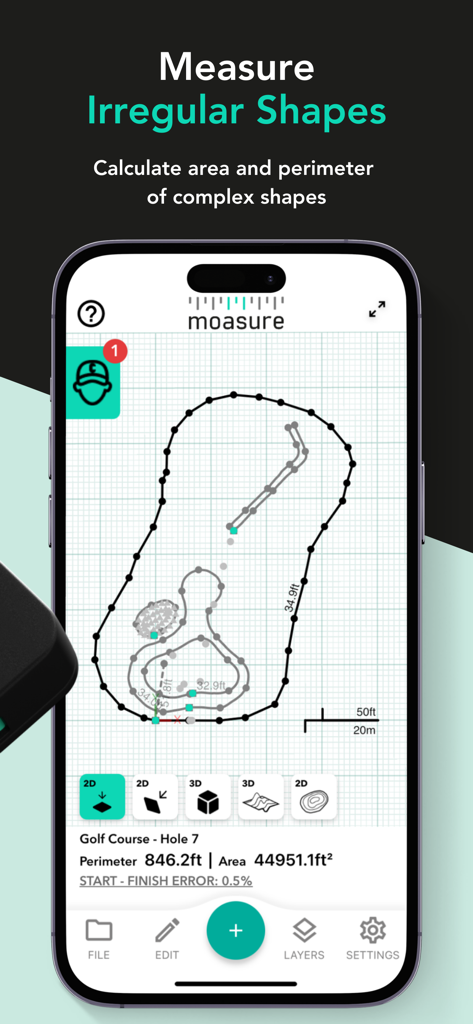
Moasure app interface displaying the area and perimeter of a complex irregular shape
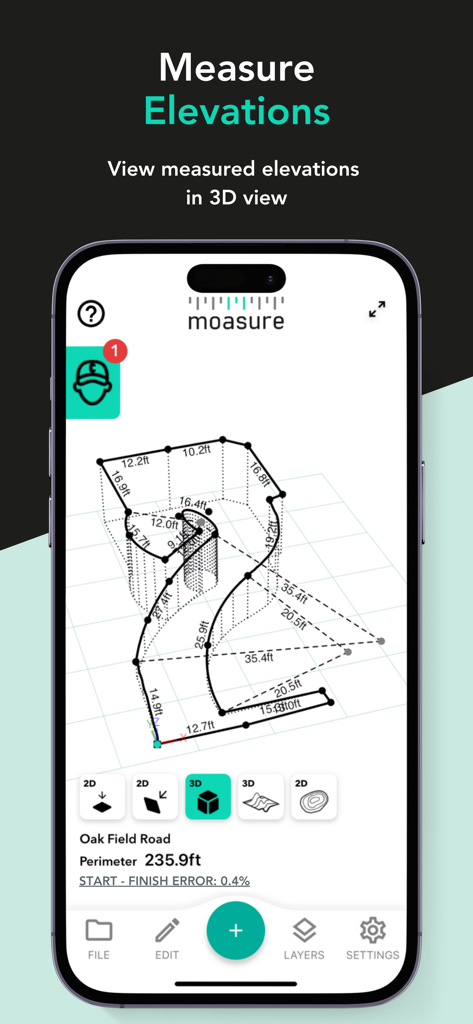
Moasure app interface displaying a 3D wireframe model of site elevations and measurements
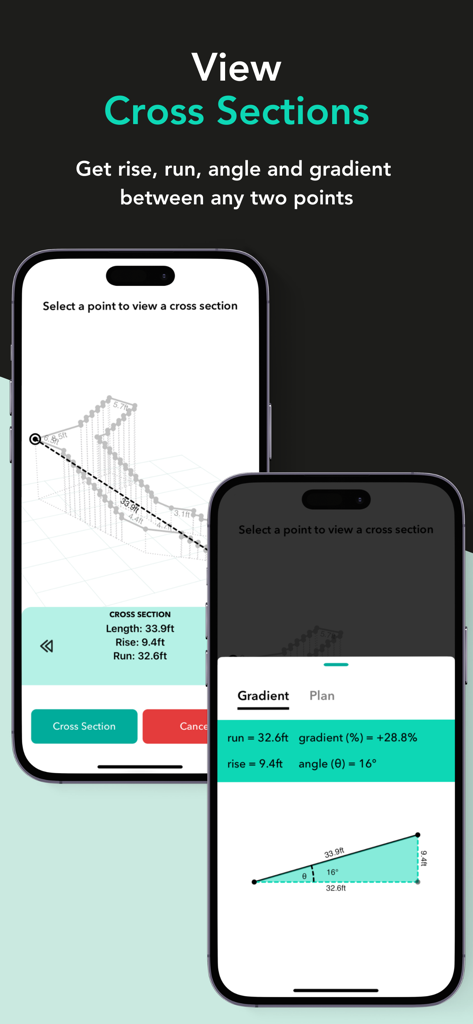
Moasure app interface showing cross-section data with rise, run, gradient percentage, and angle for site surveying on an iPhone.
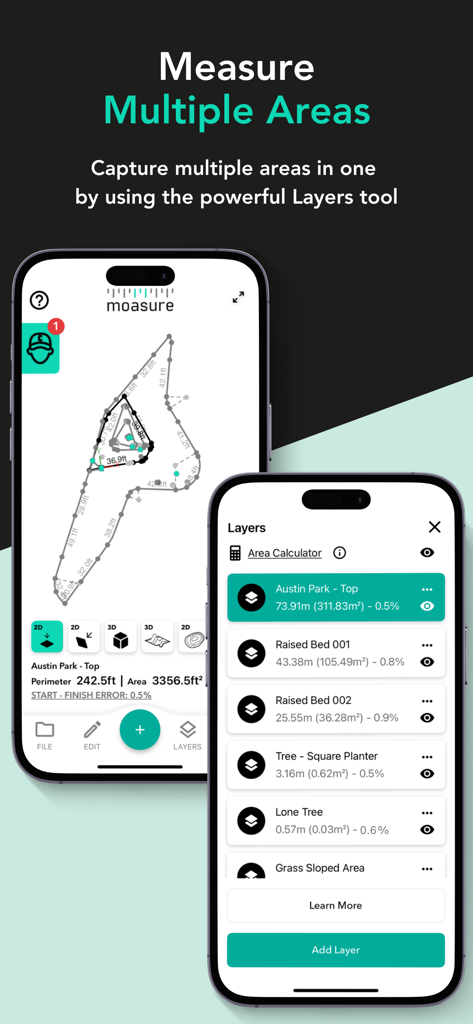
Moasure app interface showing multiple measured areas organized with the layers tool
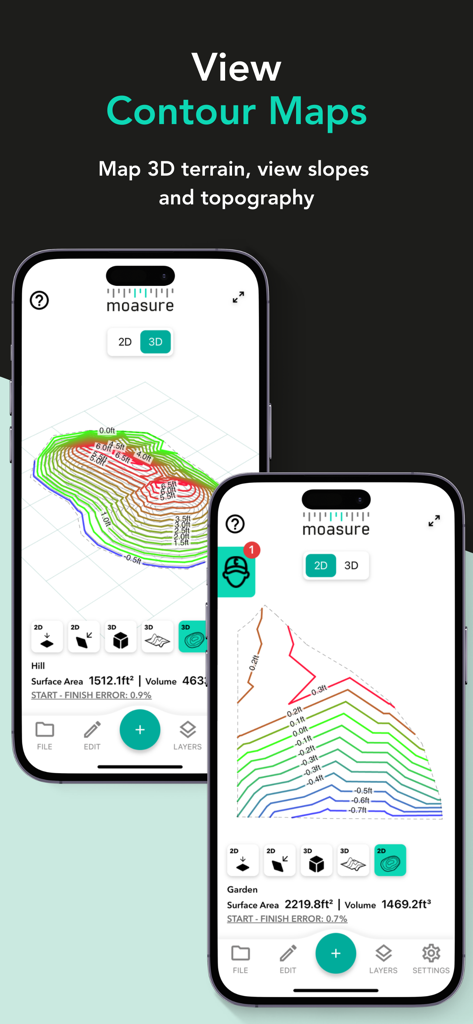
Moasure app interface displaying 3D contour maps and topographical terrain mapping on mobile screens
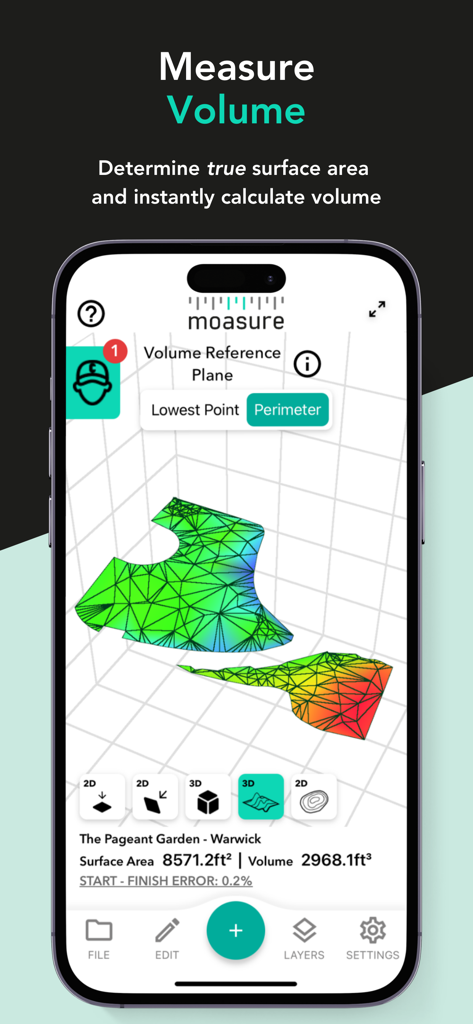
A 3D visualization of surface area and volume measurements on the Moasure app interface
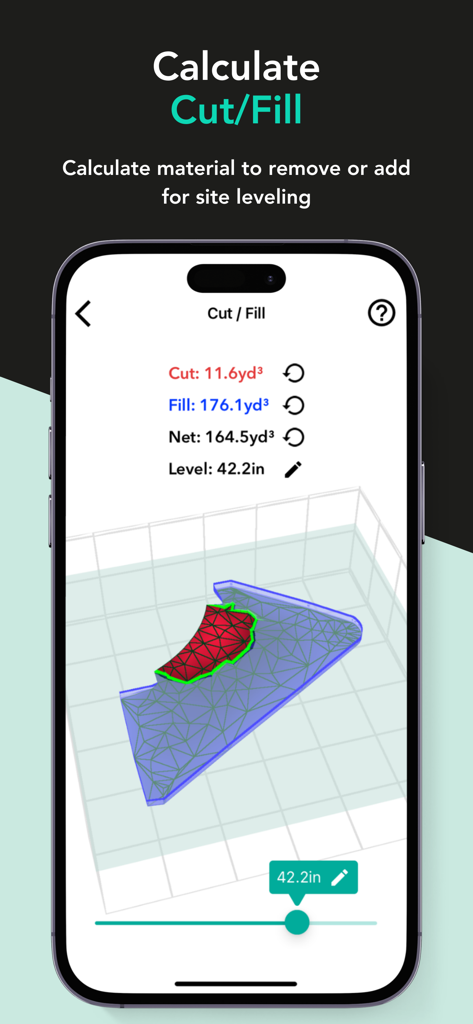
Moasure app screen displaying cut and fill volume calculations for site leveling
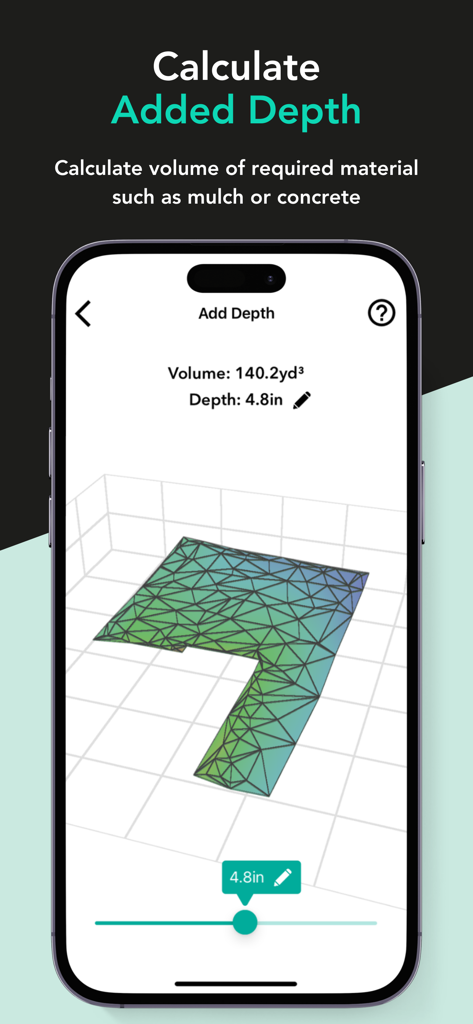
Moasure app screenshot showing the added depth calculation feature for measuring material volume such as mulch or concrete in a 3D view.

The Moasure app interface showing measurement export options for PDF, CAD, CSV, and image formats with a preview of a site plan.
Description
Download
More Like This
Top-ranked apps in the same category

Google LLC

Google Chrome
Google LLC

中国移动(手机营业厅)
China Mobile Online Services Co., Ltd.

Google Authenticator
Google LLC

Super VPN Fly 2026
YUNFAN TECHNOLOGY CO., LIMITED

Cleanup: Phone Storage Cleaner
DEEP FLOW SOFTWARE SERVICES - FZCO

gov.br
Servicos e Informacoes do Brasil

百度-AI智能搜索
Beijing Baidu Netcom Science & Technology Co.,Ltd

Microsoft Edge: AI Browser
Microsoft Corporation
This page is not an official page of the app or its developer, but an independent editorial publication created for informational and commentary purposes. Unless expressly stated otherwise, neither the app nor its developer is affiliated with, endorsed by, sponsored by, authorized by, or otherwise officially connected with MWM, Apple, Google Play, the app publisher, or the app's developer, and nothing on this page implies that the app was developed using MWM's services. Any trademarks, logos, screenshots, and other content remain the property of their respective owners.