
This page is not an official page of the app or its developer, but an independent editorial publication created for informational and commentary purposes. Unless expressly stated otherwise, neither the app nor its developer is affiliated with, endorsed by, sponsored by, authorized by, or otherwise officially connected with MWM, Apple, Google Play, the app publisher, or the app's developer, and nothing on this page implies that the app was developed using MWM's services. Any trademarks, logos, screenshots, and other content remain the property of their respective owners.


Mobile IDE for Claude Code
Unleash your AI coding assistant from anywhere. It turns idle moments into breakthroughs.
Downloads
10k+User Rating
Total Ratings
31Publisher
Category
Developer ToolsLocales
7Latest Version
1.0.3Size
23.5 MBFirst Released
Jan 23, 2026An Analytical Overview for Apple Ecosystem Developers
Key Features: Mobile IDE for Claude Code
Instant Remote Prompt Execution
The app enables users to send prompts from their mobile devices (iPhone, iPad) that are instantly executed on their Mac via the Claude Code CLI, providing a seamless extension of their development environment.
Real-time Cross-Device Synchronization
It ensures that chat history, prompt results, and overall workflow context are continuously synced across all connected Apple devices (iOS, iPadOS, macOS) using CloudKit, maintaining a fluid and uninterrupted development experience.
Offline Prompt Creation
This tool features the ability for users to compose and store prompts even when they lack an internet connection. These prompts are then automatically synchronized and executed once connectivity is restored, ensuring uninterrupted productivity on the go.
Project-Aware Contextual Processing
The app ensures that prompts are processed within the specific, configured project directory on the user's Mac. This capability guarantees that the AI assistant operates with relevant project context, leading to more accurate and helpful code suggestions and analysis.
Multi-Model Claude AI Support
It allows users to select from various Claude AI models, including Sonnet, Opus, and Haiku, or opt for an automatic selection. This flexibility enables developers to tailor the AI's capabilities to specific tasks like planning, reviewing, or generating code.
Integrated Prompt Hub & Templates
The app includes a built-in Prompt Hub that offers a collection of curated developer prompts, Claude Code tips, and customizable prompt templates. This resource helps users efficiently formulate effective AI queries and learn best practices.
The following screenshots and description are sourced directly from the app's official store listing and are the property of the app developer.
App Store
Screenshots
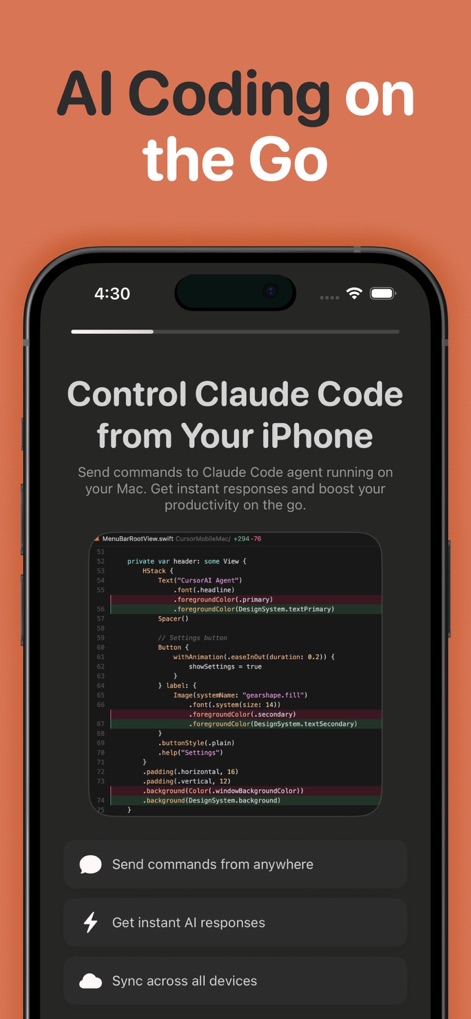
The app empowers users to send prompts from their device to a Mac and sync results across all devices for seamless development.
Mobile Coding Control
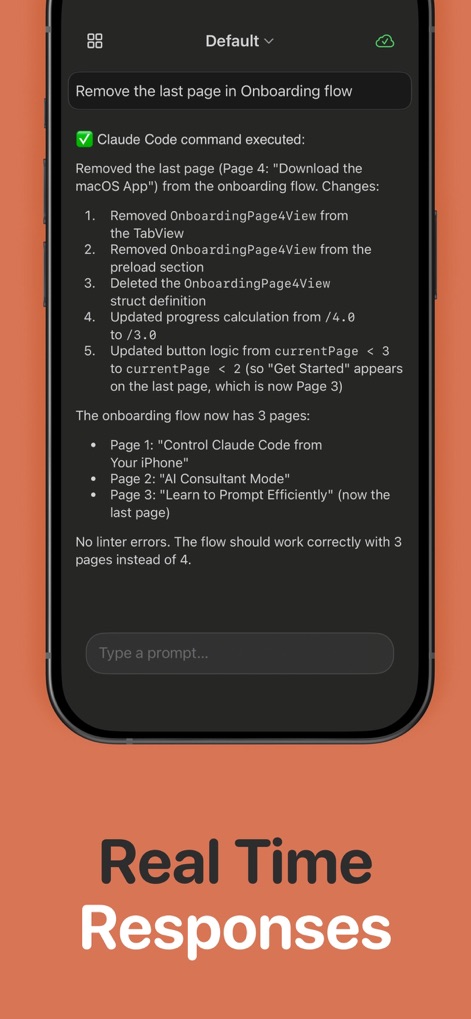
This tool displays detailed command execution feedback and provides updated progress calculations instantly.
Instant Code Execution
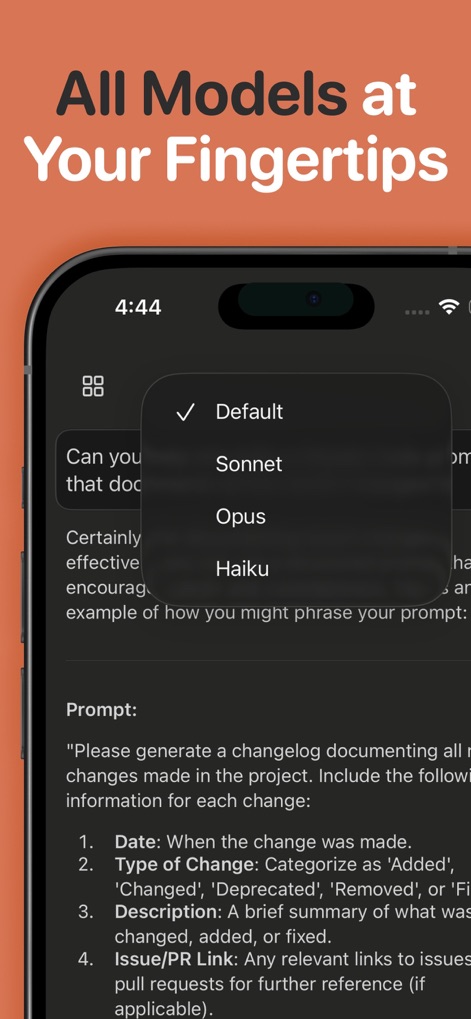
Users can effortlessly select from various Claude AI models like Sonnet and Opus, optimizing the AI's response for specific coding tasks.
AI Model Selection
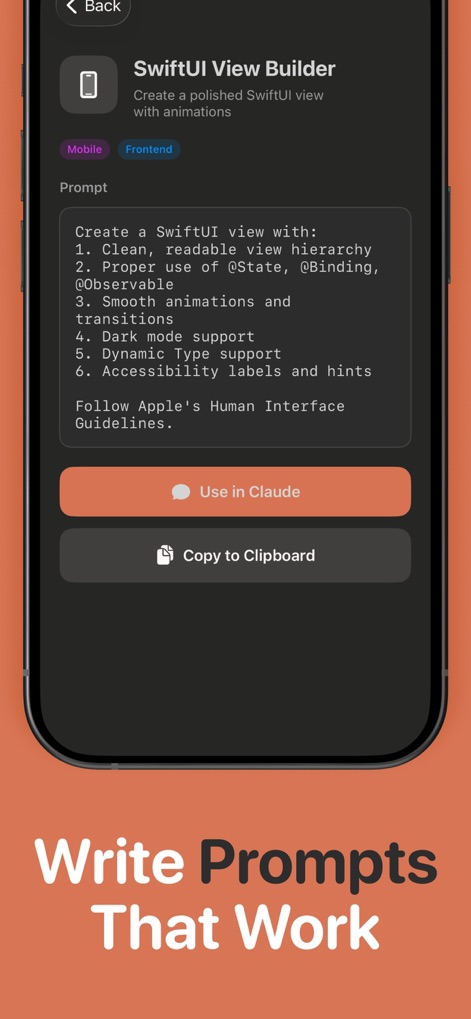
The app provides a Prompt Hub with curated templates for tasks like SwiftUI View building, complete with detailed requirements and options to copy or use in Claude.
Curated Prompt Templates
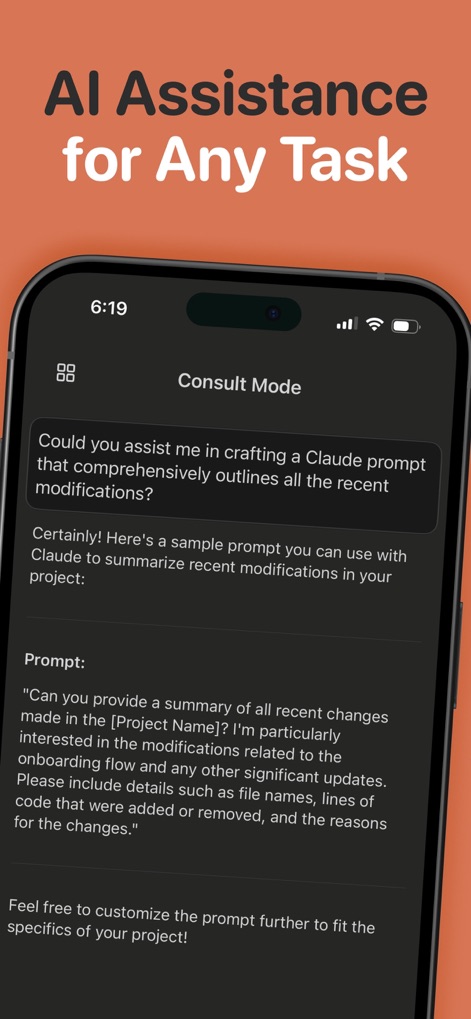
This tool offers an AI Consult Mode to assist in crafting effective prompts, providing sample prompts and project context for developers.
Intelligent Prompt Crafting
Description
Download
More Like This
Top-ranked apps in the same category

TestFlight
Apple Inc.

Replit: Vibe Code Apps
Replit, Inc

GitHub
GitHub

O-KAM Pro
Shenzhen VeePai IoT Intelligent Technology LLC

Apple Developer
Apple Inc.

Expo Go
650 Industries, Inc.

Scriptable
Simon Stovring

App Store Connect
Apple Inc.

Sekai: Create · Remix · Play
Versa AI, Inc.
This page is not an official page of the app or its developer, but an independent editorial publication created for informational and commentary purposes. Unless expressly stated otherwise, neither the app nor its developer is affiliated with, endorsed by, sponsored by, authorized by, or otherwise officially connected with MWM, Apple, Google Play, the app publisher, or the app's developer, and nothing on this page implies that the app was developed using MWM's services. Any trademarks, logos, screenshots, and other content remain the property of their respective owners.