
This page is not an official page of the app or its developer, but an independent editorial publication created for informational and commentary purposes. Unless expressly stated otherwise, neither the app nor its developer is affiliated with, endorsed by, sponsored by, authorized by, or otherwise officially connected with MWM, Apple, Google Play, the app publisher, or the app's developer, and nothing on this page implies that the app was developed using MWM's services. Any trademarks, logos, screenshots, and other content remain the property of their respective owners.
Mobile Mouse USB Remote
Transform your iPhone or Apple Watch into a professional-grade USB mouse, keyboard, and trackpad. No Wi-Fi or server software required—just instant, lag-free control from BIOS to desktop.
Downloads
0User Rating
Total Ratings
0Publisher
Category
UtilitiesLocales
1Latest Version
1.0Size
3.9 MBFirst Released
Mar 11, 2026Master Any Device, Anywhere
The reliability of a physical USB mouse and keyboard, powered by your iPhone. No software installs, no Wi-Fi pairing, and zero lag—just pure plug-and-play performance.
BIOS & System Level Access
Control your device before the OS even loads. Navigate login screens and BIOS menus with the stability of a wired peripheral—essential for IT professionals and PC builders.
True Plug-and-Play Reliability
No Wi-Fi? No problem. Use a direct Bluetooth-to-USB connection that works offline and requires zero background server software or driver installation on the host machine.
The following screenshots and description are sourced directly from the app's official store listing and are the property of the app developer.
App Store
Screenshots
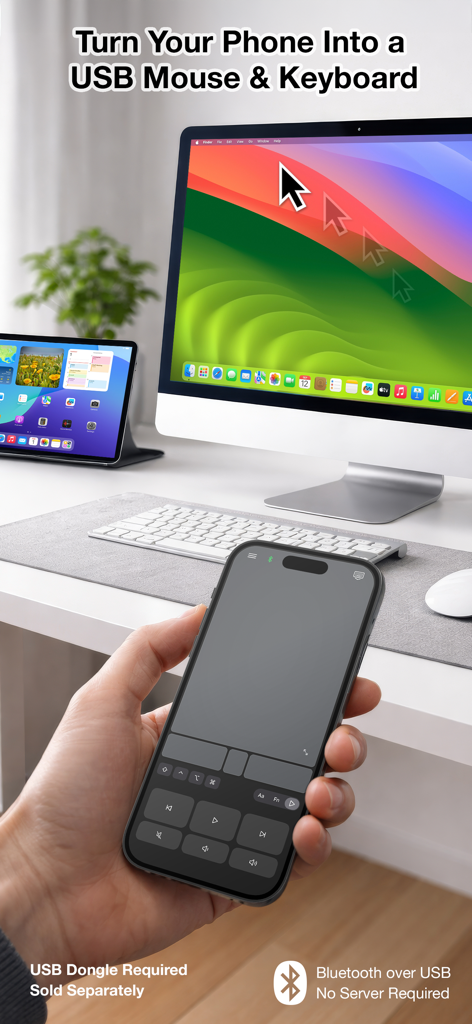
A hand holding an iPhone using the Mobile Mouse USB Remote app to control a mouse cursor on an iMac screen
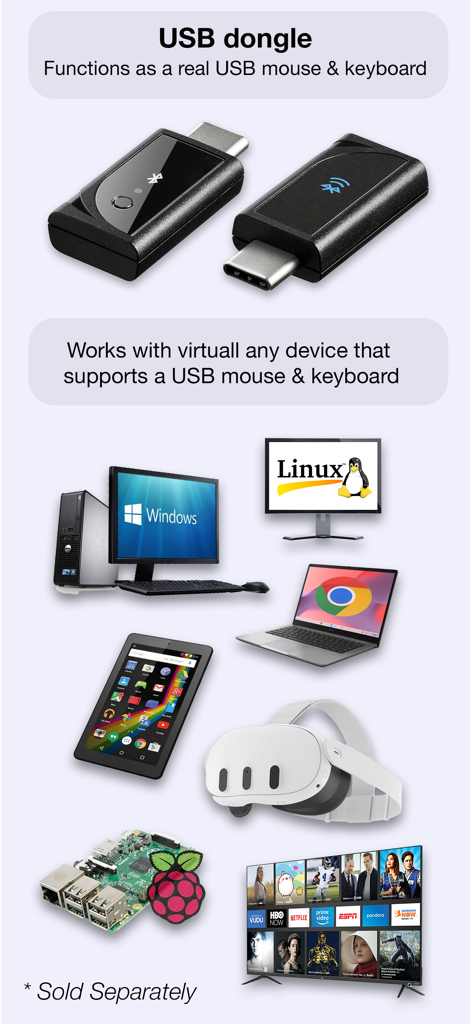
USB dongle for Mobile Mouse showing compatibility with Windows Linux VR and smart TVs
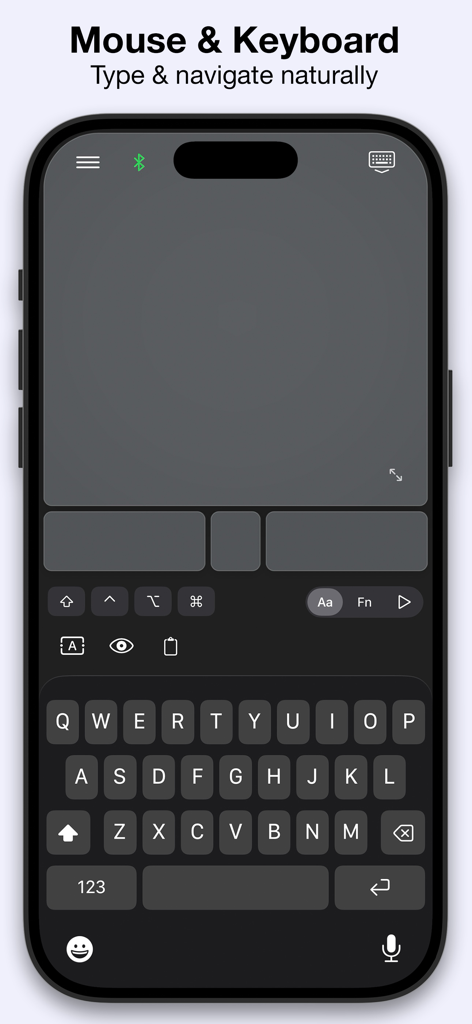
Mobile Mouse USB Remote app interface showing a virtual keyboard and multitouch touchpad on an iPhone screen
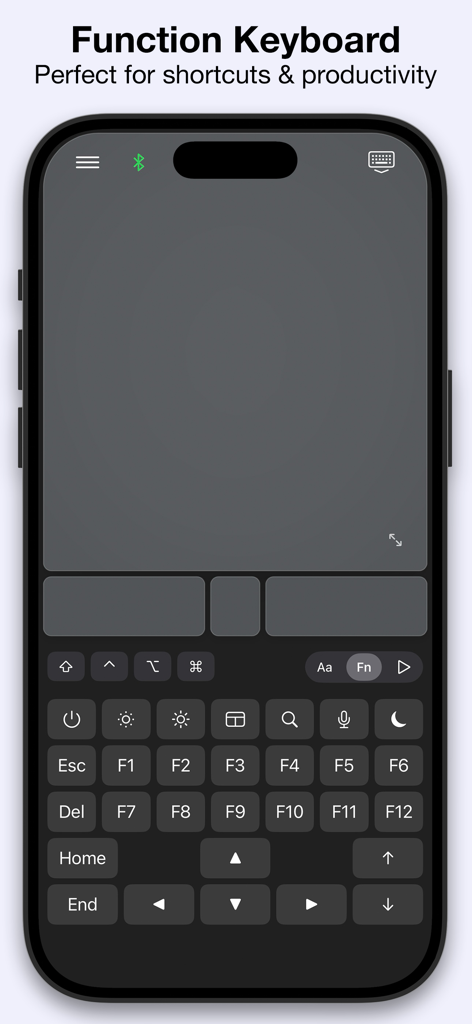
Mobile Mouse USB Remote app interface showing a function keyboard with F-keys and a touchpad on an iPhone
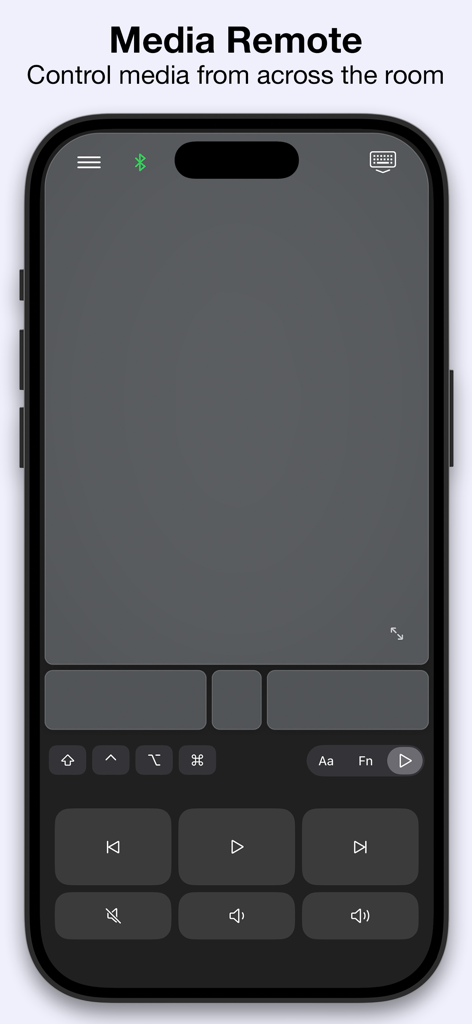
Interface of the Mobile Mouse USB Remote app featuring media playback and volume controls on an iPhone.
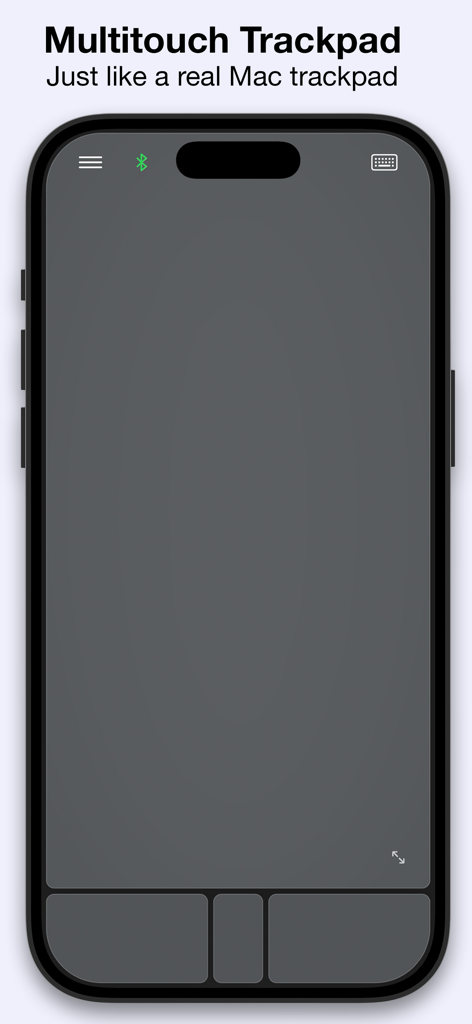
Screenshot of the Mobile Mouse USB app on iPhone showing a large multitouch trackpad interface with mouse buttons at the bottom.
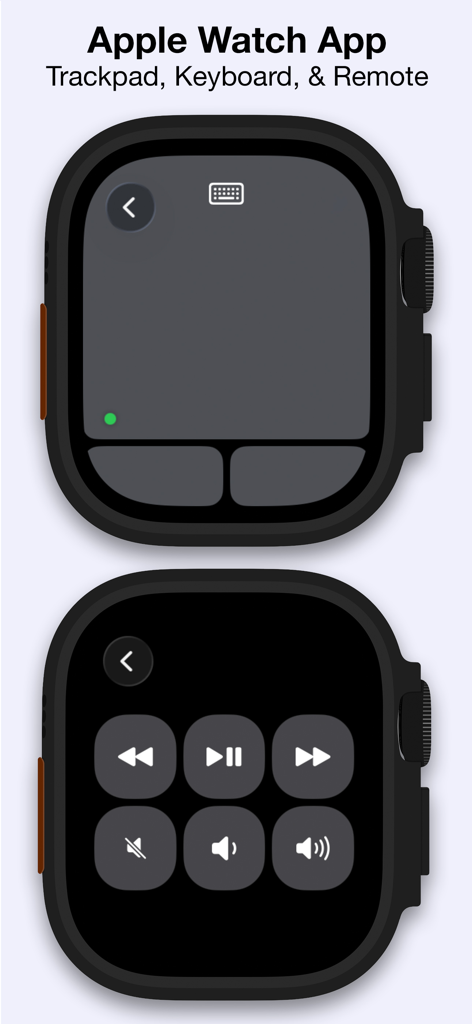
Apple Watch app interface for Mobile Mouse USB Remote featuring trackpad and media controls
Description
Download
More Like This
Top-ranked apps in the same category

Google LLC

Google Chrome
Google LLC

中国移动(手机营业厅)
China Mobile Online Services Co., Ltd.

Google Authenticator
Google LLC

gov.br
Servicos e Informacoes do Brasil

Cleanup: Phone Storage Cleaner
DEEP FLOW SOFTWARE SERVICES - FZCO

Buddy VPN
Frederic Hennes Sprl

Meu Social - Gás do Povo
Servicos e Informacoes do Brasil

Microsoft Edge: AI Browser
Microsoft Corporation
This page is not an official page of the app or its developer, but an independent editorial publication created for informational and commentary purposes. Unless expressly stated otherwise, neither the app nor its developer is affiliated with, endorsed by, sponsored by, authorized by, or otherwise officially connected with MWM, Apple, Google Play, the app publisher, or the app's developer, and nothing on this page implies that the app was developed using MWM's services. Any trademarks, logos, screenshots, and other content remain the property of their respective owners.