
This page is not an official page of the app or its developer, but an independent editorial publication created for informational and commentary purposes. Unless expressly stated otherwise, neither the app nor its developer is affiliated with, endorsed by, sponsored by, authorized by, or otherwise officially connected with MWM, Apple, Google Play, the app publisher, or the app's developer, and nothing on this page implies that the app was developed using MWM's services. Any trademarks, logos, screenshots, and other content remain the property of their respective owners.

Mobileraker - Klipper UI
Take command of your printer fleet with a native mobile experience. Monitor real-time progress, manage macros, and visualize bed meshes with professional-grade precision—anytime, anywhere.
Downloads
2K+User Rating
Total Ratings
200Publisher
Category
ProductivityLocales
1Latest Version
2.9.6Size
109.4 MBFirst Released
May 10, 2022Master Your 3D Printing Workflow
Ditch the clunky web browser. Mobileraker delivers a native, high-performance UI to monitor and control your Klipper-powered machines with total precision.
Remote Monitoring & Peace of Mind
Watch live camera feeds and receive instant status alerts anywhere. Stop a failed print immediately to save time, energy, and filament.
Precision Tuning & Calibration
Visualize 3D bed mesh data and manage temperatures with pinpoint accuracy. Perfect your first layer using professional-grade diagnostic tools on the go.
The following screenshots and description are sourced directly from the app's official store listing and are the property of the app developer.
App Store
Screenshots
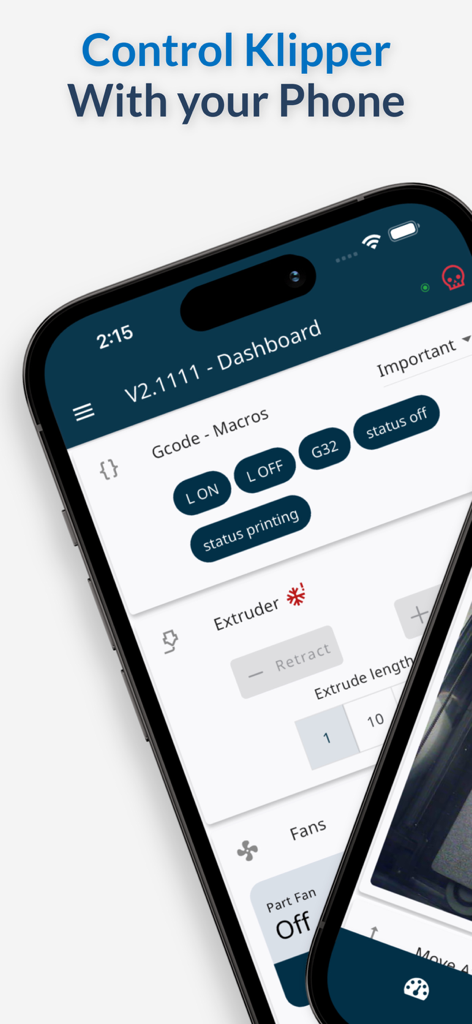
Mobile interface of Mobileraker app for controlling Klipper 3D printers with dashboard and macros.
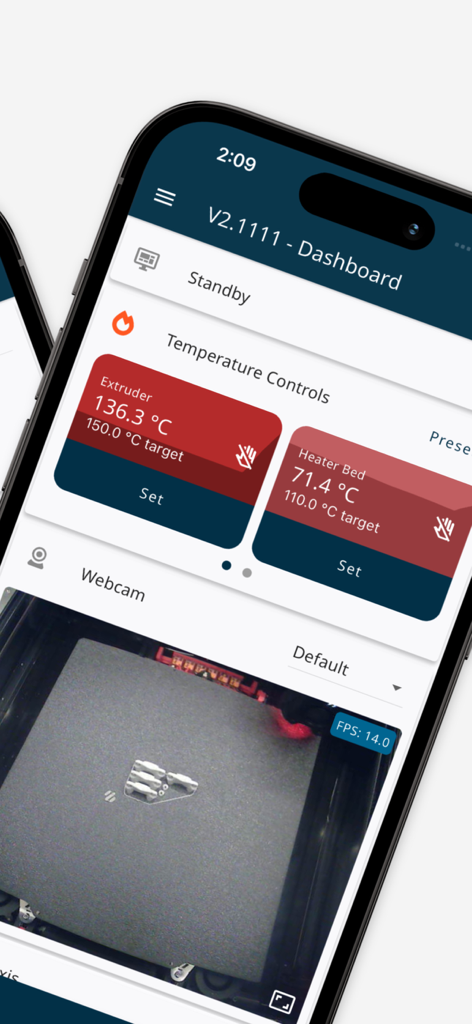
Mobile app interface for Klipper 3D printer monitoring showing temperature controls and live webcam feed
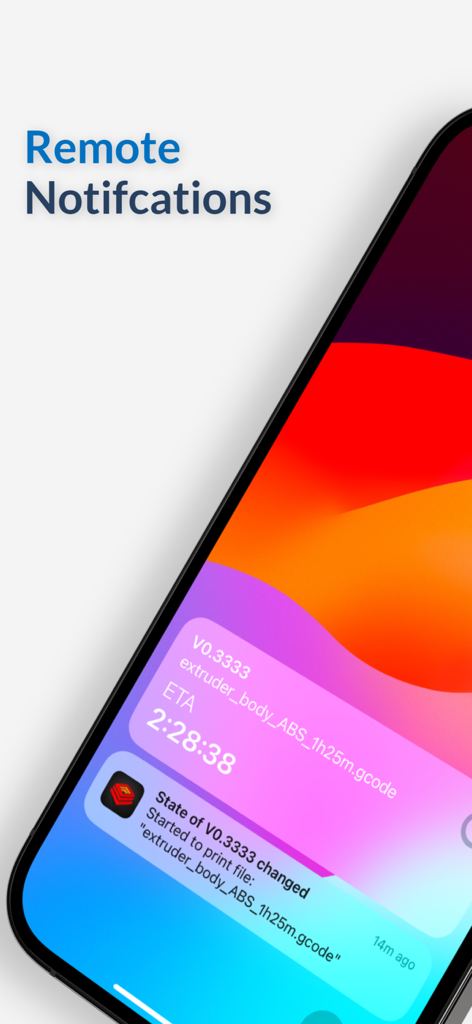
Mobileraker app on iPhone showing remote push notifications for 3D printer status and ETA
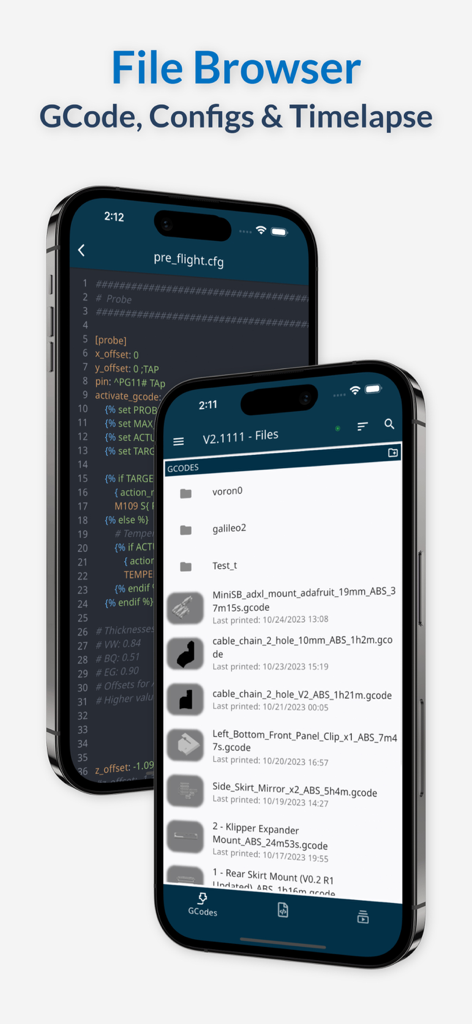
Mobileraker app interface showing the GCode file browser and configuration file editor on two iPhone devices.
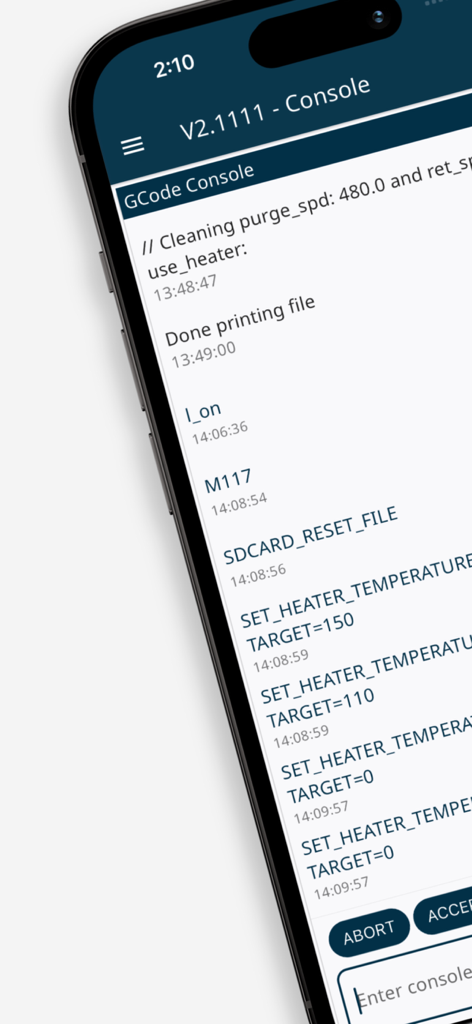
Smartphone screen showing the GCode console interface of Mobileraker with 3D printer command logs and status updates
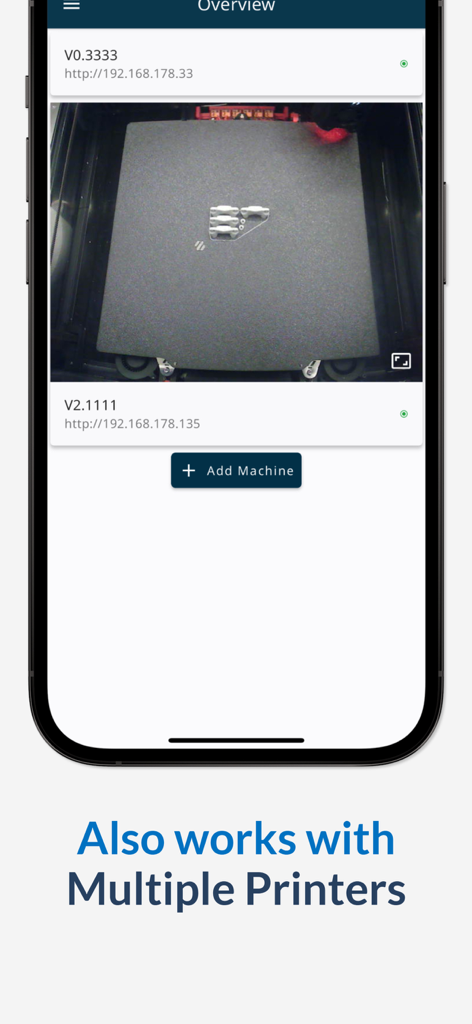
Mobileraker mobile app interface showing a list of multiple 3D printers and a live camera feed of a print in progress
Description
Download
More Like This
Top-ranked apps in the same category

ChatGPT
OpenAI OpCo, LLC

Google Gemini
Google LLC

Grok
X.AI Corporation

Gmail - Email by Google
Google LLC

千问 - 阿里最强大模型官方AI助手
Shanghai Zhixin Puhui Technology Co., Ltd.

Google Drive
Google LLC

Microsoft Authenticator
Microsoft Corporation

Google Sheets
Google LLC

Google Docs
Google LLC
This page is not an official page of the app or its developer, but an independent editorial publication created for informational and commentary purposes. Unless expressly stated otherwise, neither the app nor its developer is affiliated with, endorsed by, sponsored by, authorized by, or otherwise officially connected with MWM, Apple, Google Play, the app publisher, or the app's developer, and nothing on this page implies that the app was developed using MWM's services. Any trademarks, logos, screenshots, and other content remain the property of their respective owners.