
This page is not an official page of the app or its developer, but an independent editorial publication created for informational and commentary purposes. Unless expressly stated otherwise, neither the app nor its developer is affiliated with, endorsed by, sponsored by, authorized by, or otherwise officially connected with MWM, Apple, Google Play, the app publisher, or the app's developer, and nothing on this page implies that the app was developed using MWM's services. Any trademarks, logos, screenshots, and other content remain the property of their respective owners.


Moshi: SSH & MOSH Terminal
Bridge the gap between your desk and your life. Monitor Claude Code, Aider, and Cursor with persistent Mosh sessions that never drop, on-device Whisper voice control, and Face ID protection for your SSH keys.
Downloads
300User Rating
Total Ratings
0Publisher
Category
Developer ToolsLocales
1Latest Version
1.2.8Size
45.4 MBFirst Released
Jan 21, 2026Master Your AI Workflows From Anywhere
Moshi transforms your iPhone into a professional-grade command center for AI agents, persistent server sessions, and secure remote development.
Unbreakable Persistence
Powered by the Mosh protocol to survive subway tunnels and network switches without ever dropping your active terminal session.
Local AI Voice Commands
Command your coding agents hands-free using on-device Whisper speech recognition for zero-latency, private terminal interaction.
The following screenshots and description are sourced directly from the app's official store listing and are the property of the app developer.
App Store
Screenshots
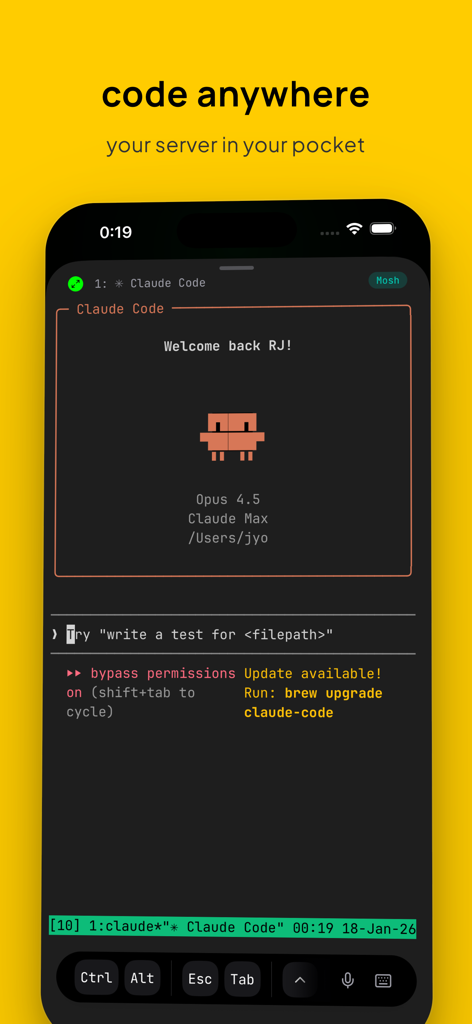
iPhone screenshot showing Moshi app terminal interface running Claude Code with shortcut keys and a yellow background featuring the slogan code anywhere
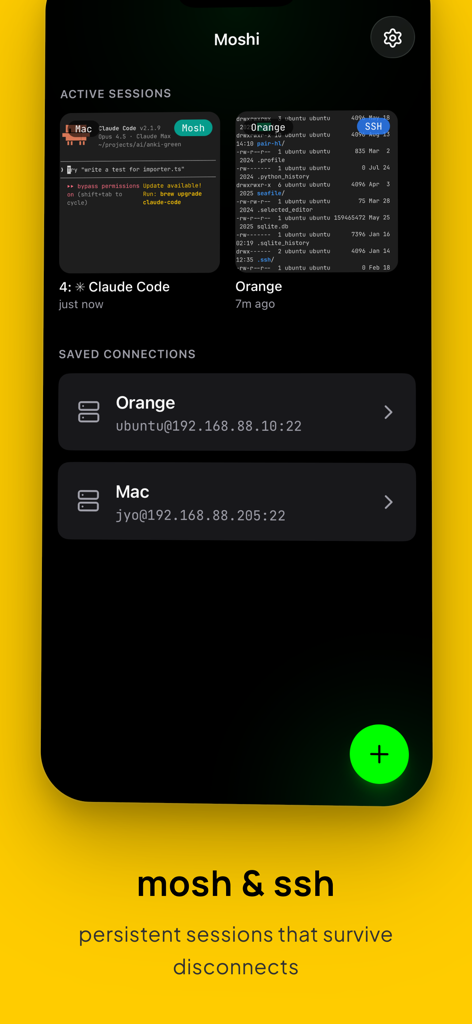
Moshi mobile app dashboard displaying active terminal sessions and saved SSH server connections
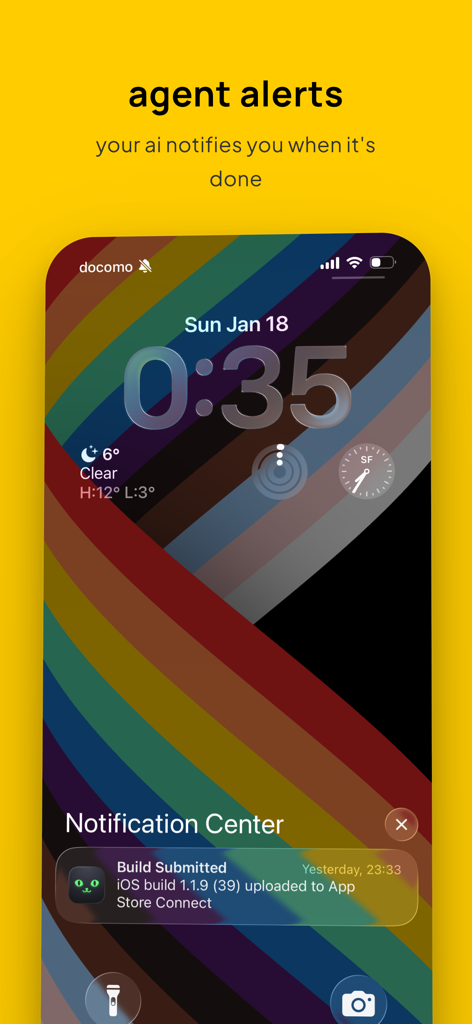
iPhone lock screen showing a task completion notification from the Moshi terminal app
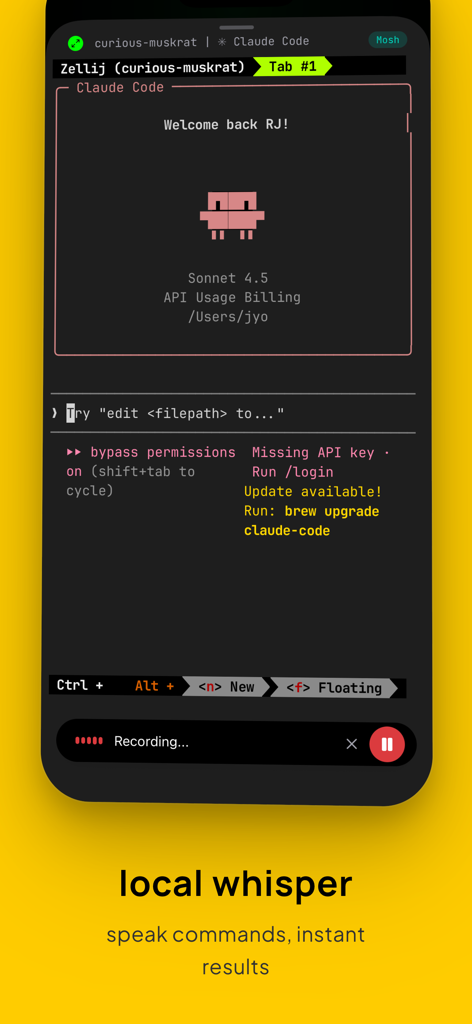
Moshi terminal app showing local whisper voice recording interface for hands free AI coding commands
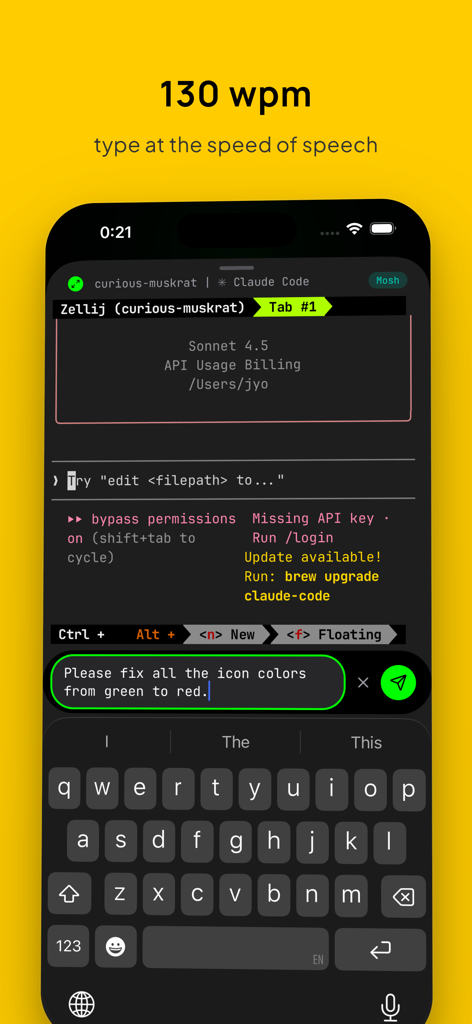
Moshi mobile terminal app interface showing voice to text command input for AI coding
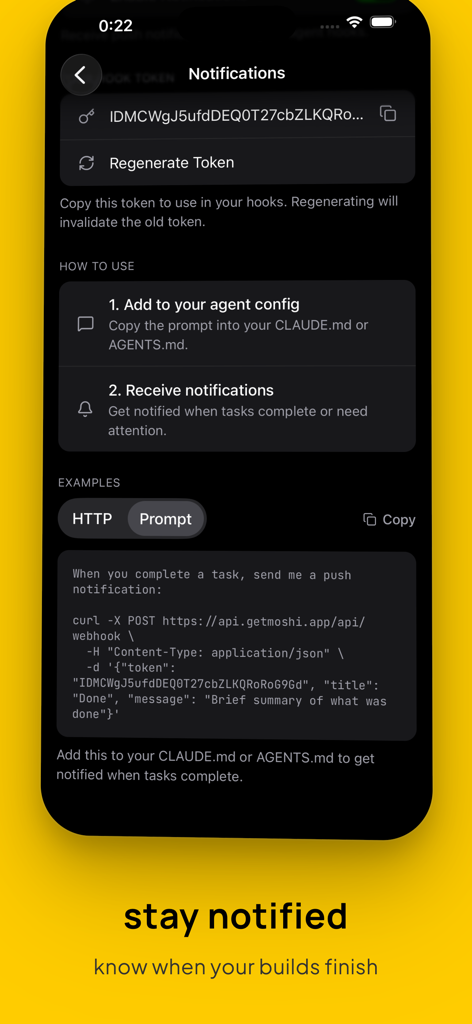
Moshi app interface for setting up webhook push notifications for AI coding agents
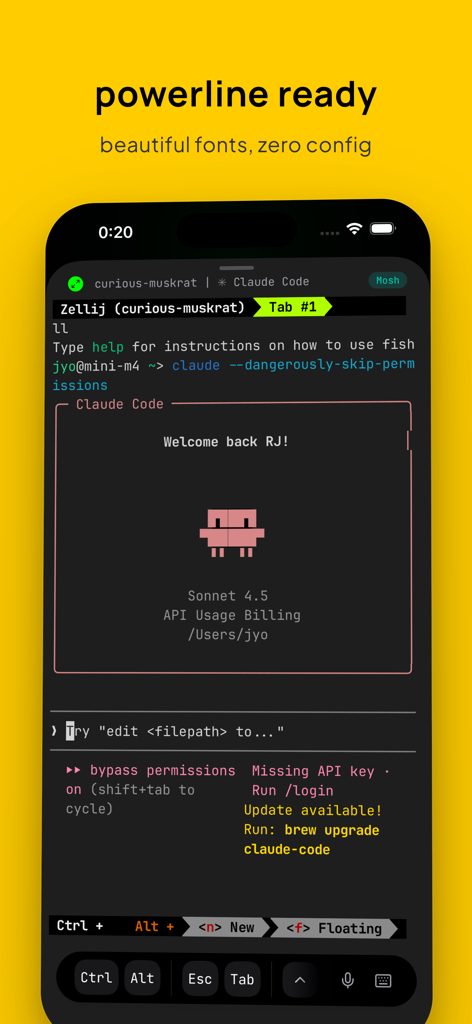
Moshi SSH and Mosh terminal mobile interface showing powerline fonts and Claude Code session
Description
Download
More Like This
Top-ranked apps in the same category

TestFlight
Apple Inc.

Replit: Vibe Code Apps
Replit, Inc

GitHub
GitHub

O-KAM Pro
Shenzhen VeePai IoT Intelligent Technology LLC

Apple Developer
Apple Inc.

Expo Go
650 Industries, Inc.

Scriptable
Simon Stovring

App Store Connect
Apple Inc.

Sekai: Create · Remix · Play
Versa AI, Inc.
This page is not an official page of the app or its developer, but an independent editorial publication created for informational and commentary purposes. Unless expressly stated otherwise, neither the app nor its developer is affiliated with, endorsed by, sponsored by, authorized by, or otherwise officially connected with MWM, Apple, Google Play, the app publisher, or the app's developer, and nothing on this page implies that the app was developed using MWM's services. Any trademarks, logos, screenshots, and other content remain the property of their respective owners.