
This page is not an official page of the app or its developer, but an independent editorial publication created for informational and commentary purposes. Unless expressly stated otherwise, neither the app nor its developer is affiliated with, endorsed by, sponsored by, authorized by, or otherwise officially connected with MWM, Apple, Google Play, the app publisher, or the app's developer, and nothing on this page implies that the app was developed using MWM's services. Any trademarks, logos, screenshots, and other content remain the property of their respective owners.


Motion Log Cam
Capture every adventure with real-time speed, G-force, altitude, and maps embedded directly into your footage. No post-editing required—just pure data for drivers, hikers, and high-performance seekers.
Downloads
4K+User Rating
Total Ratings
0Publisher
Category
Photo & VideoLocales
1Latest Version
1.3Size
1.8 MBFirst Released
Jan 30, 2020Turn Every Clip Into a Performance Log
Motion Log Cam blends high-definition video with live telemetry, giving your adventures professional context without the need for complex editing software.
Real-Time Telemetry Overlay
Track G-force during tight corners and monitor your speed with a customizable speedometer—perfect for track days and performance drives.
Precision Terrain Tracking
Visualize your ascent with live altitude gain metrics and map overlays, tailored for mountain bikers and hikers conquering new peaks.
The following screenshots and description are sourced directly from the app's official store listing and are the property of the app developer.
App Store
Screenshots
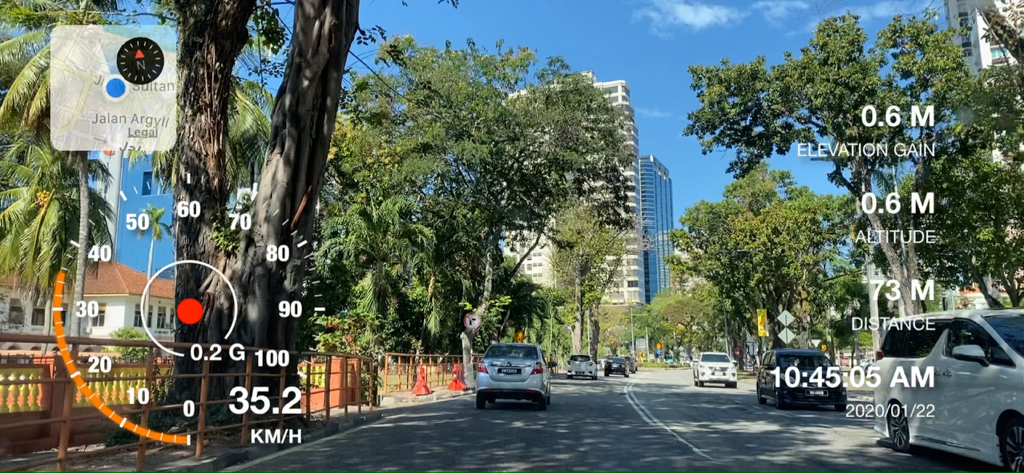
Video recording in Motion Log Cam featuring embedded speedometer G-force indicator and map data overlay while driving.
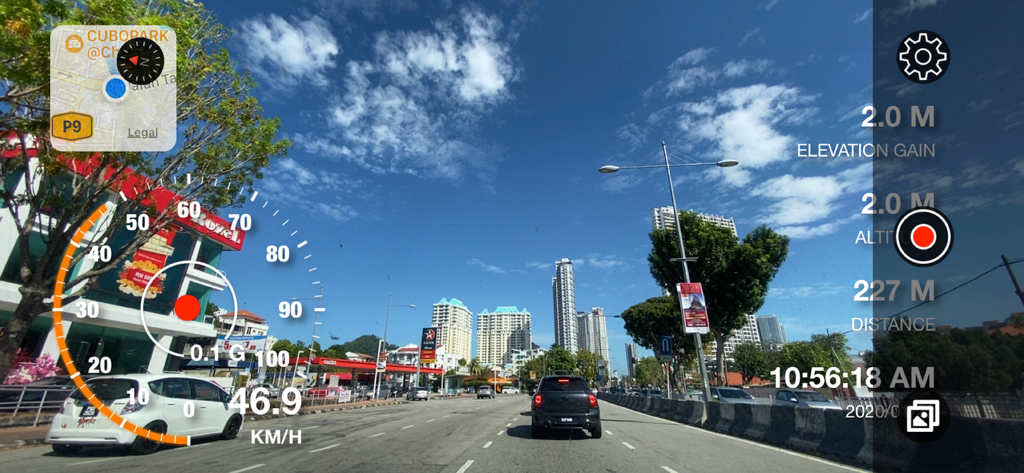
Video recording interface showing a street view with overlaid speedometer map and g-force data
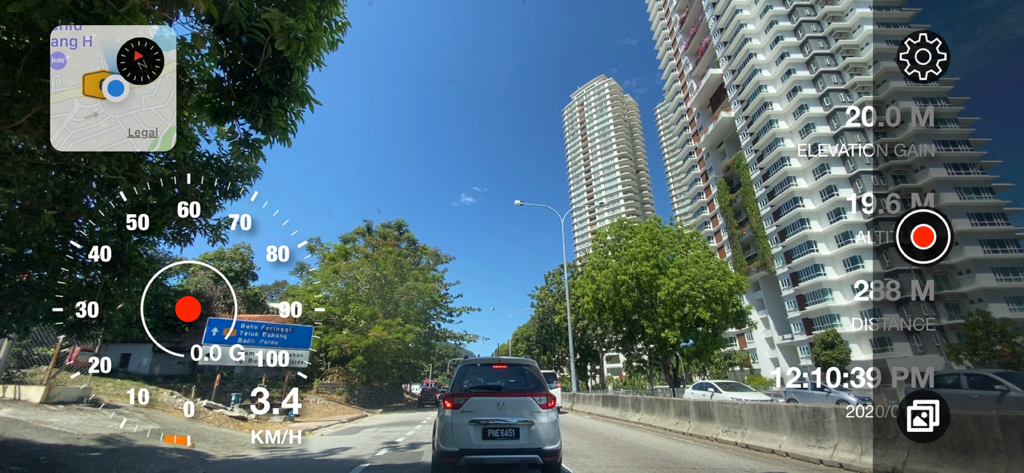
Motion Log Cam app recording a driving video with real-time speedometer, GPS map, G-force, and altitude data overlays.
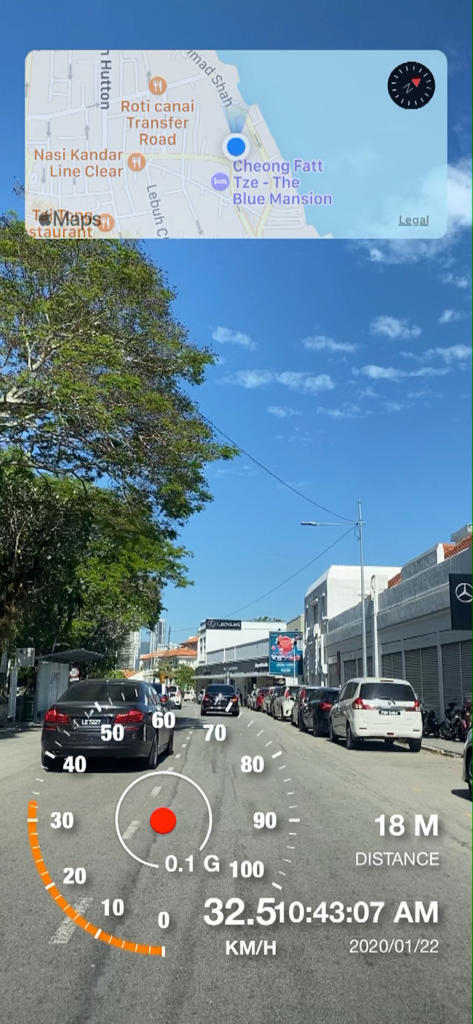
Motion Log Cam interface showing a video recording with embedded map speedometer and G-force indicator overlays
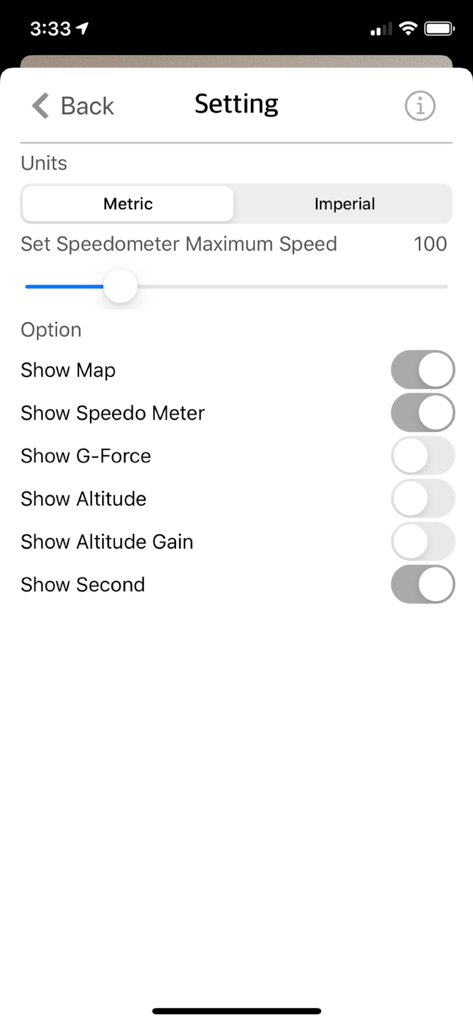
Settings interface for Motion Log Cam showing options to toggle map speedometer g-force and altitude overlays
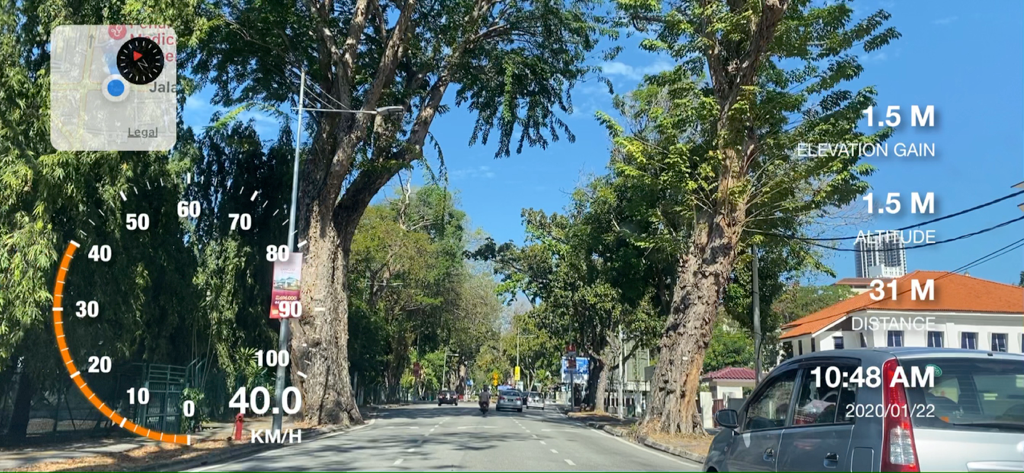
Motion Log Cam interface with real time speedometer map and altitude data on video
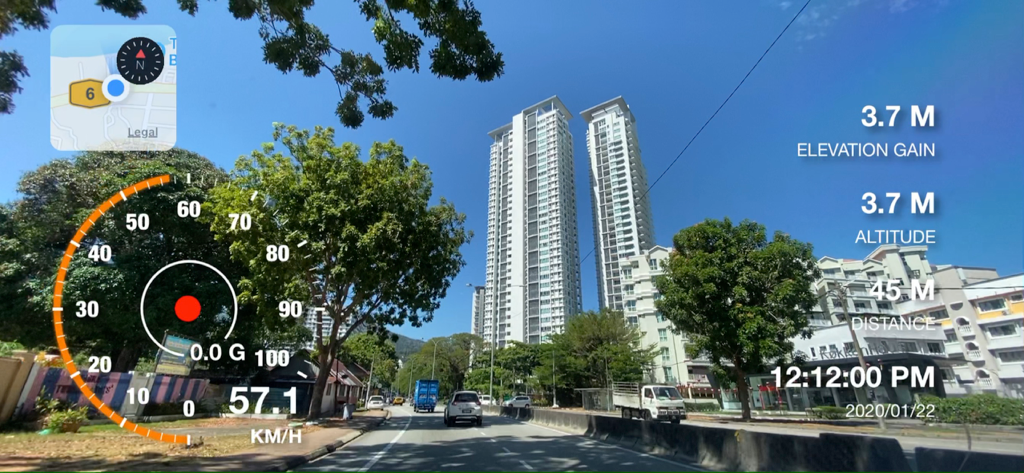
Motion Log Cam app interface showing a video recording with real-time speedometer map and altitude data
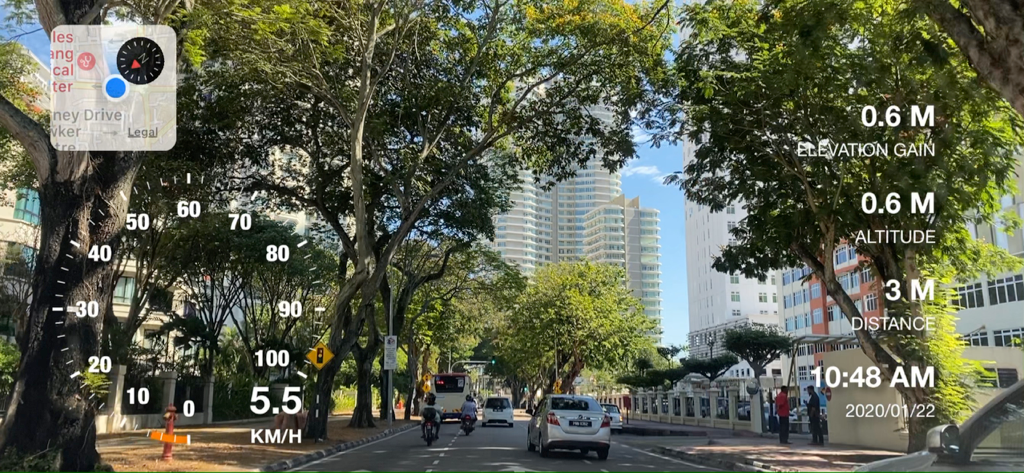
A video recording from a vehicle dashboard showing a real-time speedometer, map, and elevation data overlay.
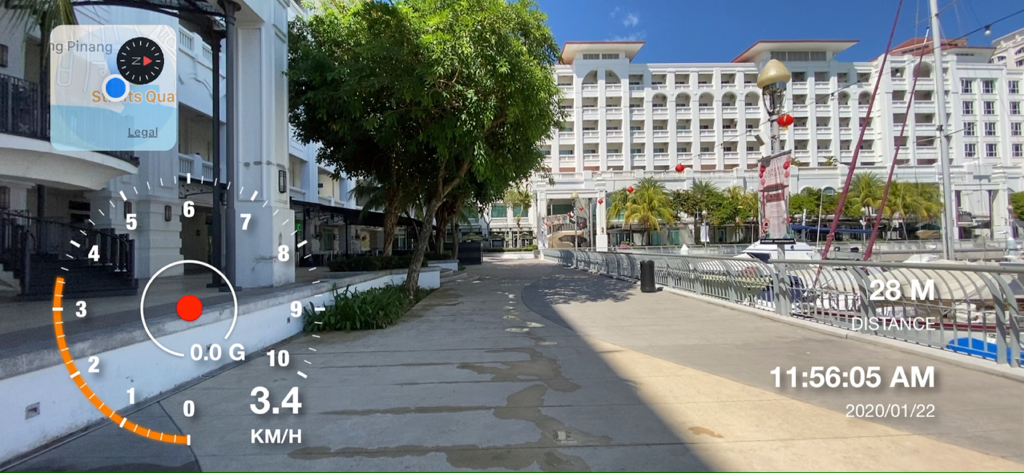
Video recording interface showing integrated speedometer and map data overlays
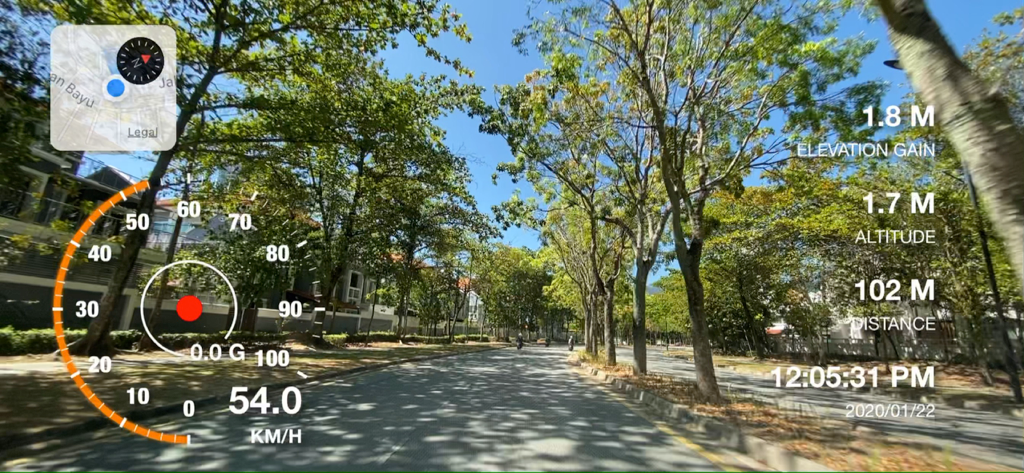
Motion Log Cam recording with speed map and elevation data overlays
Description
Download
More Like This
Top-ranked apps in the same category

CapCut: Photo & Video Editor
BYTEDANCE PTE. LTD.

Instagram, Inc.

YouTube
Google LLC

Canva: AI Photo & Video Editor
Canva Pty Ltd

Snapchat
Snap, Inc.

快手
Beijing Kwai Technology Co., Ltd.

Edits: Video Editor
Instagram, Inc.

Meitu- AI Photo & Video Editor
Xiamen Meitu Technology Co., Ltd.

Google Photos: Backup & Edit
Google LLC
This page is not an official page of the app or its developer, but an independent editorial publication created for informational and commentary purposes. Unless expressly stated otherwise, neither the app nor its developer is affiliated with, endorsed by, sponsored by, authorized by, or otherwise officially connected with MWM, Apple, Google Play, the app publisher, or the app's developer, and nothing on this page implies that the app was developed using MWM's services. Any trademarks, logos, screenshots, and other content remain the property of their respective owners.