
This page is not an official page of the app or its developer, but an independent editorial publication created for informational and commentary purposes. Unless expressly stated otherwise, neither the app nor its developer is affiliated with, endorsed by, sponsored by, authorized by, or otherwise officially connected with MWM, Apple, Google Play, the app publisher, or the app's developer, and nothing on this page implies that the app was developed using MWM's services. Any trademarks, logos, screenshots, and other content remain the property of their respective owners.


Motion: Tasks & AI Scheduling
Stop playing calendar Tetris. Join 1M+ high-output professionals using the world's most accurate AI to intelligently schedule tasks, meetings, and projects so you can focus on deep work.
Downloads
1M+User Rating
Total Ratings
3K+Publisher
Category
ProductivityLocales
1Latest Version
2.224.0Size
64.9 MBFirst Released
Aug 17, 2021Your AI Executive Assistant for Peak Productivity
Motion automates your schedule and manages your projects, giving you back 2x your time with 90% less manual planning.
Intelligent Daily Planning
Stop wasting time on 'Calendar Tetris.' Our AI algorithm builds the perfect schedule for you, automatically adjusting in real-time when plans change.
Seamless Meeting Scheduling
Eliminate the endless email threads. Share your availability in one click and let Motion sync across all your fragmented calendars automatically.
Frequently Asked Questions
Everything you need to know about Motion: Tasks & AI Scheduling
What is Motion?
Motion is an AI-powered productivity platform that automates daily planning, schedules meetings, and manages projects. It uses AI to intelligently organize tasks and optimize workflows for users.
Does Motion offer a free trial?
Yes, Motion offers a 7-day free trial for new users. A subscription is required for continued use after the trial period.
How does Motion help with daily planning?
Motion uses AI to automatically plan your day and generate a daily task list. It intelligently organizes tasks and events to optimize your schedule, helping you focus on priorities.
Can I schedule meetings with Motion?
Yes, Motion allows users to schedule meetings with just one click. It integrates meeting scheduling into its AI-driven planning to streamline your calendar.
Is the Motion mobile app a standalone application?
No, the Motion mobile app is a companion to the web/desktop app and is not standalone. Certain settings require adjustment on the web/desktop version.
Does Motion support Siri for task creation?
Yes, Motion allows users to add tasks using Siri. This feature enables quick and convenient task creation through voice commands.
How can I manage projects and documents in Motion?
Motion allows users to create and manage docs and notes within the platform. It functions as an all-in-one place for projects, tasks, documents, and meeting notes.
What kind of subscription options does Motion offer?
Motion offers both monthly and annual subscription options. Users can cancel their subscriptions online at any time.
Can I get notifications from the Motion app?
Yes, the Motion app provides smart notifications for to-do items and important updates. It informs users about task assignments and other relevant information.
Can I use a widget for Motion on my home screen?
Yes, Motion offers a widget that allows users to see their schedule directly on their home screen. This provides quick access to tasks and events.
The following screenshots and description are sourced directly from the app's official store listing and are the property of the app developer.
App Store
Screenshots
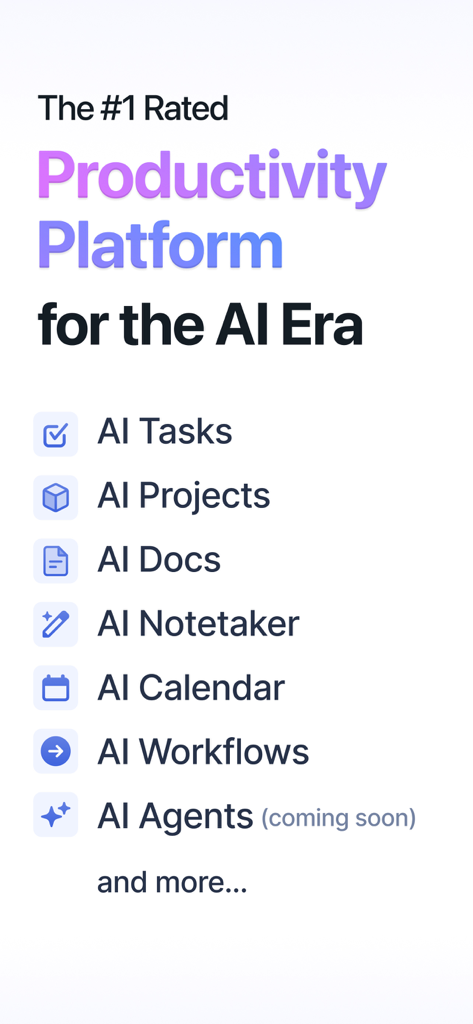
Screenshot of Motion app listing AI powered features like tasks projects and calendar
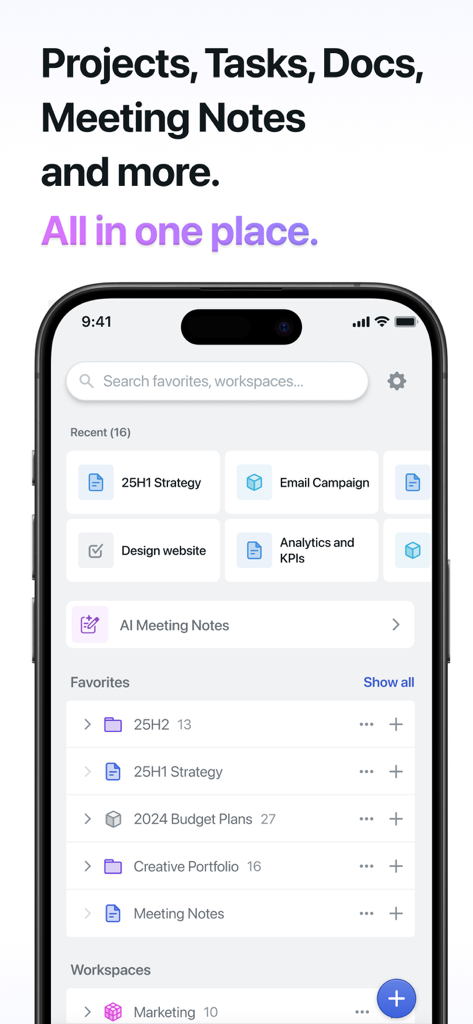
Interface of the Motion productivity app showing a search bar recent projects and organized folders for documents and tasks
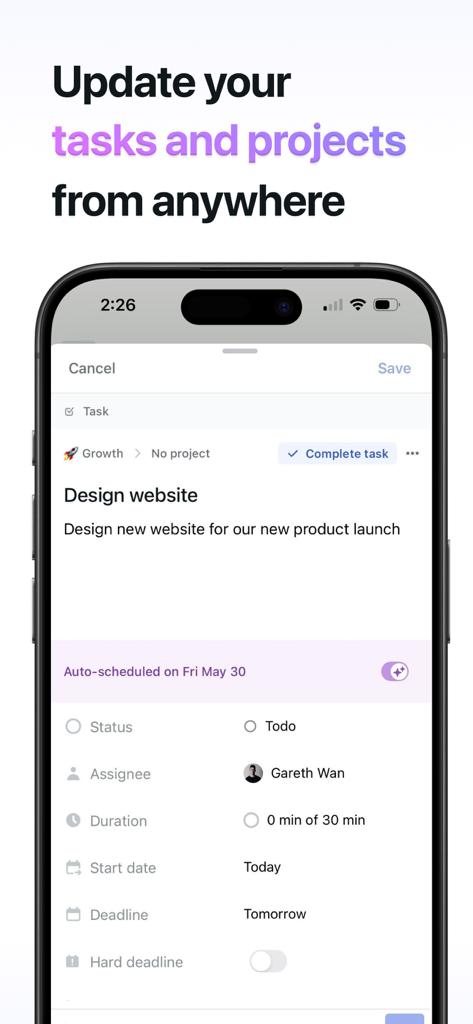
Motion mobile app interface showing task details and AI scheduling for a professional project
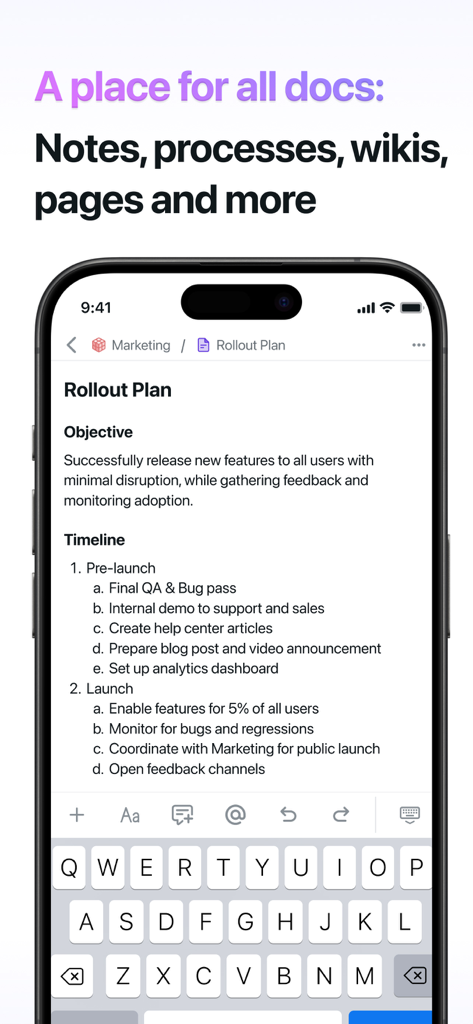
Motion app showing a project rollout plan with objective and timeline
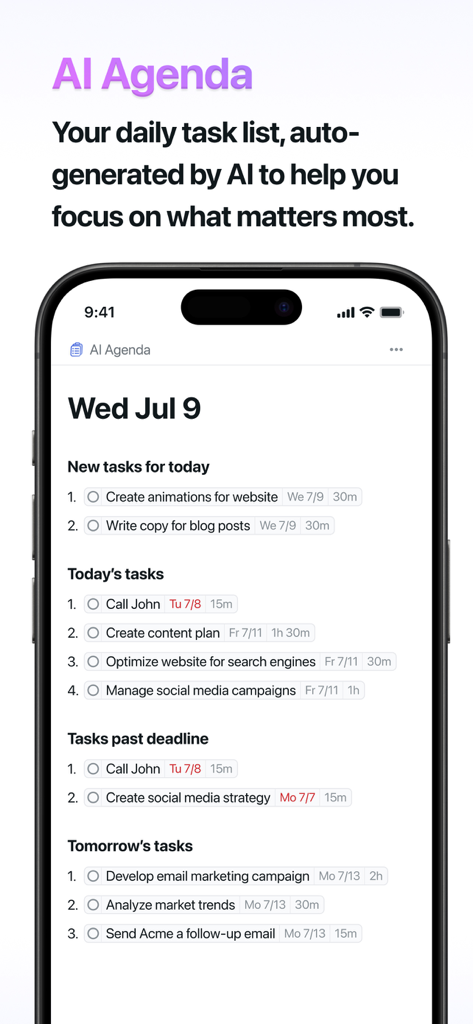
Motion app interface showing an AI generated daily task list categorized by priority and deadlines
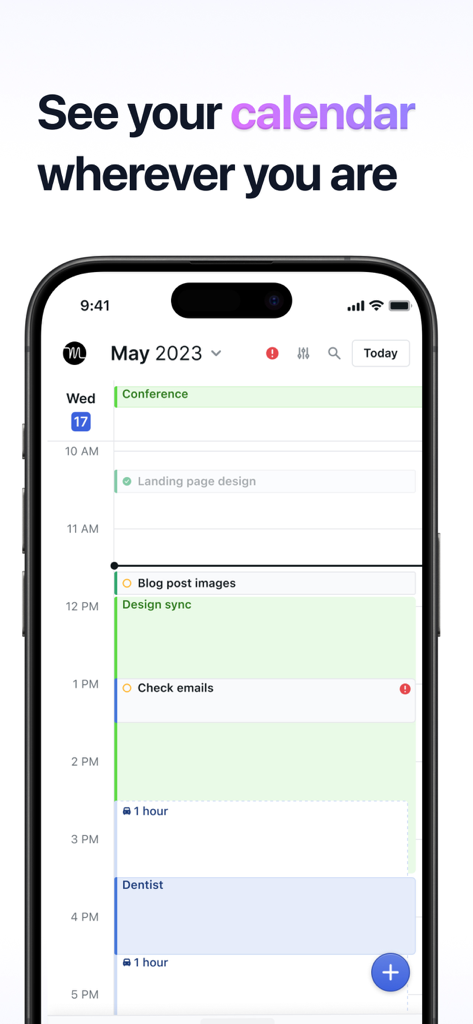
Motion mobile app displaying a daily calendar with tasks and meetings
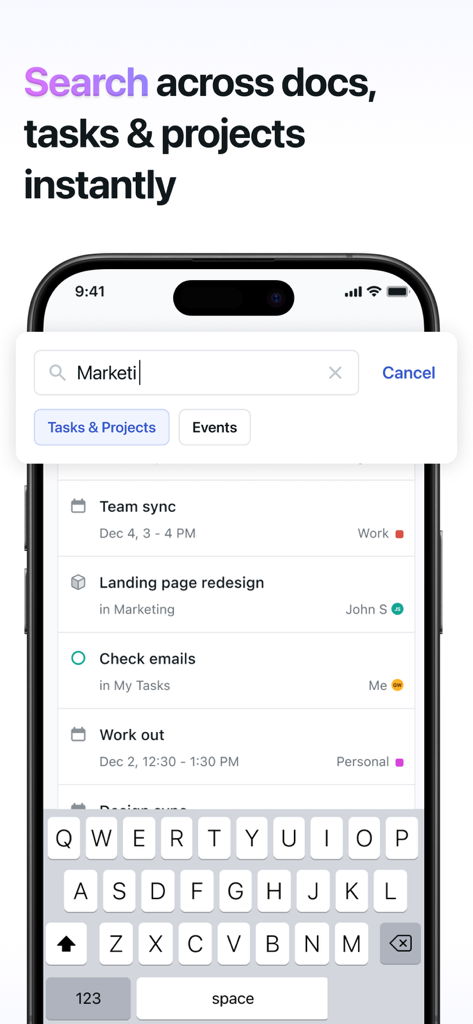
Search interface in the Motion app showing results for tasks projects and calendar events
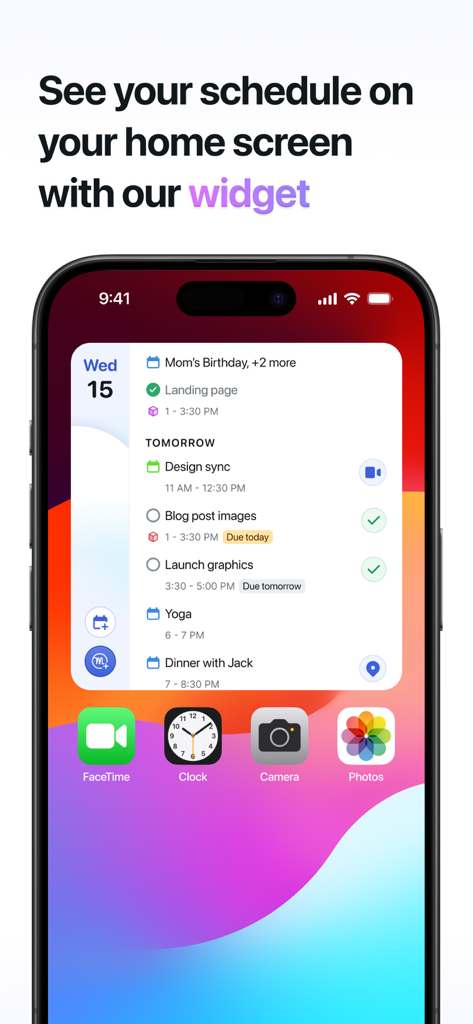
iPhone home screen displaying the Motion app widget with a detailed daily schedule of tasks and meetings.
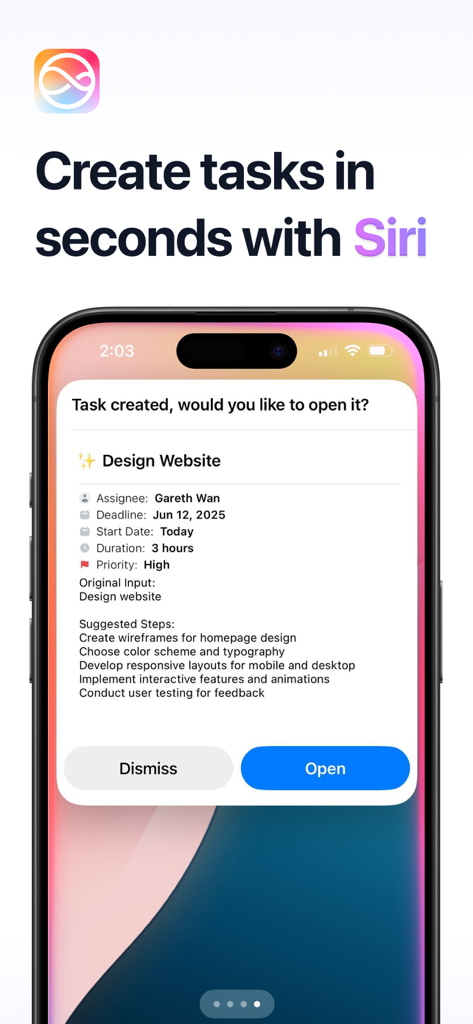
Motion app interface showing a task created using Siri voice commands with AI scheduling details and suggested steps
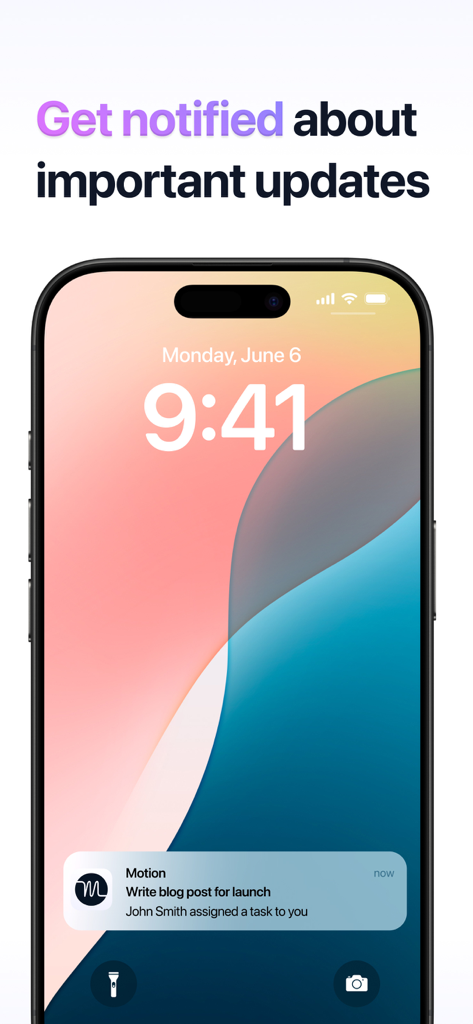
Motion app notification on a smartphone lock screen for an assigned task
Description
Download
More Like This
Apps with similar features and user experience

Notion: Notes, Tasks, AI
Notion Labs, Incorporated

Freenotes®: AI Notes Taking
Hangzhou Free Notes Technology Co., Ltd

Structured - Daily Planner
unorderly GmbH

Google Tasks: Get Things Done
Google LLC

TickTick:To-Do List & Calendar
Appest Limited

Noteful: Notes & PDF Markup
Noteful Technologies Ltd

Todoist: To Do List & Calendar
Doist Inc.

To do list MinimaList & Widget
Inner Grow Limited

monday.com - Work Platform
monday.com Ltd.
This page is not an official page of the app or its developer, but an independent editorial publication created for informational and commentary purposes. Unless expressly stated otherwise, neither the app nor its developer is affiliated with, endorsed by, sponsored by, authorized by, or otherwise officially connected with MWM, Apple, Google Play, the app publisher, or the app's developer, and nothing on this page implies that the app was developed using MWM's services. Any trademarks, logos, screenshots, and other content remain the property of their respective owners.