
This page is not an official page of the app or its developer, but an independent editorial publication created for informational and commentary purposes. Unless expressly stated otherwise, neither the app nor its developer is affiliated with, endorsed by, sponsored by, authorized by, or otherwise officially connected with MWM, Apple, Google Play, the app publisher, or the app's developer, and nothing on this page implies that the app was developed using MWM's services. Any trademarks, logos, screenshots, and other content remain the property of their respective owners.

Mouse Jiggler – Cursor Mover
Eliminate auto-lock frustration and maintain your online status with a stealthy, phone-based solution. No software to install and zero IT footprint—just pure professional freedom.
Downloads
100+User Rating
Total Ratings
0Publisher
Category
UtilitiesLocales
10Latest Version
2.5Size
30.8 MBFirst Released
Sep 28, 2025Work on Your Own Terms
Maintain your online presence and prevent computer lockouts with a non-invasive solution that requires no administrative rights or software installation on your work PC.
Zero-Footprint Privacy
Since it runs on your personal device and interacts physically with your mouse, it is virtually undetectable by corporate IT or 'Bossware' monitoring software.
End 'Green Dot' Anxiety
Keep your status 'Active' on Slack, Microsoft Teams, and Zoom while you step away for a break, walk the dog, or focus on offline tasks.
The following screenshots and description are sourced directly from the app's official store listing and are the property of the app developer.
App Store
Screenshots
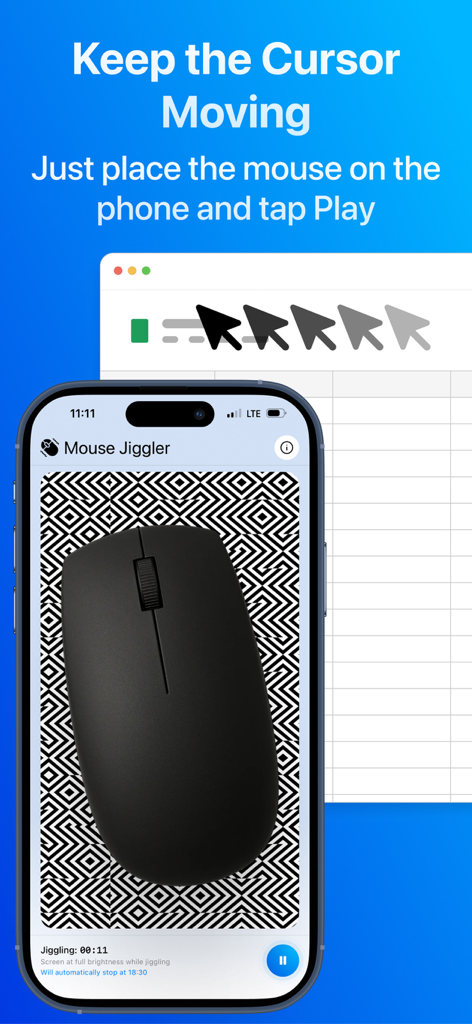
A physical computer mouse placed on an iPhone screen displaying a geometric pattern from the Mouse Jiggler app to simulate cursor movement on a computer screen.

Interface of Mouse Jiggler app showing the undetectable mode toggle and movement frequency settings
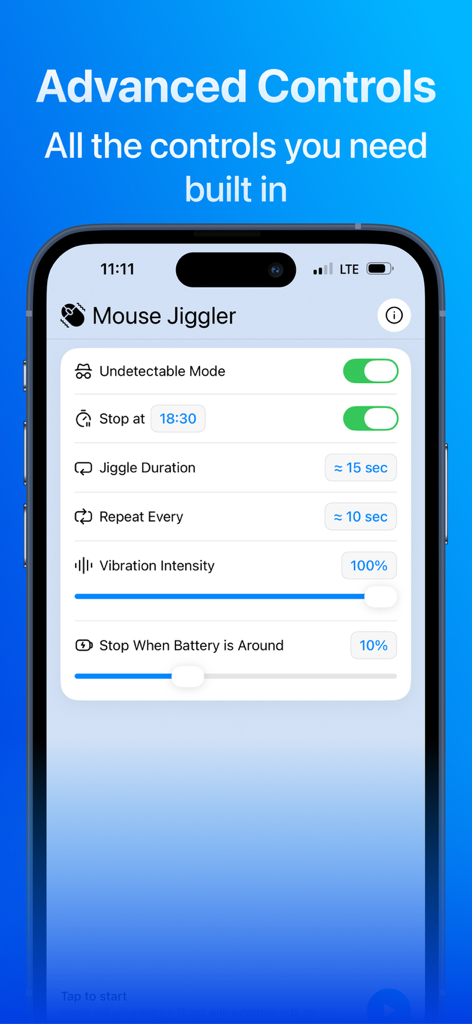
Advanced control settings for Mouse Jiggler app featuring undetectable mode and vibration intensity sliders.
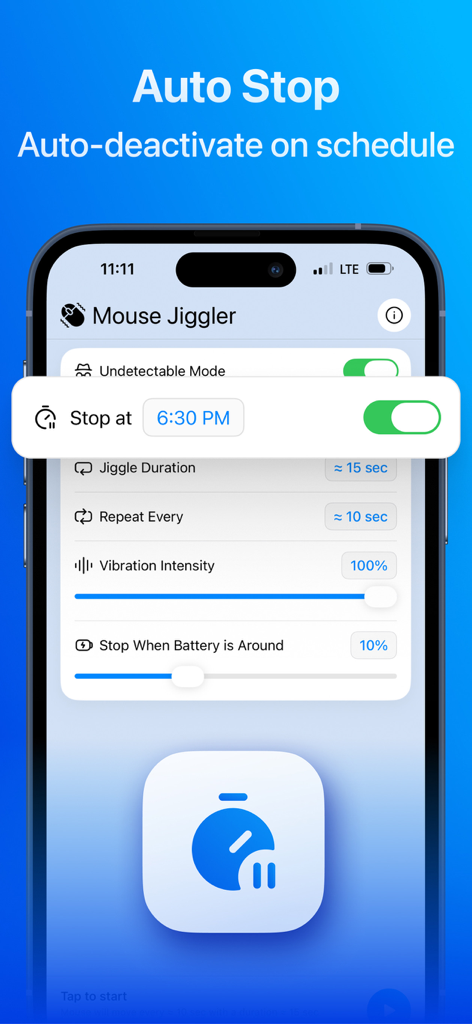
Interface of the Mouse Jiggler app showing the auto stop schedule and jiggle duration settings
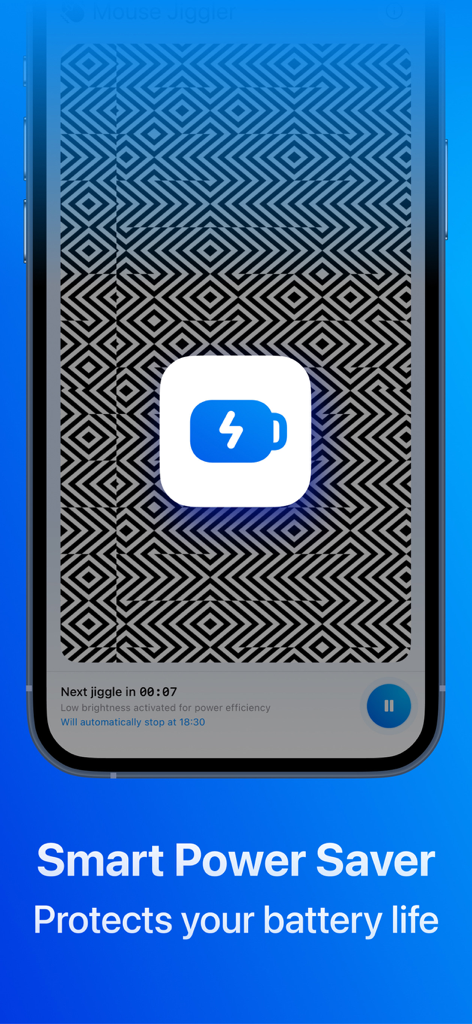
Mouse Jiggler app screenshot showcasing the Smart Power Saver battery protection feature
Description
Download
More Like This
Top-ranked apps in the same category

Google LLC

Google Chrome
Google LLC

中国移动(手机营业厅)
China Mobile Online Services Co., Ltd.

Google Authenticator
Google LLC

gov.br
Servicos e Informacoes do Brasil

Super VPN Fly 2026
YUNFAN TECHNOLOGY CO., LIMITED

Cleanup: Phone Storage Cleaner
DEEP FLOW SOFTWARE SERVICES - FZCO

百度-AI智能搜索
Beijing Baidu Netcom Science & Technology Co.,Ltd

Microsoft Edge: AI Browser
Microsoft Corporation
This page is not an official page of the app or its developer, but an independent editorial publication created for informational and commentary purposes. Unless expressly stated otherwise, neither the app nor its developer is affiliated with, endorsed by, sponsored by, authorized by, or otherwise officially connected with MWM, Apple, Google Play, the app publisher, or the app's developer, and nothing on this page implies that the app was developed using MWM's services. Any trademarks, logos, screenshots, and other content remain the property of their respective owners.