
Music Editor - Audio Editor


Precision trimming, effortless mixing, and instant video-to-MP3 extraction. Join 800K+ creators making professional audio for TikTok, Reels, and more, right from your iPhone.
Publisher
Category
MusicDownloads
896K+User Rating
Total Ratings
3K+Locales
18Discover the interface used by 896K+ users.

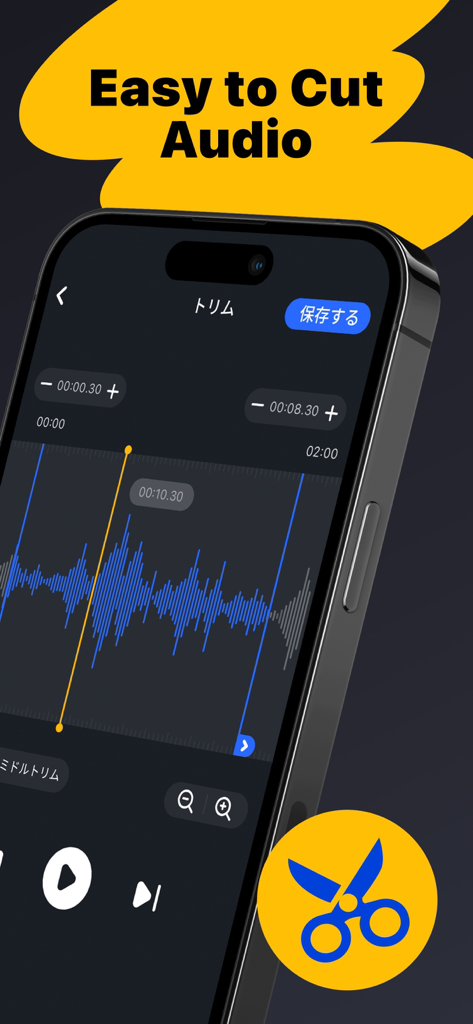
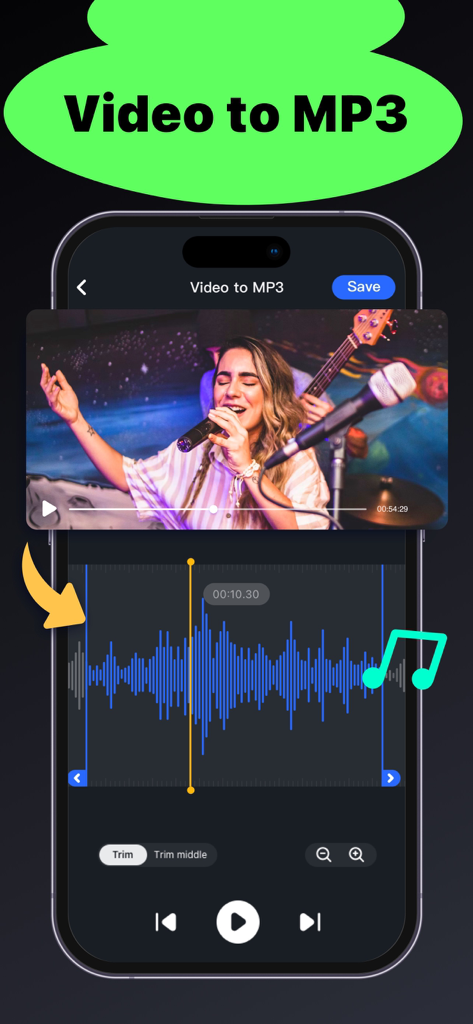
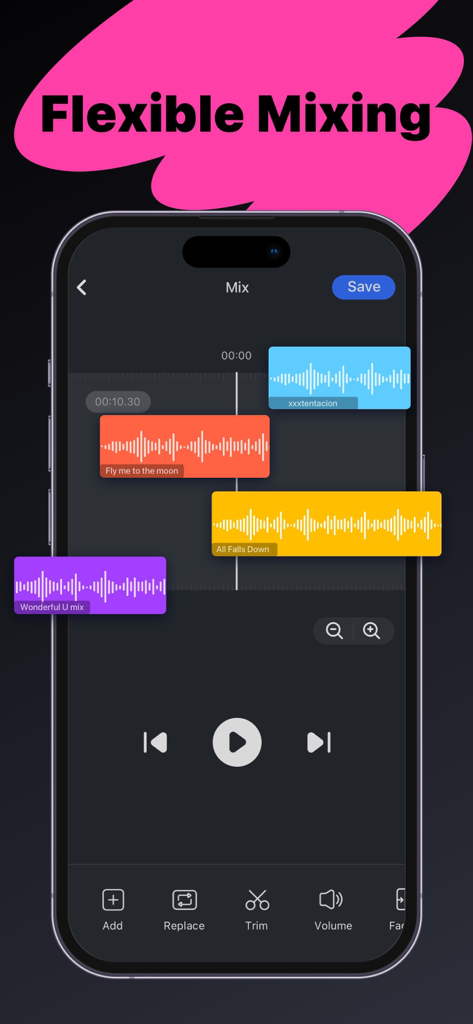
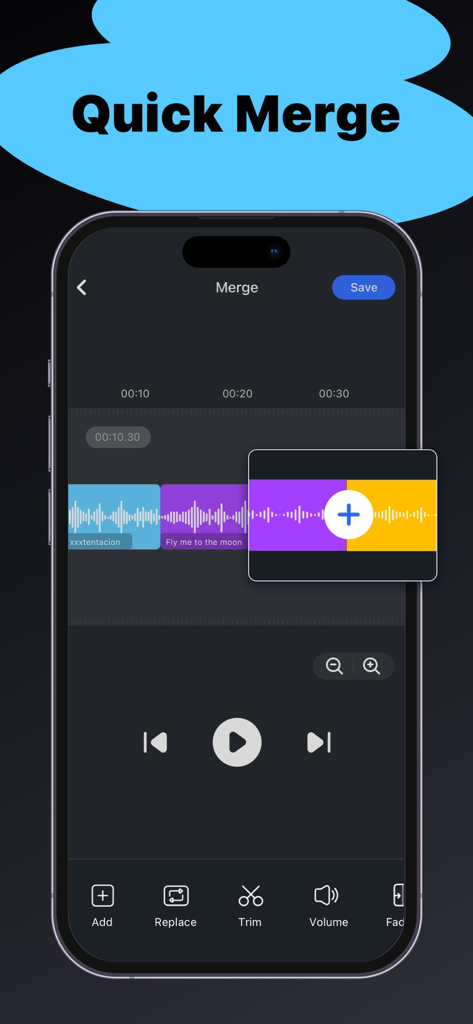
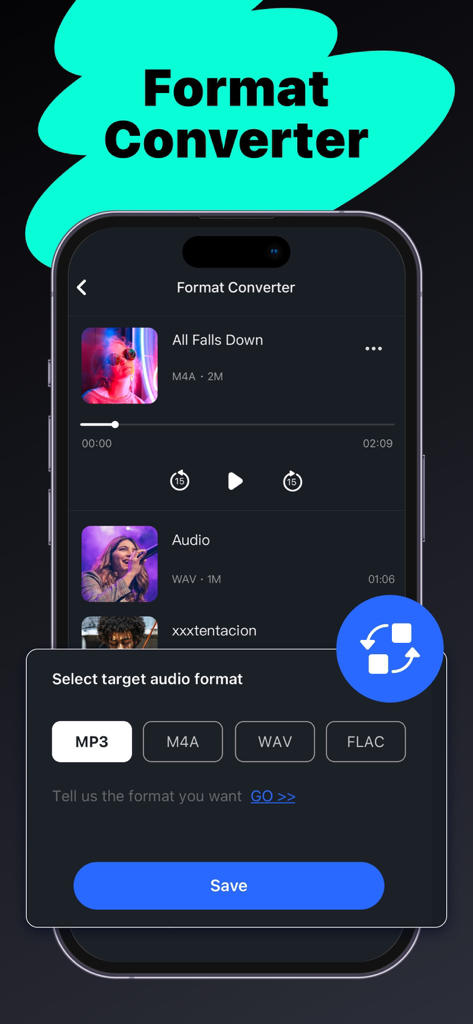
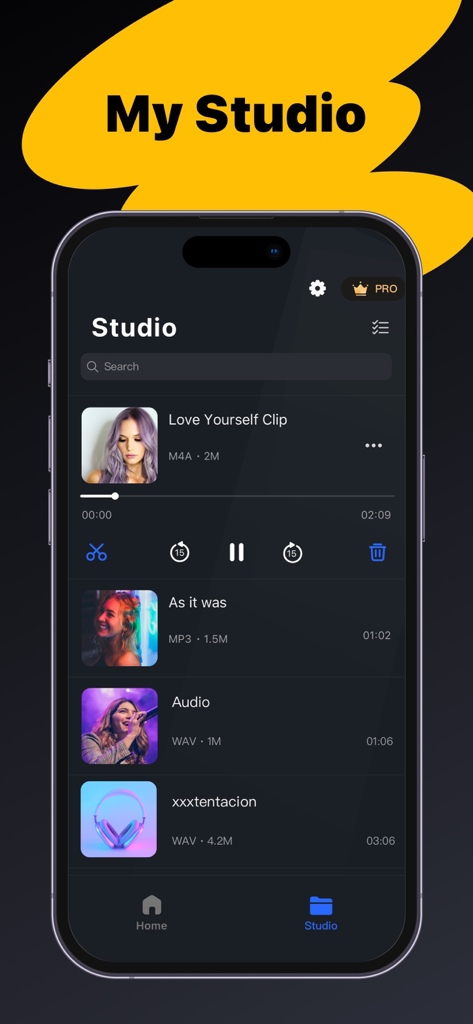
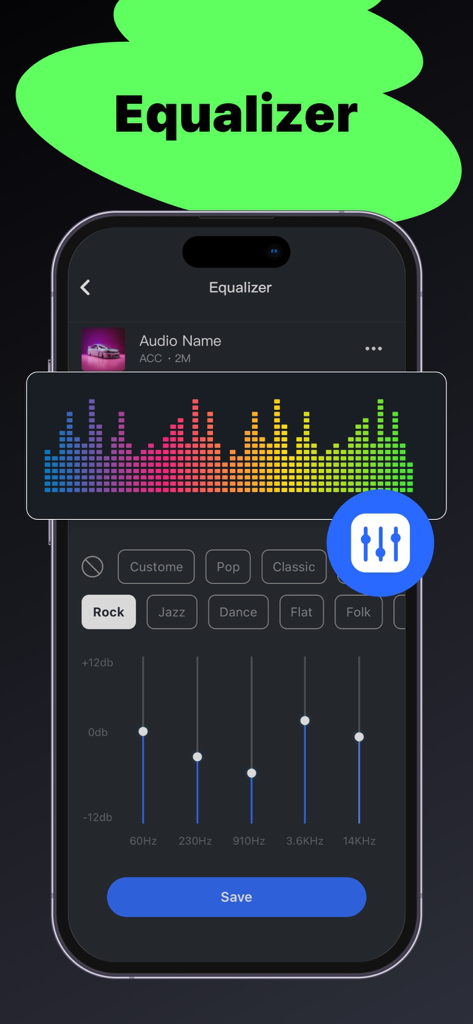
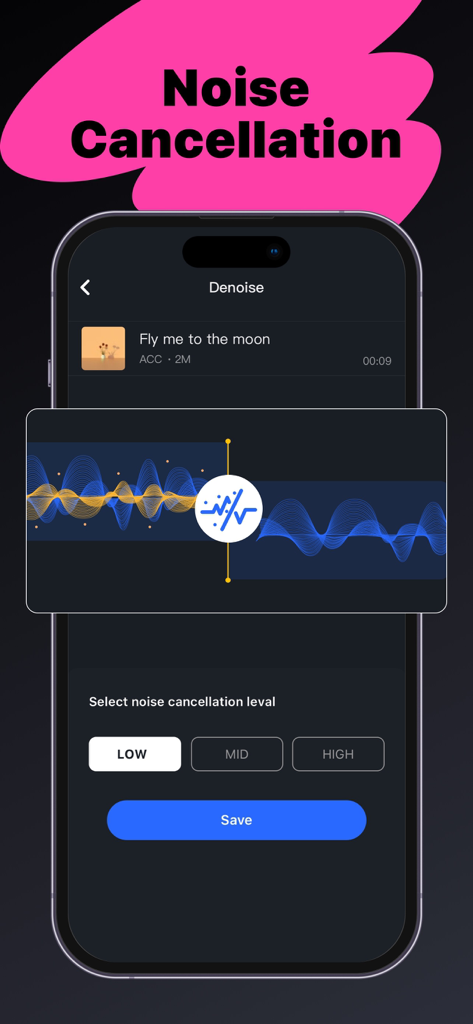
The tools that make this app stand out, trusted by 896K+ users.
Use our intuitive wave graph to cut audio with millisecond accuracy. Perfect for capturing the perfect hook for your next post.
Found a trending sound on social media? Turn any video into a high-quality MP3 instantly to use in your own creative projects.
Layer your favorite tracks, add background music, and merge clips seamlessly to create professional-grade mashups and voiceovers.
Insights from user reviews.
Sentiment Score
Summary
This app receives overwhelmingly negative feedback, primarily due to numerous issues with its subscription model and core functionalities. Users frequently report being charged for pro features that either don't activate, are blocked, or cease to function after purchase or re-download, often struggling with refunds or unexpected auto-renewals. Additionally, common complaints include severe bugs such as app freezing, inability to save or merge audio, poor audio quality, and projects being inexplicably deleted. The presence of excessive ads, even for paid subscribers, further detracts from the user experience, leading many to feel the app is a waste of money with limited useful features.
Common Themes
Everything you need to know about Music Editor - Audio Editor.
Description
Latest Version
1.0.52
Size
91.1 MB
First Released
Oct 24, 2022
Join nearly 1 million creators on iOS. Download Music Editor now and start trimming, mixing, and converting like a pro.
Everything you need to know about Music Editor - Audio Editor
Music Editor - Audio Editor is an easy-to-use application providing rich features for music editing. It allows users to trim, merge, mix, record, convert formats, and extract audio from videos.
Yes, Music Editor - Audio Editor is a free app. Most of its features are available for free, with additional features like music mixing accessible to Premium Members.
Yes, the Audio Editor app allows precise trimming of music clips. It includes a built-in wave graph and an easy-to-use trim handle for cutting music.
Yes, Music Editor supports merging multiple music clips, even in different formats. It also features flexible multitrack mixing to combine music with background sounds.
Yes, Music Editor - Audio Editor can extract audio from videos. Users can convert video files to MP3 format instantly using this feature.
The Audio Editor app supports converting audio to MP3, M4A, WAV, and FLAC formats. It converts without quality loss and includes a customizable compressor.
Users can import audio files from several sources: from Files/iCloud, by extracting from videos, by recording directly within the app, or from previously edited files in 'My Studio'.
Yes, the Audio Editor app includes an equalizer feature. It offers presets like Rock, Jazz, Pop, Classic, Flat, and Folk, along with adjustable frequency sliders.
Yes, the Music Editor app provides a Noise Cancellation feature, labeled "Denoise." Users can select low, mid, or high levels for noise reduction.
Yes, the Music Editor - Audio Editor app includes a built-in audio recorder. Users can record audio instantly directly within the application.
Premium Members in the Audio Editor app gain access to additional features, specifically the music mixing feature. Most other features are available for free.
Apps with similar features and user experience

妍 岳

妍 岳

Fitness Labs SRL

ZHN Co., Ltd.

ZHN Co., Ltd.

龙刚 李

正军 刘

Wuhan Net Power Technology Co., Ltd

俊鹏 位
App information, icons, screenshots, and descriptions displayed on this page are sourced from the Apple App Store and are the property of their respective developers. Download estimates and rankings are based on MWM's proprietary models and may not reflect actual figures. This page is provided for informational and analytical purposes only.
Believe this page infringes your intellectual property? File a dispute