
This page is not an official page of the app or its developer, but an independent editorial publication created for informational and commentary purposes. Unless expressly stated otherwise, neither the app nor its developer is affiliated with, endorsed by, sponsored by, authorized by, or otherwise officially connected with MWM, Apple, Google Play, the app publisher, or the app's developer, and nothing on this page implies that the app was developed using MWM's services. Any trademarks, logos, screenshots, and other content remain the property of their respective owners.


MP3 Converter: Video to Audio
The fastest way to turn any web link, file, or screen recording into crystal-clear audio. Save storage, listen offline, and share your favorites seamlessly via AirDrop.
Downloads
1M+User Rating
Total Ratings
25K+Publisher
Category
MusicLocales
1Latest Version
1.1.9Size
38.7 MBFirst Released
Jul 26, 2021Turn Any Video into Pure Sound
Convert your favorite clips, lectures, and social trends into high-quality audio files. Fast, simple, and perfectly integrated with your Apple ecosystem.
Convert from Web URLs
Grab audio from your favorite social platforms or websites just by pasting a link. No more tedious screen recording required.
Seamless iOS Integration
Instantly share your tracks via AirDrop or save them to the Files app. Perfect for moving assets to your Mac for creative projects.
Frequently Asked Questions
Everything you need to know about MP3 Converter: Video to Audio
How does MP3 Converter: Video to Audio work?
The MP3 Converter app allows users to select videos from web URLs, local photos, or the files app. Users preview videos, select a desired conversion format, and then convert them quickly.
What output formats does MP3 Converter: Video to Audio support?
MP3 Converter supports MP3, MP4, 3G2, AAC, AVI, FLAC, WAV, FLC, M4A, MPEG, MKV, OGV, and OGA output formats for video conversion.
Is the MP3 Converter app free to use?
The MP3 Converter app is initially simple and free to use for basic functions. Unlimited file conversions require an auto-renewing subscription.
What are the subscription options for MP3 Converter: Video to Audio?
MP3 Converter offers two auto-renewing subscription options: $9.99 per year or $1.99 per week, both providing unlimited file conversions.
Can users manage their MP3 Converter subscriptions?
Yes, users can manage their MP3 Converter subscriptions and turn off auto-renewal by accessing Account Settings after purchase.
Does MP3 Converter: Video to Audio include a ringtone maker?
Yes, the MP3 Converter app includes a Ringtone Maker feature, allowing users to create and set custom ringtones from converted audio files.
How can users import videos into MP3 Converter for conversion?
Users can select videos for conversion from a web URL, their local photos library, or directly from the files app.
Can the MP3 Converter app convert multiple videos simultaneously?
Yes, the MP3 Converter app supports converting multiple videos in bulk. Users select several files for conversion at once.
Where can users find the privacy policy for MP3 Converter?
The privacy policy for MP3 Converter: Video to Audio is available at http://braincake.net/conv_privacy.html.
The following screenshots and description are sourced directly from the app's official store listing and are the property of the app developer.
App Store
Screenshots
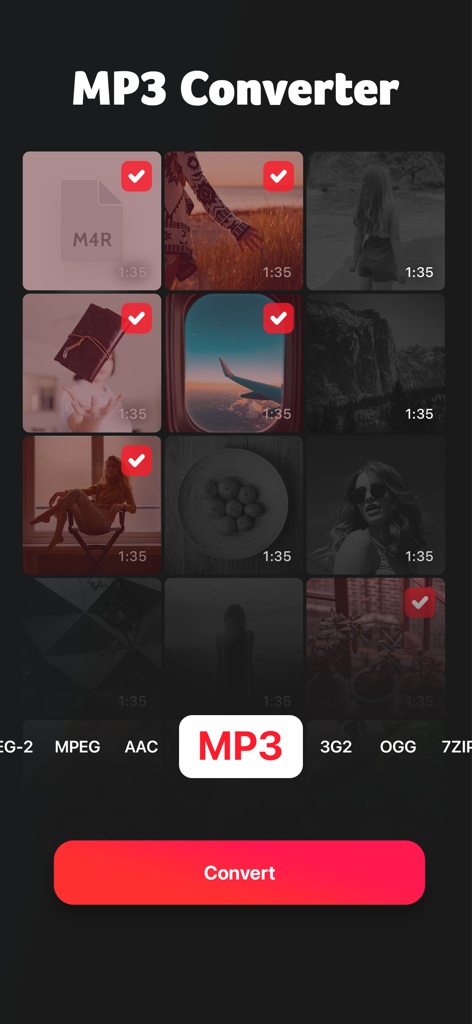
Interface of the MP3 Converter app showing selected videos and the option to convert them to MP3 format.
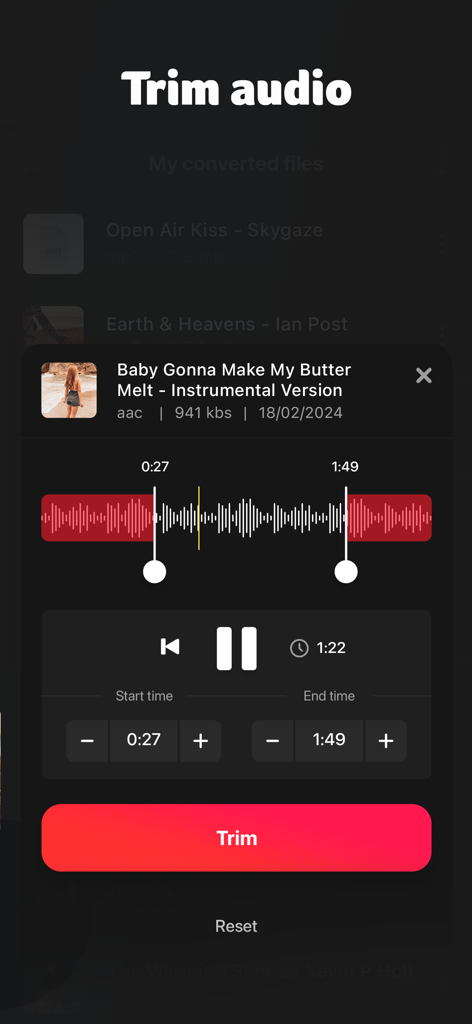
A screen showing the trim audio feature with an interactive waveform and time selection controls
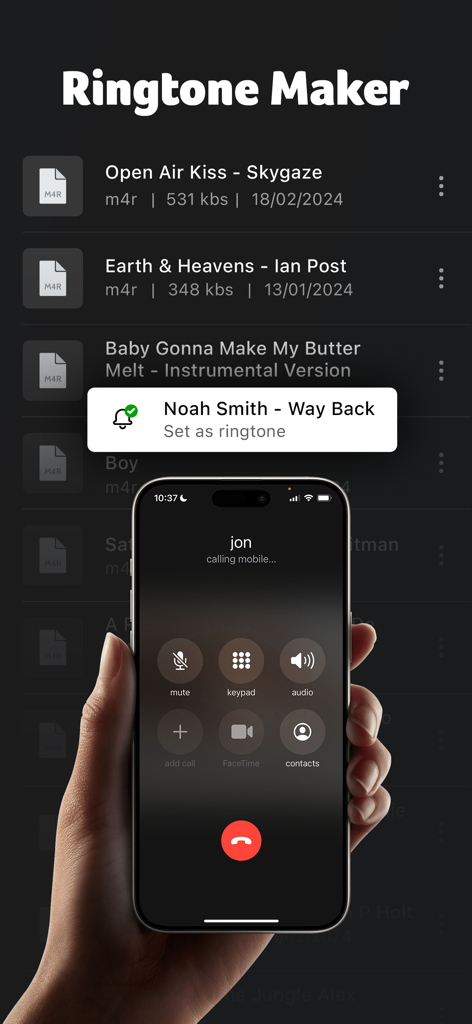
Ringtone maker interface on an iPhone displaying a list of audio files and an incoming call screen
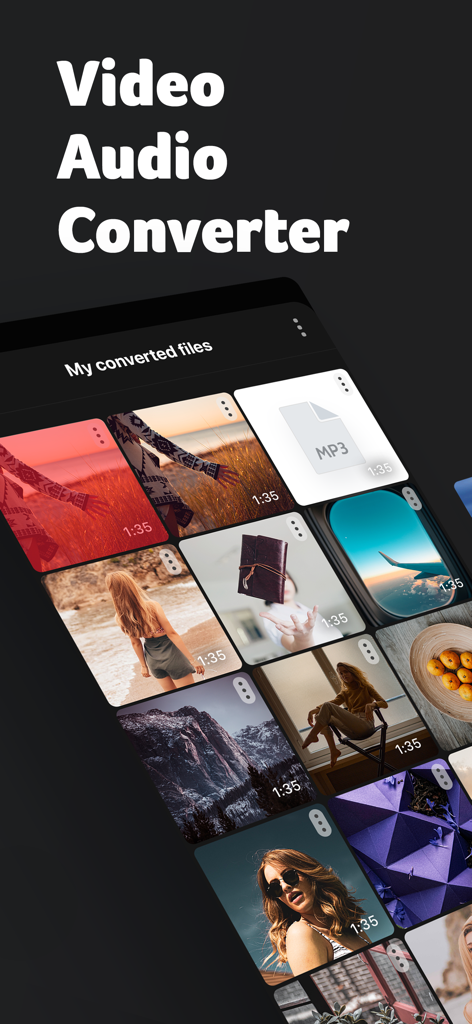
MP3 Converter app screen showing a collection of converted video and audio files
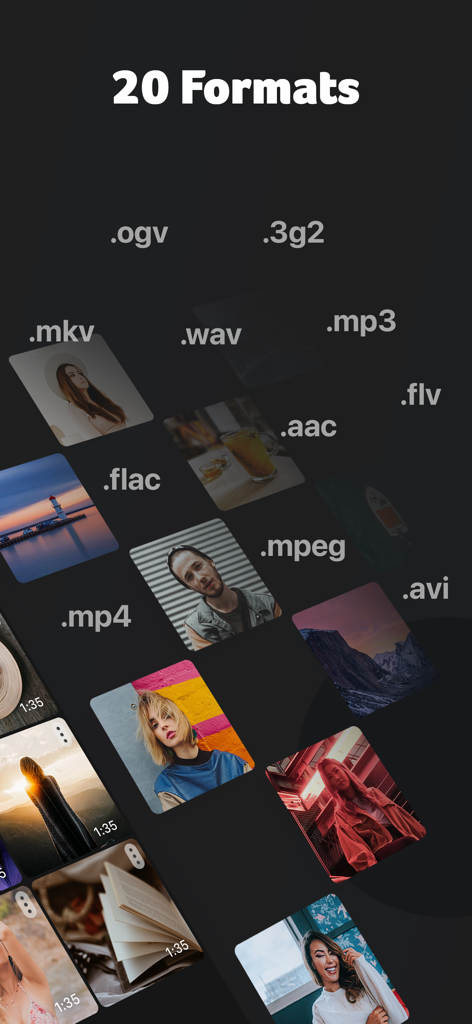
A display of 20 different video and audio file formats supported by the conversion app
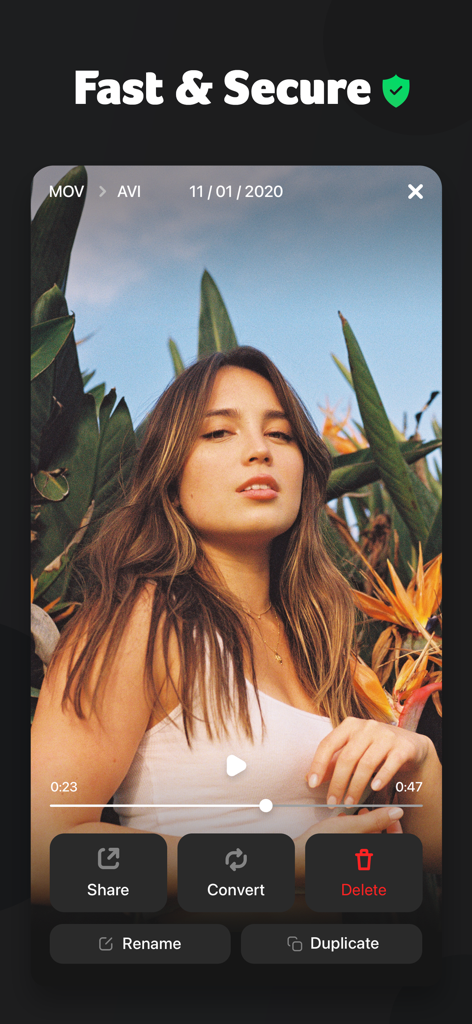
Interface of the MP3 Converter app showing options to share convert and delete a video file
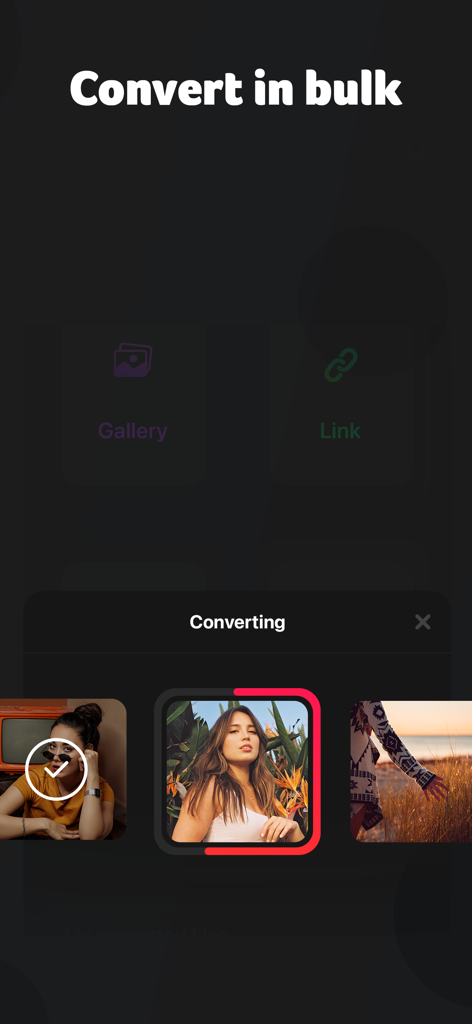
Interface of MP3 Converter app showing the bulk conversion feature with gallery and link import options
Description
Download
More Like This
Apps with similar features and user experience

MP3 Converter -Audio Extractor
妍 岳

Audio Editor - Music Mixer
妍 岳

Audio Editor: MP3 Converter
ZHN Co., Ltd.

MP3 Converter - video2mp3
ZHN Co., Ltd.

EZAudioCut - Audio Editor Lite
龙刚 李

Audio Extractor-Audio Editing
正军 刘

Audio Editor & Music Mixer
Wuhan Net Power Technology Co., Ltd

Audio Converter&Ringtone Maker
俊鹏 位
Audio Converter & Video to MP3
昱江 郭
This page is not an official page of the app or its developer, but an independent editorial publication created for informational and commentary purposes. Unless expressly stated otherwise, neither the app nor its developer is affiliated with, endorsed by, sponsored by, authorized by, or otherwise officially connected with MWM, Apple, Google Play, the app publisher, or the app's developer, and nothing on this page implies that the app was developed using MWM's services. Any trademarks, logos, screenshots, and other content remain the property of their respective owners.