My Eyes Only Password Manager
Download on App Store

This page is not an official page of the app or its developer, but an independent editorial publication created for informational and commentary purposes. Unless expressly stated otherwise, neither the app nor its developer is affiliated with, endorsed by, sponsored by, authorized by, or otherwise officially connected with MWM, Apple, Google Play, the app publisher, or the app's developer, and nothing on this page implies that the app was developed using MWM's services. Any trademarks, logos, screenshots, and other content remain the property of their respective owners.

Logo of My Eyes Only Password Manager
Download on App Store

My Eyes Only Password Manager

Protect your bank accounts, insurance, and passwords with military-grade encryption. Gain total peace of mind with the trusted digital vault designed for your family's security and synced across all your Apple devices.

Key Figures

Downloads

4K+

User Rating

4.7/5

Total Ratings

7K+

Publisher

Software Ops LLC

Category

Utilities

Locales

2

Latest Version

26.1.2

Size

112.8 MB

First Released

May 22, 2012
Features

The Ultimate Vault for Your Family's Assets

Join thousands of users who trust our 15-year legacy to protect passwords, bank accounts, and sensitive documents with unyielding military-grade encryption.

Military-Grade Security

Rest easy with powerful 256-bit AES encryption. Your sensitive data is for your eyes only—not even we can access your vault.

Secure Family Sharing

Protect your household by sharing critical bank, insurance, and emergency details with loved ones on their own devices.

The following screenshots and description are sourced directly from the app's official store listing and are the property of the app developer.

App Store

Screenshots
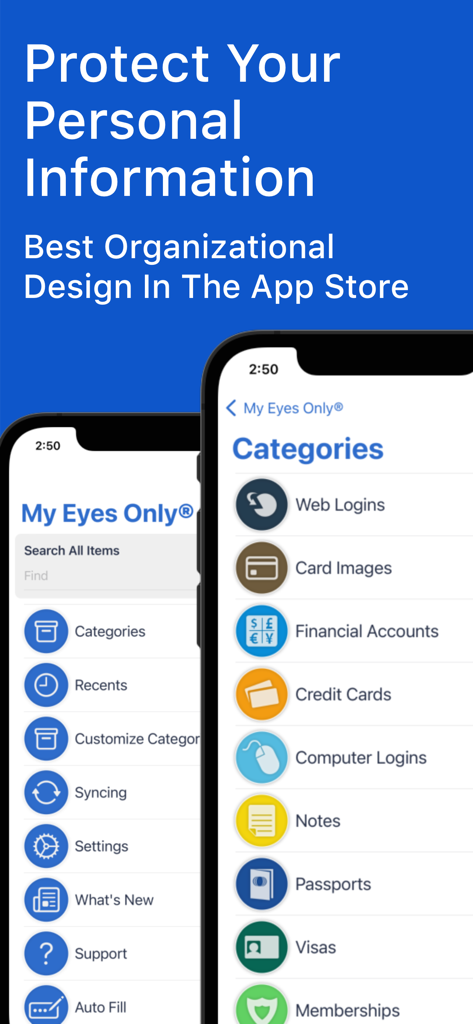
My Eyes Only Password Manager - Screenshot of the My Eyes Only app interface showing categorized lists for web logins financial accounts and personal documents
Screenshot of the My Eyes Only app interface showing categorized lists for web logins financial accounts and personal documents

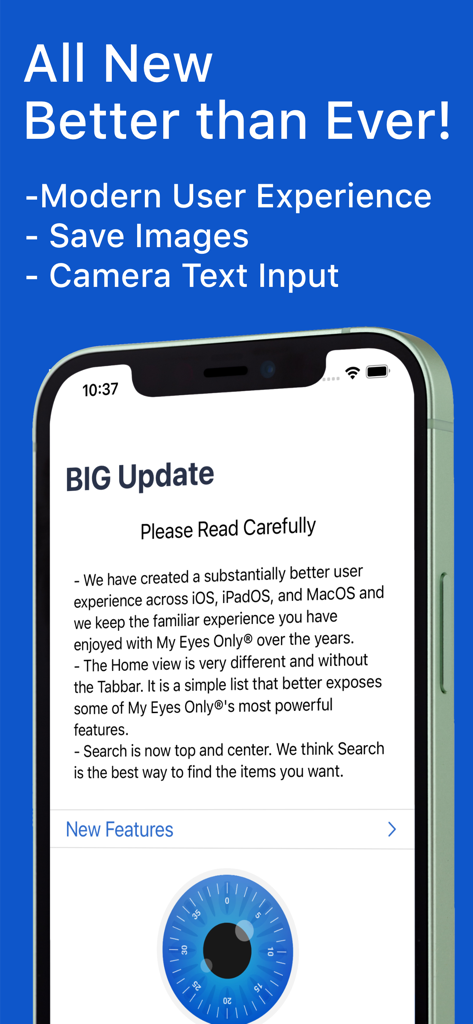
My Eyes Only Password Manager - Smartphone screen showing a big update for the My Eyes Only app including a modern user experience and camera text input.
Smartphone screen showing a big update for the My Eyes Only app including a modern user experience and camera text input.

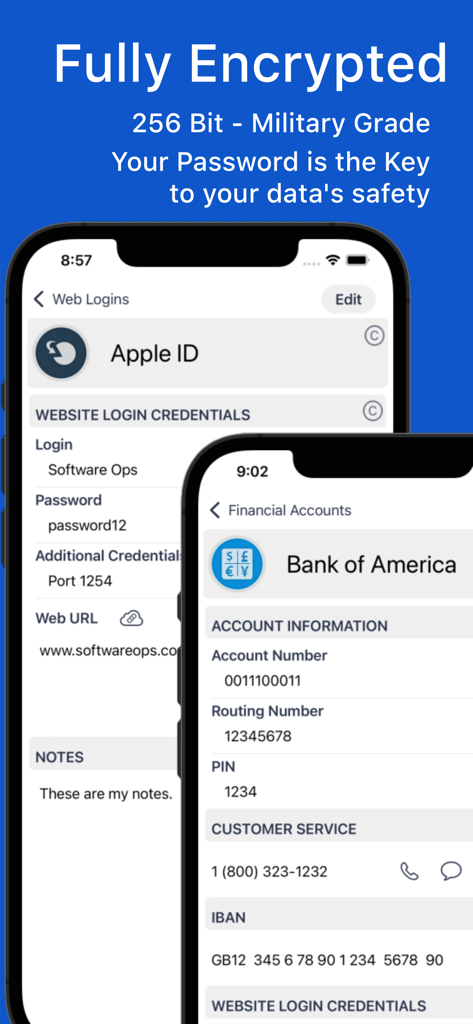
My Eyes Only Password Manager - Screenshot of My Eyes Only app showing secure encrypted storage for Apple ID and Bank of America account details
Screenshot of My Eyes Only app showing secure encrypted storage for Apple ID and Bank of America account details

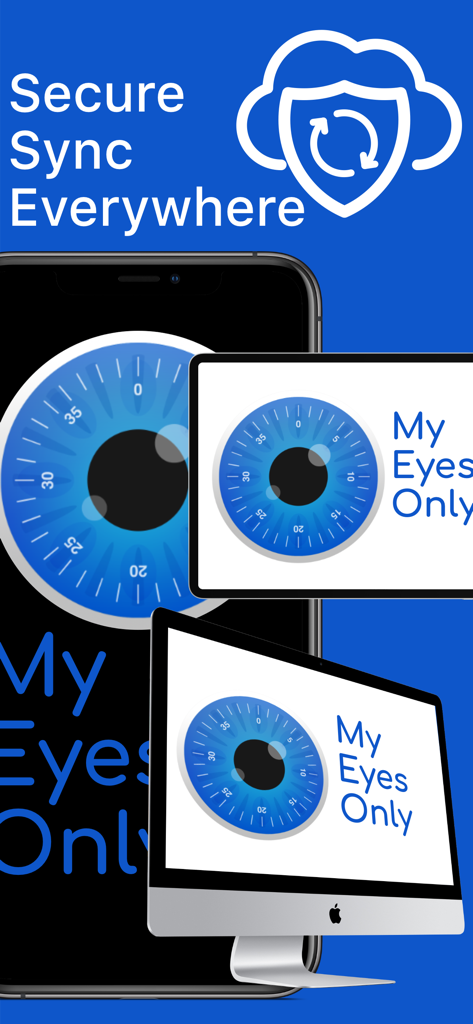
My Eyes Only Password Manager - My Eyes Only Password Manager app showing secure sync across iPhone iPad and Mac.
My Eyes Only Password Manager app showing secure sync across iPhone iPad and Mac.

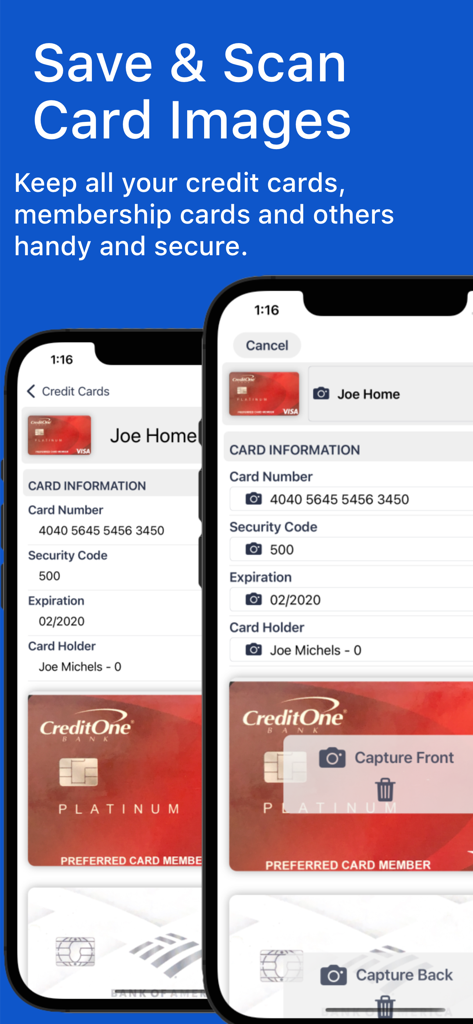
My Eyes Only Password Manager - A mobile app screen showing how to scan and save credit card images and information securely
A mobile app screen showing how to scan and save credit card images and information securely

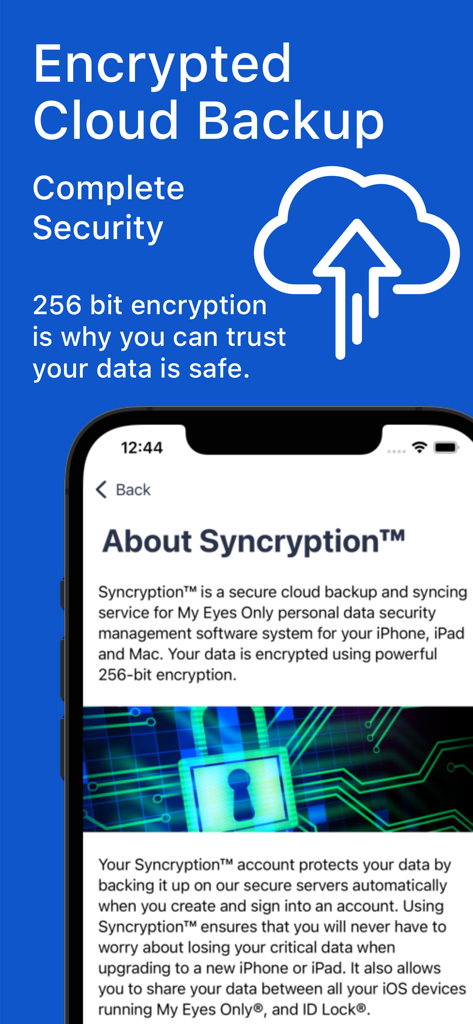
My Eyes Only Password Manager - My Eyes Only app interface explaining its 256-bit encrypted cloud backup and security features.
My Eyes Only app interface explaining its 256-bit encrypted cloud backup and security features.

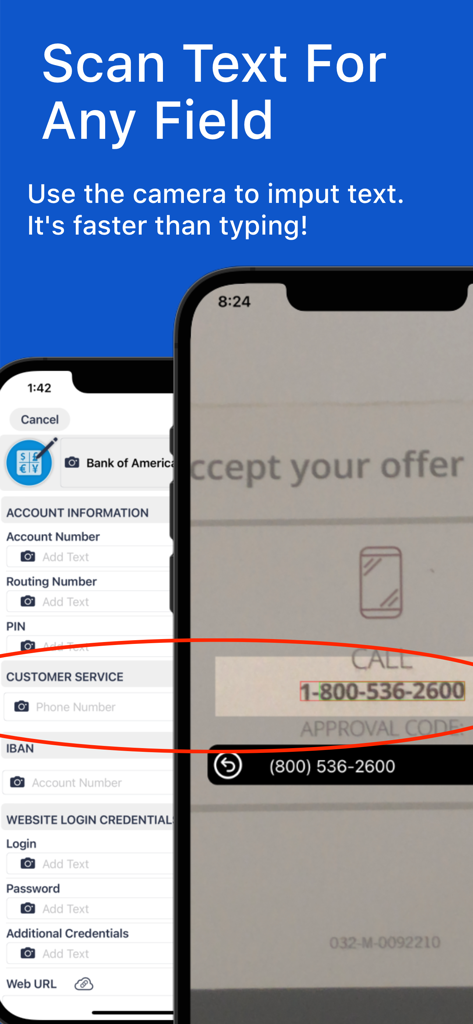
My Eyes Only Password Manager - A smartphone screen demonstrating the scan text feature in the My Eyes Only app to capture a phone number from a physical document.
A smartphone screen demonstrating the scan text feature in the My Eyes Only app to capture a phone number from a physical document.

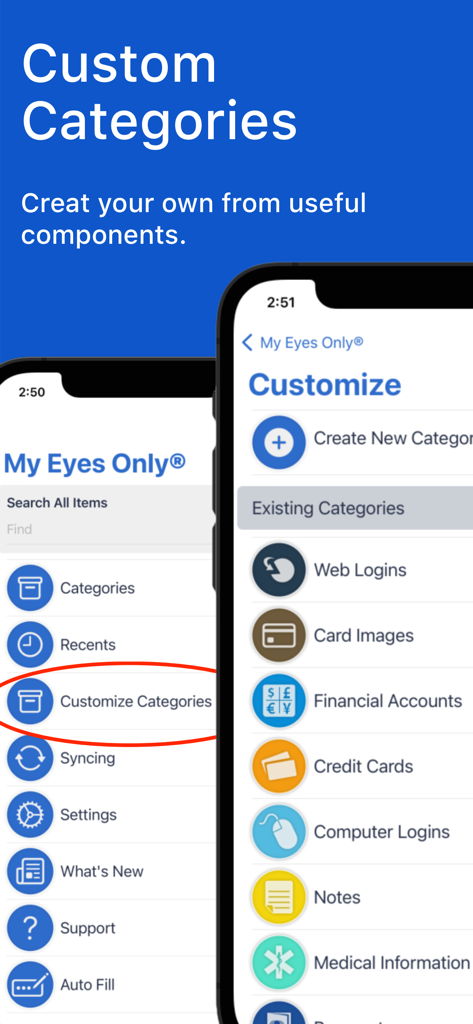
My Eyes Only Password Manager - A screenshot of the My Eyes Only app showing the interface for creating custom categories and a list of existing categories like financial accounts and medical information.

A screenshot of the My Eyes Only app showing the interface for creating custom categories and a list of existing categories like financial accounts and medical information.

Description

My Eyes Only® is the ultimate password manager and personal information organizer.  Knowing that your data is safe, even if your phone is lost or stolen, gives you peace of mind. With My Eyes Only®, you can store all your sensitive information, from website passwords and credit card information to insurance and bank accounts. Plus, My Eyes Only® makes accessing your data on any of your iOS devices easy. With our multi-device syncing, your information is always with you, no matter where you are. And with secure cloud backup, you'll never have to worry about losing your data again. Plus, you can even share your data with a loved one on their device. But what really sets My Eyes Only® apart is the advanced encryption technology. With password protection, and powerful 256-bit AES encryption, you can have peace of mind knowing that your data is safe, even if your phone is lost or stolen. Not even we can see or access your data. With over 15 years of continuous service, we have been helping people like you keep their critical information safe and organized. Countless customers have been using My Eyes Only® non-stop for 15 years, and we are proud of it! Try Before You Buy - Free to download; add up to 20 items before deciding if you want to purchase a subscription - Auto-renewing subscription, pay once for all your devices and have access to all the features you need. Features - User-friendly interface with pre-defined categories and the ability to create custom categories - Store all your sensitive information, from website passwords and credit card information to insurance and bank accounts. - Multi-Device syncing and Secure Cloud Backup keep your information always available, no matter where you are. - Share your data with a loved one on their device Security You can have peace of mind knowing that your data is safe, even if your phone is lost or stolen. Not even we can see or access your data. - Advanced encryption technology - Password protection - Powerful 256-bit AES encryption - Additional layer of keychain security, Long-term Support We are committed to supporting My Eyes Only® well into the future, so you can have peace of mind knowing that your data will always be available to you. ---------------------------------------------------------- Auto-Renewing Subscription Your subscription will automatically renew each month or year, and your credit card will be charged through your iTunes account. You can turn off auto-renew at any time from your iTunes account settings. Privacy Policy: https://www.softwareops.com/software-ops-privacy-policy Terms of Use: https://www.softwareops.com/software-ops-license-agreement

Download

Download on App Store

This page is not an official page of the app or its developer, but an independent editorial publication created for informational and commentary purposes. Unless expressly stated otherwise, neither the app nor its developer is affiliated with, endorsed by, sponsored by, authorized by, or otherwise officially connected with MWM, Apple, Google Play, the app publisher, or the app's developer, and nothing on this page implies that the app was developed using MWM's services. Any trademarks, logos, screenshots, and other content remain the property of their respective owners.







