myCal PRO Planner
myCal PRO Planner
Download on App Store

This page is not an official page of the app or its developer, but an independent editorial publication created for informational and commentary purposes. Unless expressly stated otherwise, neither the app nor its developer is affiliated with, endorsed by, sponsored by, authorized by, or otherwise officially connected with MWM, Apple, Google Play, the app publisher, or the app's developer, and nothing on this page implies that the app was developed using MWM's services. Any trademarks, logos, screenshots, and other content remain the property of their respective owners.

Logo of myCal PRO Planner
Download on App Store

myCal PRO Planner

Stop tapping and start seeing. The powerful, color-coded replacement for the native iOS calendar designed for busy professionals and families who need total schedule visibility.

Key Figures

Downloads

82K+

User Rating

4.6/5

Total Ratings

3K+

Publisher

John Hair

Category

Utilities

Locales

4

Latest Version

5.3.6

Size

58.0 MB

First Released

Jun 29, 2012
Features

Master Your Schedule Without the Guesswork

Stop tapping on dots. myCal PRO provides a high-density, color-coded overview of your life, designed for those who manage complex careers and busy households.

See Events, Not Just Dots

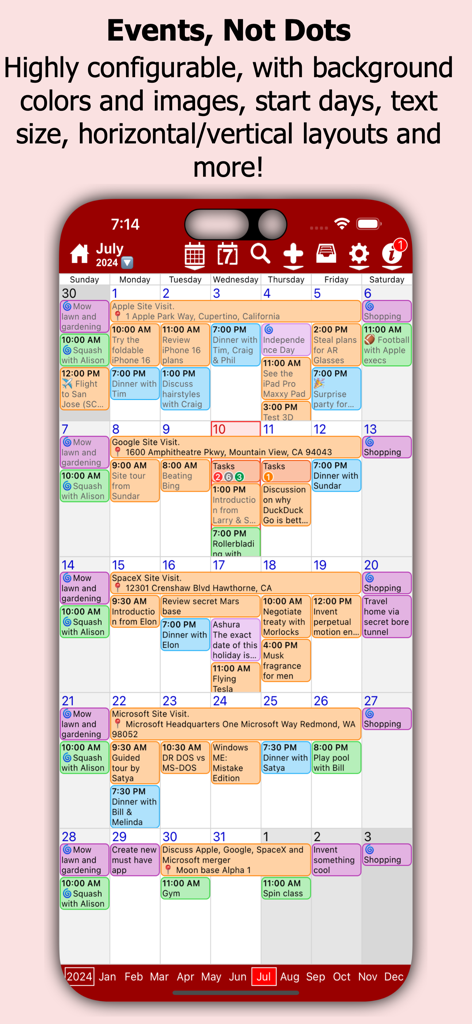
Get instant clarity with our enhanced month and week views. Read full event titles and multi-day schedules at a glance without the frustration of hidden details.

Visual Color Coding

Instantly distinguish between work, family, and hobbies. Assign custom colors to different calendars to visualize your priorities and balance your week effortlessly.

The following screenshots and description are sourced directly from the app's official store listing and are the property of the app developer.

App Store

Screenshots
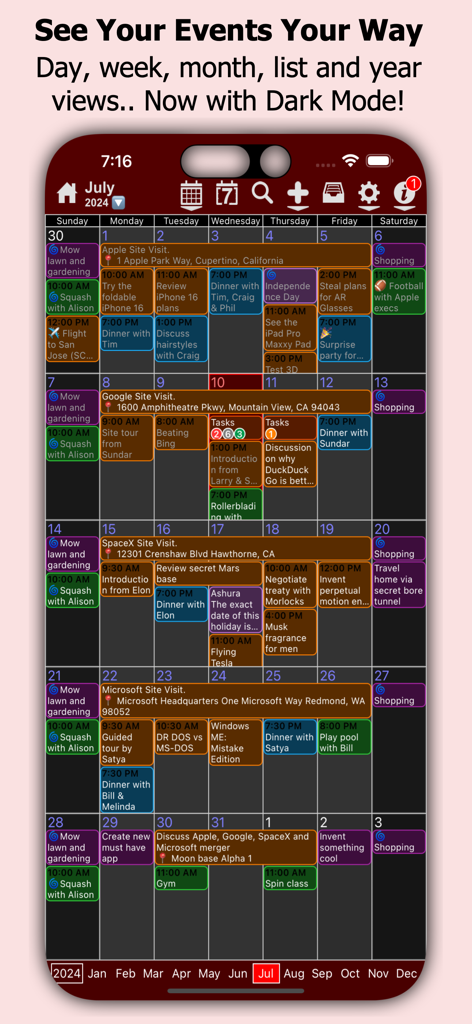
myCal PRO Planner - myCal PRO Planner app showing a color-coded monthly calendar view with text events in dark mode
myCal PRO Planner app showing a color-coded monthly calendar view with text events in dark mode

myCal PRO Planner - A detailed month view of myCal PRO Planner showing color-coded calendar events with text descriptions instead of dots.
A detailed month view of myCal PRO Planner showing color-coded calendar events with text descriptions instead of dots.

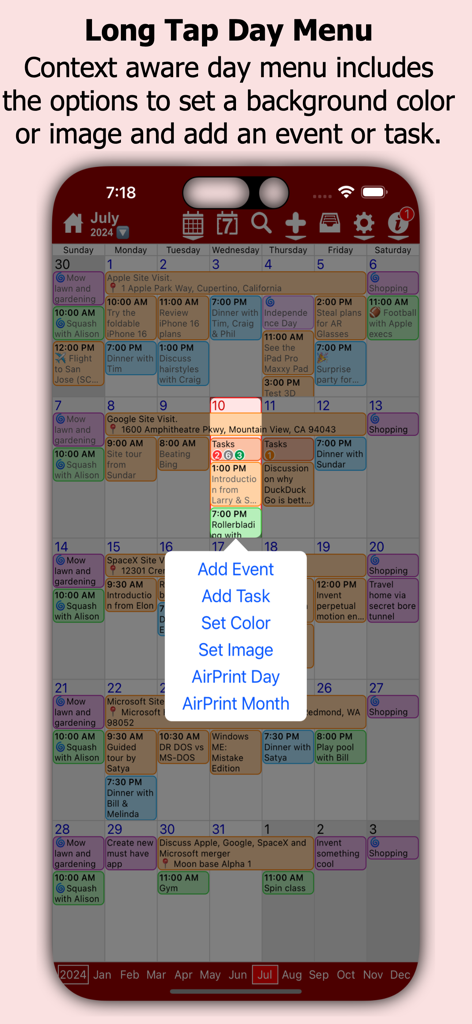
myCal PRO Planner - Long tap day menu in myCal PRO Planner showing options to add events and tasks
Long tap day menu in myCal PRO Planner showing options to add events and tasks

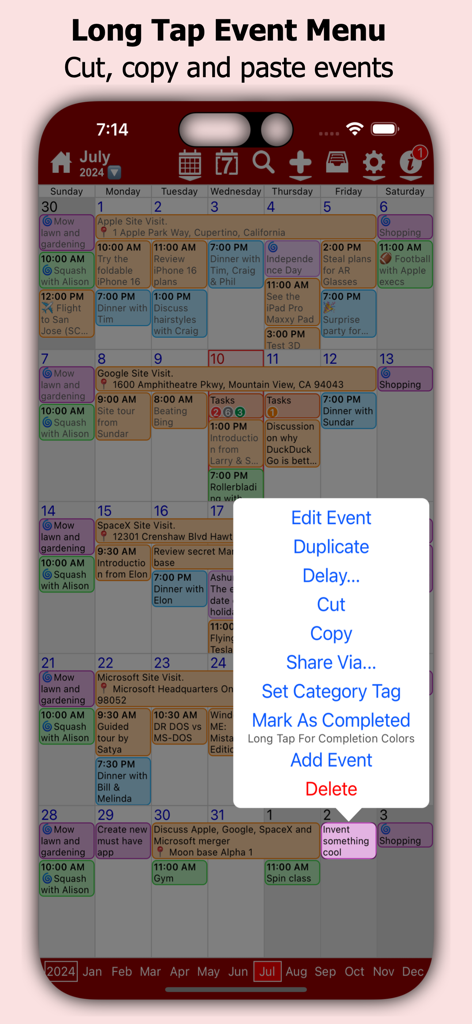
myCal PRO Planner - myCal PRO Planner app monthly view with an event management popup menu
myCal PRO Planner app monthly view with an event management popup menu

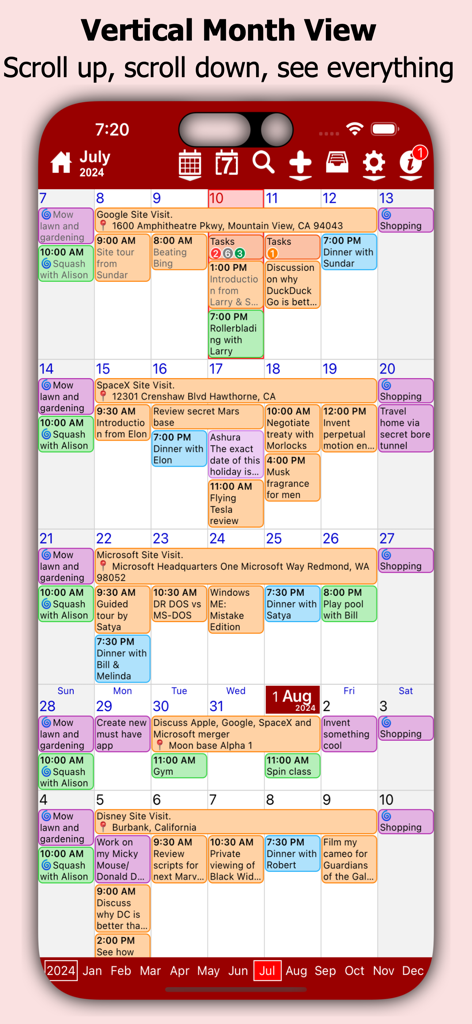
myCal PRO Planner - myCal PRO Planner app vertical month view showing color coded calendar events
myCal PRO Planner app vertical month view showing color coded calendar events

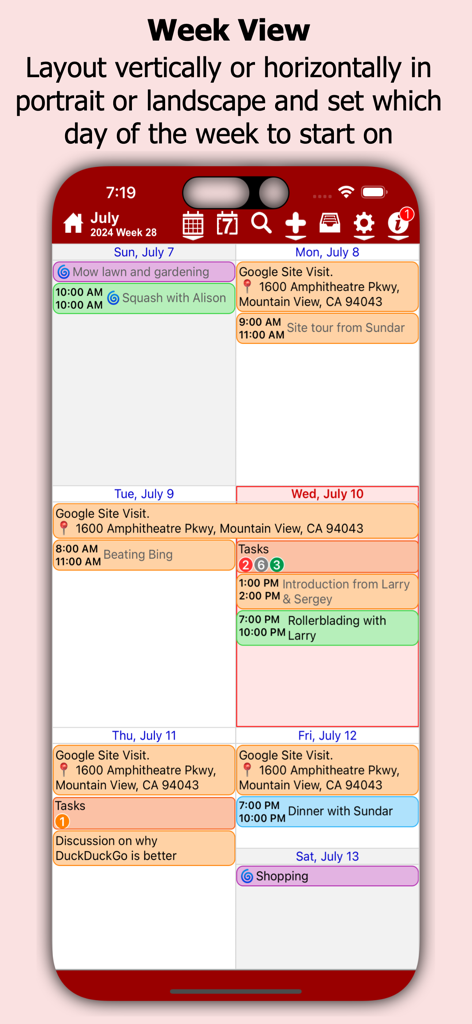
myCal PRO Planner - myCal PRO Planner app week view on iPhone showing color-coded calendar events and labels.
myCal PRO Planner app week view on iPhone showing color-coded calendar events and labels.

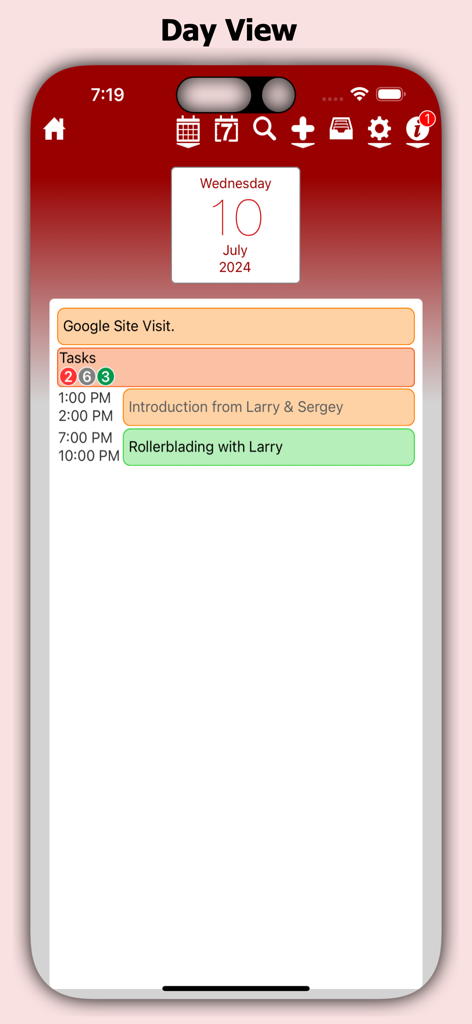
myCal PRO Planner - Daily schedule view in the myCal PRO Planner app showing color coded events and tasks
Daily schedule view in the myCal PRO Planner app showing color coded events and tasks

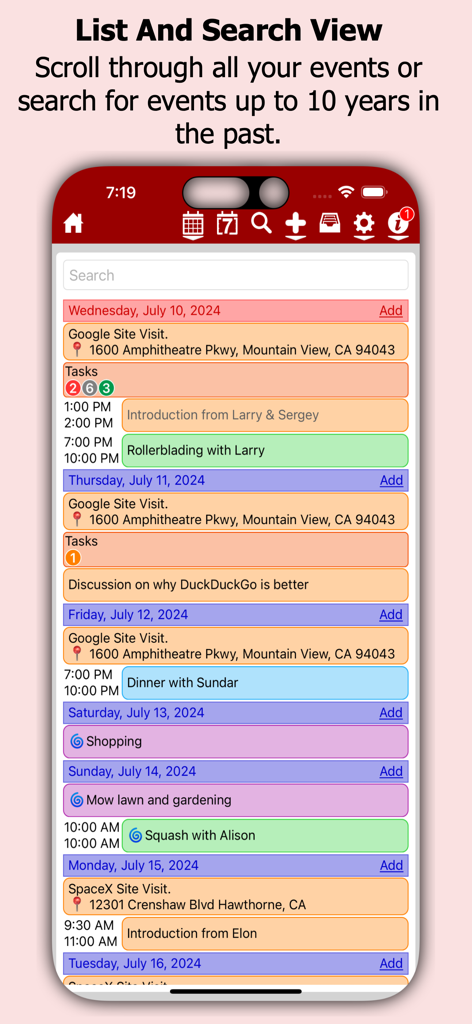
myCal PRO Planner - myCal PRO app interface showing a color coded list of calendar events with a search bar
myCal PRO app interface showing a color coded list of calendar events with a search bar

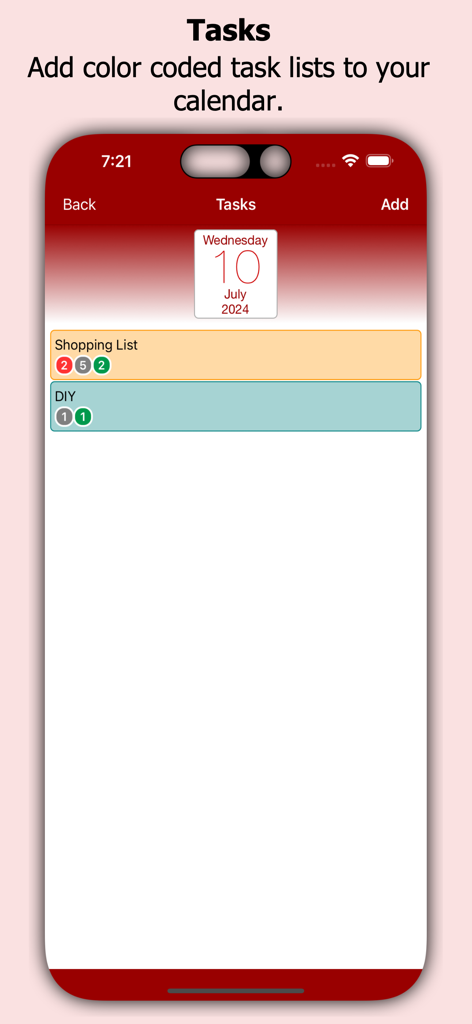
myCal PRO Planner - Color coded task lists in the myCal PRO Planner app

Color coded task lists in the myCal PRO Planner app

Description

No more dots in your calendar! myCal PRO displays what you need to see, your events! myCal PRO is THE BEST replacement for the internal iDevice calendar app! myCal PRO displays the meetings and appointments that are stored on the device, including any calendars you have synced (like Google, Yahoo, Exchange etc). With myCal PRO you can add more calendars *and* set the color you want your events to be displayed in! For example: add new calendars for Work, Home, and Sports and optionally set the colors to Red, Green and Blue respectively. Simples! ● NEW: We now have Calendar Widgets! Add the myCalPRO widget to your Home Screen to see the events you have now, next and more! ● NEW: Better Facebook event support. You can now hide declined events! ● Compensation for Time Zones! ● Cut, Copy and Paste options!! ● List View!! ● Powerful scrolling week view! ● Invitee support! ● Additional contact dates can appear as events! Create beautiful calendars just like these screenshots! * Day background colors or images requires an InApp purchase. Event background colors is included, no InApp purchase required. Check out the feedback we have been getting from the AppStore reviews: "Best scheduling tool I've used so far! Great app and support. Highly recommended!" "Love this on my iphone4s, ipod4, and ipad. Perfect and easy to read. This is the PERFECT replacement for the useless calendar on the iPhone & iPod. This is what Apple should have used." "they added the Week view. I didn't know I needed it and now it's my most used view! Thanks guys" Also myCal PRO has been reviewed at thesmartphoneappreview.com, given a whopping 91% and is 'Highly recommended'! Supports iOS4.3 and above, iPhone 3GS/iPod Touch 3rd Gen and better, and all versions of the iPad! • Powerful event repeat options, any number of days weeks, months or years. Second Thursday of every 3rd Month for example! • AirPrint support! 2 finger swipe down the screen on any event view! Print in portrait or landscape, depending on the device orientation! • Support for additional contact dates! see anniversaries etc that have been added to a contact as read only annually repeating events! • Enhanced Month View that displays actual events (all day, multi day and timed) • Enhanced scrolling Week View with horizontal or vertical day layout and the option to display multiple lines for an event • Invitee support, you can now receive and acknowledge invitations, as well as send your own (iCloud and GMail calendars) • Enhanced Day View that displays much more detail including title, location, calendar name with hyperlink, reminder, birthday and repeat icons • Supports both Landscape and Portrait, with full screen options for each • Uses the internal calendar as its database, no additional syncing required. Any iCal subscriptions already created will be visible in myCal PRO Multi day events In the Month and Week Views are drawn across multiple days allowing you to see much more of the detail. We are constantly working to improve myCal PRO so feel free to drop by the support forum to post questions and suggestions! Visit www.johnhair.com for support, questions and the user guide. The myCal PRO Support Team

Download

Download on App Store

This page is not an official page of the app or its developer, but an independent editorial publication created for informational and commentary purposes. Unless expressly stated otherwise, neither the app nor its developer is affiliated with, endorsed by, sponsored by, authorized by, or otherwise officially connected with MWM, Apple, Google Play, the app publisher, or the app's developer, and nothing on this page implies that the app was developed using MWM's services. Any trademarks, logos, screenshots, and other content remain the property of their respective owners.








