
This page is not an official page of the app or its developer, but an independent editorial publication created for informational and commentary purposes. Unless expressly stated otherwise, neither the app nor its developer is affiliated with, endorsed by, sponsored by, authorized by, or otherwise officially connected with MWM, Apple, Google Play, the app publisher, or the app's developer, and nothing on this page implies that the app was developed using MWM's services. Any trademarks, logos, screenshots, and other content remain the property of their respective owners.


n Matrix Calculator
Solve 100x100 complex matrices in under a second. Effortlessly paste data from Excel or Numbers to calculate eigenvalues, determinants, and simultaneous equations—anywhere, offline.
Downloads
0User Rating
Total Ratings
0Publisher
Category
UtilitiesLocales
1Latest Version
2.0.0Size
1.6 MBFirst Released
Feb 12, 2024Advanced Linear Algebra, Simplified
The ultimate mobile engine for STEM students and engineers. Solve high-dimensional systems, handle complex numbers, and streamline your workflow with lightning-fast processing.
Instant Excel Integration
Skip the tedious manual entry. Copy blocks of cells directly from Excel or Numbers and paste them into the app for immediate processing.
100x100 Matrix Power
Calculate determinants, inverses, and eigenvalues for massive matrices in under a second—with full support for complex numbers and offline use.
The following screenshots and description are sourced directly from the app's official store listing and are the property of the app developer.
App Store
Screenshots
Home screen of the n Matrix Calculator app featuring a start button and an inverse matrix symbol
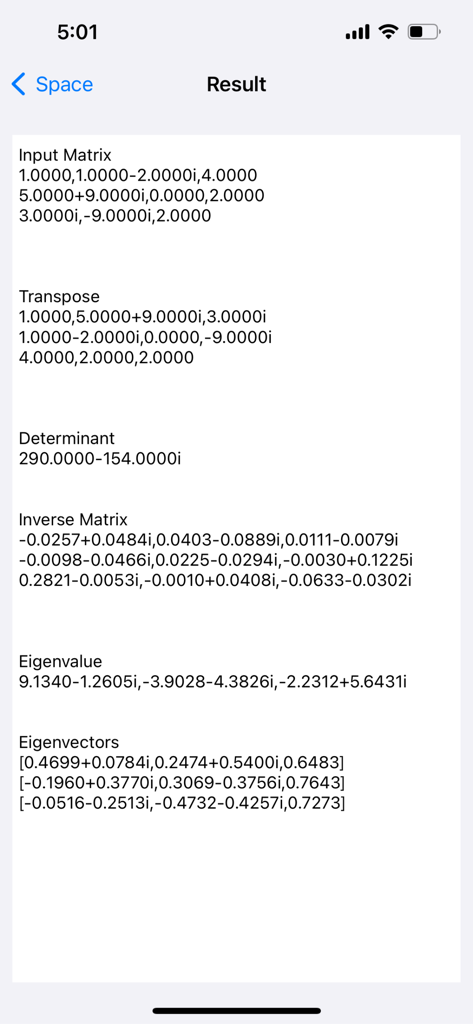
Results screen showing determinant inverse matrix eigenvalues and eigenvectors for a complex matrix
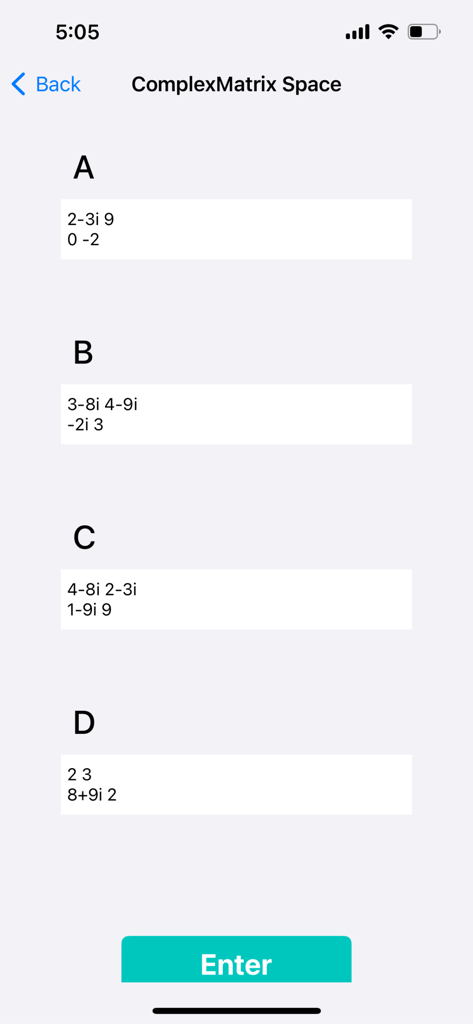
Interface of the n Matrix Calculator showing input fields for four complex matrices labeled A B C and D
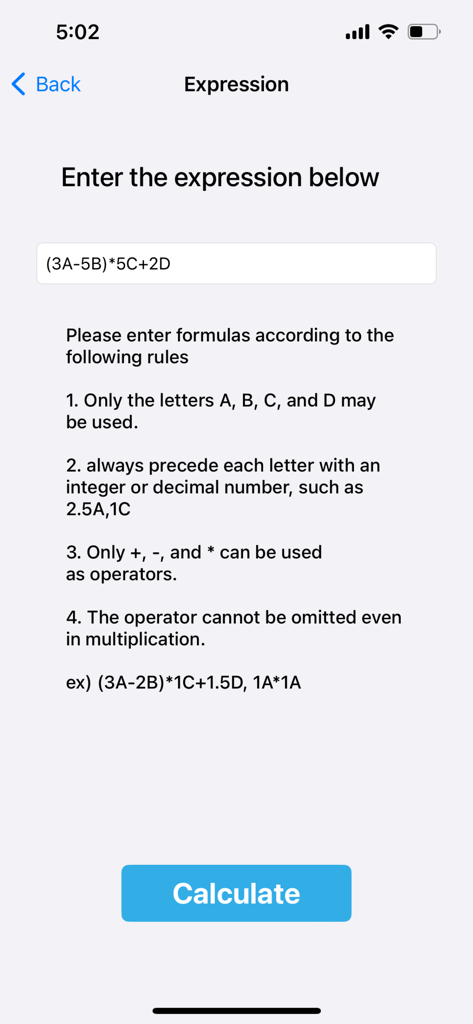
Interface of the n Matrix Calculator app showing rules and input field for calculating complex matrix expressions using variables A B C and D.
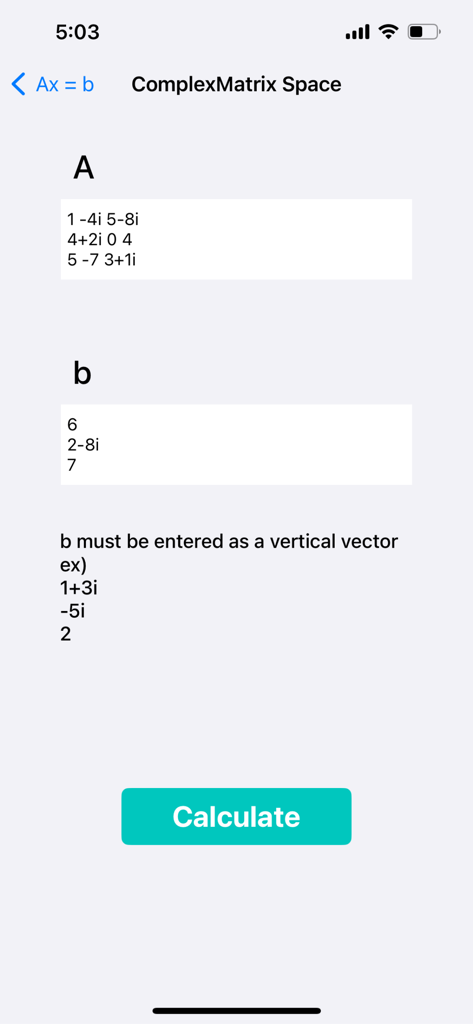
Simultaneous equation solver interface for complex matrices
Description
Download
More Like This
Top-ranked apps in the same category

Google LLC

Google Chrome
Google LLC

中国移动(手机营业厅)
China Mobile Online Services Co., Ltd.

Google Authenticator
Google LLC

gov.br
Servicos e Informacoes do Brasil

Buddy VPN
Frederic Hennes Sprl

Cleanup: Phone Storage Cleaner
DEEP FLOW SOFTWARE SERVICES - FZCO

Microsoft Edge: AI Browser
Microsoft Corporation

Meu Social - Gás do Povo
Servicos e Informacoes do Brasil
This page is not an official page of the app or its developer, but an independent editorial publication created for informational and commentary purposes. Unless expressly stated otherwise, neither the app nor its developer is affiliated with, endorsed by, sponsored by, authorized by, or otherwise officially connected with MWM, Apple, Google Play, the app publisher, or the app's developer, and nothing on this page implies that the app was developed using MWM's services. Any trademarks, logos, screenshots, and other content remain the property of their respective owners.