
This page is not an official page of the app or its developer, but an independent editorial publication created for informational and commentary purposes. Unless expressly stated otherwise, neither the app nor its developer is affiliated with, endorsed by, sponsored by, authorized by, or otherwise officially connected with MWM, Apple, Google Play, the app publisher, or the app's developer, and nothing on this page implies that the app was developed using MWM's services. Any trademarks, logos, screenshots, and other content remain the property of their respective owners.

NDI Monitor
Turn your iPad or iPhone into a high-performance portable confidence monitor. Seamlessly access NDI and HX2/3 streams across subnets with pro features like autocue flip and 9x16 vertical support.
Downloads
142K+User Rating
Total Ratings
100Publisher
Category
Photo & VideoLocales
1Latest Version
6.02Size
7.6 MBFirst Released
May 1, 2019Professional Monitoring in Your Pocket
Turn your iOS device into a high-performance NDI® reference monitor. Designed for broadcast engineers and live producers who demand precision, mobility, and reliable IP video workflows.
Portable Confidence Monitoring
Ditch the heavy cables. Access high-resolution NDI sources across local subnets and remote IPs to monitor your production anywhere on the studio floor.
Native 9x16 Vertical Support
Stay ahead of social media trends. Monitor portrait-mode streams natively for TikTok and Instagram production workflows with full resolution control.
The following screenshots and description are sourced directly from the app's official store listing and are the property of the app developer.
App Store
Screenshots
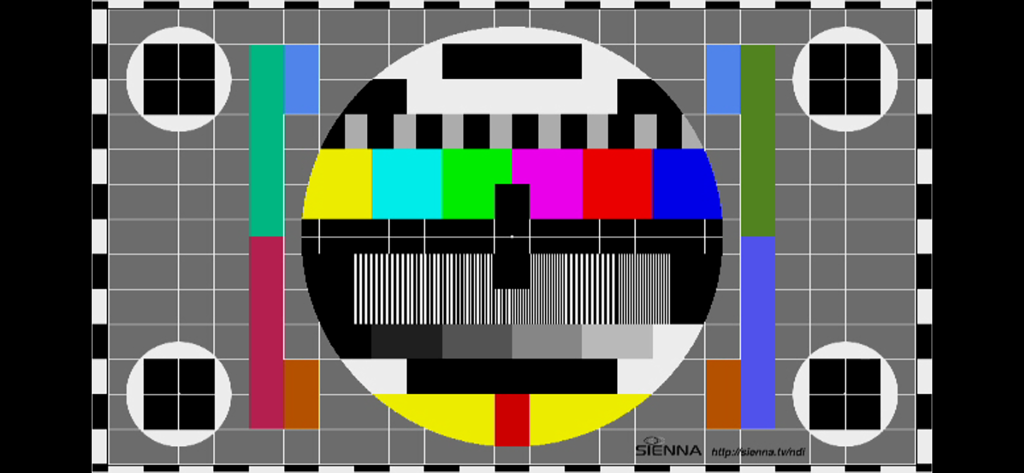
A professional video test pattern for broadcast calibration
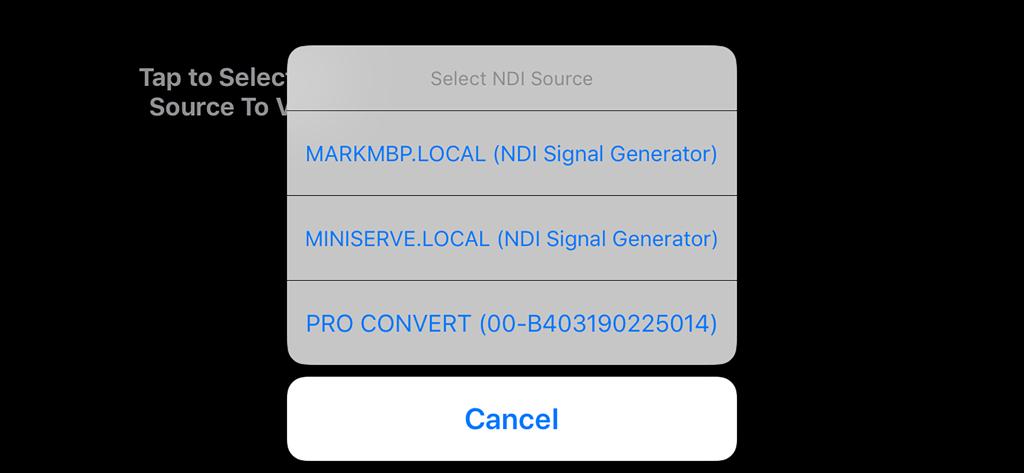
Interface of the NDI Monitor app showing a popup menu to select available NDI video sources on the local network.
Description
Download
More Like This
Top-ranked apps in the same category

CapCut: Photo & Video Editor
BYTEDANCE PTE. LTD.

Instagram, Inc.

YouTube
Google LLC

Canva: AI Photo & Video Editor
Canva Pty Ltd

Snapchat
Snap, Inc.

快手
Beijing Kwai Technology Co., Ltd.

Edits: Video Editor
Instagram, Inc.

Meitu- AI Photo & Video Editor
Xiamen Meitu Technology Co., Ltd.

Google Photos: Backup & Edit
Google LLC
This page is not an official page of the app or its developer, but an independent editorial publication created for informational and commentary purposes. Unless expressly stated otherwise, neither the app nor its developer is affiliated with, endorsed by, sponsored by, authorized by, or otherwise officially connected with MWM, Apple, Google Play, the app publisher, or the app's developer, and nothing on this page implies that the app was developed using MWM's services. Any trademarks, logos, screenshots, and other content remain the property of their respective owners.