
This page is not an official page of the app or its developer, but an independent editorial publication created for informational and commentary purposes. Unless expressly stated otherwise, neither the app nor its developer is affiliated with, endorsed by, sponsored by, authorized by, or otherwise officially connected with MWM, Apple, Google Play, the app publisher, or the app's developer, and nothing on this page implies that the app was developed using MWM's services. Any trademarks, logos, screenshots, and other content remain the property of their respective owners.


NDI PTZ Control
Take total command of any NDI, HX2, or HX3 source with an intuitive live joystick and full-screen monitoring. Save presets and unlock advanced BirdDog color shading tools directly from your iPhone or iPad.
Downloads
6K+User Rating
Total Ratings
0Publisher
Category
Photo & VideoLocales
3Latest Version
1.0.5Size
230.0 MBFirst Released
Apr 17, 2023Professional Control in the Palm of Your Hand
Transform your iOS device into a high-end production hub. Seamlessly manage any NDI camera with precision controls and professional-grade monitoring designed for elite AV workflows.
Universal PTZ Precision
Take full command of Pan, Tilt, and Zoom using an intuitive live joystick compatible with every NDI, HX2, and HX3 camera regardless of manufacturer.
Instant Preset Recall
Save and switch between camera positions with a single tap. Ensure flawless consistency and rapid transitions during high-pressure live broadcasts.
The following screenshots and description are sourced directly from the app's official store listing and are the property of the app developer.
App Store
Screenshots
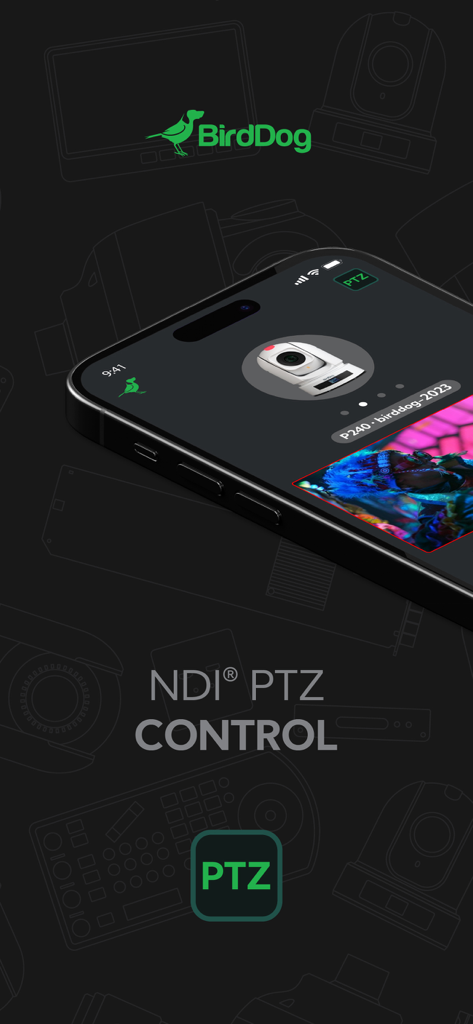
NDI PTZ Control app interface by BirdDog shown on a smartphone screen
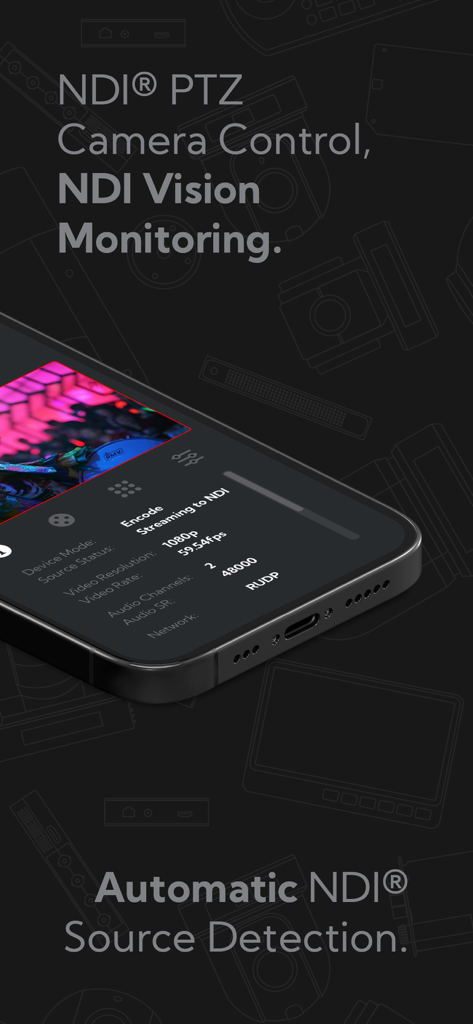
NDI PTZ Control app on an iPhone showing camera control and vision monitoring features
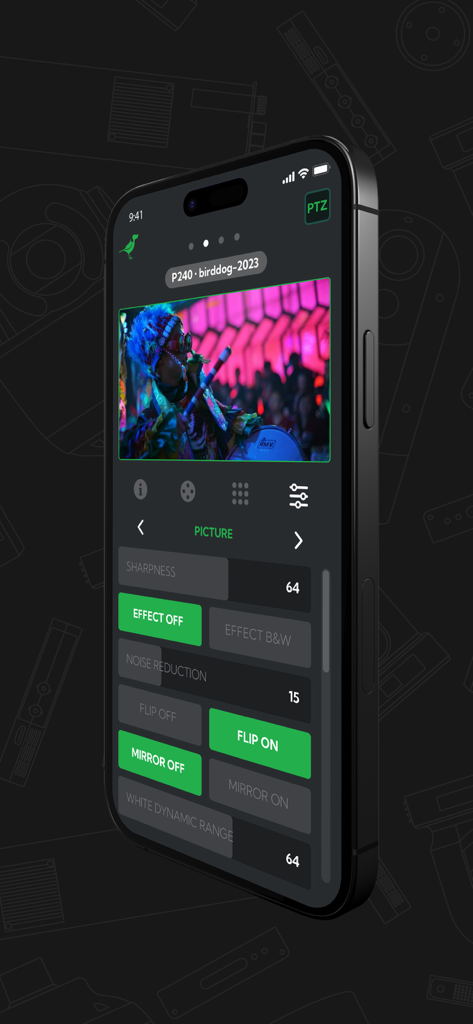
NDI PTZ Control app on iPhone showing camera picture adjustment settings and live preview
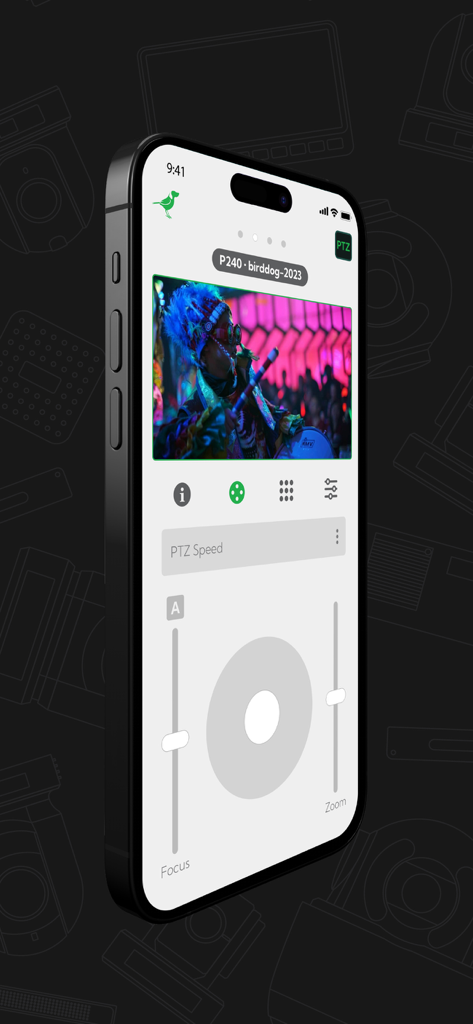
NDI PTZ Control app interface on iPhone with live camera feed and virtual joystick controls
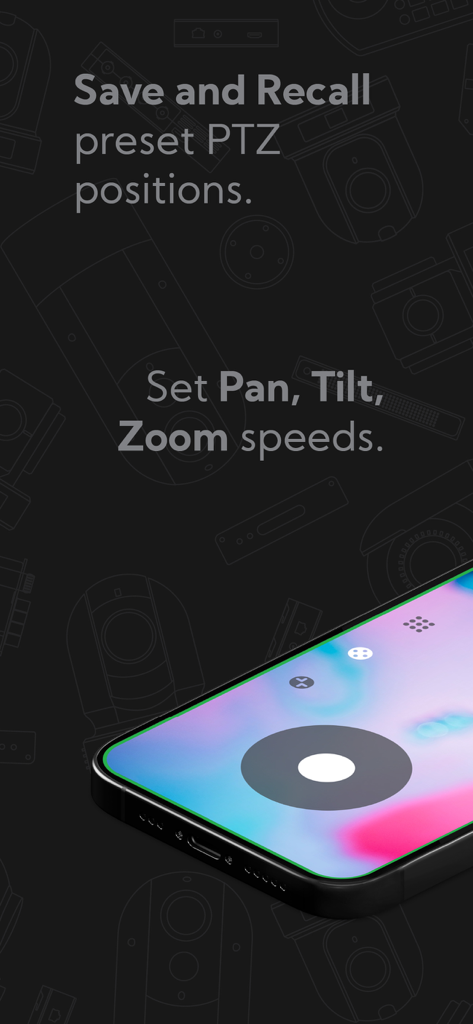
NDI PTZ Control app interface showing options to save and recall camera positions and set pan tilt zoom speeds
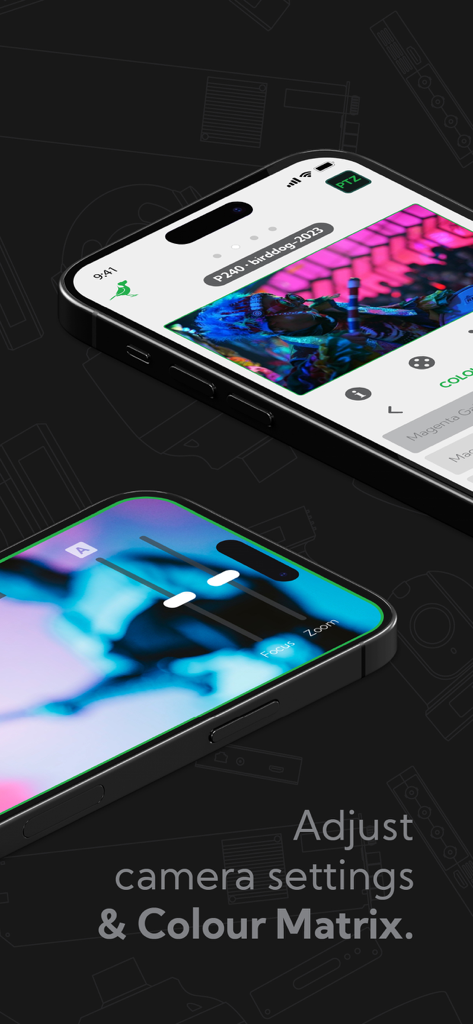
Mobile app interface for NDI PTZ camera control and color matrix adjustments
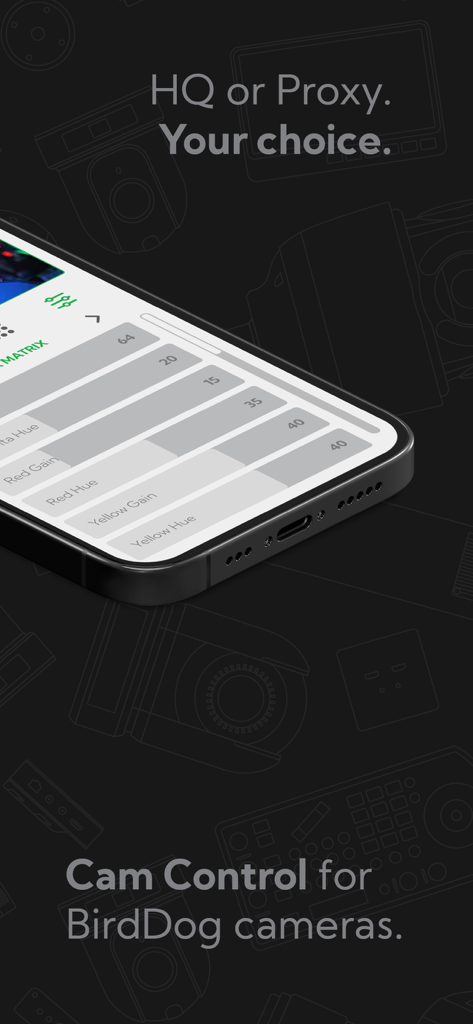
BirdDog camera color matrix settings and adjustment sliders in the NDI PTZ Control app
Splash screen for NDI PTZ Control showing the BirdDog and NDI logos
Description
Download
More Like This
Top-ranked apps in the same category

CapCut: Photo & Video Editor
BYTEDANCE PTE. LTD.

Instagram, Inc.

YouTube
Google LLC

Canva: AI Photo & Video Editor
Canva Pty Ltd

Snapchat
Snap, Inc.

快手
Beijing Kwai Technology Co., Ltd.

Edits: Video Editor
Instagram, Inc.

Meitu- AI Photo & Video Editor
Xiamen Meitu Technology Co., Ltd.

Google Photos: Backup & Edit
Google LLC
This page is not an official page of the app or its developer, but an independent editorial publication created for informational and commentary purposes. Unless expressly stated otherwise, neither the app nor its developer is affiliated with, endorsed by, sponsored by, authorized by, or otherwise officially connected with MWM, Apple, Google Play, the app publisher, or the app's developer, and nothing on this page implies that the app was developed using MWM's services. Any trademarks, logos, screenshots, and other content remain the property of their respective owners.