
This page is not an official page of the app or its developer, but an independent editorial publication created for informational and commentary purposes. Unless expressly stated otherwise, neither the app nor its developer is affiliated with, endorsed by, sponsored by, authorized by, or otherwise officially connected with MWM, Apple, Google Play, the app publisher, or the app's developer, and nothing on this page implies that the app was developed using MWM's services. Any trademarks, logos, screenshots, and other content remain the property of their respective owners.

Neo Studio 2
Bridge the gap between analog focus and digital efficiency. Effortlessly sync, extract text, and organize your handwritten notes with the dedicated companion for Neo Smartpen.
Downloads
0User Rating
Total Ratings
0Publisher
Category
ProductivityLocales
7Latest Version
1.1.4Size
1.0 GBFirst Released
Mar 8, 2024Bridge the Gap Between Paper and Digital
Experience the tactile joy of handwriting with the power of digital organization. Neo Studio 2 captures every stroke of your Neo Smartpen, turning physical notes into searchable, editable documents instantly.
Smart Text Extraction
Skip the re-typing. Convert your handwriting into high-accuracy digital text with a single tap, making your meeting notes ready for any professional report.
Real-Time Cloud Sync
Focus on the flow. Your notes automatically synchronize across your iPhone and iPad, providing a centralized and secure home for your analog thoughts.
The following screenshots and description are sourced directly from the app's official store listing and are the property of the app developer.
App Store
Screenshots
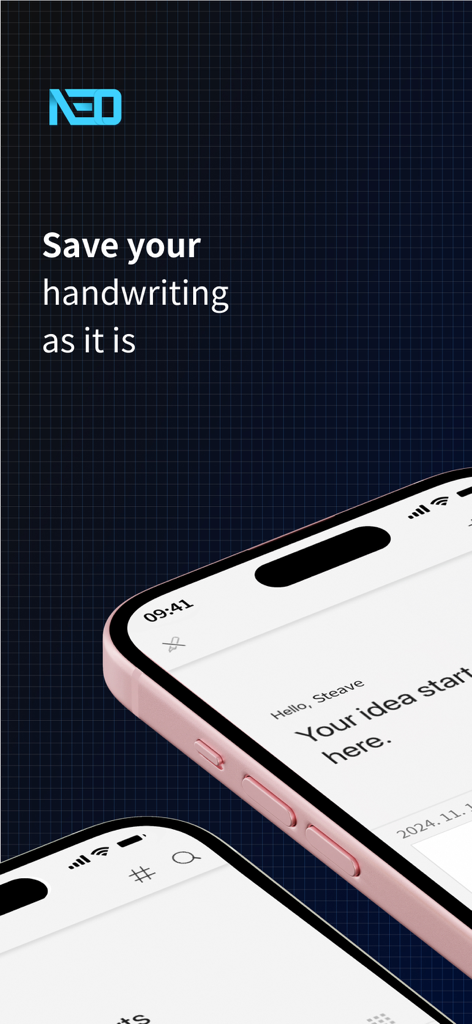
Neo Studio 2 app interface on iPhone showcasing digital handwriting capture and synchronization.
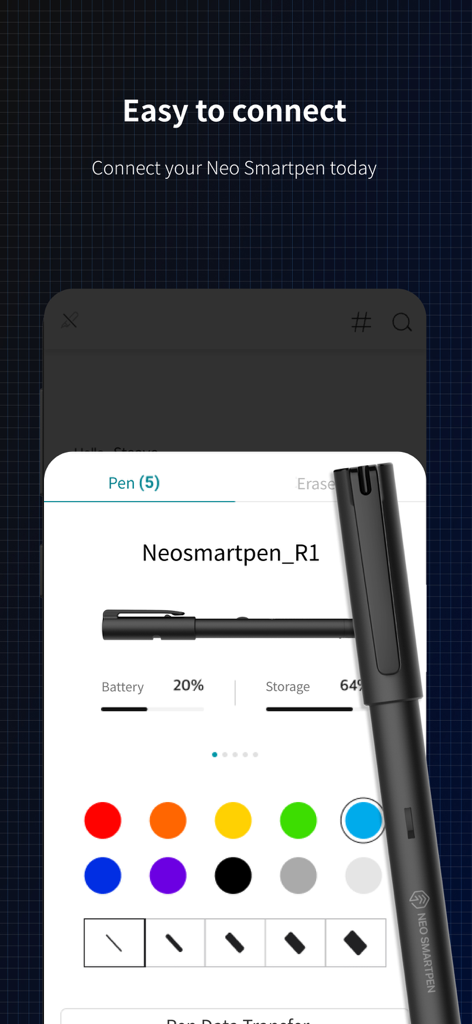
Neo Studio 2 app screen showing Neo Smartpen R1 connection status with battery level and color palette
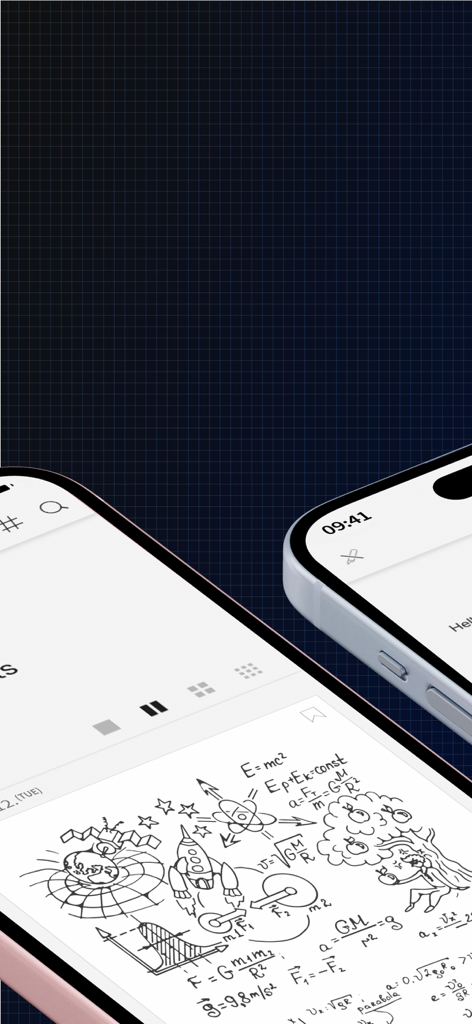
Neo Studio 2 app showing digitized handwritten sketches and physics formulas on mobile devices.
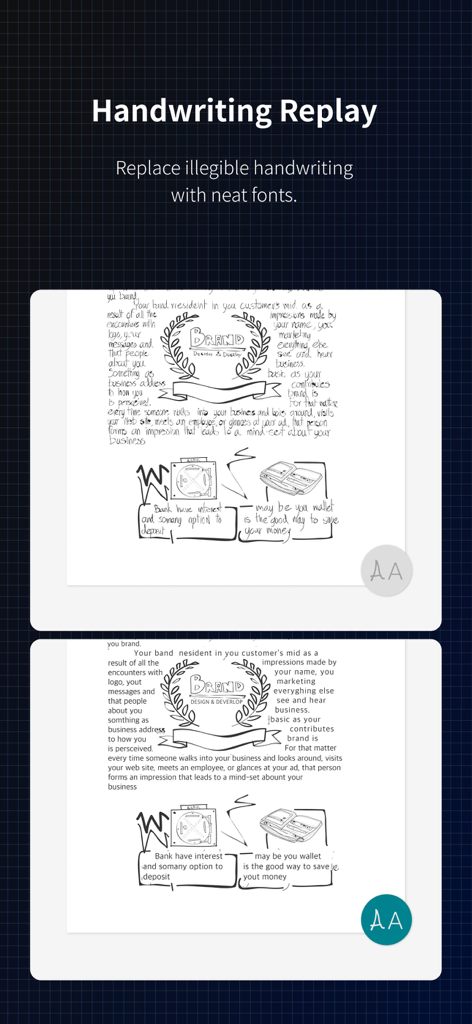
A comparison showing handwritten notes and sketches being converted into neat digital fonts using the Neo Studio 2 app.
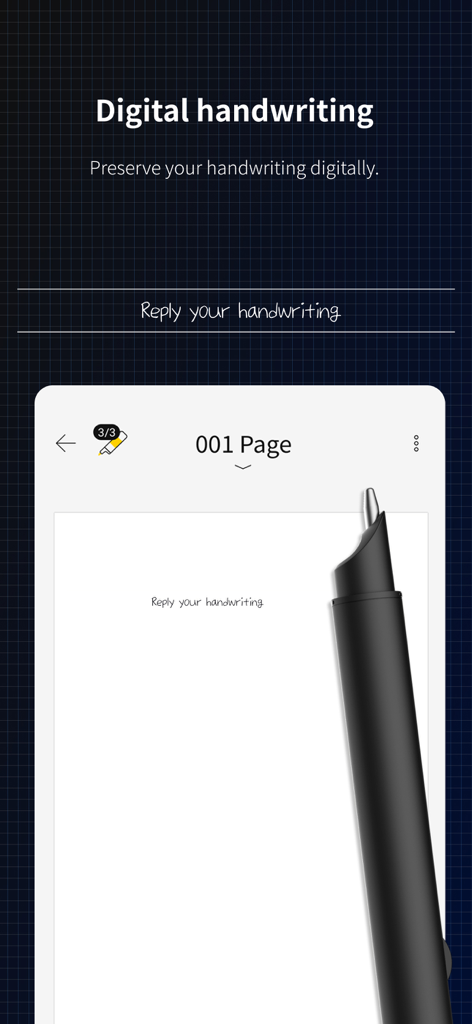
Neo Studio 2 app interface showing the digital handwriting feature and a smartpen
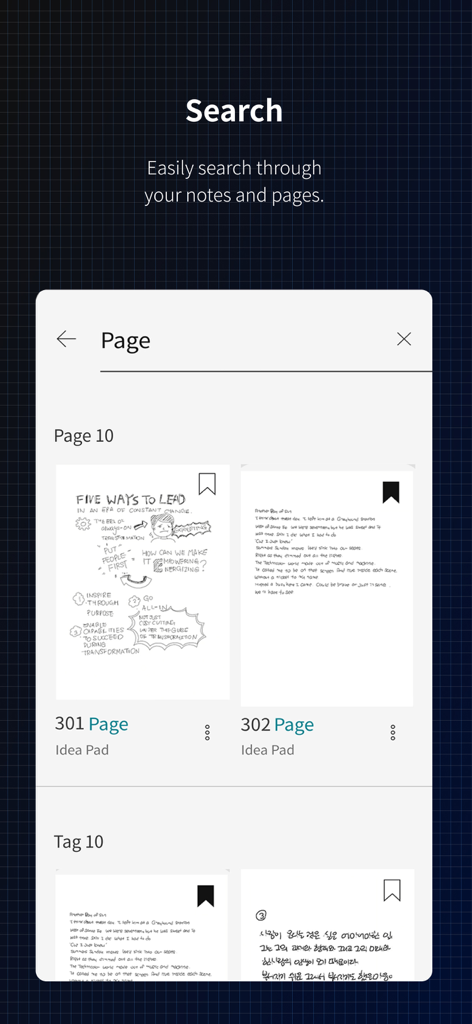
Search results page in Neo Studio 2 showing thumbnails of handwritten notes
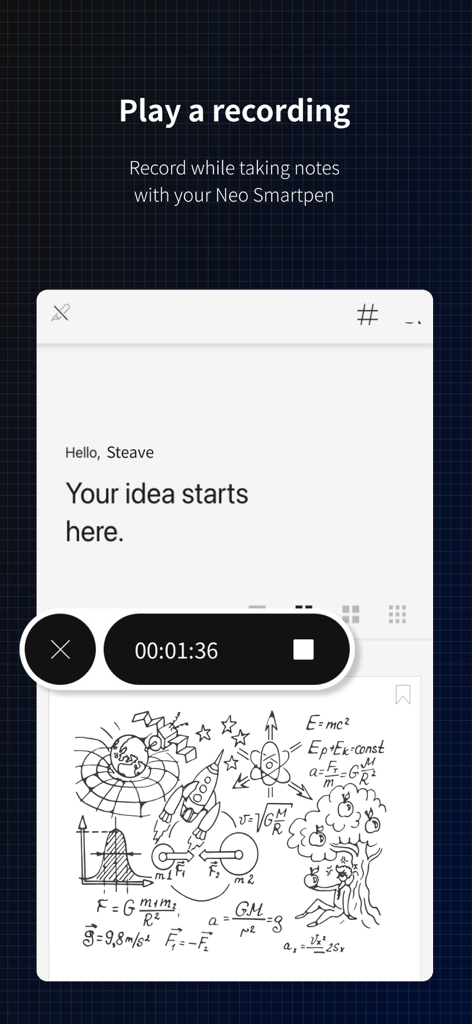
Interface of Neo Studio 2 showing an active audio recording synchronized with handwritten notes and scientific sketches.
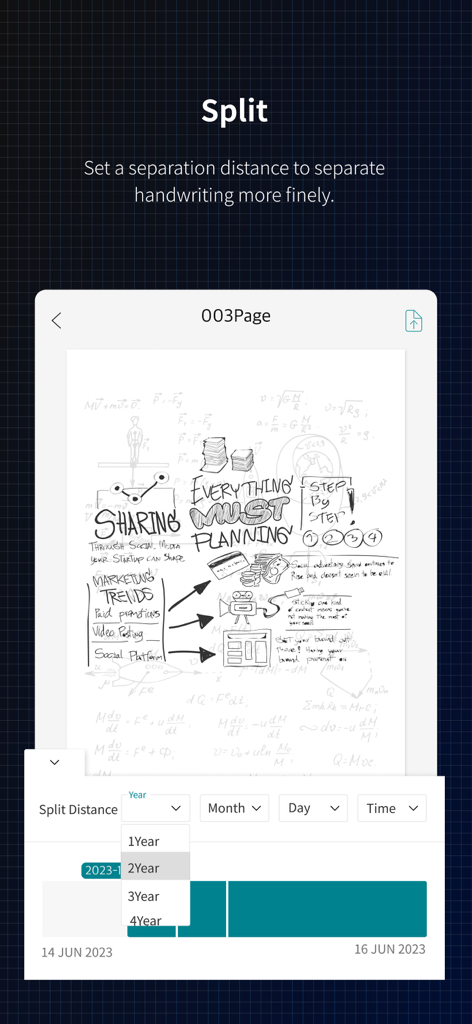
Interface of the Neo Studio 2 app showing the split feature which allows users to separate handwritten notes using a time-based distance setting.
Description
Download
More Like This
Top-ranked apps in the same category
Google Gemini
Google LLC
ChatGPT
OpenAI OpCo, LLC

Claude by Anthropic
Anthropic PBC

Gmail - Email by Google
Google LLC

千问 - 阿里最强大模型官方AI助手
Shanghai Zhixin Puhui Technology Co., Ltd.

Grok - AI Chat & Video
X.AI Corporation
Google Drive
Google LLC

Microsoft Authenticator
Microsoft Corporation
Google Sheets
Google LLC
This page is not an official page of the app or its developer, but an independent editorial publication created for informational and commentary purposes. Unless expressly stated otherwise, neither the app nor its developer is affiliated with, endorsed by, sponsored by, authorized by, or otherwise officially connected with MWM, Apple, Google Play, the app publisher, or the app's developer, and nothing on this page implies that the app was developed using MWM's services. Any trademarks, logos, screenshots, and other content remain the property of their respective owners.