
This page is not an official page of the app or its developer, but an independent editorial publication created for informational and commentary purposes. Unless expressly stated otherwise, neither the app nor its developer is affiliated with, endorsed by, sponsored by, authorized by, or otherwise officially connected with MWM, Apple, Google Play, the app publisher, or the app's developer, and nothing on this page implies that the app was developed using MWM's services. Any trademarks, logos, screenshots, and other content remain the property of their respective owners.
Neon Vision Editor
Ditch the Electron bloat. Experience lightning-fast performance and privacy-first coding with a distraction-free UI built natively for macOS Tahoe.
Downloads
100+User Rating
Total Ratings
0Publisher
Category
Developer ToolsLocales
2Latest Version
0.5.1Size
5.6 MBFirst Released
Feb 13, 2026Built for the Native Purist
Experience an ultra-responsive, bloat-free environment designed for the speed of Apple Silicon and the next generation of macOS.
True Native Performance
Zero Electron. Built with pure SwiftUI and AppKit for instant launches and minimal RAM usage on M-series chips.
Privacy-First Architecture
No telemetry or background tracking. Your code stays local, and AI features are strictly opt-in and secure.
The following screenshots and description are sourced directly from the app's official store listing and are the property of the app developer.
App Store
Screenshots
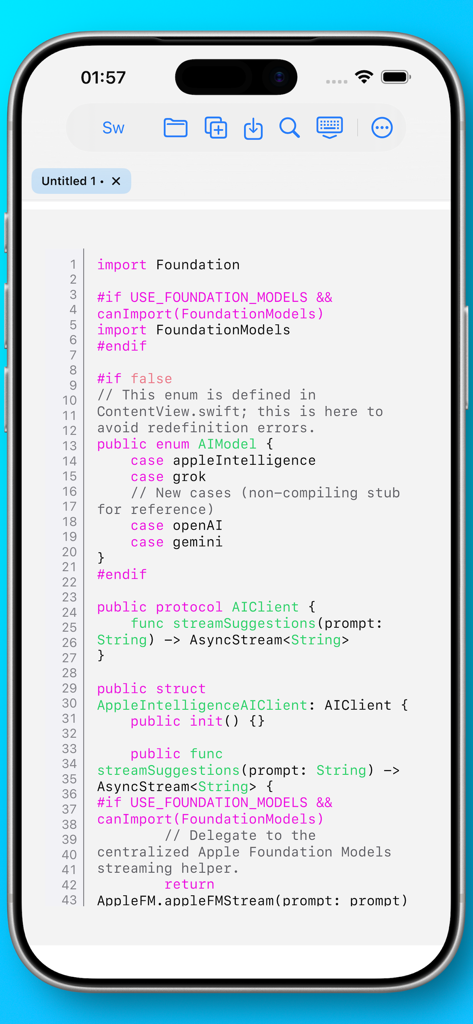
Neon Vision Editor mobile app displaying Swift code with syntax highlighting on an iPhone screen
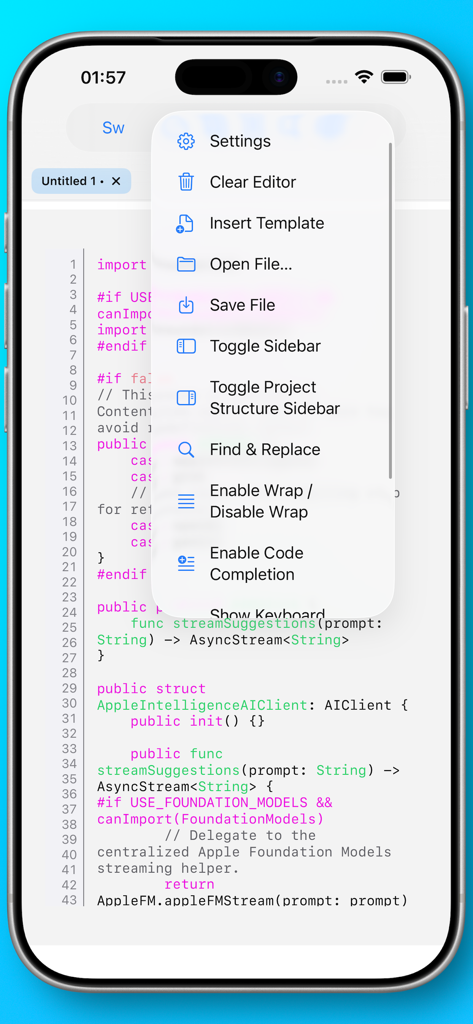
Neon Vision Editor mobile app interface showing Swift code with an open options menu for settings and file management.
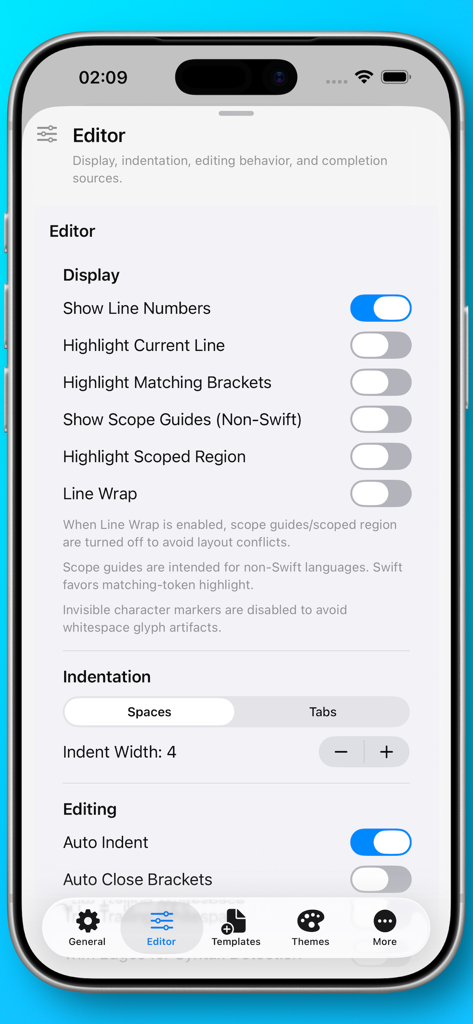
Editor settings interface in Neon Vision Editor showing display and indentation preferences on an iPhone.
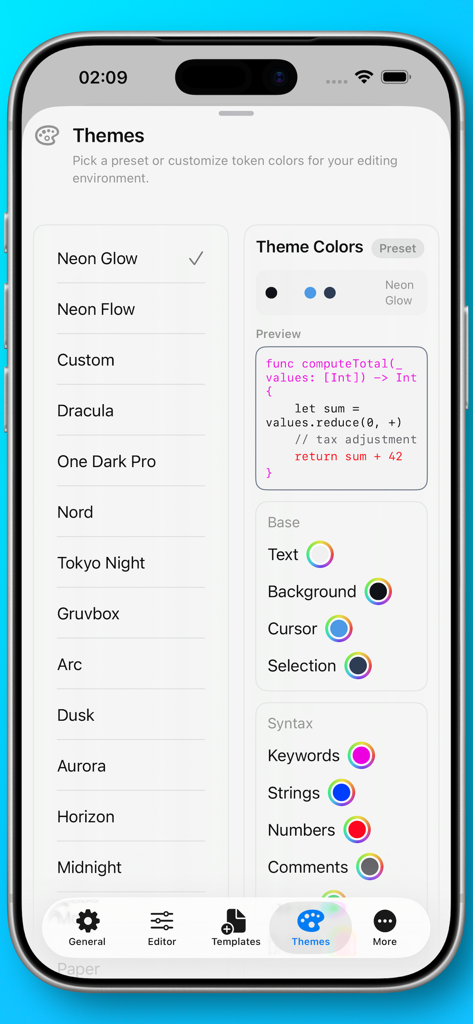
Neon Vision Editor settings screen displaying a list of selectable themes and detailed syntax color customization options with a live code preview.
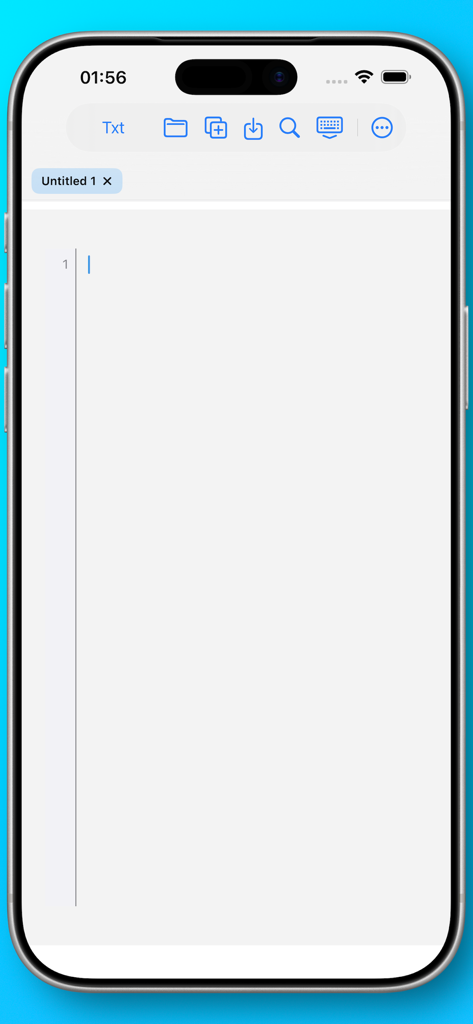
Neon Vision Editor minimalist mobile interface on iPhone showing a new text document
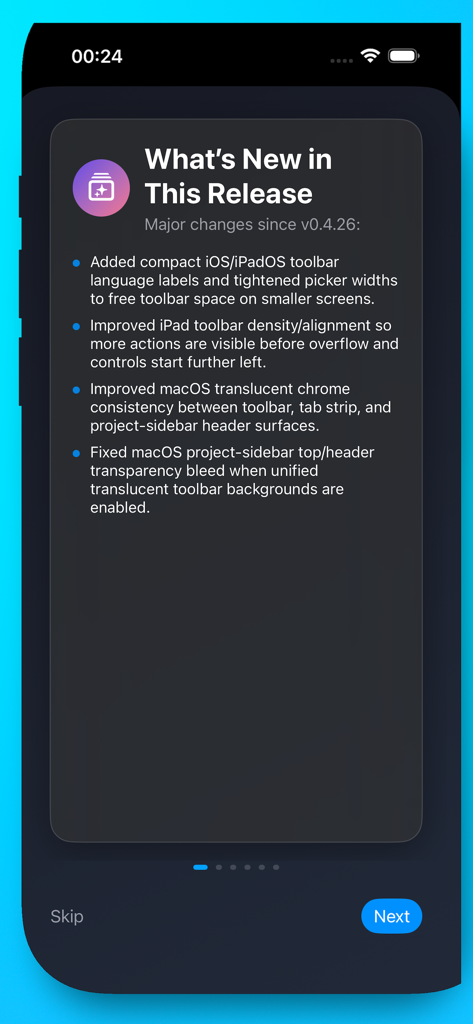
Screenshot of the Neon Vision Editor What's New screen showing recent software updates and UI improvements
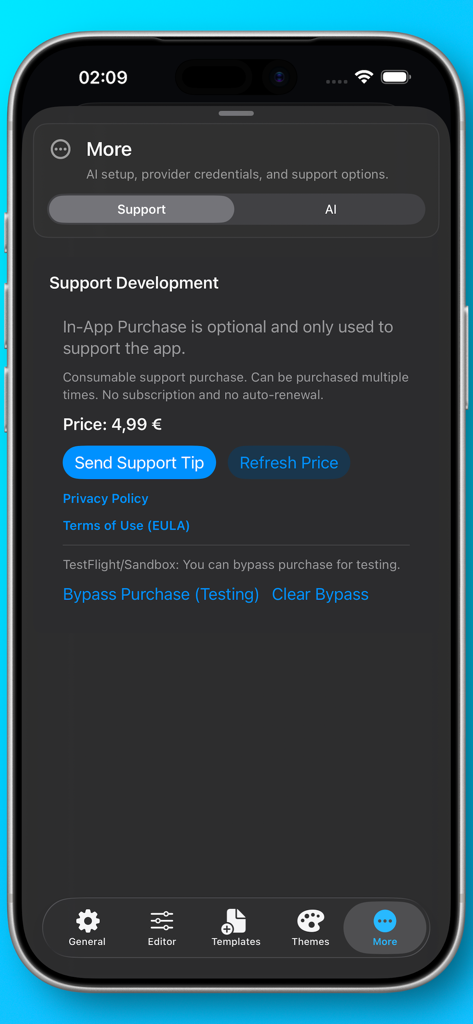
Support development page in the Neon Vision Editor mobile app showing a tip button
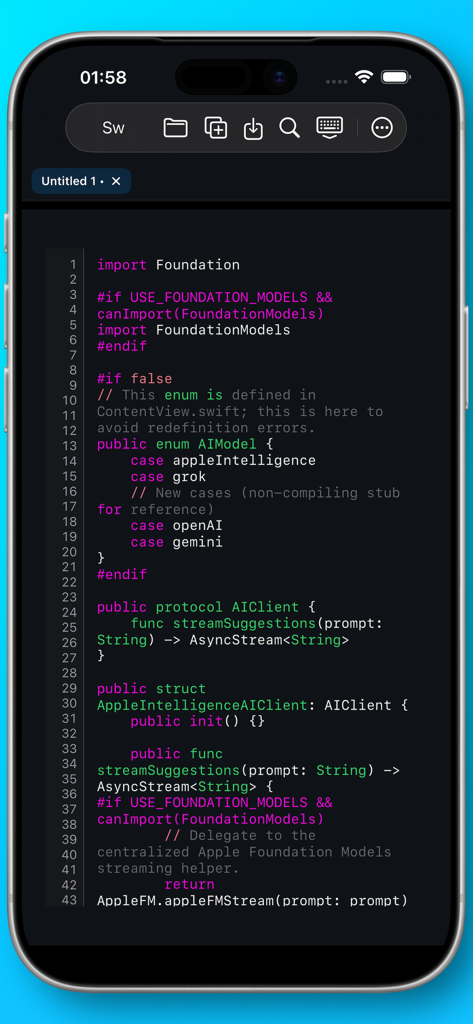
Neon Vision Editor displaying Swift code with high contrast syntax highlighting on an iPhone.
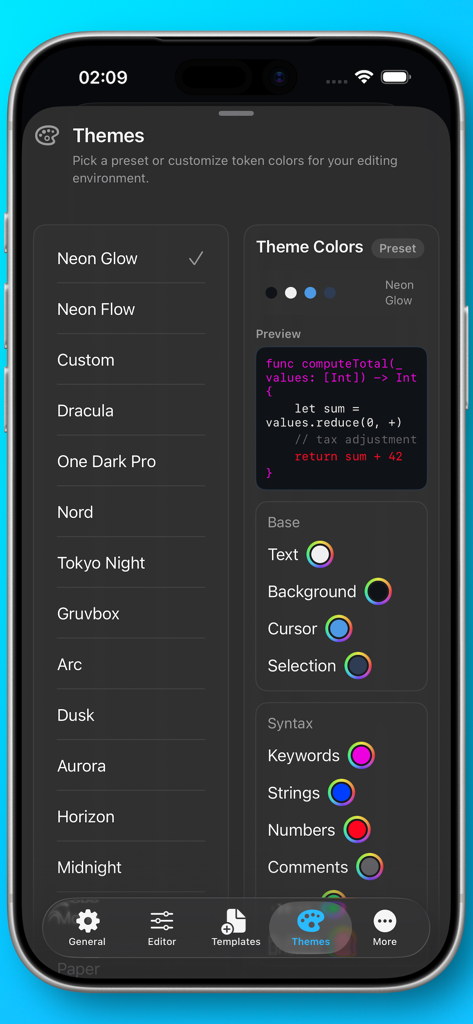
Interface for selecting color themes and customizing syntax highlighting in the Neon Vision Editor app.
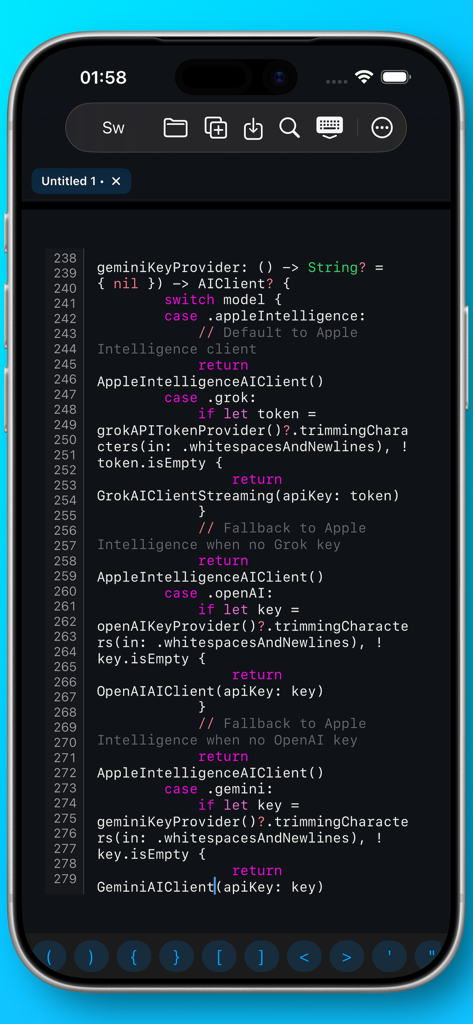
Neon Vision Editor app on iPhone showing Swift code with dark mode syntax highlighting
Description
Download
More Like This
Top-ranked apps in the same category

TestFlight
Apple Inc.

Replit: Vibe Code Apps
Replit, Inc

GitHub
GitHub

O-KAM Pro
Shenzhen VeePai IoT Intelligent Technology LLC
Emergent AI: Vibe Code Apps
Emergent Labs Inc

Apple Developer
Apple Inc.

Expo Go
650 Industries, Inc.

App Store Connect
Apple Inc.

Scriptable
Simon Stovring
This page is not an official page of the app or its developer, but an independent editorial publication created for informational and commentary purposes. Unless expressly stated otherwise, neither the app nor its developer is affiliated with, endorsed by, sponsored by, authorized by, or otherwise officially connected with MWM, Apple, Google Play, the app publisher, or the app's developer, and nothing on this page implies that the app was developed using MWM's services. Any trademarks, logos, screenshots, and other content remain the property of their respective owners.