
This page is not an official page of the app or its developer, but an independent editorial publication created for informational and commentary purposes. Unless expressly stated otherwise, neither the app nor its developer is affiliated with, endorsed by, sponsored by, authorized by, or otherwise officially connected with MWM, Apple, Google Play, the app publisher, or the app's developer, and nothing on this page implies that the app was developed using MWM's services. Any trademarks, logos, screenshots, and other content remain the property of their respective owners.


Neutral Density Calculator
The essential field assistant for landscape photographers. Instantly calculate shutter speeds for up to 20-stop ND filters and track your bulb mode exposures with a built-in countdown timer.
Downloads
1K+User Rating
Total Ratings
0Publisher
Category
Photo & VideoLocales
1Latest Version
1.2Size
1.0 MBFirst Released
Feb 7, 2018Capture the Perfect Long Exposure
Professional-grade tools designed to eliminate mental math and maximize your creative flow in the field.
Instant Exposure Precision
Calculate exact shutter speeds for up to 20 stops instantly, ensuring perfect exposure without the guesswork.
Integrated Bulb Timer
Automate long exposures with a built-in countdown clock and audio alerts designed for exposures over 60 seconds.
The following screenshots and description are sourced directly from the app's official store listing and are the property of the app developer.
App Store
Screenshots
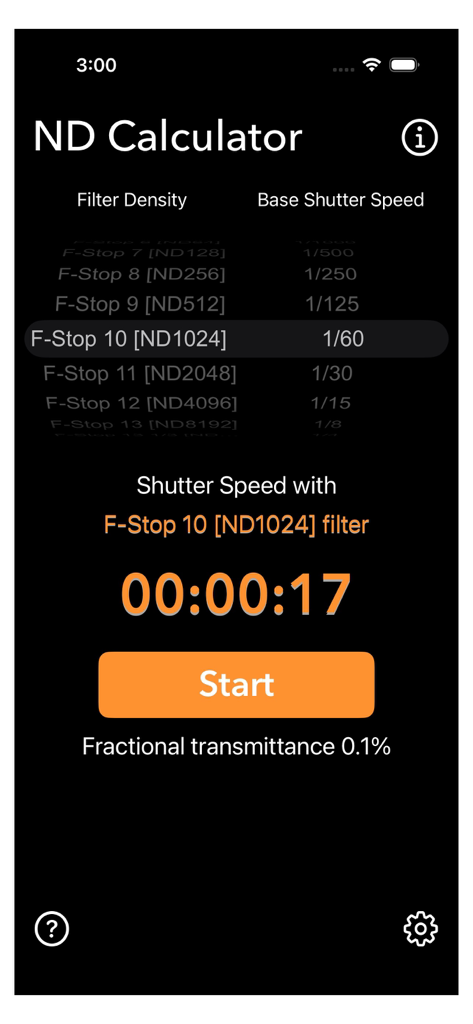
Interface of the ND Calculator app showing shutter speed calculation for a 10-stop filter and a countdown timer
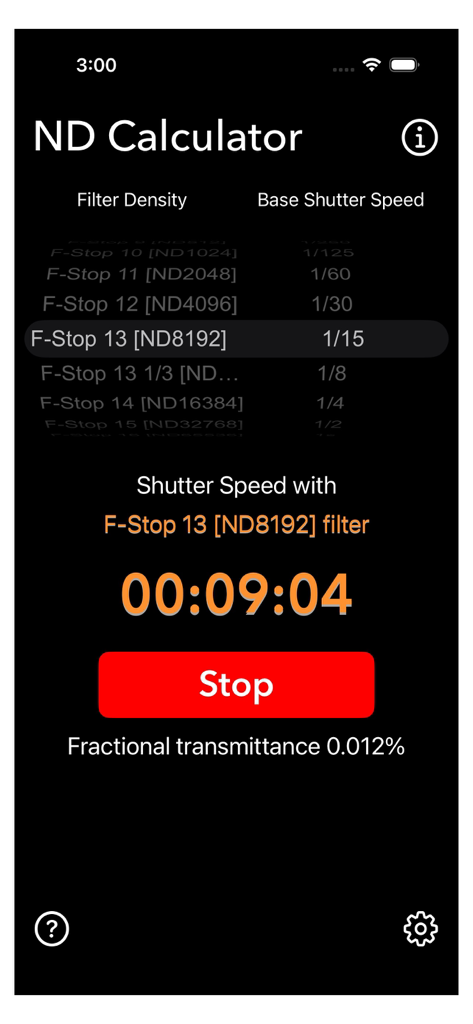
ND Calculator app screen showing exposure time calculation and a countdown timer
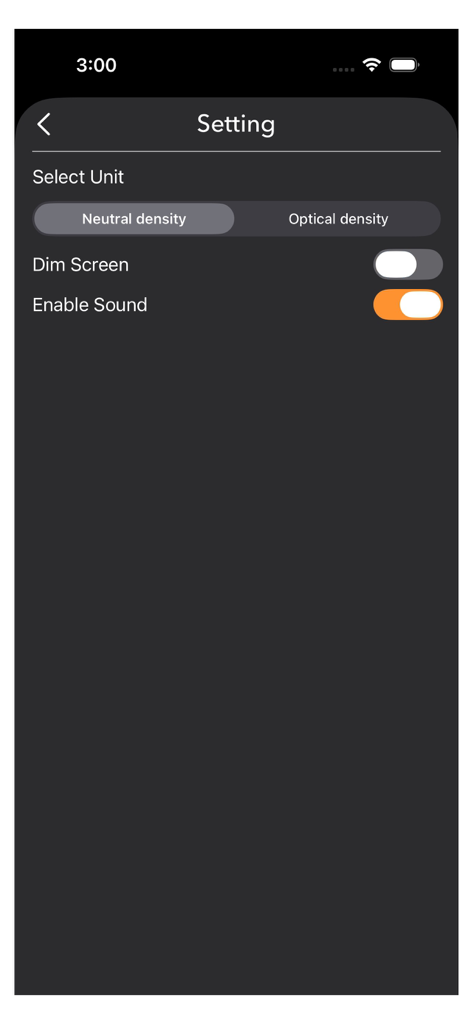
The settings menu of the Neutral Density Calculator app showing unit selection for neutral or optical density and toggle switches for screen dimming and sound alerts.
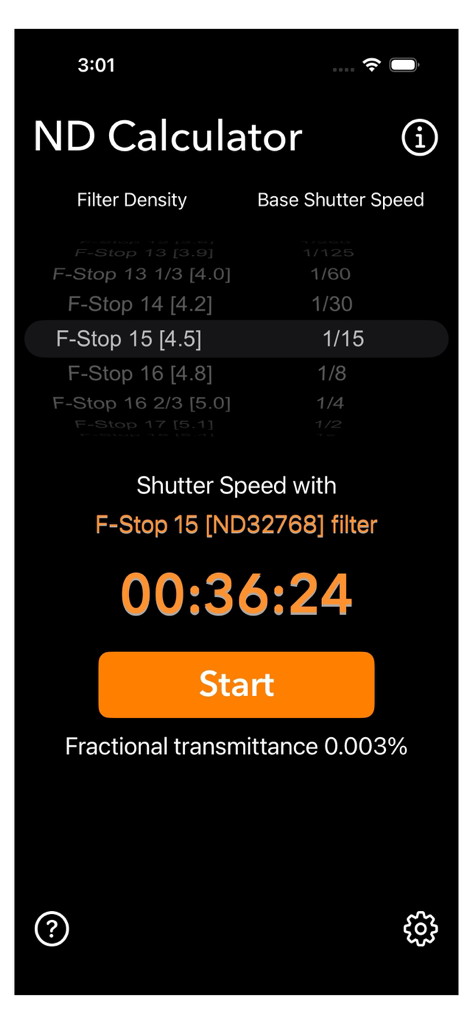
Interface of the ND Calculator app displaying calculated shutter speed for long exposure photography
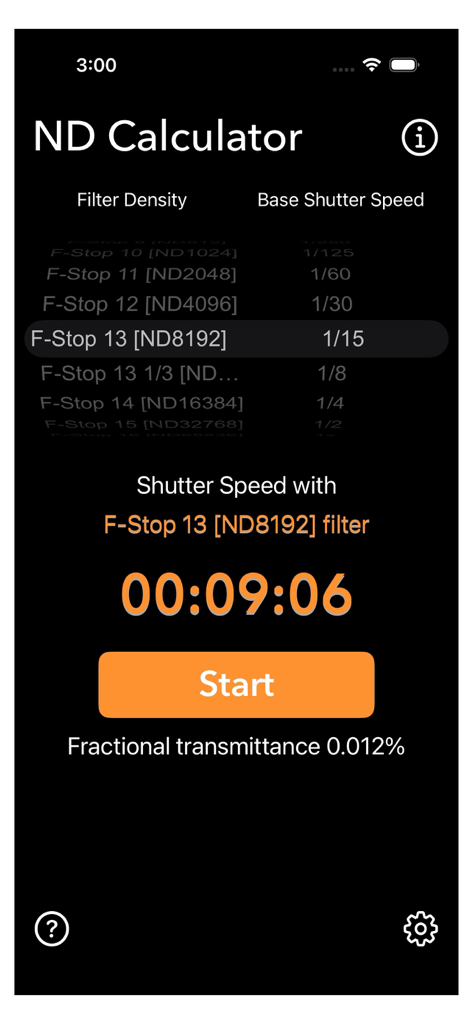
ND Calculator app interface showing a 13-stop filter calculation with a 9-minute exposure timer.
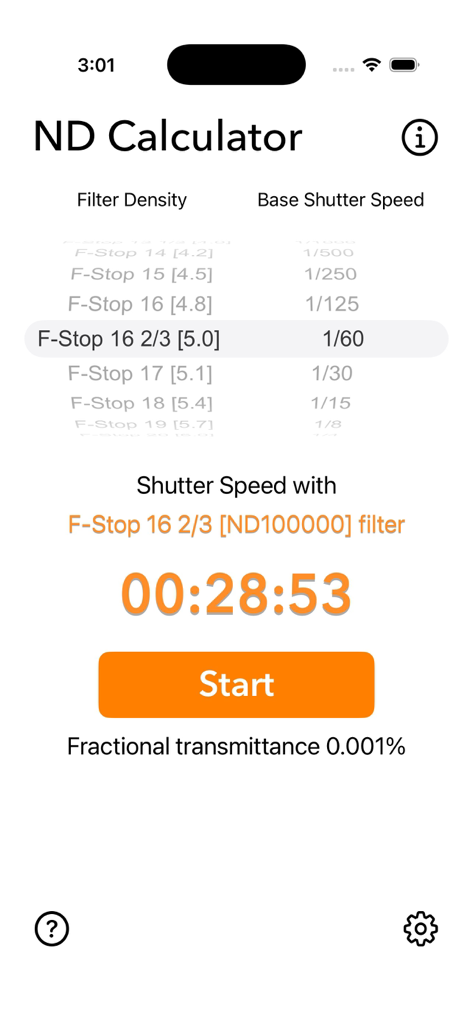
Interface of the Neutral Density Calculator app showing a calculated shutter speed of 28 minutes and 53 seconds with a start button.
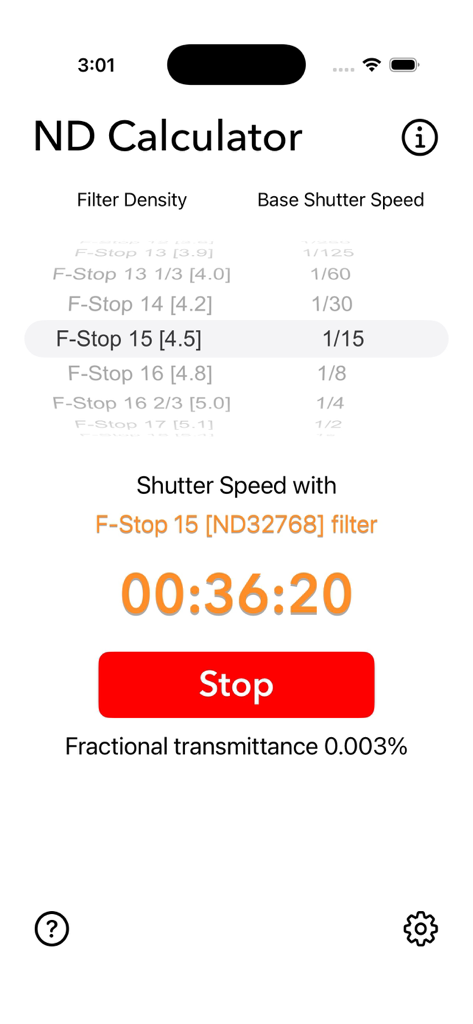
The Neutral Density Calculator app interface showing a calculated exposure time and active countdown timer for a fifteen stop filter.
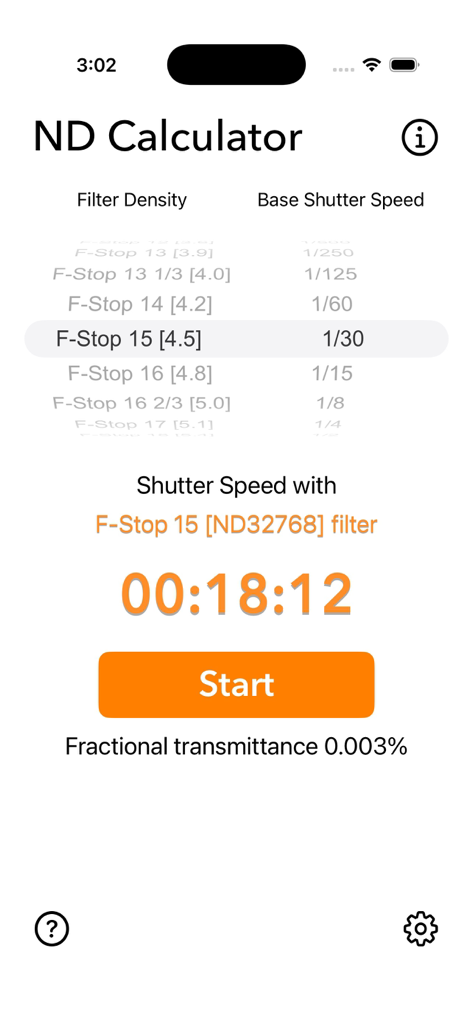
Interface of the ND Calculator app displaying a calculated 18-minute long exposure time for a 15-stop neutral density filter
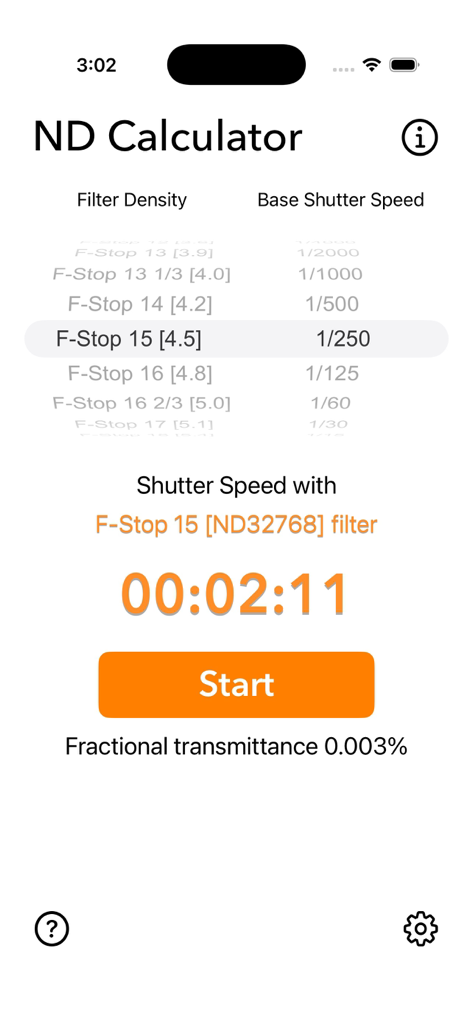
Neutral Density Calculator app interface showing exposure time calculation and timer start button
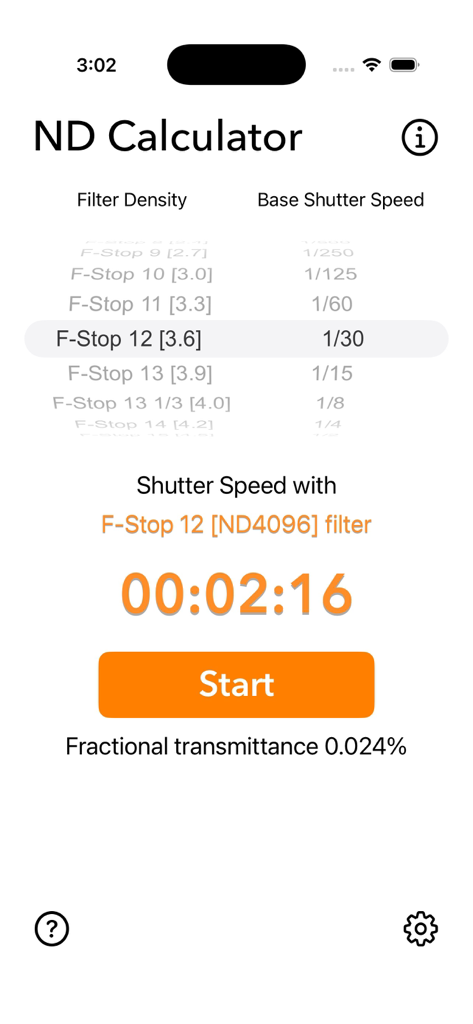
Neutral Density Calculator app interface showing long exposure shutter speed calculation and countdown timer
Description
Download
More Like This
Top-ranked apps in the same category

CapCut: Photo & Video Editor
BYTEDANCE PTE. LTD.

Instagram, Inc.

YouTube
Google LLC

Canva: AI Photo & Video Editor
Canva Pty Ltd

Snapchat
Snap, Inc.

快手
Beijing Kwai Technology Co., Ltd.

Edits: Video Editor
Instagram, Inc.

Meitu- AI Photo & Video Editor
Xiamen Meitu Technology Co., Ltd.

Google Photos: Backup & Edit
Google LLC
This page is not an official page of the app or its developer, but an independent editorial publication created for informational and commentary purposes. Unless expressly stated otherwise, neither the app nor its developer is affiliated with, endorsed by, sponsored by, authorized by, or otherwise officially connected with MWM, Apple, Google Play, the app publisher, or the app's developer, and nothing on this page implies that the app was developed using MWM's services. Any trademarks, logos, screenshots, and other content remain the property of their respective owners.