
This page is not an official page of the app or its developer, but an independent editorial publication created for informational and commentary purposes. Unless expressly stated otherwise, neither the app nor its developer is affiliated with, endorsed by, sponsored by, authorized by, or otherwise officially connected with MWM, Apple, Google Play, the app publisher, or the app's developer, and nothing on this page implies that the app was developed using MWM's services. Any trademarks, logos, screenshots, and other content remain the property of their respective owners.

NFC Tap
The official STMicroelectronics utility for developers and power users. Master ST25 series tags, execute low-level ISO15693 commands, and bridge the gap between hardware and iOS with precision.
Downloads
0User Rating
Total Ratings
0Publisher
Category
UtilitiesLocales
3Latest Version
7.9Size
29.2 MBFirst Released
Nov 1, 2017Advanced NFC Control for Professionals
The definitive utility for STMicroelectronics ST25 tags, designed for engineers and power users to read, write, and automate with precision.
Industrial-Grade Memory Access
Read and write user memory on ST25 Type 5 tags with full ISO15693 command support for hardware debugging and prototyping.
Seamless Hardware Pairing
Instantly connect to BLE devices and Wi-Fi networks using specialized NDEF records designed for rapid IoT integration.
The following screenshots and description are sourced directly from the app's official store listing and are the property of the app developer.
App Store
Screenshots
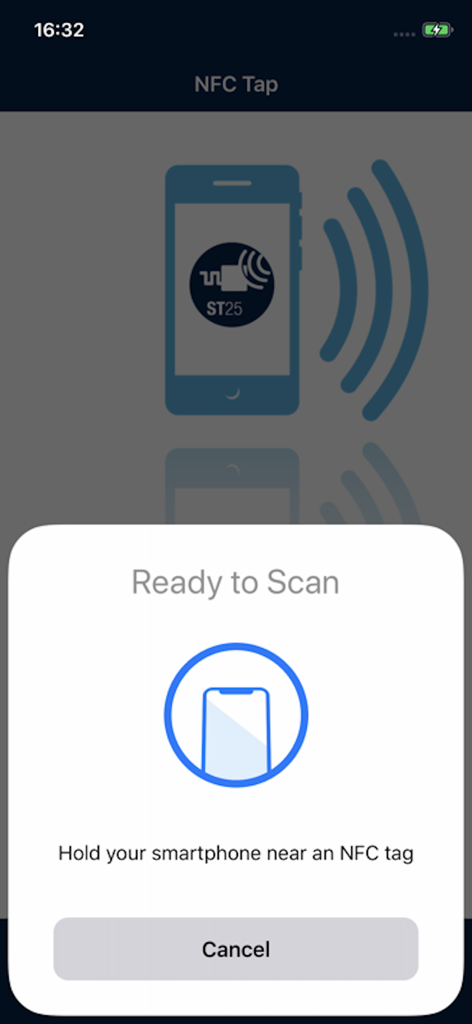
The NFC Tap app showing the iOS system prompt Ready to Scan to read an NFC tag
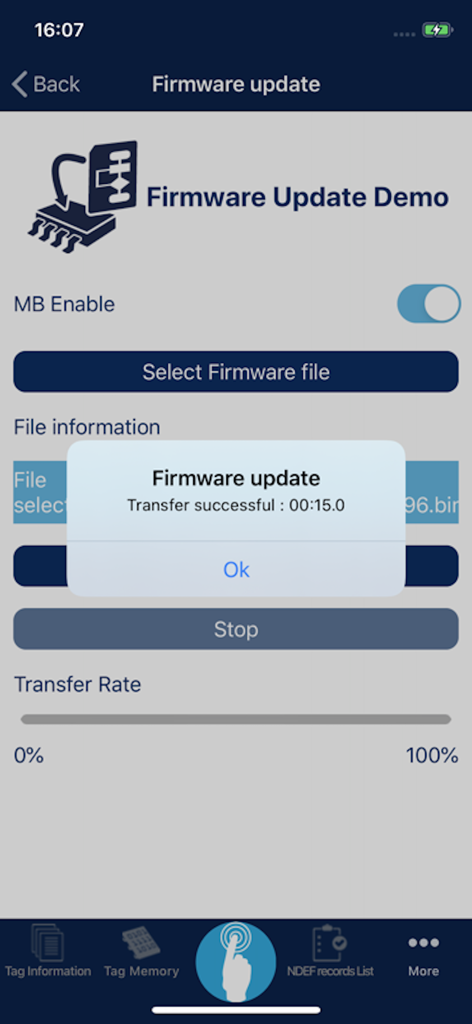
A screenshot of the NFC Tap app showing a successful firmware update transfer message on a technical interface.
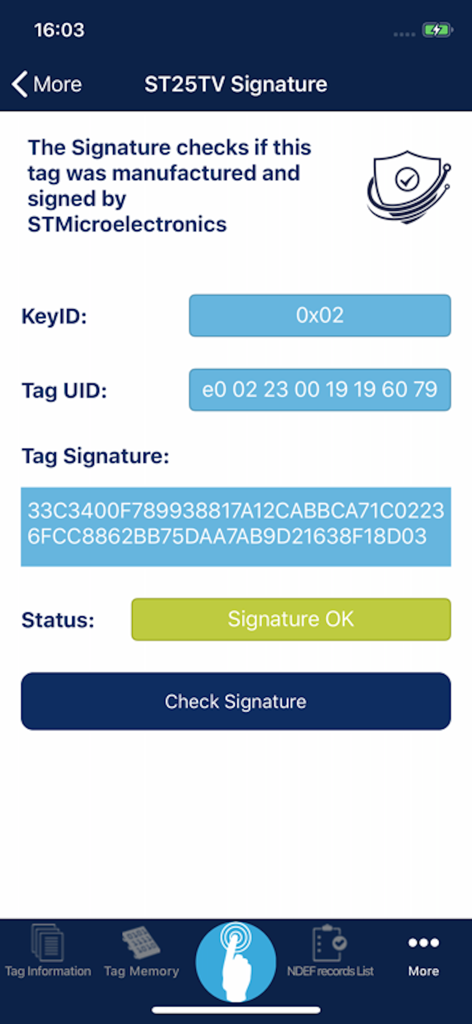
NFC Tap app screen showing a successful STMicroelectronics ST25TV tag signature check with status Signature OK
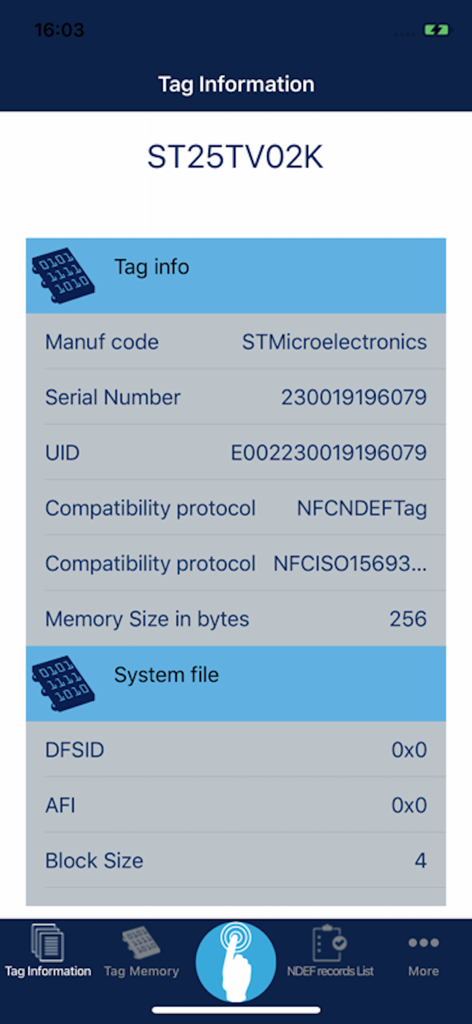
NFC Tap app interface displaying technical specifications and system file details for an STMicroelectronics ST25 series tag
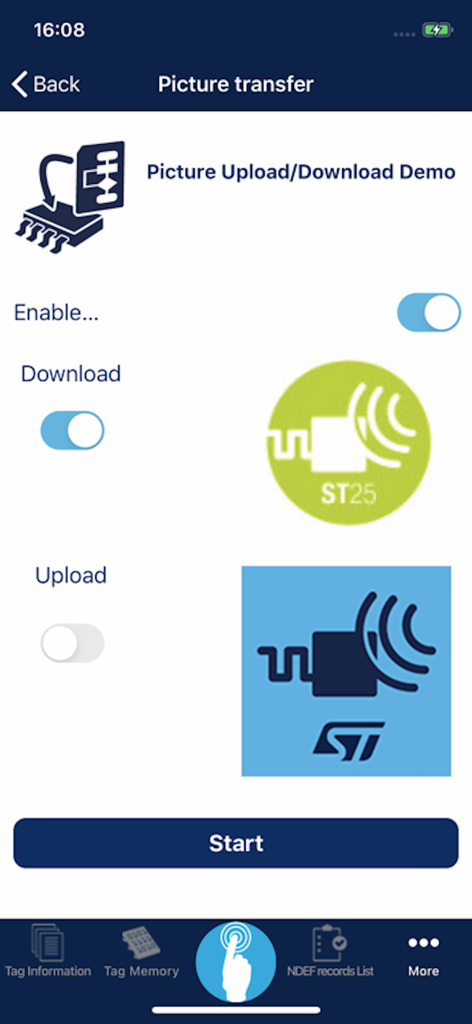
NFC Tap app picture transfer interface showing upload and download demo options
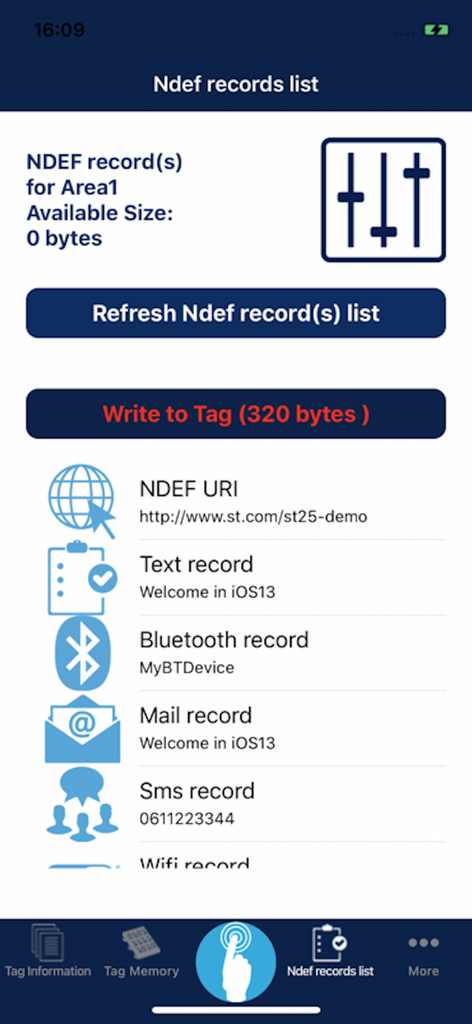
NFC Tap app displaying various NDEF record types for tags
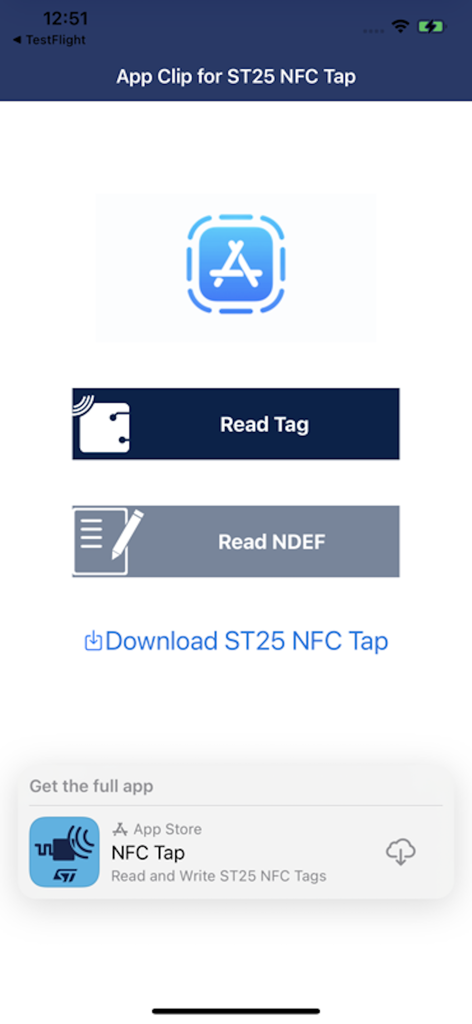
App Clip interface for NFC Tap showing Read Tag and Read NDEF buttons
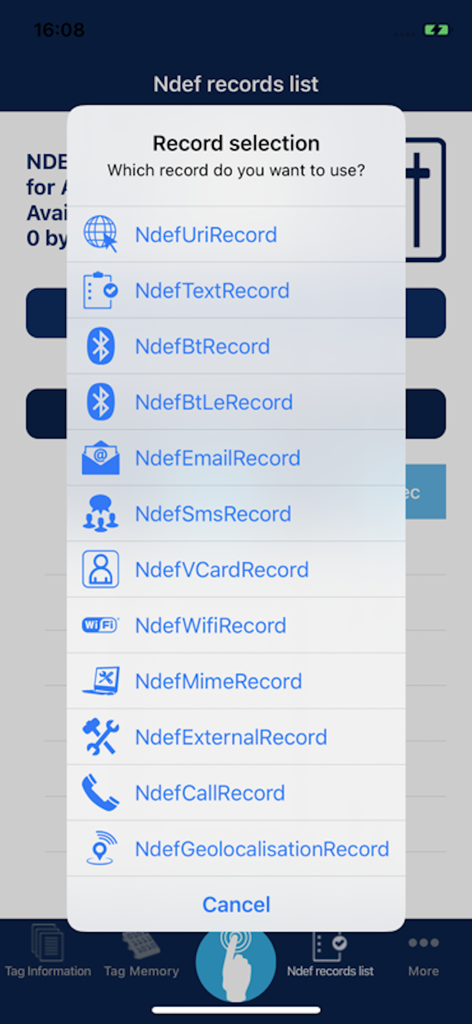
NFC Tap app interface showing a list of NDEF record options like URI text and Bluetooth
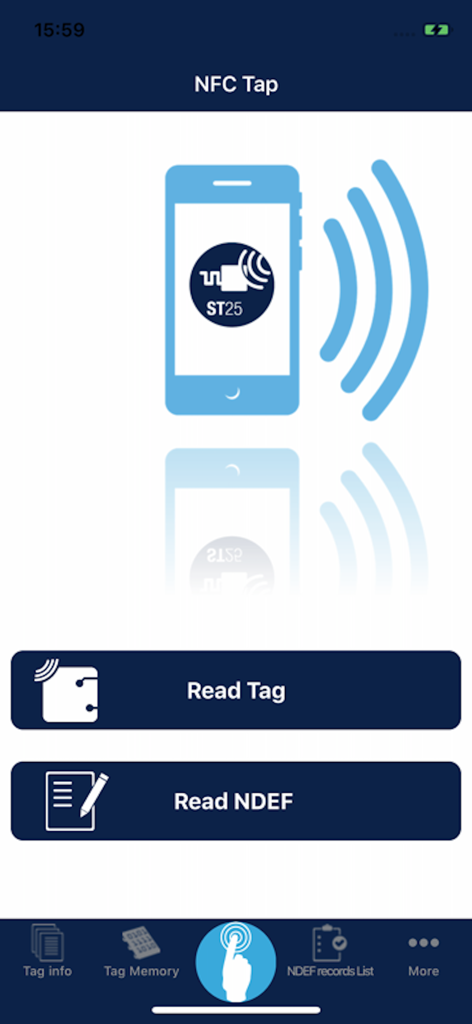
The home screen of the NFC Tap mobile app by STMicroelectronics showing options to Read Tag and Read NDEF.
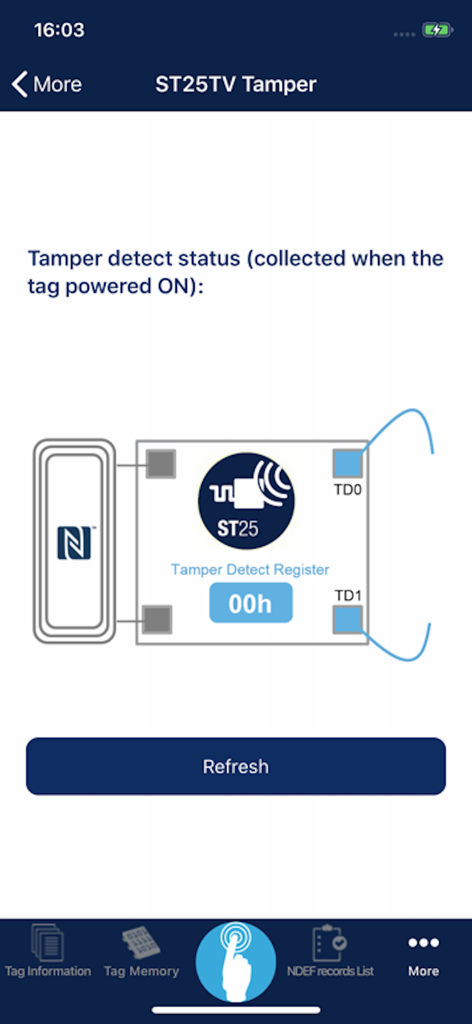
ST25TV tamper detect status screen in the NFC Tap app
Description
Download
More Like This
Top-ranked apps in the same category

Google LLC

Google Chrome
Google LLC

中国移动(手机营业厅)
China Mobile Online Services Co., Ltd.

Google Authenticator
Google LLC

gov.br
Servicos e Informacoes do Brasil

Buddy VPN
Frederic Hennes Sprl

Cleanup: Phone Storage Cleaner
DEEP FLOW SOFTWARE SERVICES - FZCO

Microsoft Edge: AI Browser
Microsoft Corporation

Meu Social - Gás do Povo
Servicos e Informacoes do Brasil
This page is not an official page of the app or its developer, but an independent editorial publication created for informational and commentary purposes. Unless expressly stated otherwise, neither the app nor its developer is affiliated with, endorsed by, sponsored by, authorized by, or otherwise officially connected with MWM, Apple, Google Play, the app publisher, or the app's developer, and nothing on this page implies that the app was developed using MWM's services. Any trademarks, logos, screenshots, and other content remain the property of their respective owners.