Nizo - Video Editor & Camera
Download on App Store

This page is not an official page of the app or its developer, but an independent editorial publication created for informational and commentary purposes. Unless expressly stated otherwise, neither the app nor its developer is affiliated with, endorsed by, sponsored by, authorized by, or otherwise officially connected with MWM, Apple, Google Play, the app publisher, or the app's developer, and nothing on this page implies that the app was developed using MWM's services. Any trademarks, logos, screenshots, and other content remain the property of their respective owners.


Logo of Nizo - Video Editor & Camera
Download on App Store

Nizo - Video Editor & Camera

Capture the soul of cinema with real-time film grades and manual controls. A minimalist, gesture-based workflow designed for the modern creative professional.

Key Figures

Downloads

72K+

User Rating

4.4/5

Total Ratings

200

Publisher

Image Mechanics Pty Ltd

Category

Photo & Video

Locales

9

Latest Version

1.0.22

Size

20.1 MB

First Released

Dec 10, 2018
Features

Filmmaking in its Purest Form

Nizo strips away the noise, blending professional manual controls with a fluid, minimalist editor to transform your mobile videos into cinematic art.

Iconic Film Grades

Capture the organic soul of analog with real-time presets inspired by legendary film stocks like Kodachrome and Tri-X.

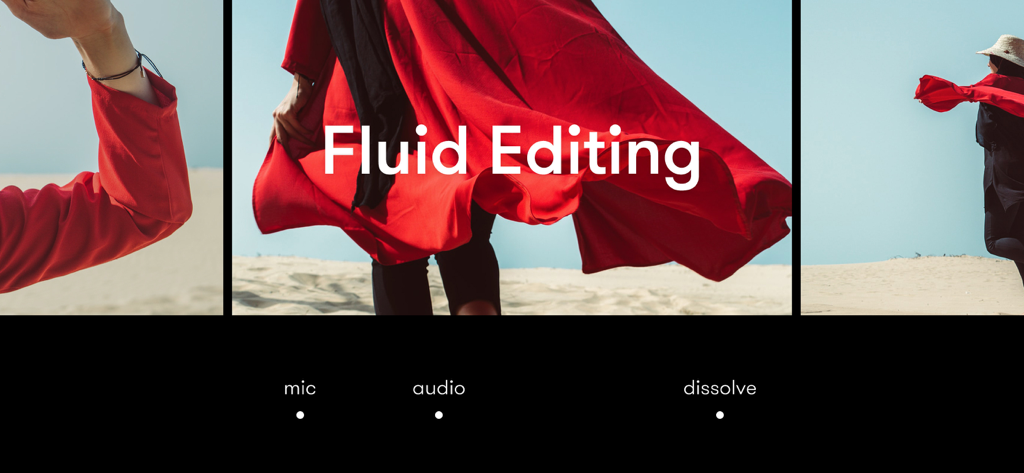
Fluid Gesture Editing

Shape your story in the moment with a seamless, button-free workflow designed for rapid and intuitive creative expression.

The following screenshots and description are sourced directly from the app's official store listing and are the property of the app developer.

App Store

Screenshots
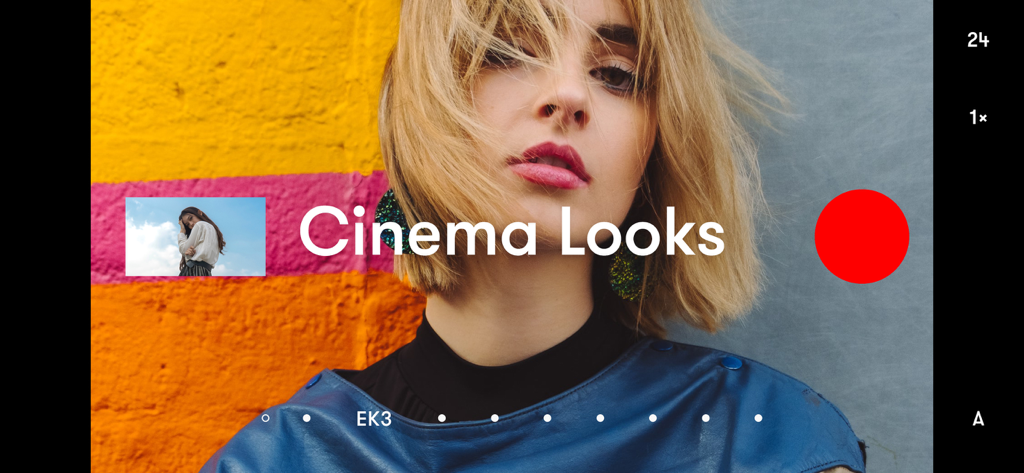
Nizo - Video Editor & Camera - Nizo video camera interface featuring cinema looks and manual recording controls
Nizo video camera interface featuring cinema looks and manual recording controls

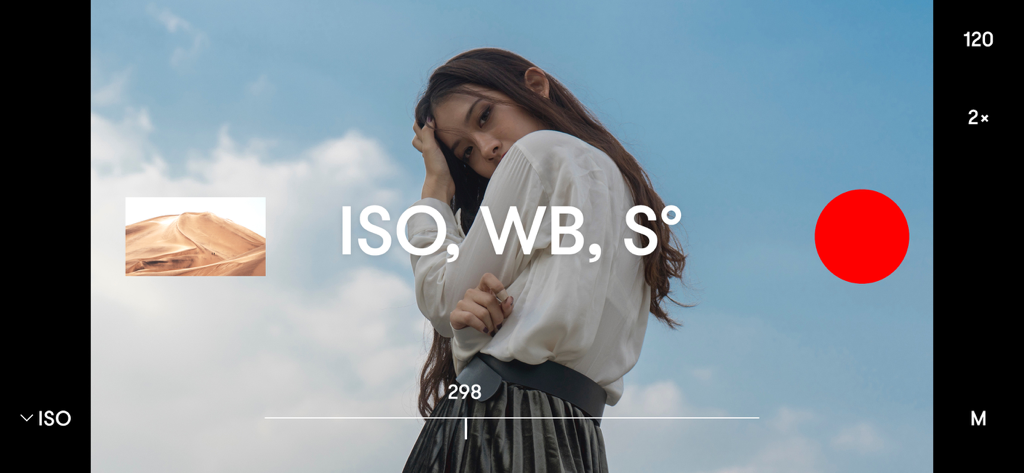
Nizo - Video Editor & Camera - Nizo app interface with manual video controls for ISO white balance and shutter angle over a cinematic shot.
Nizo app interface with manual video controls for ISO white balance and shutter angle over a cinematic shot.

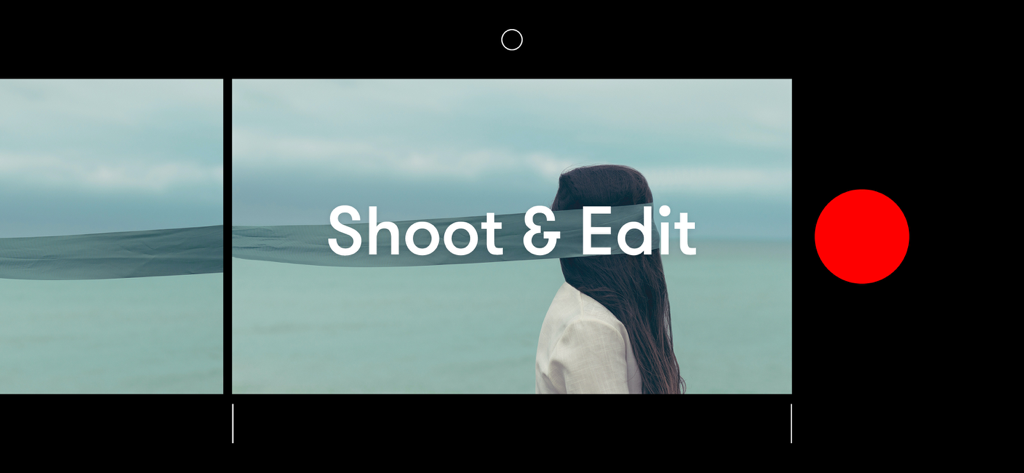
Nizo - Video Editor & Camera - Minimalist interface of Nizo video editor with Shoot and Edit text and a red record button
Minimalist interface of Nizo video editor with Shoot and Edit text and a red record button

Nizo - Video Editor & Camera - Nizo app interface for cinematic video editing featuring the text Fluid Editing
Nizo app interface for cinematic video editing featuring the text Fluid Editing

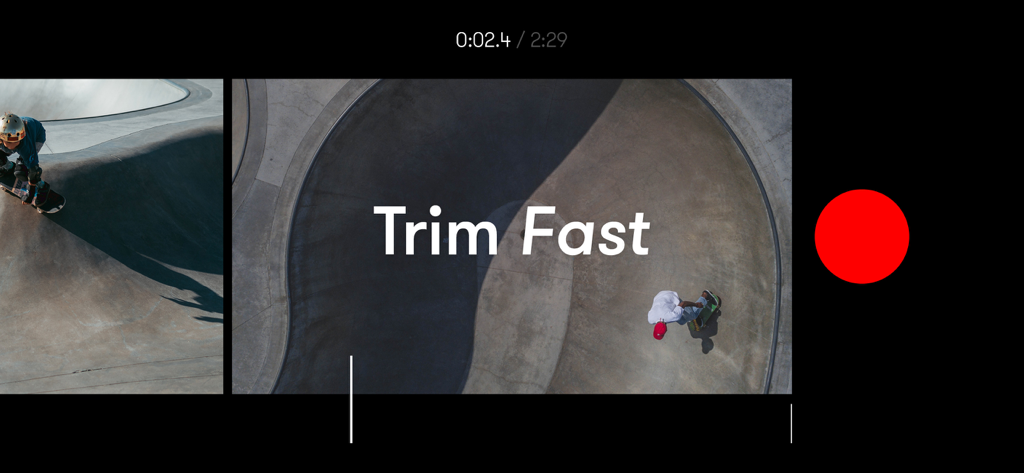
Nizo - Video Editor & Camera - Minimalist interface of Nizo app showing the fast trimming feature with skateboarding video footage

Minimalist interface of Nizo app showing the fast trimming feature with skateboarding video footage

Nizo - Video Editor & Camera - The Nizo app interface featuring cinematic film frames and Celebrate Art text

The Nizo app interface featuring cinematic film frames and Celebrate Art text

Nizo - Video Editor & Camera - Portrait of stylist and art director Anna Mala
Portrait of stylist and art director Anna Mala

Nizo - Video Editor & Camera - Nizo video editor app icon with Apple App Trend of the Year 2019 award title.

Nizo video editor app icon with Apple App Trend of the Year 2019 award title.

Description

Nizo is the most elegant way to create films. Shoot with rich film grades and edit with simple tools for cinematic video. Watch avant-garde films shot on Nizo by the best talent worldwide. Filmmaking in its purest form. Less, but better – so you can focus on the essence: framing the perfect shot and shaping a smooth edit. — SHOOT Shoot with real-time presets inspired by the rich, nuanced color and grain of film. Choose from 9 classic and contemporary looks for a palette of artistic possibilities. • Auto or Manual: ISO, Shutter Angle, WB. • 4K video recording at 24 fps or 60 fps* • 1080p at 24 fps or 120 fps slow-motion* • Select Ultra Wide, Wide or Telephoto cameras* • Shoot natural or with a cinematic preset. • 16:9 ratio at 24 fps for motion picture quality. CUT Nizo’s seamless fusion of camera with editor encourages spontaneous creativity. Shoot, review and edit ideas in the moment with fast and easy gesture-based navigation. Shape your edit with a smooth drag and drop. Cut faster with precise trim. Nizo pairs simple tools with a fluid and immersive workflow designed for a focus on the image and clarity of thought. • Trim clips fast with precision. • Duplicate, reorder or move clips to another film. • Delete clips with a press-and-flick. • Add and trim a track from your music library or sync from iCloud Drive. WRAP One-tap export. High quality as standard. • Export to Camera Roll at 4K or 1080p HD. • iTunes File Sharing for advanced post. — CELEBRATE ARTISTS We curate and unite experimental filmmakers with global innovators in the worlds of art, culture, music, and fashion. — ESSENTIAL COLOR GRADES Classic or contemporary film looks fine-tuned to produce beautiful results in a variety of shooting scenarios. Every pixel color graded to perfection in real-time as you shoot. Classic Classic presets inspired by motion picture film stocks. The iconic color​ of Kodak Kodachrome to the distinctive black and white of Kodak Tri-X reinterpreted for modern artists. Complete with a grainy aesthetic and surprise imperfections. Contemporary Apply a natural look to enhance skin tones or a desaturated aesthetic for modern-day realism. — We love hearing from you. Please email us at hello@nizo.co or DM us on Instagram @nizo.co or Twitter @nizo — *Compatibility: • 4K video at 24 fps: iPhone 6s or later devices. • 4K video at 60 fps: iPhone X or later devices. • Slow-motion: 60 fps iPhone 6s to iPhone 7. • Slow-motion: 120 fps iPhone 8 or later devices. • Ultra Wide, Wide and Telephoto cameras available on supported devices. Stills: Wesley Tingey, Trafa Thomas, Keith Hardy, Oscar Keys, Chermiti Mohamed, Glen Wilkie, Jonas Lindström, Stas Kalashnikov, and Anna Malá. Preview: Justin Ridler (Hart & Co.), starring Alisha Coon.

Download

Download on App Store

This page is not an official page of the app or its developer, but an independent editorial publication created for informational and commentary purposes. Unless expressly stated otherwise, neither the app nor its developer is affiliated with, endorsed by, sponsored by, authorized by, or otherwise officially connected with MWM, Apple, Google Play, the app publisher, or the app's developer, and nothing on this page implies that the app was developed using MWM's services. Any trademarks, logos, screenshots, and other content remain the property of their respective owners.








