
This page is not an official page of the app or its developer, but an independent editorial publication created for informational and commentary purposes. Unless expressly stated otherwise, neither the app nor its developer is affiliated with, endorsed by, sponsored by, authorized by, or otherwise officially connected with MWM, Apple, Google Play, the app publisher, or the app's developer, and nothing on this page implies that the app was developed using MWM's services. Any trademarks, logos, screenshots, and other content remain the property of their respective owners.


Notable PDF
Stop struggling with cramped margins. Add customizable sidebars with grids or lines to any PDF for a perfect note-taking experience on your iPad or paper.
Downloads
1K+User Rating
Total Ratings
0Publisher
Category
ProductivityLocales
1Latest Version
3.3.0Size
34.3 MBFirst Released
Oct 6, 2022Unlock the Space Your Ideas Deserve
Transform cramped PDFs into spacious canvases. Notable PDF provides the perfect environment for deep analysis, academic research, and professional study on your iPad.
Infinite Margin Workspace
Stop struggling with narrow borders. Add a dedicated side layer to any document for structured Cornell notes, legal citations, or medical diagrams without obscuring the original text.
Precision Layout Customization
Tailor your workspace with college-ruled lines, STEM-ready grids, or dot patterns. Adjust colors and sizes to match your specific study methodology and cognitive retention needs.
The following screenshots and description are sourced directly from the app's official store listing and are the property of the app developer.
App Store
Screenshots
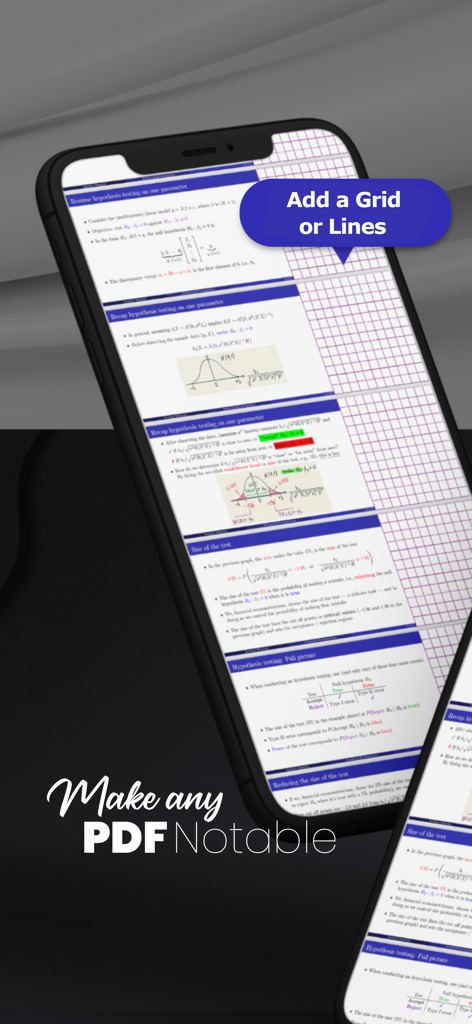
Smartphone screen showing Notable PDF app adding a grid layer to a document for note taking
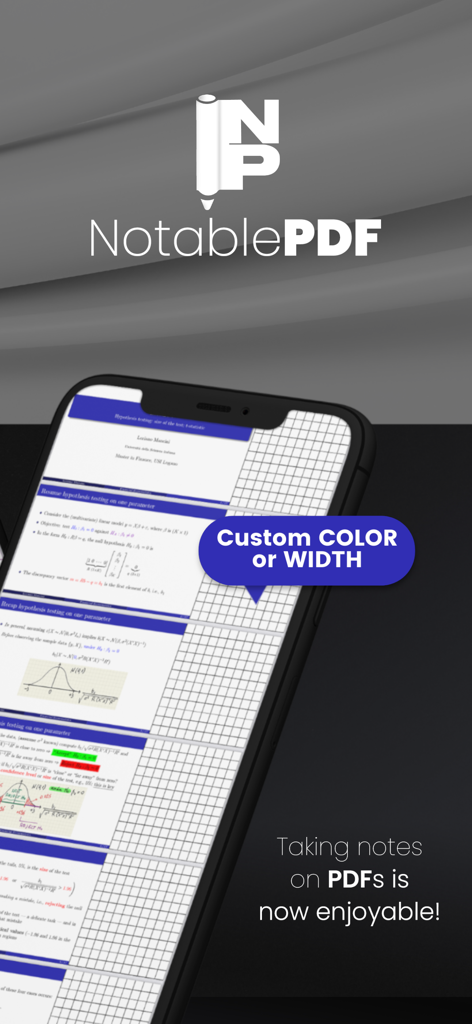
Notable PDF app screen showing a customizable grid margin added to a document for notes
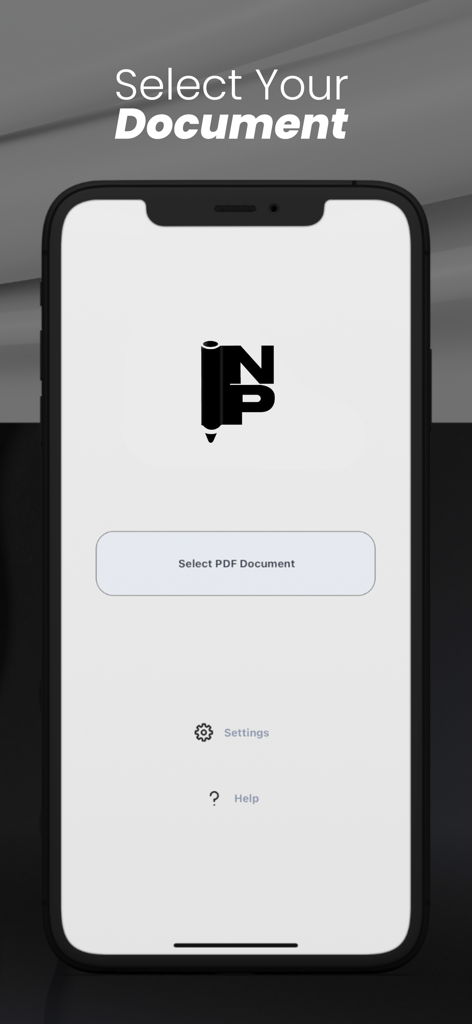
Notable PDF app home screen with a button to select a PDF document for adding note margins
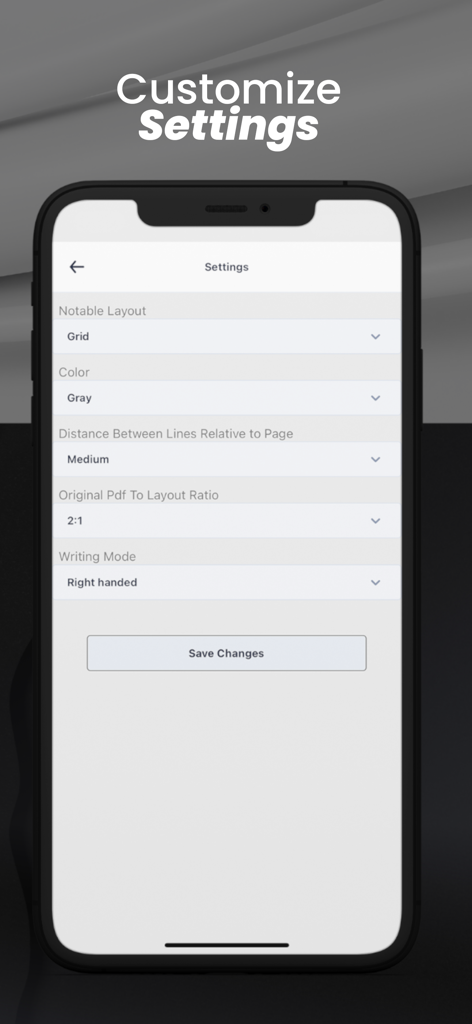
Notable PDF app settings menu for customizing note layout and writing mode
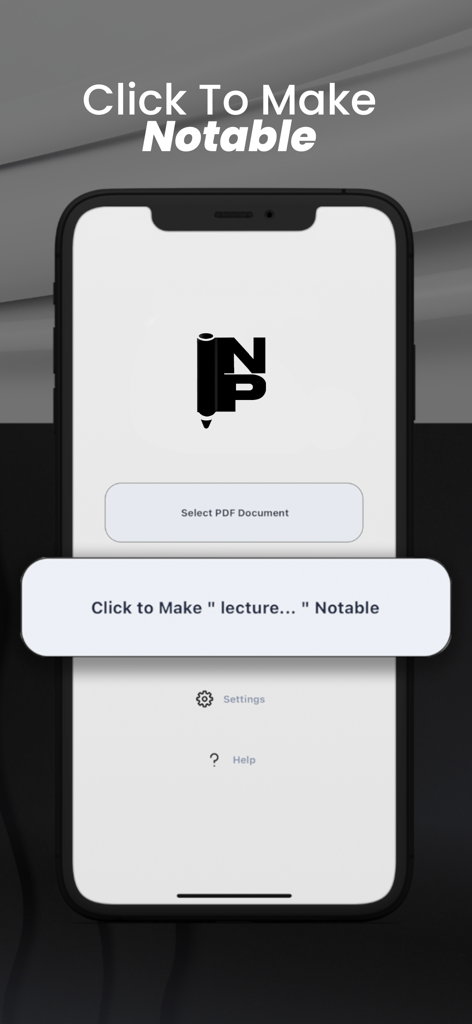
Notable PDF app home screen showing the select document button and main action prompt to make a lecture file notable
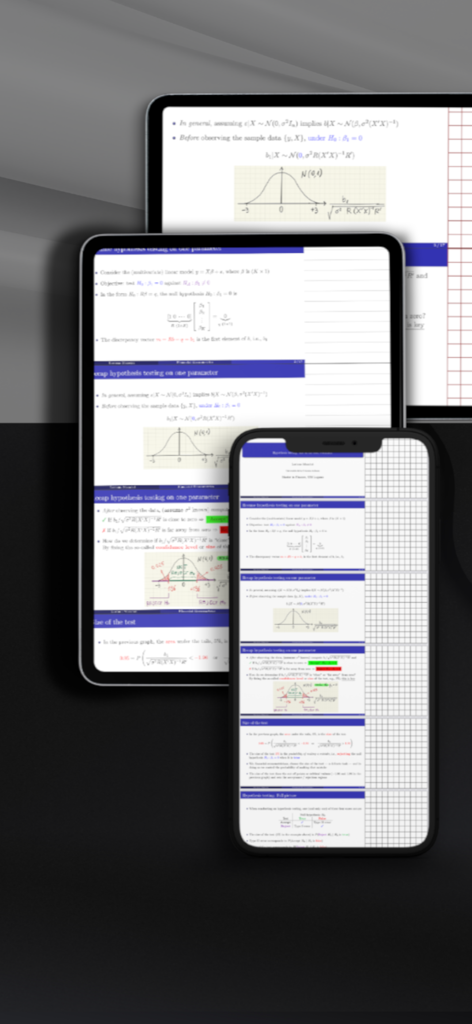
Notable PDF app showing academic documents with side grid margins for notes on tablet and phone
Description
Download
More Like This
Top-ranked apps in the same category

ChatGPT
OpenAI OpCo, LLC

Google Gemini
Google LLC

Grok
X.AI Corporation

Gmail - Email by Google
Google LLC

千问 - 阿里最强大模型官方AI助手
Shanghai Zhixin Puhui Technology Co., Ltd.

Google Drive
Google LLC

Microsoft Authenticator
Microsoft Corporation

Google Sheets
Google LLC

Google Docs
Google LLC
This page is not an official page of the app or its developer, but an independent editorial publication created for informational and commentary purposes. Unless expressly stated otherwise, neither the app nor its developer is affiliated with, endorsed by, sponsored by, authorized by, or otherwise officially connected with MWM, Apple, Google Play, the app publisher, or the app's developer, and nothing on this page implies that the app was developed using MWM's services. Any trademarks, logos, screenshots, and other content remain the property of their respective owners.