
This page is not an official page of the app or its developer, but an independent editorial publication created for informational and commentary purposes. Unless expressly stated otherwise, neither the app nor its developer is affiliated with, endorsed by, sponsored by, authorized by, or otherwise officially connected with MWM, Apple, Google Play, the app publisher, or the app's developer, and nothing on this page implies that the app was developed using MWM's services. Any trademarks, logos, screenshots, and other content remain the property of their respective owners.

Note Lock~Lock your Tales Safe
Trusted by over 2.8 million users to secure diaries, business ideas, and sensitive data. Hide your notes in plain sight with decoy passcodes and intruder capture, while customizing your world with 300+ fonts and unique stickers.
Downloads
326K+User Rating
Total Ratings
3K+Publisher
Category
UtilitiesLocales
1Latest Version
3.1.4Size
53.5 MBFirst Released
Oct 13, 2011Your Secret Space, Redefined
Note Lock blends military-grade security with creative freedom, giving you a private vault for your thoughts that looks as good as it feels.
Intruder Capture System
Get instant photo and video proof of anyone attempting to access your private notes without permission.
Double Account Decoy
Stay one step ahead with a decoy passcode that displays a dummy set of notes if you are ever forced to unlock.
Frequently Asked Questions
Everything you need to know about Note Lock~Lock your Tales Safe
How does Note Lock protect my notes from intruders?
Note Lock employs a multi-layered security system including a decoy passcode, surveillance system, anti-intruder system capturing photos/videos, and an optional self-destruction feature after five incorrect attempts.
Can I customize the appearance of my notes in Note Lock?
Yes, Note Lock allows extensive customization with over 30 exclusive themes and more than 300 font formats. Users can also change font colors to personalize their note-taking experience.
Does Note Lock support adding images and stickers to notes?
Yes, Note Lock enables users to create new notes, add pictures, and include fun stickers and sticky notes. Photos can be viewed in full size or saved to the camera roll.
What benefits are included with a Note Lock Pro subscription?
Note Lock Pro provides unlimited access to all features, including ad removal, all lock styles, unlimited notes, sticky notes, stickers, themes, fonts, and secure iCloud backup and sync.
Does Note Lock offer secure backup and cross-device synchronization?
Yes, with a Note Lock Pro subscription, users get secure backup and sync features. This allows notes to be backed up with iCloud and synchronized across multiple devices.
How does the decoy passcode feature work in Note Lock?
Note Lock's decoy passcode protects against forced unlocks by allowing users to enter a reverse passcode or decoy pattern. This reveals a "decoy mode" to obscure real private notes.
Can I organize my notes by date in Note Lock?
Yes, Note Lock features a calendar view, hybrid view, and timeline view. Users can sort their notes by date or month for improved organization and easy retrieval.
The following screenshots and description are sourced directly from the app's official store listing and are the property of the app developer.
App Store
Screenshots
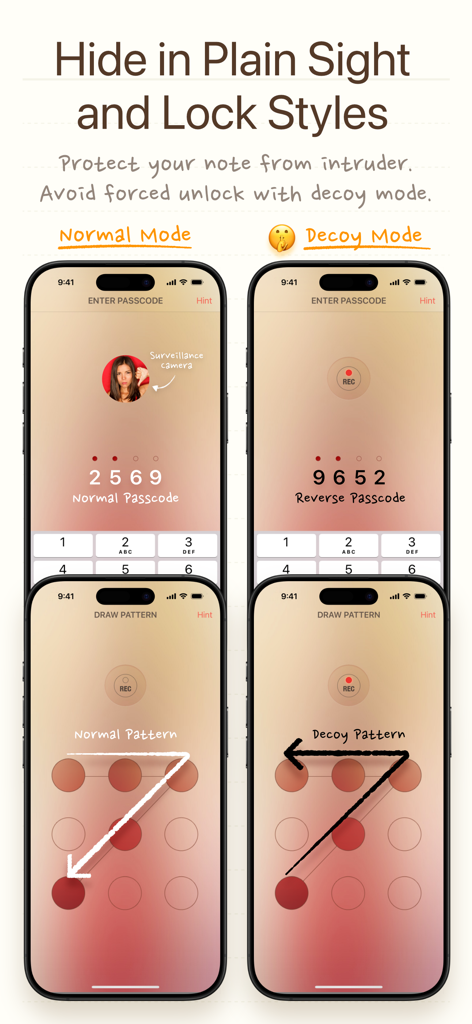
Comparison of normal and decoy passcode and pattern lock modes in Note Lock app
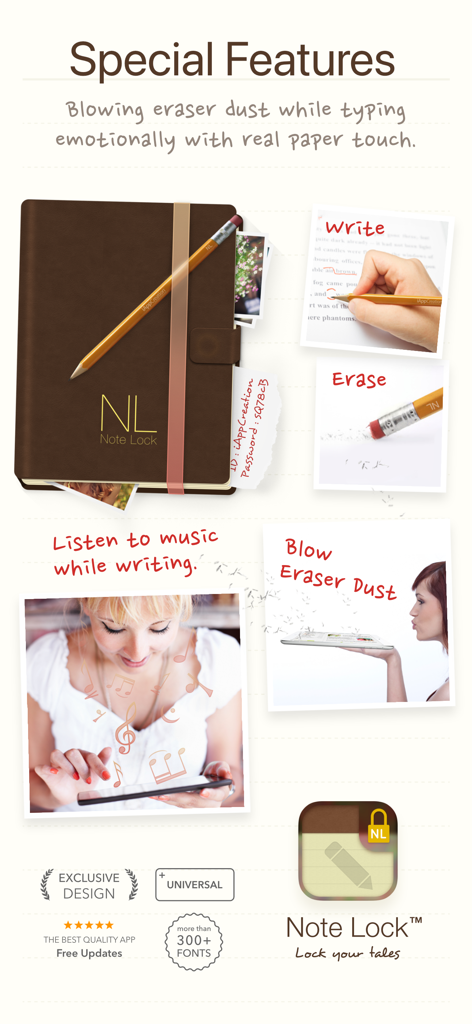
Showcase of Note Lock app special features including pencil animations, eraser dust effect and music playback while writing
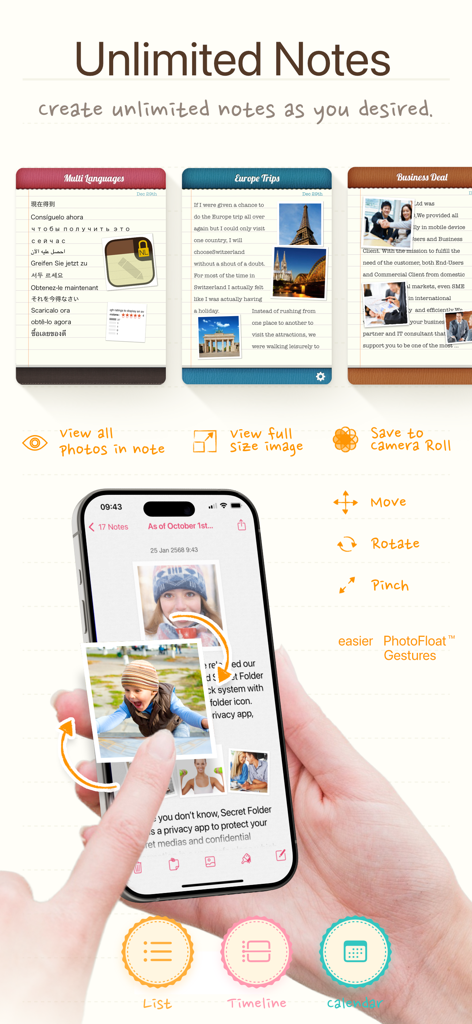
Note Lock app interface showing unlimited notes and interactive photo float gestures on an iPhone
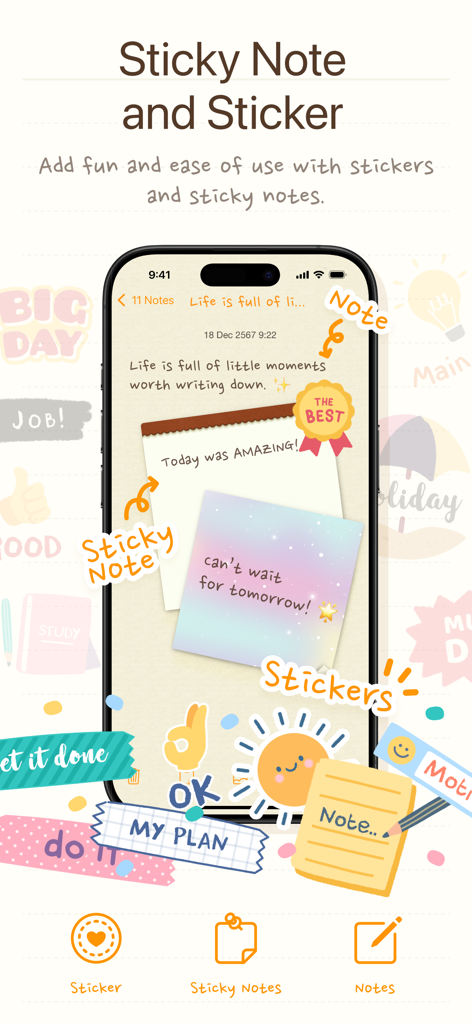
A smartphone screen displaying the Note Lock app with colorful digital sticky notes and cute decorative stickers like a smiling sun and ribbons.
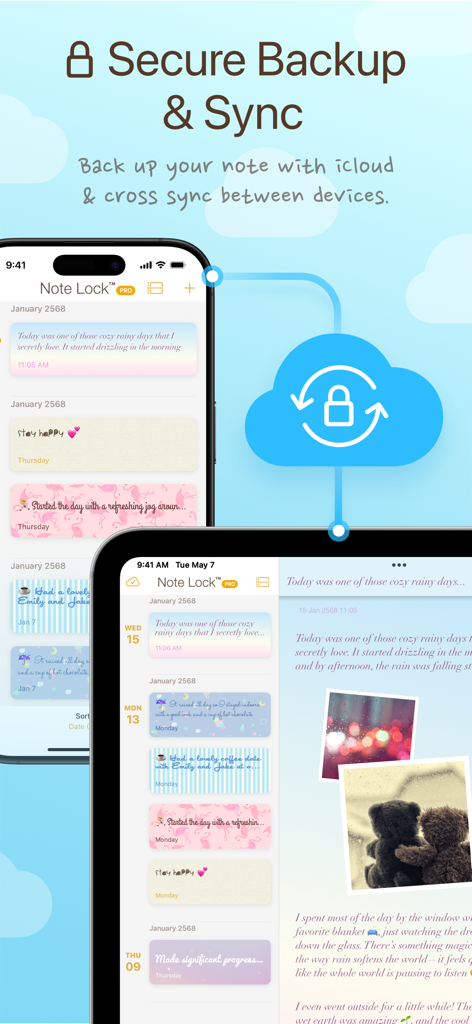
Note Lock app interface showing secure cloud backup and cross-device synchronization between iPhone and iPad.
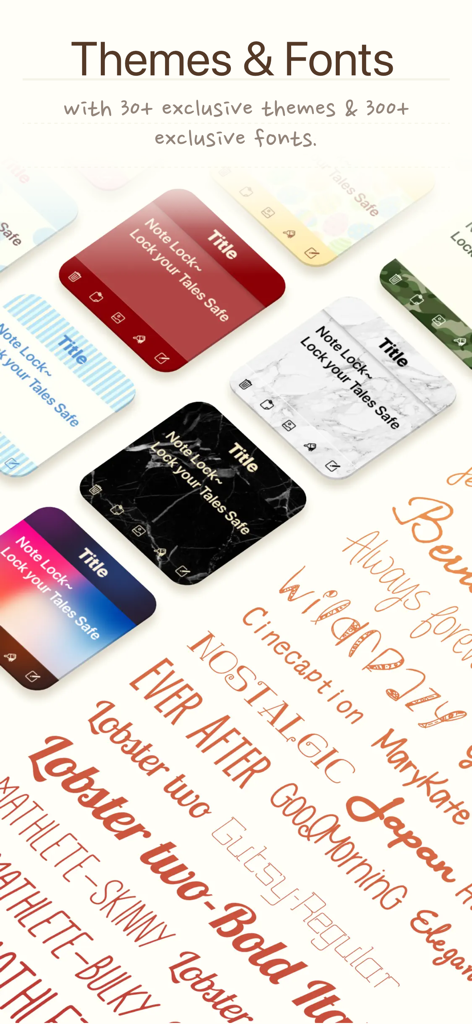
A collection of artistic fonts and colorful note themes for personalization within the Note Lock app
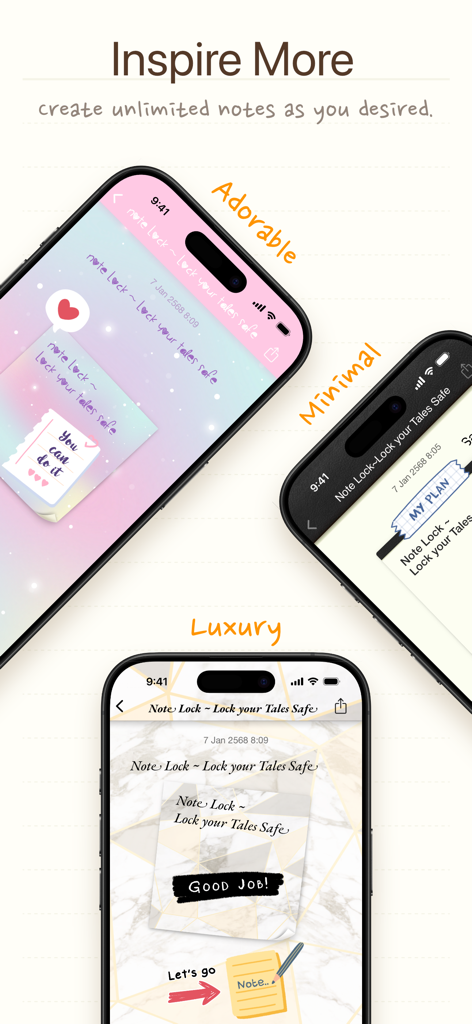
Three iPhones displaying various aesthetic themes including Adorable Minimal and Luxury for the Note Lock app
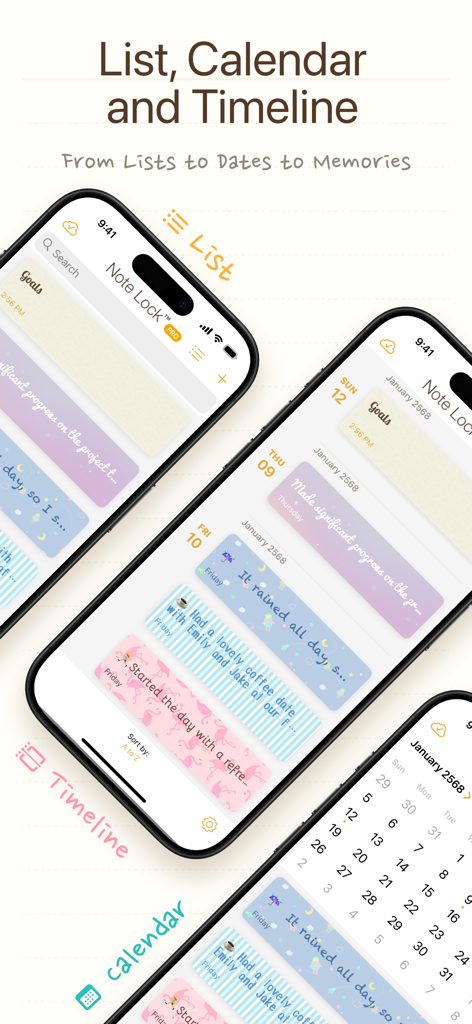
Note Lock app interface showing List, Calendar, and Timeline views with aesthetic pastel journal entries.
Description
Download
More Like This
Top-ranked apps in the same category

Google LLC

Google Chrome
Google LLC

中国移动(手机营业厅)
China Mobile Online Services Co., Ltd.

Google Authenticator
Google LLC

CNH do Brasil
Servicos e Informacoes do Brasil

Cleanup: Phone Storage Cleaner
DEEP FLOW SOFTWARE SERVICES - FZCO

gov.br
Servicos e Informacoes do Brasil

Microsoft Edge: AI Browser
Microsoft Corporation

Super VPN Fly 2026
YUNFAN TECHNOLOGY CO., LIMITED
This page is not an official page of the app or its developer, but an independent editorial publication created for informational and commentary purposes. Unless expressly stated otherwise, neither the app nor its developer is affiliated with, endorsed by, sponsored by, authorized by, or otherwise officially connected with MWM, Apple, Google Play, the app publisher, or the app's developer, and nothing on this page implies that the app was developed using MWM's services. Any trademarks, logos, screenshots, and other content remain the property of their respective owners.