
This page is not an official page of the app or its developer, but an independent editorial publication created for informational and commentary purposes. Unless expressly stated otherwise, neither the app nor its developer is affiliated with, endorsed by, sponsored by, authorized by, or otherwise officially connected with MWM, Apple, Google Play, the app publisher, or the app's developer, and nothing on this page implies that the app was developed using MWM's services. Any trademarks, logos, screenshots, and other content remain the property of their respective owners.


(nothing) To Do
Transform overwhelming task lists into a clear roadmap for success. Focus on what actually moves the needle and discover the peace of having nothing urgent left to do.
Downloads
200User Rating
Total Ratings
0Publisher
Category
ProductivityLocales
3Latest Version
1.2Size
3.8 MBFirst Released
Jul 14, 2025Master the Art of Essentialism
Stop reacting to chaos and start leading with intent. (nothing) To Do transforms your messy lists into a clear, four-quadrant roadmap for peak productivity.
Intelligent Prioritization
Leverage the Eisenhower Matrix to instantly distinguish between what moves the needle and what just keeps you busy.
Glanceable Productivity
Stay focused on the go with Apple Watch integration. Manage your most urgent tasks without ever unlocking your phone.
The following screenshots and description are sourced directly from the app's official store listing and are the property of the app developer.
App Store
Screenshots
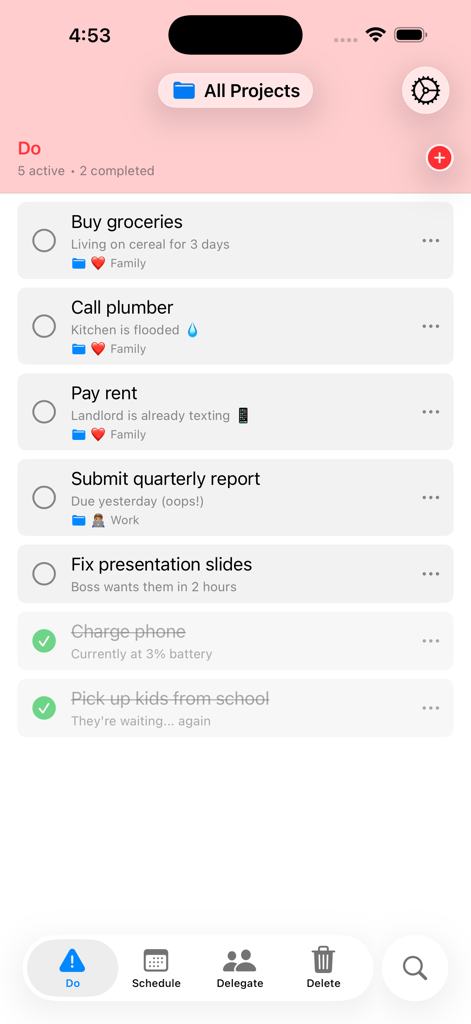
Minimalist task list interface of the nothing To Do app showing urgent and important tasks
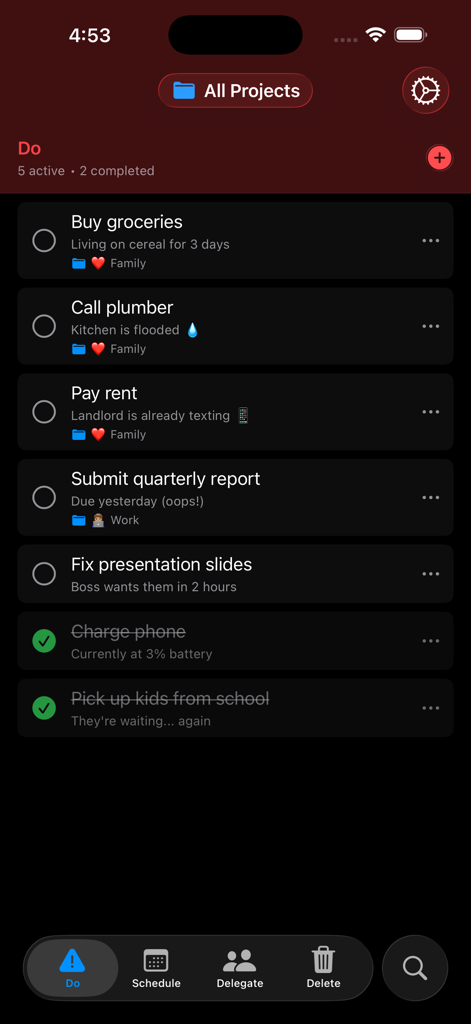
Minimalist task list interface for the Do quadrant in the nothing To Do app showing urgent tasks in dark mode.
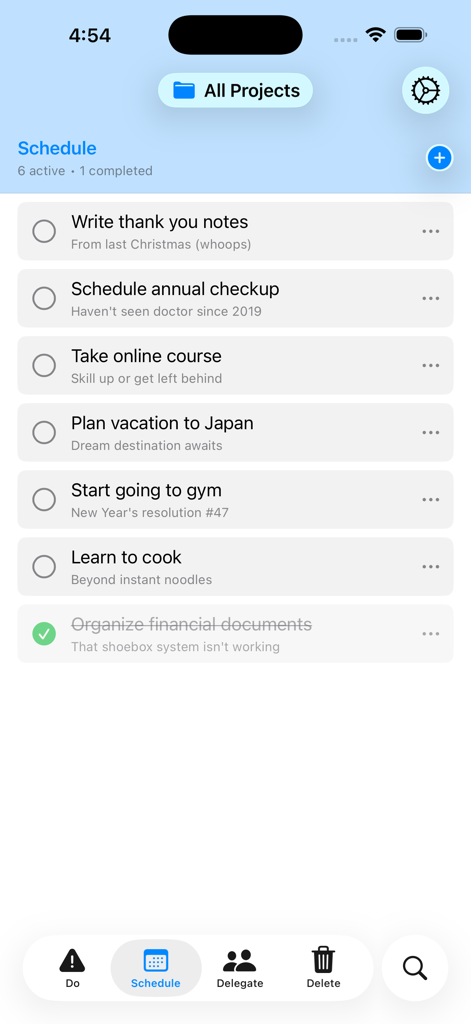
Minimalist task list screen in the nothing To Do app showing the Schedule category for important but non-urgent tasks.
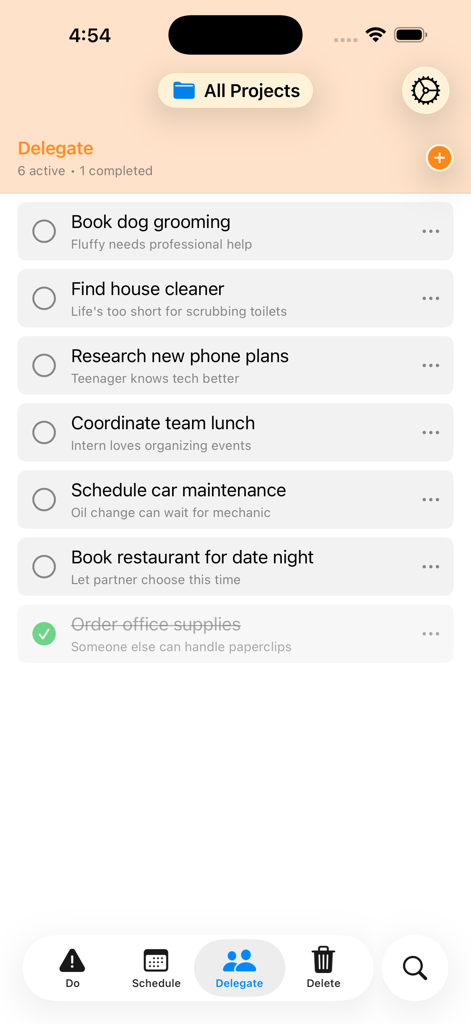
A screenshot showing the Delegate section of the nothing To Do app with a list of tasks prioritized using the Eisenhower Matrix.
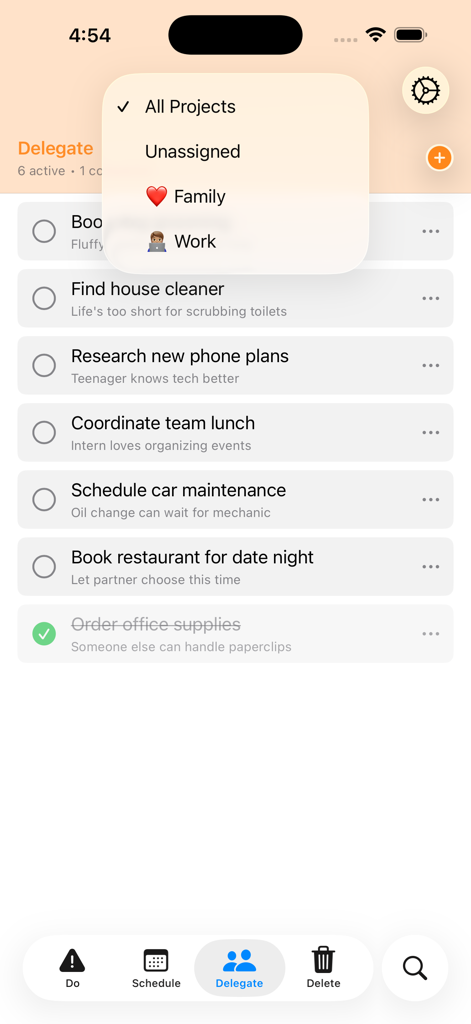
Minimalist task list in the Delegate category of the nothing To Do app featuring project filters and the Eisenhower Matrix layout.
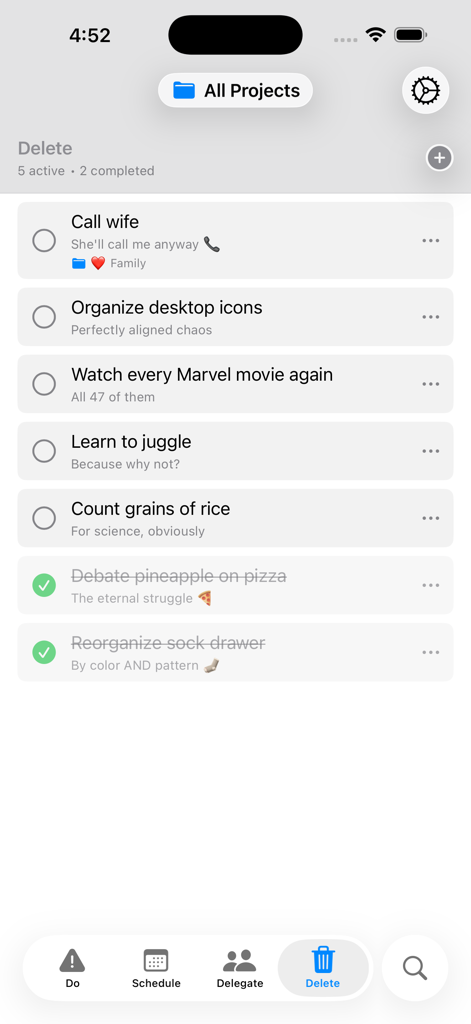
The Delete category screen of the nothing To Do app showing a minimalist list of non-essential tasks to be removed
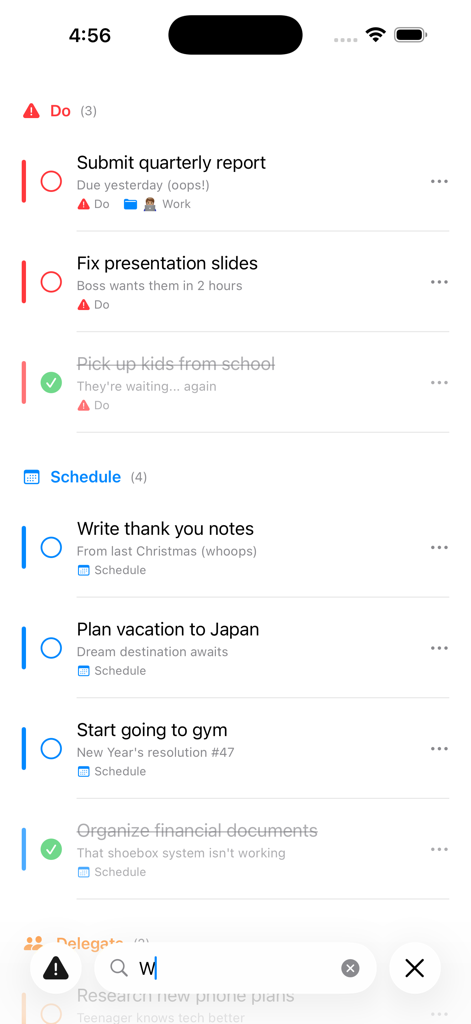
Screenshot of the nothing to do app interface showing tasks prioritized into Do and Schedule categories using the Eisenhower Matrix
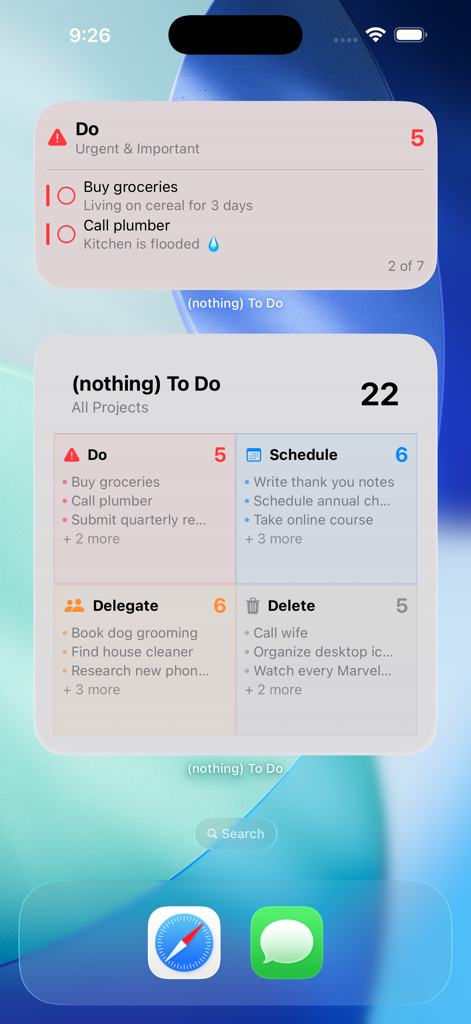
iPhone home screen displaying (nothing) To Do app widgets for task prioritization
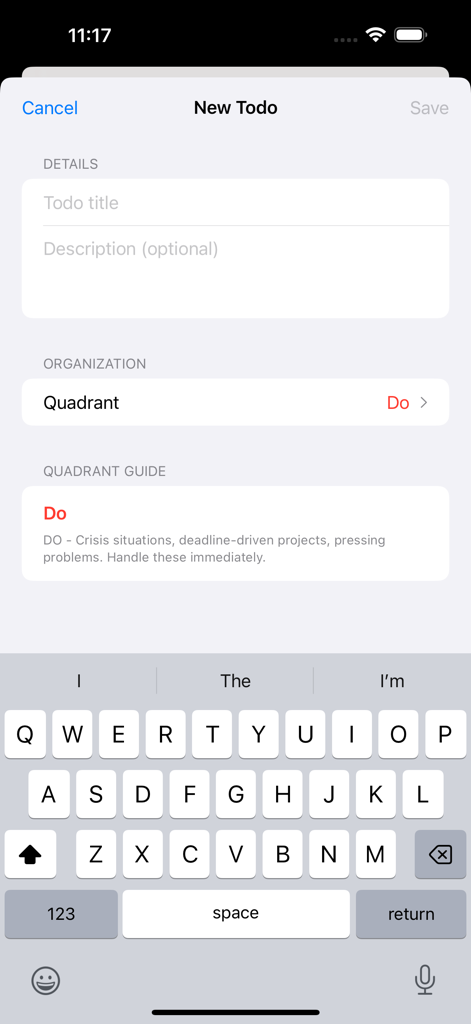
Creating a new task with quadrant selection in the nothing To Do app
Description
Download
More Like This
Top-ranked apps in the same category

ChatGPT
OpenAI OpCo, LLC

Google Gemini
Google LLC

Grok
X.AI Corporation

Gmail - Email by Google
Google LLC

千问 - 阿里最强大模型官方AI助手
Shanghai Zhixin Puhui Technology Co., Ltd.

Google Drive
Google LLC

Microsoft Authenticator
Microsoft Corporation

Google Sheets
Google LLC

Google Docs
Google LLC
This page is not an official page of the app or its developer, but an independent editorial publication created for informational and commentary purposes. Unless expressly stated otherwise, neither the app nor its developer is affiliated with, endorsed by, sponsored by, authorized by, or otherwise officially connected with MWM, Apple, Google Play, the app publisher, or the app's developer, and nothing on this page implies that the app was developed using MWM's services. Any trademarks, logos, screenshots, and other content remain the property of their respective owners.