
This page is not an official page of the app or its developer, but an independent editorial publication created for informational and commentary purposes. Unless expressly stated otherwise, neither the app nor its developer is affiliated with, endorsed by, sponsored by, authorized by, or otherwise officially connected with MWM, Apple, Google Play, the app publisher, or the app's developer, and nothing on this page implies that the app was developed using MWM's services. Any trademarks, logos, screenshots, and other content remain the property of their respective owners.


Occasions 3 - Reminders
Bring order to your social life. Effortlessly sync contacts, set custom triple-alerts, and celebrate every milestone with the most elegant event manager designed for your Apple devices.
Downloads
257K+User Rating
Total Ratings
11K+Publisher
Category
ProductivityLocales
7Latest Version
3.2.9Size
25.8 MBFirst Released
Mar 6, 2013Master Your Social Calendar
The ultimate tool for the thoughtful connector. Manage every birthday, anniversary, and holiday with a personalized touch that strengthens your most important bonds.
Smart Proactive Alerts
Set up to three custom reminders per event. Give yourself enough lead time to buy a thoughtful gift, mail a physical card, and make the day special.
Native Contact Sync
Automatically import birthdays and milestones from your iPhone Contacts and iCloud, keeping your personal and professional networks perfectly organized.
The following screenshots and description are sourced directly from the app's official store listing and are the property of the app developer.
App Store
Screenshots
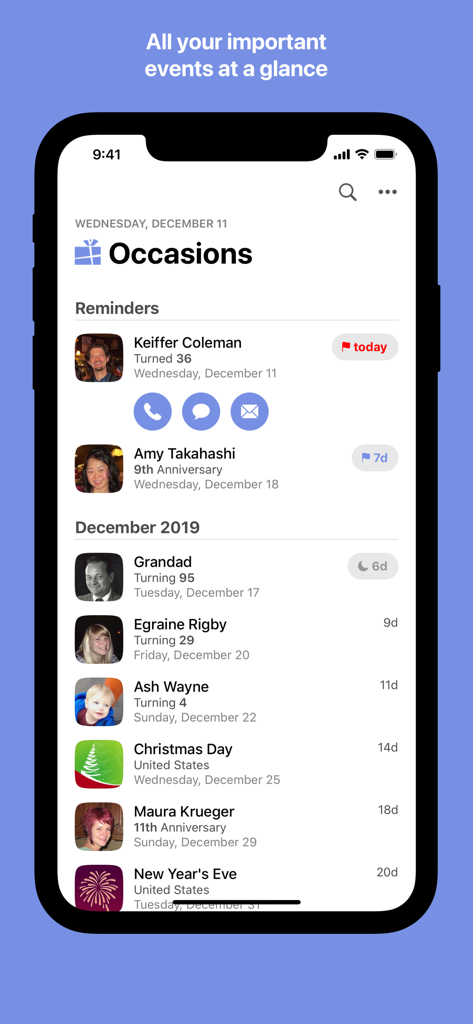
Main interface of Occasions 3 app showing a chronological list of upcoming birthdays and anniversaries with contact action buttons
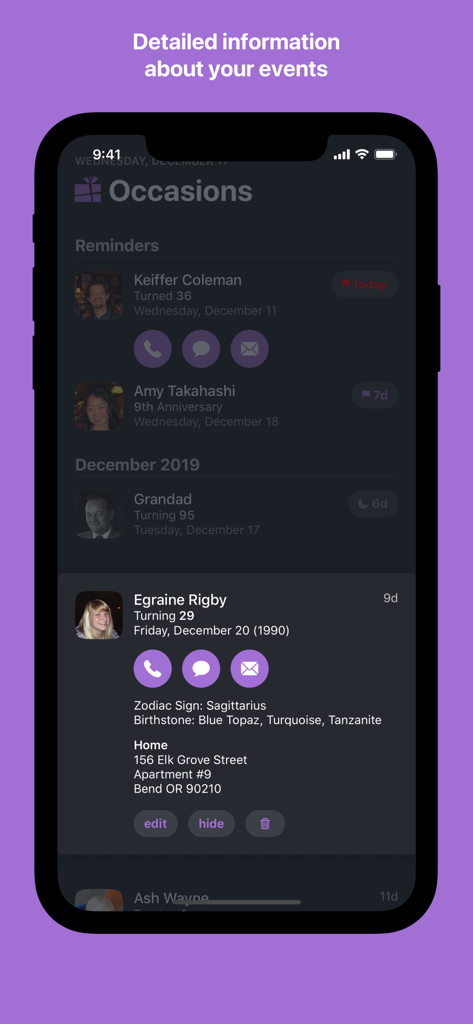
Detailed event view in Occasions 3 app showing birthday information, contact address, and quick communication buttons
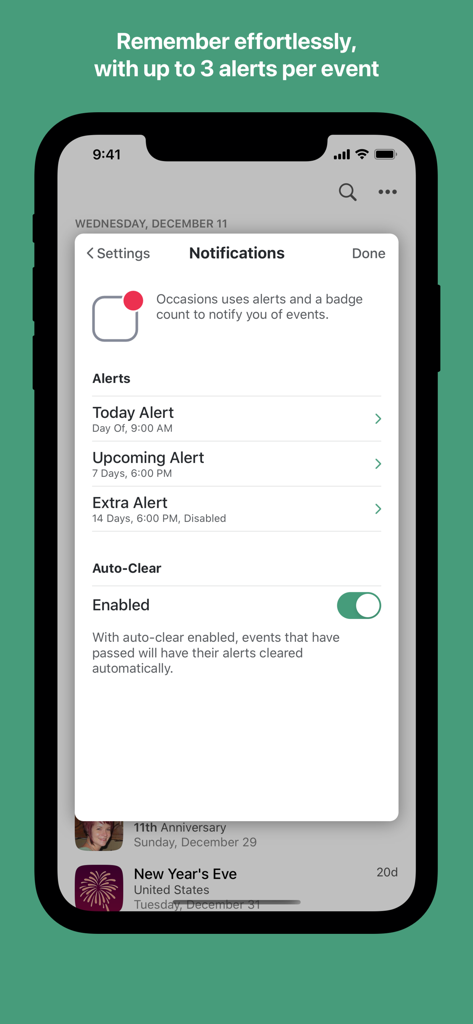
Notification settings screen for event reminders with multiple alert options
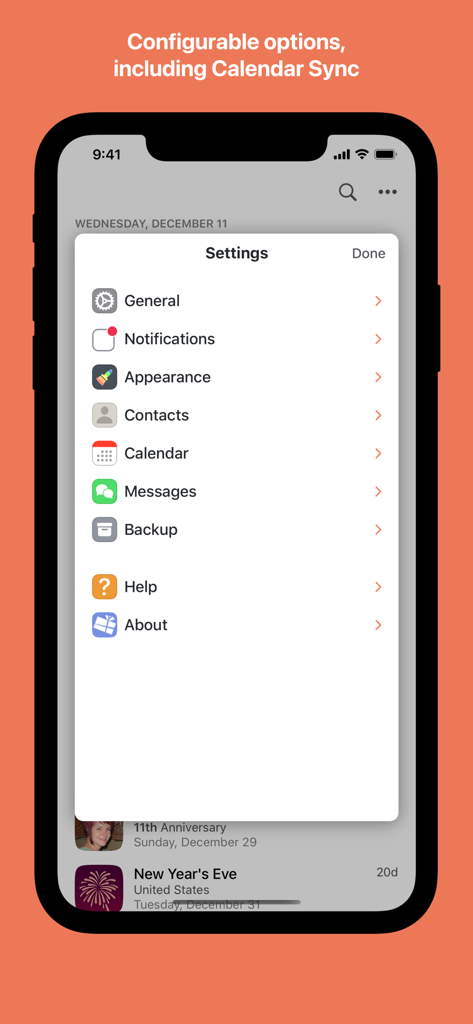
A screenshot of the settings menu in the Occasions 3 app showing options for notifications appearance and calendar sync
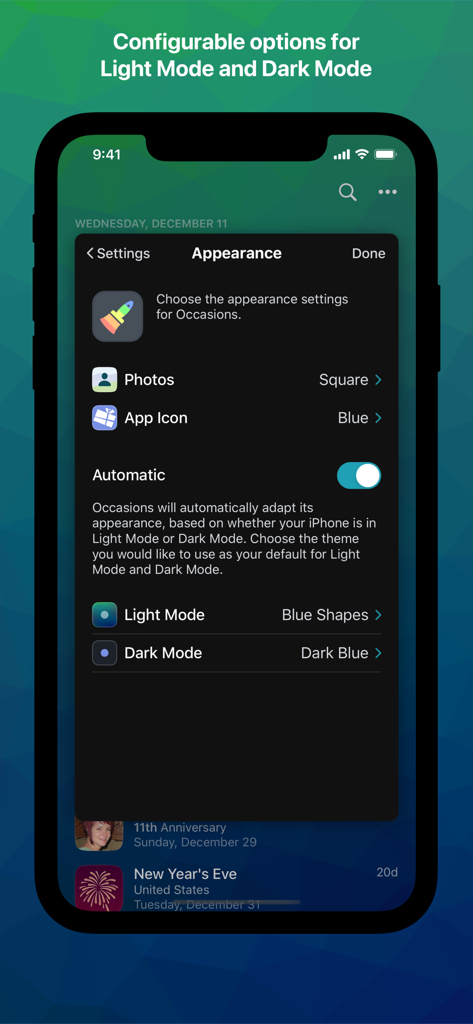
Appearance settings screen in the Occasions 3 app showing options for themes and light or dark mode customization.
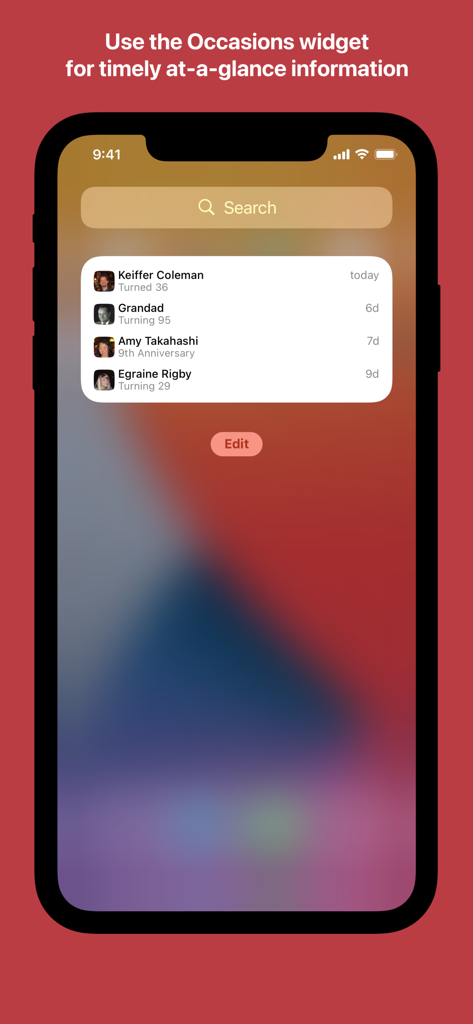
Occasions 3 app widget on an iPhone showing upcoming birthdays and anniversaries at a glance.
Description
Download
More Like This
Top-ranked apps in the same category

ChatGPT
OpenAI OpCo, LLC

Google Gemini
Google LLC

Grok
X.AI Corporation

Gmail - Email by Google
Google LLC

千问 - 阿里最强大模型官方AI助手
Shanghai Zhixin Puhui Technology Co., Ltd.

Google Drive
Google LLC

Microsoft Authenticator
Microsoft Corporation

Google Sheets
Google LLC

Google Docs
Google LLC
This page is not an official page of the app or its developer, but an independent editorial publication created for informational and commentary purposes. Unless expressly stated otherwise, neither the app nor its developer is affiliated with, endorsed by, sponsored by, authorized by, or otherwise officially connected with MWM, Apple, Google Play, the app publisher, or the app's developer, and nothing on this page implies that the app was developed using MWM's services. Any trademarks, logos, screenshots, and other content remain the property of their respective owners.