
This page is not an official page of the app or its developer, but an independent editorial publication created for informational and commentary purposes. Unless expressly stated otherwise, neither the app nor its developer is affiliated with, endorsed by, sponsored by, authorized by, or otherwise officially connected with MWM, Apple, Google Play, the app publisher, or the app's developer, and nothing on this page implies that the app was developed using MWM's services. Any trademarks, logos, screenshots, and other content remain the property of their respective owners.


OcenAudio - Audio Editor Pro
Master your sound on the go. Effortlessly trim, extract, and convert audio with professional tools designed for TikTokers, podcasters, and mobile-first creators.
Downloads
800User Rating
Total Ratings
0Publisher
Category
UtilitiesLocales
2Latest Version
1.3.0Size
71.1 MBFirst Released
Mar 10, 2025Master Your Sound, Anywhere
Professional audio tools optimized for mobile creators. Edit, convert, and enhance your audio with precision and speed.
Instant Video-to-Audio
Extract high-quality sound from any video file in seconds—the ultimate tool for repurposing content for viral social media clips.
Precision Editing & Merging
Seamlessly trim, cut, and combine multiple tracks with professional transitions. Perfect for polishing podcasts and music demos on the go.
The following screenshots and description are sourced directly from the app's official store listing and are the property of the app developer.
App Store
Screenshots

Promotional graphic for OcenAudio app featuring colorful musical notes and a 100M downloads milestone.
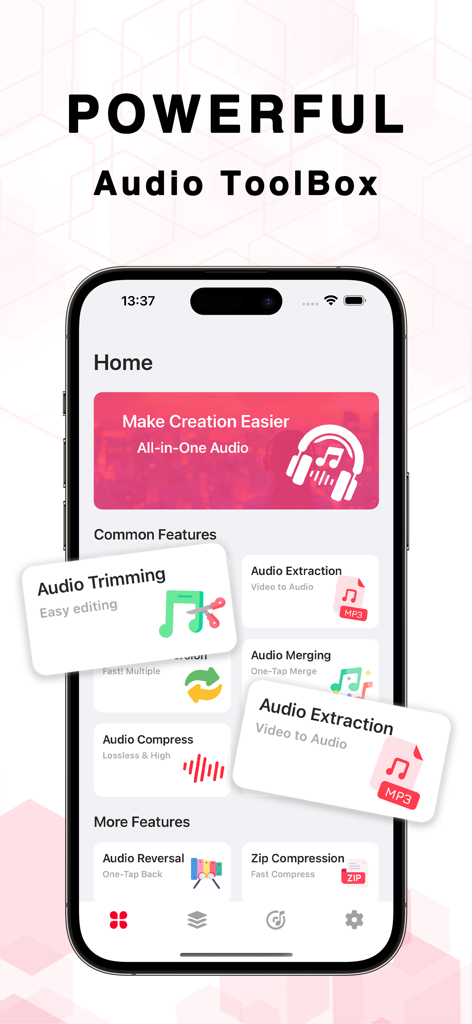
OcenAudio Audio Editor Pro app interface displaying various audio editing tools and features
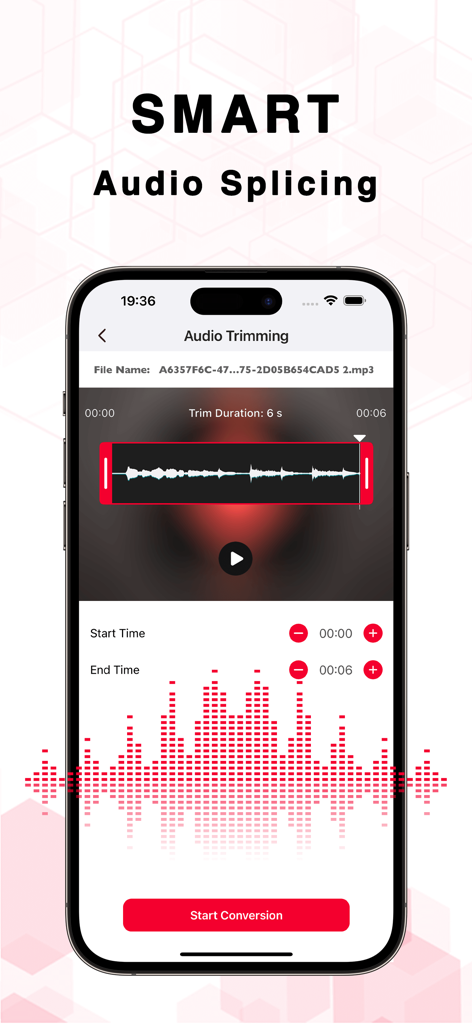
Smart audio splicing and trimming interface in OcenAudio app
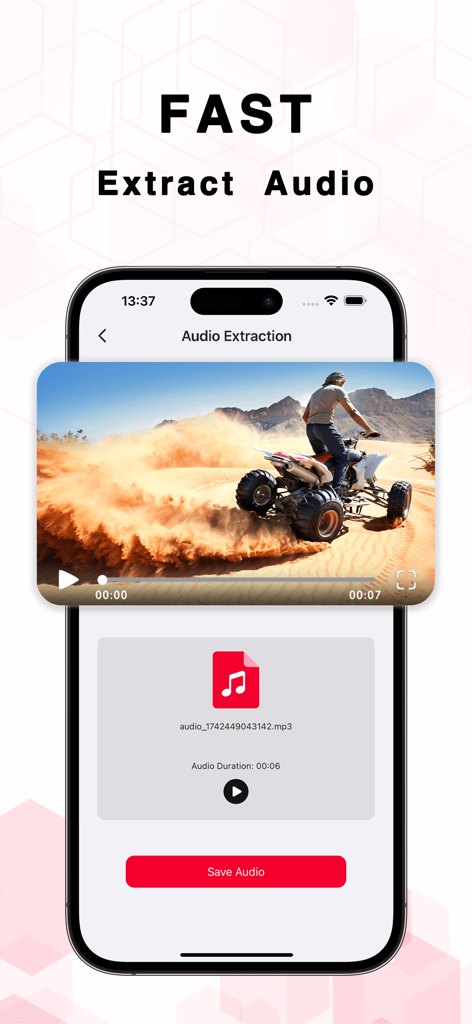
A smartphone interface showing the OcenAudio app extracting an mp3 file from a video of a person riding a quad bike.
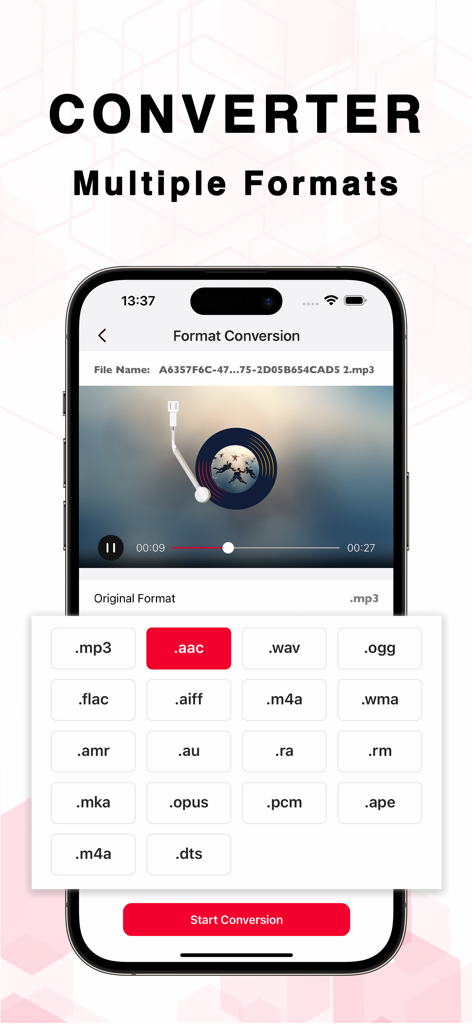
Interface of the OcenAudio app showing multiple audio format conversion options like MP3 AAC and WAV
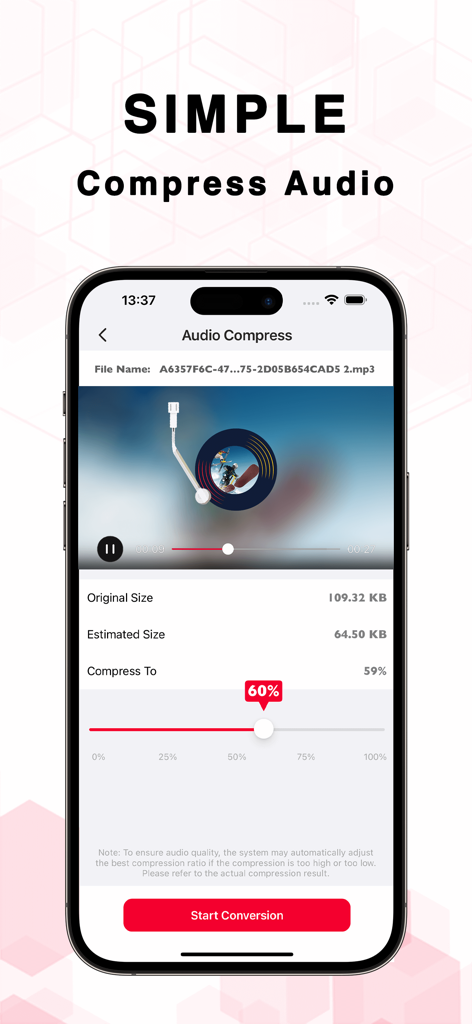
OcenAudio app screen for compressing audio files with a size adjustment slider
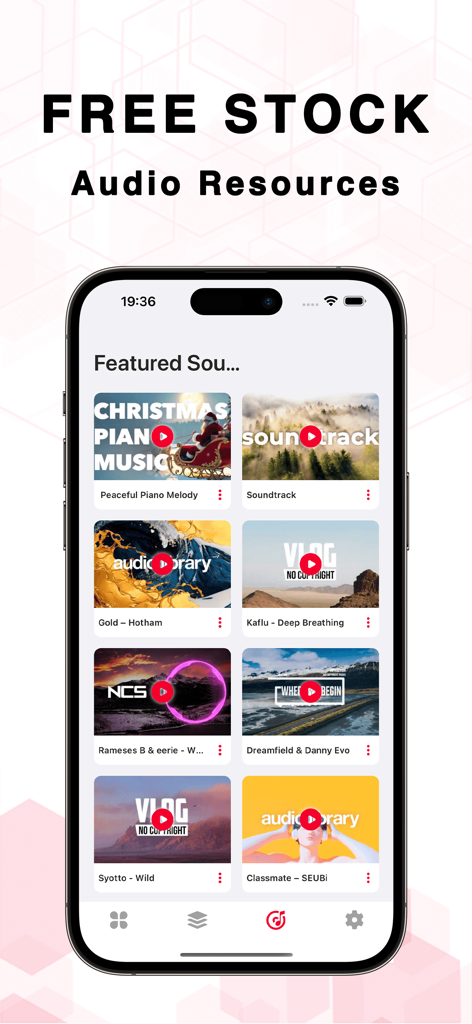
OcenAudio app screen displaying free stock audio resources for content creators.
Description
Download
More Like This
Top-ranked apps in the same category

Google LLC

Google Chrome
Google LLC

中国移动(手机营业厅)
China Mobile Online Services Co., Ltd.

Google Authenticator
Google LLC

CNH do Brasil
Servicos e Informacoes do Brasil

Cleanup: Phone Storage Cleaner
DEEP FLOW SOFTWARE SERVICES - FZCO

gov.br
Servicos e Informacoes do Brasil

中国电信-全国统一官方服务平台
CHINA TELECOM Corporation Ltd.

Microsoft Edge: AI Browser
Microsoft Corporation
This page is not an official page of the app or its developer, but an independent editorial publication created for informational and commentary purposes. Unless expressly stated otherwise, neither the app nor its developer is affiliated with, endorsed by, sponsored by, authorized by, or otherwise officially connected with MWM, Apple, Google Play, the app publisher, or the app's developer, and nothing on this page implies that the app was developed using MWM's services. Any trademarks, logos, screenshots, and other content remain the property of their respective owners.