
Office 7: Word, Sheets, PDF

The powerful, lightweight alternative to manage documents, spreadsheets, and PDFs on the go. Perfectly compatible with Microsoft Office and Google Docs, designed for your iPhone and iPad.
Publisher
Category
BusinessDownloads
1M+User Rating
Total Ratings
5K+Locales
19Discover the interface used by 1M+ users.
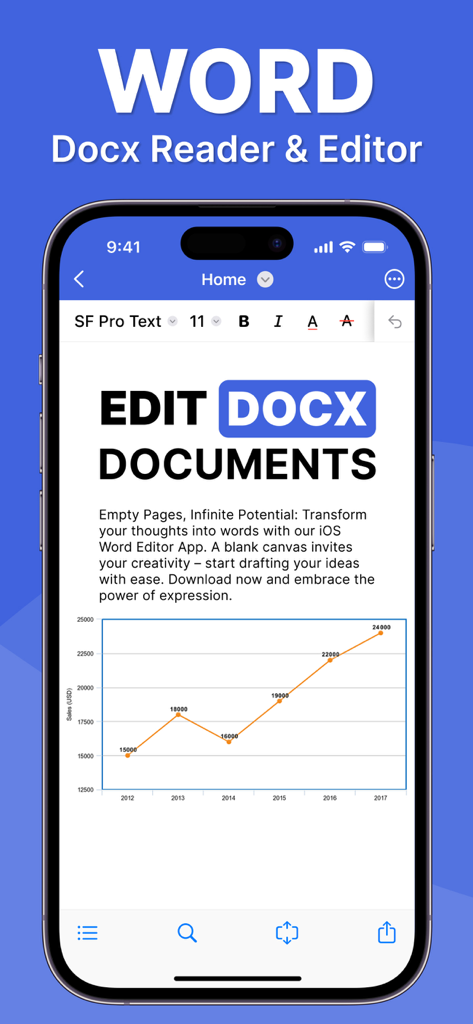
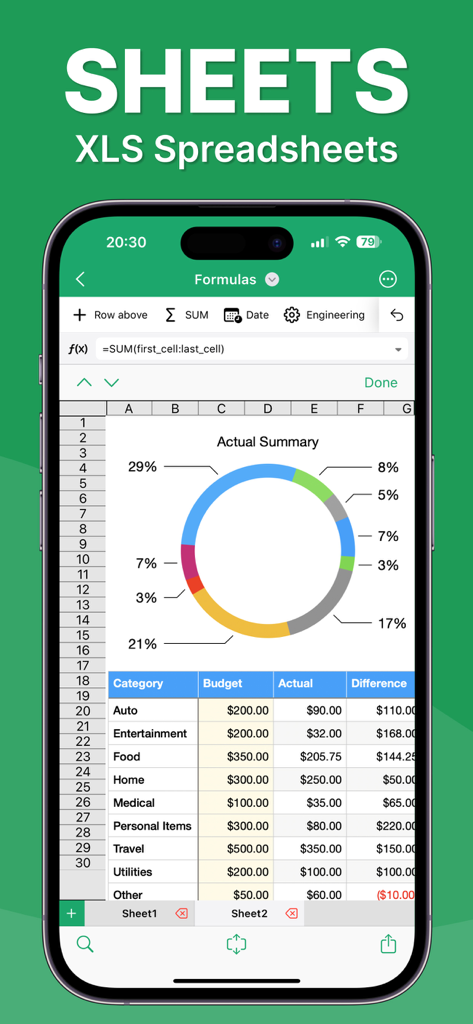
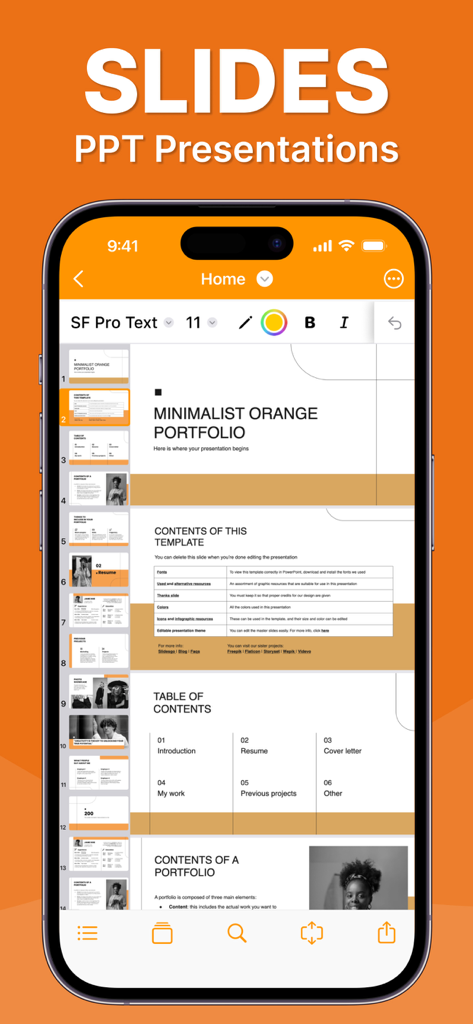
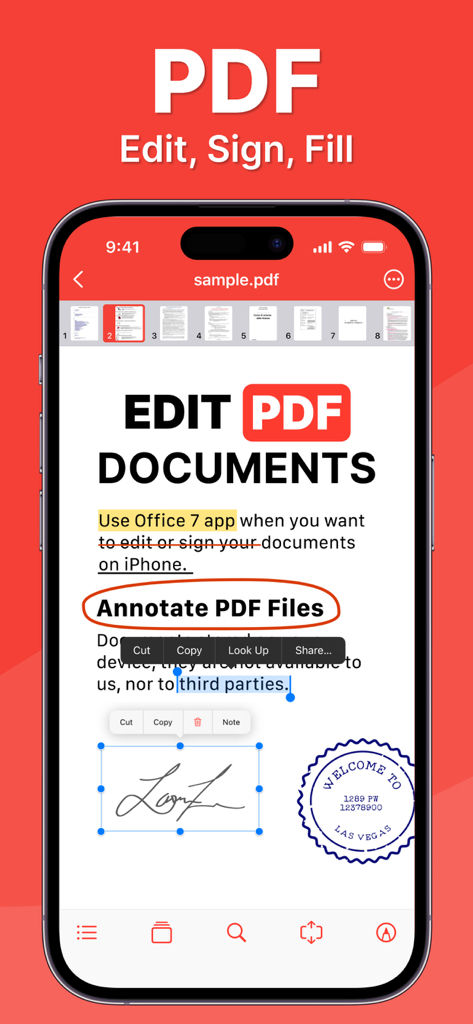
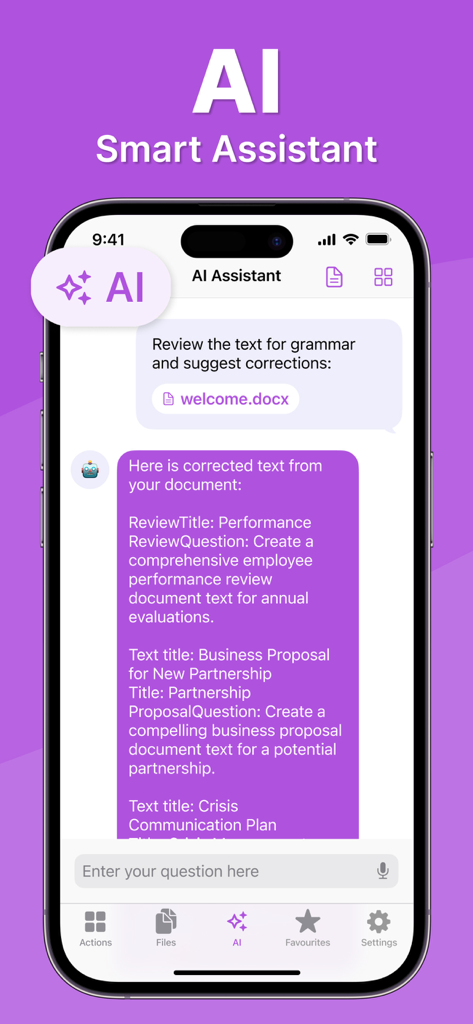
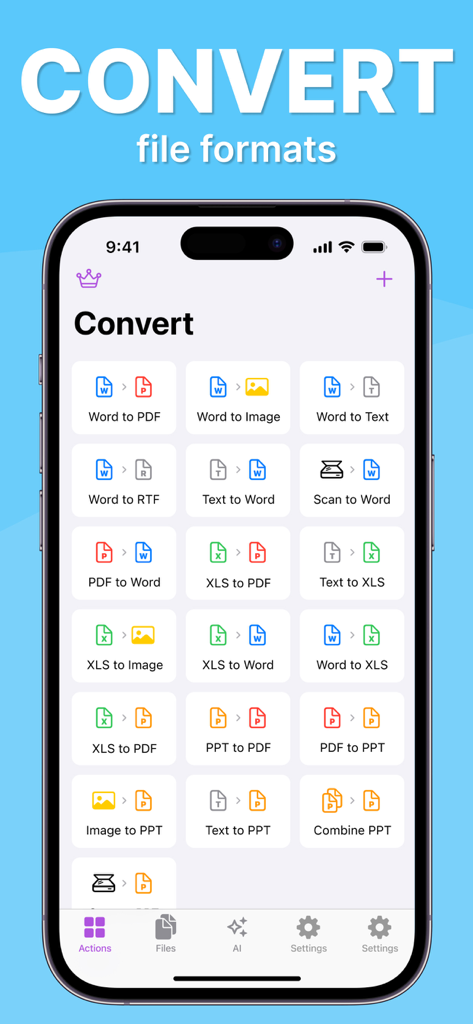
The tools that make this app stand out, trusted by 1M+ users.
Stop app-switching fatigue. Effortlessly create Word docs, crunch data in Sheets, and design slides from one unified, lightweight command center.
More than just a viewer—open, annotate, and manage contracts or reports on the fly to keep your business moving forward without needing a desk.
Work with total confidence using full .docx, .xlsx, and .pptx support. Your files look exactly as intended, ensuring professional results every time.
Insights from user reviews.
Sentiment Score
Summary
The app receives overwhelmingly negative feedback, primarily due to its deceptive monetization practices. Many users report being unable to save their work without a mandatory subscription, often after spending hours on projects, leading to lost data and significant frustration. Concerns include unexpected charges during "free" trials, difficulty canceling subscriptions, and overall misleading claims about the app's functionality without payment. While a few users praise the app for its speed, organization, or ability to manage documents once paid for, the pervasive paywall and perceived scam-like behavior severely detract from the user experience.
Common Themes
Everything you need to know about Office 7: Word, Sheets, PDF.
Description
Latest Version
2.0.15
Size
192.0 MB
First Released
Mar 18, 2024
Join over 1 million professionals who have simplified their workflow. Download Office 7 today and master your Word, Sheets, and PDF tasks from anywhere.
Everything you need to know about Office 7: Word, Sheets, PDF
Office 7 is an app for office tasks, allowing users to create, edit, and share documents, spreadsheets, presentations, and PDF files. It ensures compatibility with major formats like Microsoft Office and Adobe PDF.
Yes, Office 7 supports major formats including Microsoft Word (.doc, .docx, .docm), Excel (.XLS, .XLSX, .XLSM), and PowerPoint formats. It is also compatible with Google Docs and Adobe PDF.
Office 7 supports various document formats including .doc, .docx, .docm, .rtf, and .txt. Users can create, edit, and manage these files within the app.
Yes, Office 7 provides advanced text and paragraph formatting capabilities for documents. It also includes an extensive font library with over 70 fonts for diverse text styling.
Office 7 supports spreadsheet formats such as .XLS, .XLSX, .XLSM, and .CSV. It provides over 250 functions, chart creation tools, and data management features.
Yes, Office 7 includes advanced chart creation and editing tools for spreadsheets. This allows users to visualize data effectively within their .XLS, .XLSX, or .CSV files.
Yes, Office 7 offers comprehensive support for Microsoft PowerPoint formats. It enables users to create, edit, insert charts and images, and customize themes and layouts for presentations.
Yes, Office 7 allows users to open, annotate, and manage PDF files with ease. It features various reading modes and access to tables of contents and annotations.
Yes, Office 7 includes an AI Smart Assistant feature. This assistant can review text for grammar, suggest corrections, and help generate content for various document types.
Yes, Office 7 provides comprehensive file conversion capabilities. Users can convert Word to PDF, XLS to PDF, PPT to PDF, and many other formats directly within the app.
The Office 7 privacy policy is available at https://www.team2swift.com/privacy-office. This link provides detailed information on data handling practices.
For questions or requests regarding Office 7, users can access customer support through the form available at https://www.team2swift.com/support/. This is the official channel.
Apps with similar features and user experience

Balzo srl

NEXT K.U.M. LTD

INTSIG Information Co., Ltd

Adobe Inc.

KINGSOFT OFFICE SOFTWARE CORPORATION LIMITED

ILOVEPDF S.L.

The Grizzly Labs

Microsoft Corporation

INDY MOBILE APP COMPANY LIMITED
App information, icons, screenshots, and descriptions displayed on this page are sourced from the Apple App Store and are the property of their respective developers. Download estimates and rankings are based on MWM's proprietary models and may not reflect actual figures. This page is provided for informational and analytical purposes only.
Believe this page infringes your intellectual property? File a dispute