
This page is not an official page of the app or its developer, but an independent editorial publication created for informational and commentary purposes. Unless expressly stated otherwise, neither the app nor its developer is affiliated with, endorsed by, sponsored by, authorized by, or otherwise officially connected with MWM, Apple, Google Play, the app publisher, or the app's developer, and nothing on this page implies that the app was developed using MWM's services. Any trademarks, logos, screenshots, and other content remain the property of their respective owners.


One Markdown
Experience distraction-free writing with full support for GFM, Math formulas, and Mermaid diagrams. Built for developers and STEM professionals who value speed, precision, and data sovereignty across all Apple devices.
Downloads
3K+User Rating
Total Ratings
500Publisher
Category
ProductivityLocales
4Latest Version
1.6.6Size
49.1 MBFirst Released
Jan 8, 2021Engineered for Focus and Precision
A distraction-free Markdown editor designed for technical professionals who demand speed, flexibility, and full control over their plain-text workflow.
Visualize Complexity Instantly
Render Math formulas, Mermaid diagrams, and Echarts directly in the editor. Ideal for STEM researchers and software architects.
Built for Mobile Flow
Write faster on iPhone and iPad with a dedicated Markdown syntax keyboard and an interface optimized for peak productivity on the go.
The following screenshots and description are sourced directly from the app's official store listing and are the property of the app developer.
App Store
Screenshots
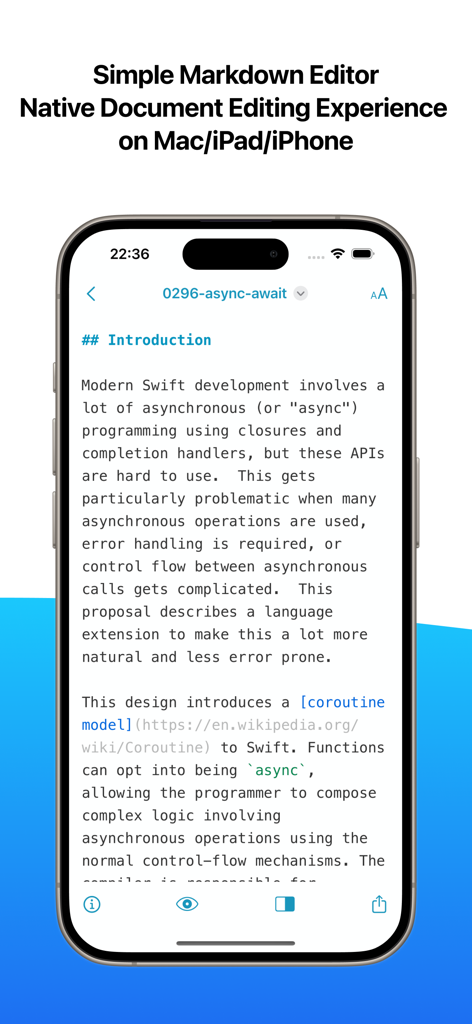
One Markdown app interface on iPhone showing a technical document
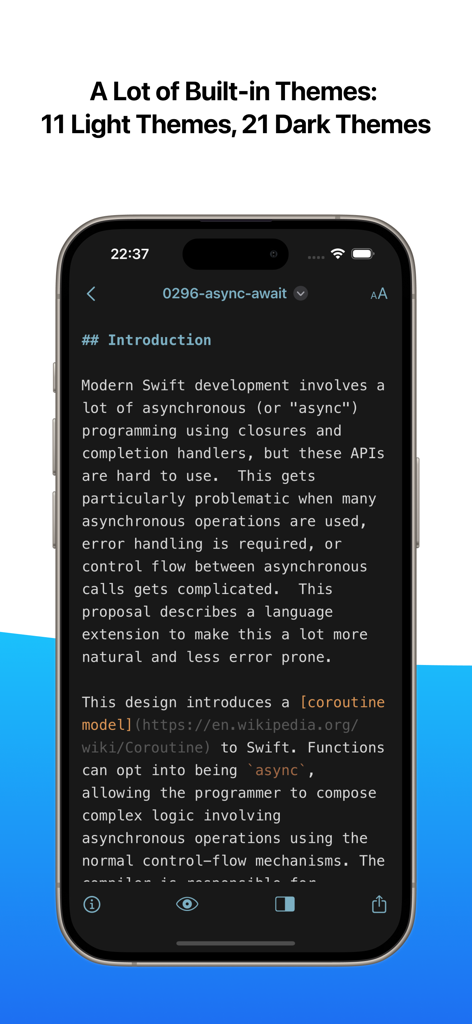
One Markdown app interface displaying technical text in a dark theme
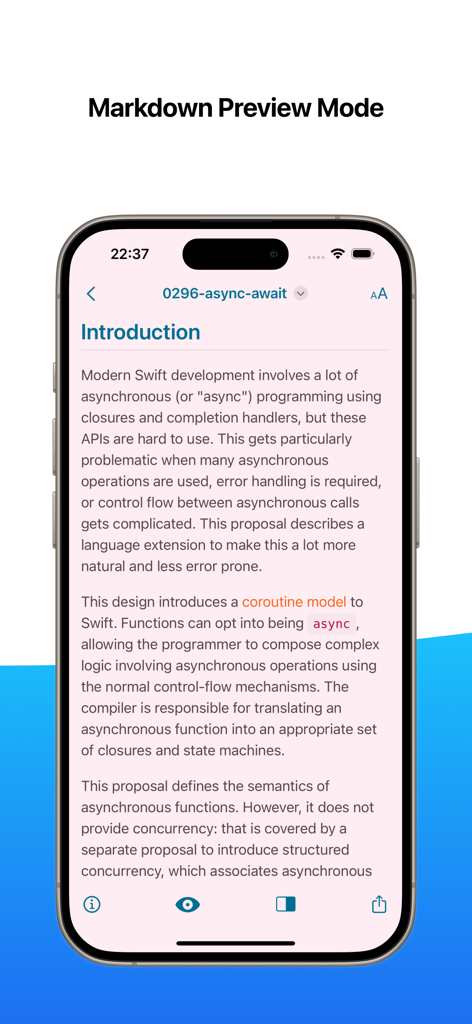
One Markdown app showing the preview mode of a technical document about Swift development on an iPhone
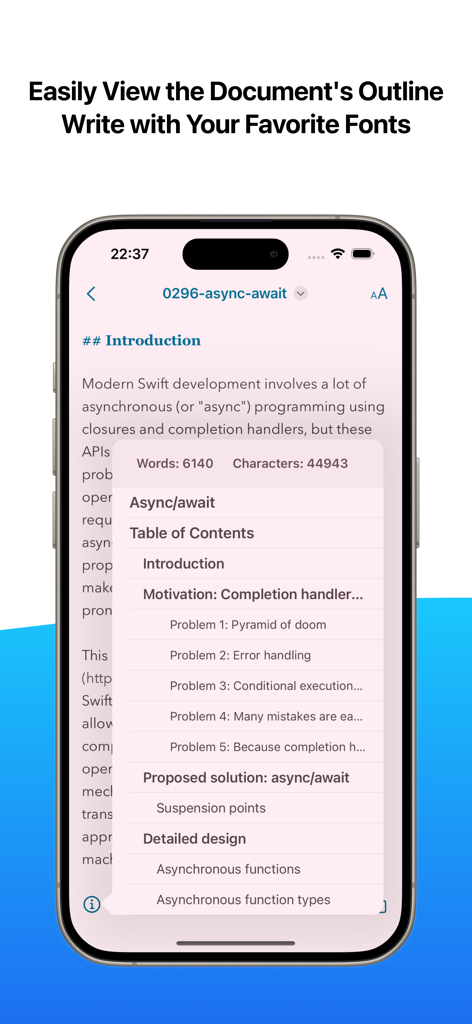
One Markdown app interface showing the document outline and word count features on an iPhone
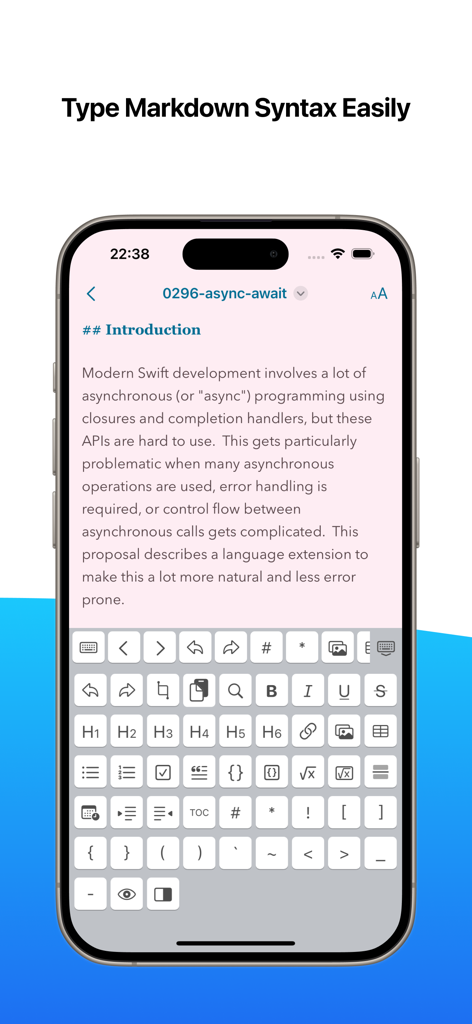
One Markdown app interface on iPhone showing a specialized keyboard with shortcut buttons for Markdown syntax formatting.
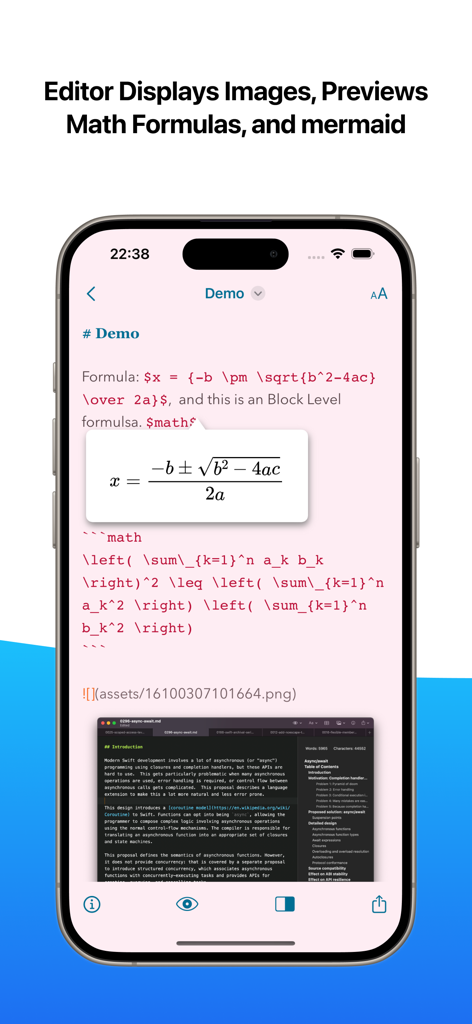
One Markdown editor on iPhone showing a math formula preview and an embedded image.
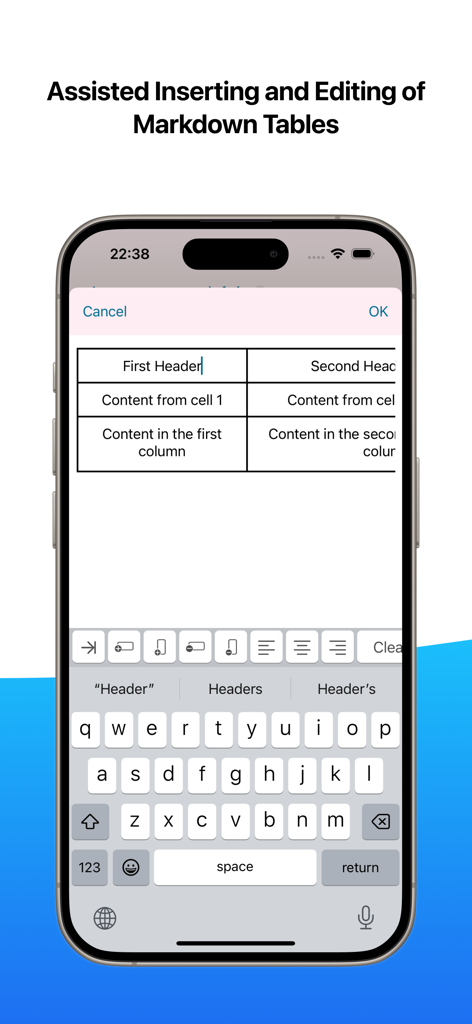
Interface of One Markdown app on iPhone showing assisted table creation and editing features
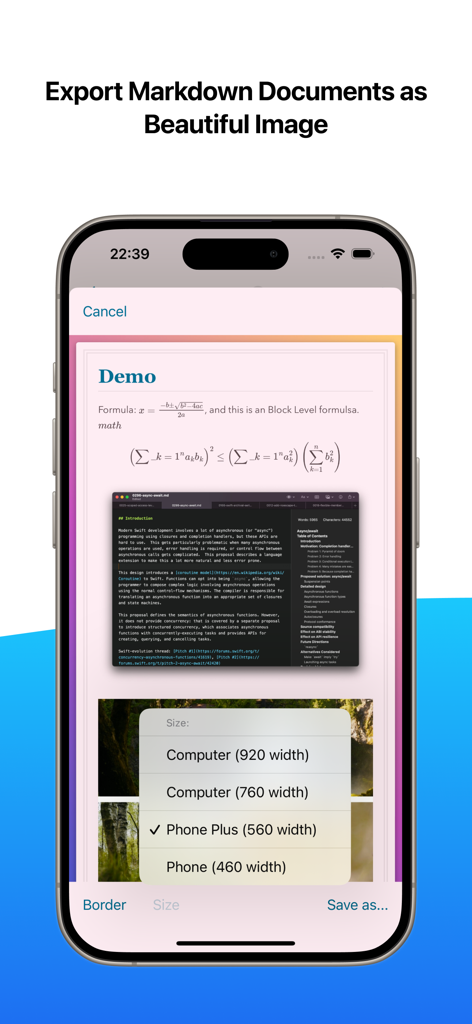
Interface for exporting a Markdown document containing math formulas and code as a styled image on an iPhone
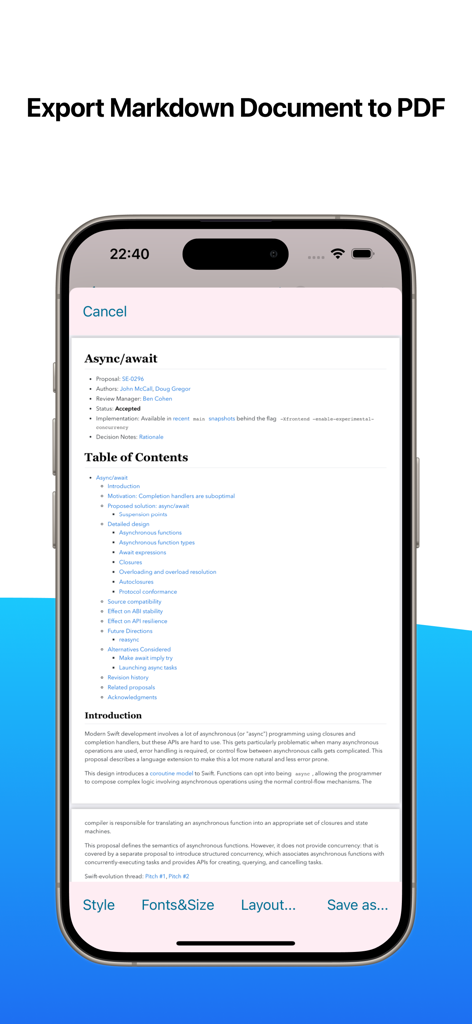
Smartphone interface showing One Markdown app exporting a technical document to PDF format
Description
Download
More Like This
Top-ranked apps in the same category

ChatGPT
OpenAI OpCo, LLC

Google Gemini
Google LLC

Grok
X.AI Corporation

Gmail - Email by Google
Google LLC

千问 - 阿里最强大模型官方AI助手
Shanghai Zhixin Puhui Technology Co., Ltd.

Google Drive
Google LLC

Microsoft Authenticator
Microsoft Corporation

Google Sheets
Google LLC

Google Docs
Google LLC
This page is not an official page of the app or its developer, but an independent editorial publication created for informational and commentary purposes. Unless expressly stated otherwise, neither the app nor its developer is affiliated with, endorsed by, sponsored by, authorized by, or otherwise officially connected with MWM, Apple, Google Play, the app publisher, or the app's developer, and nothing on this page implies that the app was developed using MWM's services. Any trademarks, logos, screenshots, and other content remain the property of their respective owners.