
This page is not an official page of the app or its developer, but an independent editorial publication created for informational and commentary purposes. Unless expressly stated otherwise, neither the app nor its developer is affiliated with, endorsed by, sponsored by, authorized by, or otherwise officially connected with MWM, Apple, Google Play, the app publisher, or the app's developer, and nothing on this page implies that the app was developed using MWM's services. Any trademarks, logos, screenshots, and other content remain the property of their respective owners.


Onion Cam2 - StopMotion camera
Bring your stories to life with precision onion-skinning and powerful editing tools. Whether you are creating LEGO brickfilms, school projects, or viral TikToks, Onion Cam2 is your all-in-one studio for high-quality stop-motion and time-lapse movies.
Downloads
286K+User Rating
Total Ratings
5K+Publisher
Category
Photo & VideoLocales
2Latest Version
2.0.2Size
6.2 MBFirst Released
Feb 26, 2018Professional Stop-Motion Made Simple
Turn your ideas into smooth, viral-ready animations with professional tools designed for creators, students, and hobbyists.
Precision Ghosting
Master smooth movements with the Onion-skin overlay, allowing you to see your previous frame for perfect alignment.
Direct Social Export
Instantly convert your frames into high-quality movies with custom speeds, ready to share on TikTok, Reels, and YouTube.
The following screenshots and description are sourced directly from the app's official store listing and are the property of the app developer.
App Store
Screenshots
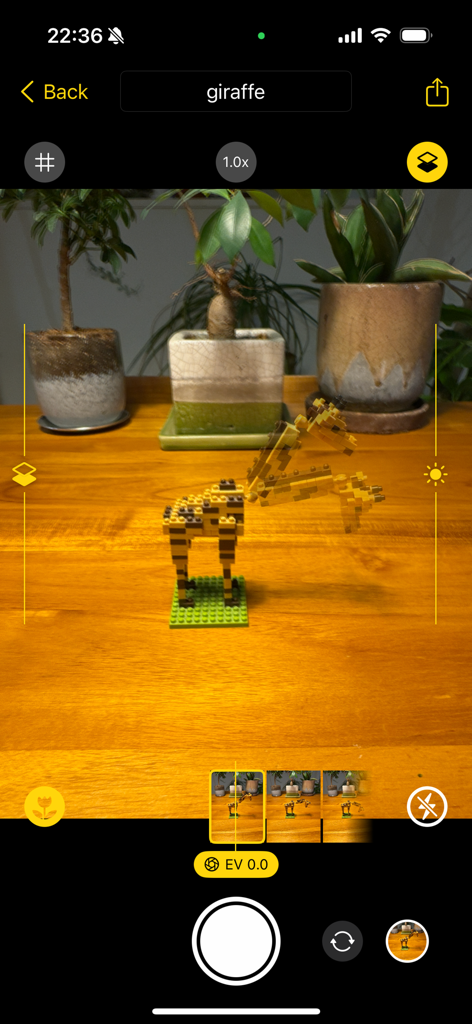
Stop motion animation of a LEGO giraffe using the Onion Cam 2 interface with onion skinning overlays.
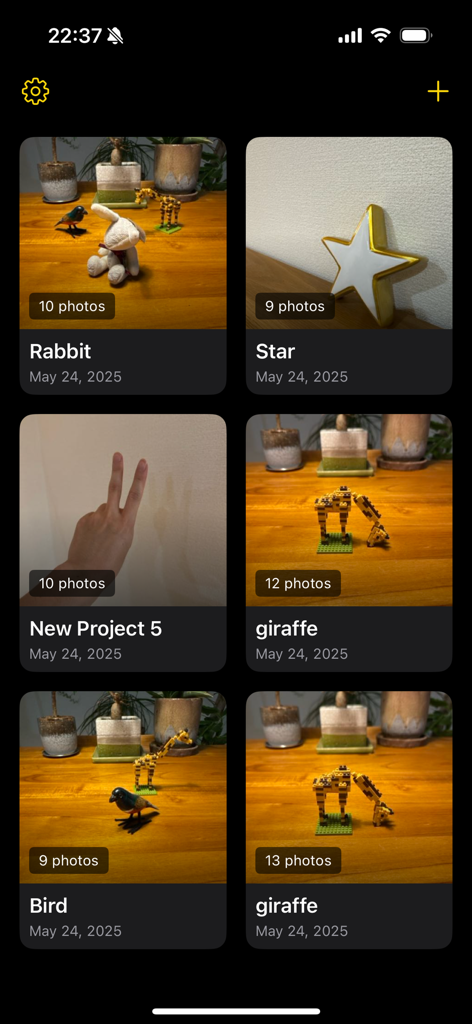
Project gallery interface of the Onion Cam2 stop motion app showing various animation projects featuring toys and LEGO models.
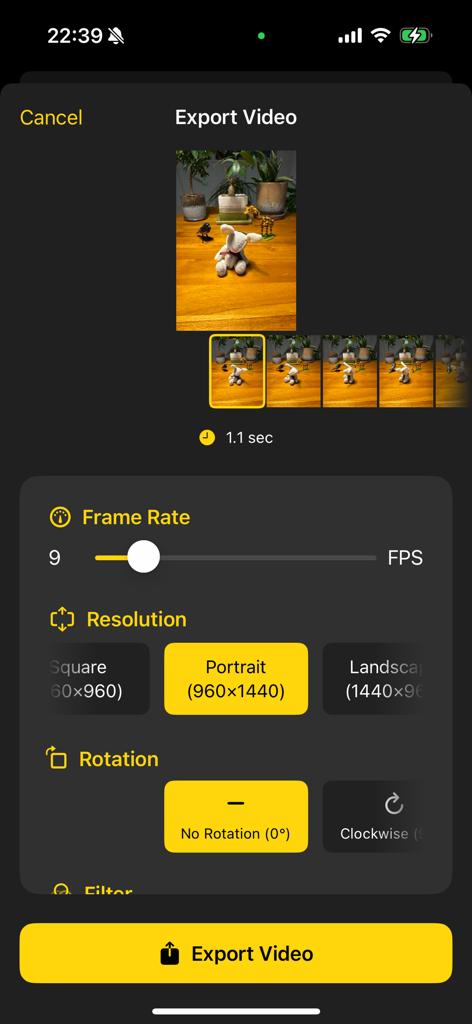
Onion Cam2 export screen showing frame rate and resolution settings for a stop motion video project
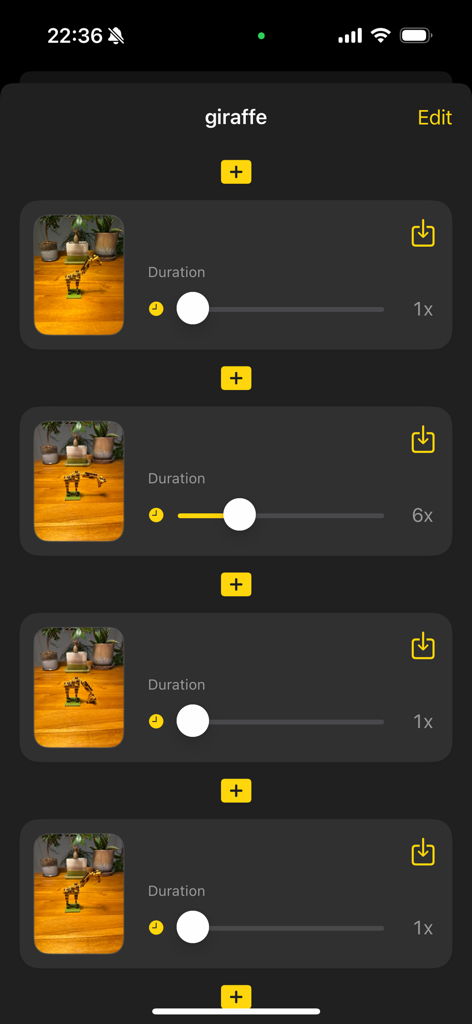
Interface of Onion Cam2 app showing a sequence of stop-motion frames with duration adjustment settings for a giraffe toy animation project
Description
Download
More Like This
Top-ranked apps in the same category

CapCut: Photo & Video Editor
BYTEDANCE PTE. LTD.

Instagram, Inc.

YouTube
Google LLC

Canva: AI Photo & Video Editor
Canva Pty Ltd

Snapchat
Snap, Inc.

快手
Beijing Kwai Technology Co., Ltd.

Edits: Video Editor
Instagram, Inc.

Meitu- AI Photo & Video Editor
Xiamen Meitu Technology Co., Ltd.

Google Photos: Backup & Edit
Google LLC
This page is not an official page of the app or its developer, but an independent editorial publication created for informational and commentary purposes. Unless expressly stated otherwise, neither the app nor its developer is affiliated with, endorsed by, sponsored by, authorized by, or otherwise officially connected with MWM, Apple, Google Play, the app publisher, or the app's developer, and nothing on this page implies that the app was developed using MWM's services. Any trademarks, logos, screenshots, and other content remain the property of their respective owners.