
OSLink
Guangzhou Wujie Jiyuan Technology Co., Ltd.


Break free from your desk with high-performance remote access. Whether you are managing professional workflows or playing PC games with full Bluetooth keyboard and mouse support, OSLink puts your desktop power in your pocket.
Publisher
Category
UtilitiesDownloads
264K+User Rating
Total Ratings
200Locales
7Discover the interface used by 264K+ users.


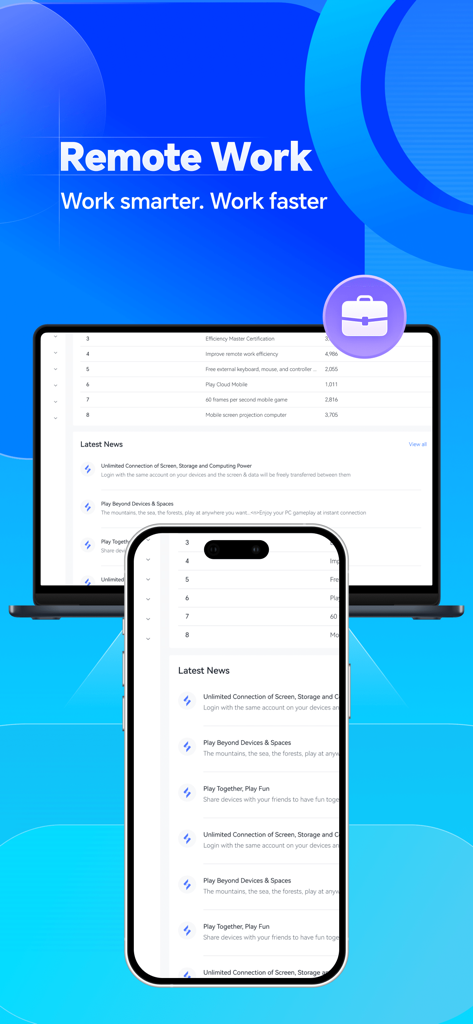

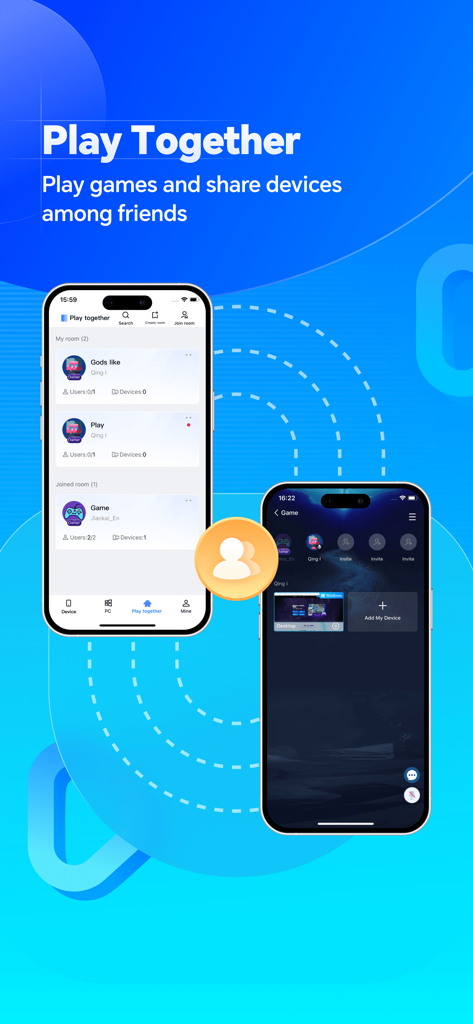
The tools that make this app stand out, trusted by 264K+ users.
Access your home or office PC from any iOS device with zero limitations. Perfect for hybrid workers and digital nomads who need to handle tasks on the move.
Stream your PC library to your mobile device. With custom keymaps and 'Play Together' features, you can enjoy desktop-tier gaming with low latency.
Connect your Bluetooth keyboard, mouse, or game controller. Transform your iPad into a true laptop replacement with precise control and custom mapping.
Everything you need to know about OSLink.
Description
Latest Version
1.3.24
Size
207.0 MB
First Released
Jan 10, 2023
Join 260,000+ users who bridge the gap between mobility and performance. Whether you're mastering a PC game or finishing a work project, OSLink puts your desktop on your iPhone or iPad for as little as $0.99.
Everything you need to know about OSLink
OSLink is a remote access software that enables users to control their computer from various devices like iPhones and iPads. It supports cross-device remote access with no device limitations for remote desktop functions.
Yes, OSLink supports remote access to your computer from iPhones and iPads. It facilitates cross-device remote access between these devices and Windows PCs, offering a remote desktop experience.
Yes, OSLink allows users to remotely access their work PC from their phone anytime and anywhere. This feature enables convenient work-from-home capabilities via remote access.
Yes, OSLink is compatible with Bluetooth controllers, keyboards, and mice on phones and tablets. It also allows users to customize their keymap for a personalized experience.
An OSLink SVIP subscription provides unlimited controlled devices, unlimited device sharing, and unlimited room functions. These benefits enhance the remote access and collaboration experience.
The continuous monthly subscription for OSLink SVIP is subject to iAP application information. For example, it costs $0.99 per month for continuous monthly subscription products.
To cancel OSLink subscription renewal, manually turn off the automatic renewal function in iTunes/Apple ID settings management. This must be done 24 hours before the current subscription period expires.
Yes, OSLink enables remote gaming by allowing users to remotely access their computer. The service provides a safe and stable connection for playing games from anywhere.
Yes, OSLink features a "Play Together" function that allows users to play games and share devices among friends. This feature supports multi-user interaction and collaborative experiences.
The OSLink Privacy Policy is available at https://www.oslink.io/privacypolicy.html. This document details how OSLink handles user data and privacy concerns.
Apps with similar features and user experience

Shanghai best oray information s&t co.,ltd

Guangzhou NetEase Computer System Co.Ltd

AWERAY PTE. LTD.

AnyDesk Software GmbH

TeamViewer Germany GmbH

Hainan Youqu Technology Co., Ltd.

ZULER TECHNOLOGY PTE. LTD.

Termius Corporation

RealVNC Limited
App information, icons, screenshots, and descriptions displayed on this page are sourced from the Apple App Store and are the property of their respective developers. Download estimates and rankings are based on MWM's proprietary models and may not reflect actual figures. This page is provided for informational and analytical purposes only.
Believe this page infringes your intellectual property? File a dispute