
This page is not an official page of the app or its developer, but an independent editorial publication created for informational and commentary purposes. Unless expressly stated otherwise, neither the app nor its developer is affiliated with, endorsed by, sponsored by, authorized by, or otherwise officially connected with MWM, Apple, Google Play, the app publisher, or the app's developer, and nothing on this page implies that the app was developed using MWM's services. Any trademarks, logos, screenshots, and other content remain the property of their respective owners.


OviCut Video Editor
Turn your iPhone or iPad into a mobile studio. Master your social content with multi-track precision, keyframe animations, and desktop-class performance optimized for Apple M1.
Downloads
10K+User Rating
Total Ratings
0Publisher
Category
Photo & VideoLocales
19Latest Version
1.7.7Size
94.3 MBFirst Released
Apr 14, 2021Professional Editing Power, Right in Your Pocket
OviCut brings desktop-grade 4K video editing to your iPhone and iPad, combining the precision of a professional studio with the mobility of a modern creator.
Desktop Power on Mobile
Fully optimized for Apple M1 chips and iPad Pro, featuring external keyboard and mouse support to turn your tablet into a high-performance workstation.
Pro-Level Creative Control
Master your content with multi-track timeline editing, frame-by-frame precision, and advanced keyframe animations for a truly custom cinematic look.
The following screenshots and description are sourced directly from the app's official store listing and are the property of the app developer.
App Store
Screenshots
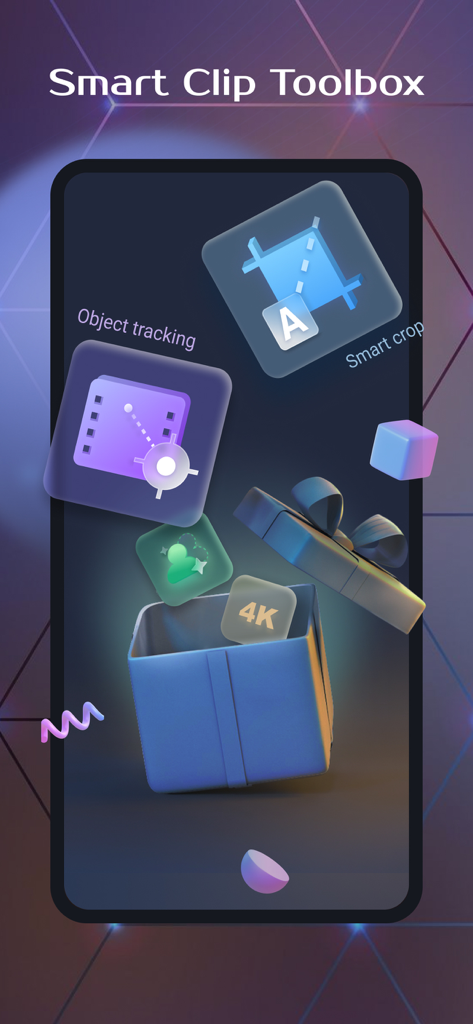
OviCut Video Editor Smart Clip Toolbox showing object tracking smart crop and 4K video editing features
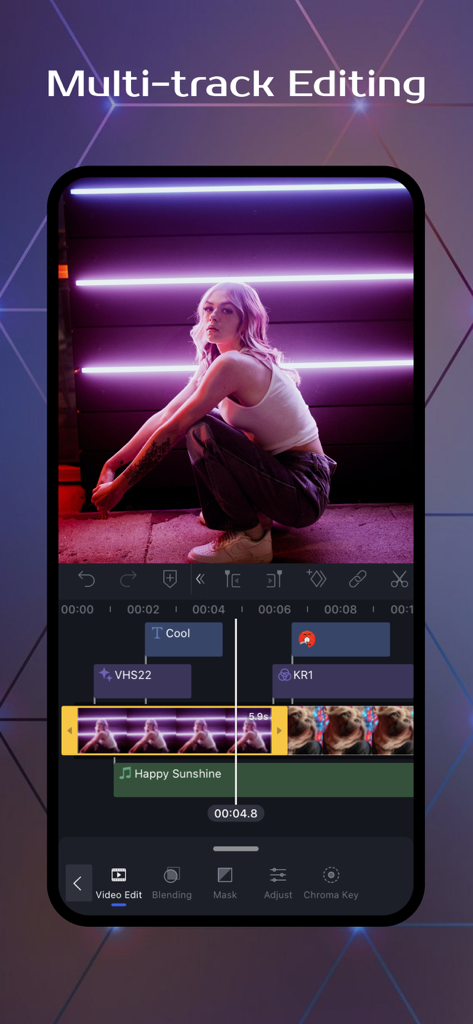
OviCut mobile app displaying multi-track video editing timeline and tools
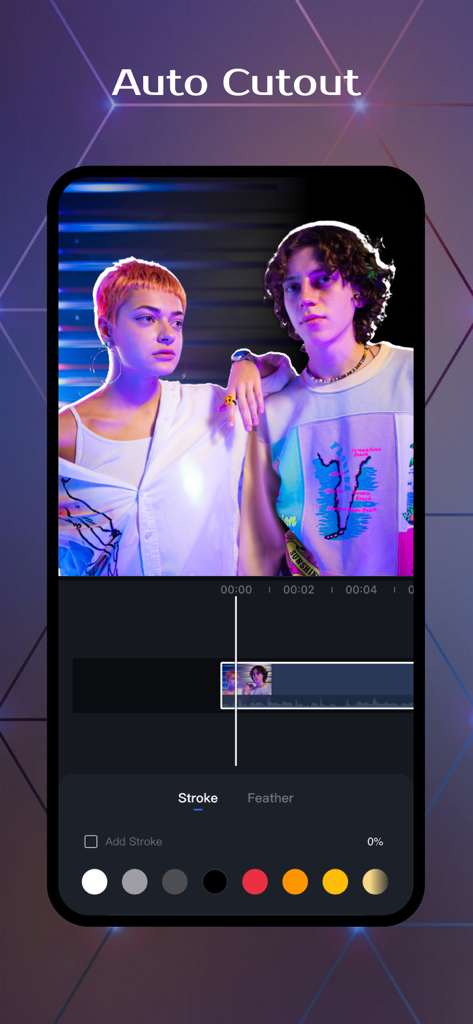
OviCut app interface demonstrating the auto cutout feature on two people with customizable stroke colors
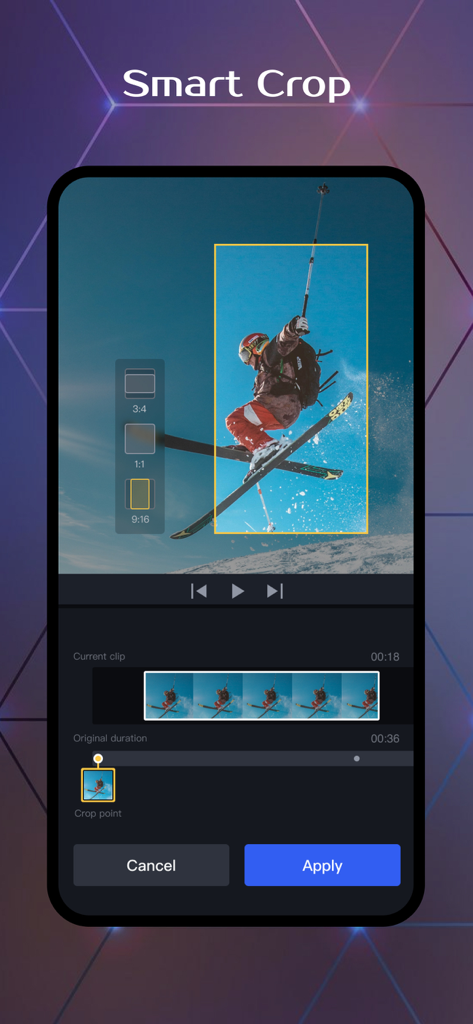
Smart crop tool interface in OviCut video editor app showing aspect ratio options for a skiing video
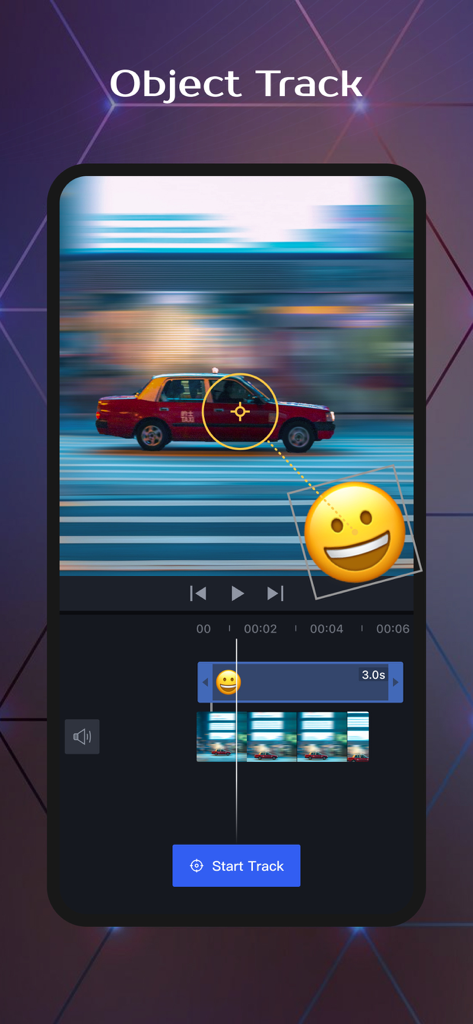
OviCut app interface showing the object track feature used to follow a moving car with an emoji
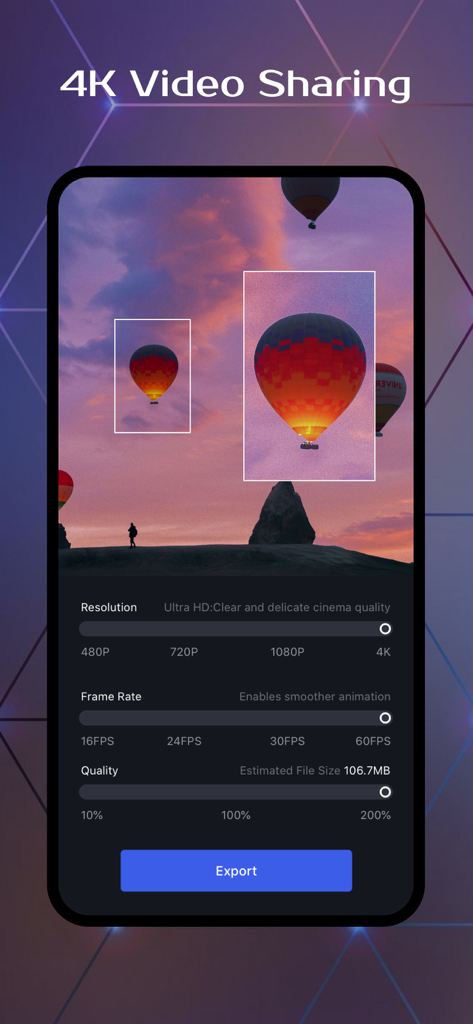
OviCut app screen for exporting videos in 4K resolution and 60fps
Description
Download
More Like This
Apps with similar features and user experience

Edits: Video Editor
Instagram, Inc.

VLLO- Video Editor, Vlog Edits
vimosoft

YouCut - AI Video Editor
SHANTANU PTE. LTD.

必剪-B站官方出品
Shanghai Bilibili Animation Co.,Ltd

剪影 - 视频剪辑 & 卡点影集制作
Shanghai Jian Ji Software Technology Co., Ltd

Videoshop - Video Editor
Jajijujejo Inc.

VDIT - Video Maker & Editor
ImgBase, Inc.

Vlogr - Video Editor & Maker
Vlogr Inc.

Video Maker-movie maker&Editor
Changsha Fugui Bamboo Network Technology Co., Ltd.
This page is not an official page of the app or its developer, but an independent editorial publication created for informational and commentary purposes. Unless expressly stated otherwise, neither the app nor its developer is affiliated with, endorsed by, sponsored by, authorized by, or otherwise officially connected with MWM, Apple, Google Play, the app publisher, or the app's developer, and nothing on this page implies that the app was developed using MWM's services. Any trademarks, logos, screenshots, and other content remain the property of their respective owners.