
This page is not an official page of the app or its developer, but an independent editorial publication created for informational and commentary purposes. Unless expressly stated otherwise, neither the app nor its developer is affiliated with, endorsed by, sponsored by, authorized by, or otherwise officially connected with MWM, Apple, Google Play, the app publisher, or the app's developer, and nothing on this page implies that the app was developed using MWM's services. Any trademarks, logos, screenshots, and other content remain the property of their respective owners.


Password Manager (2FAS Pass)
Stop trusting the cloud. This app puts you back in charge of your digital keys.
Downloads
25k+User Rating
Total Ratings
9Publisher
Category
ProductivityLocales
2Latest Version
1.7.0Size
54.4 MBFirst Released
Jul 2, 2025An analytical overview for privacy-conscious digital professionals.
Key Features of Password Manager (2FAS Pass)
Local-First Data Control
The app provides a local-first approach, ensuring users maintain full ownership and control over their password data, with no accounts required and data remaining on the user's device.
End-to-End Encryption & Offline Access
This tool features world-class end-to-end encryption for all stored passwords, ensuring maximum security and privacy, and it functions fully offline, enhancing reliability and data isolation.
Open-Source Transparency
It allows users to verify the security and integrity of the application through its open-source code, available on GitHub, fostering trust and transparency.
Flexible Data Synchronization
The app enables users to choose their preferred method for data synchronization and backup, including options like iCloud or custom WebDAV, offering full control over data location and trust models.
Seamless Browser Extension
This tool features a secure and encrypted connection with a desktop browser extension, allowing for fast and convenient access to passwords while browsing the internet.
Enhanced Security Tiers
The app provides additional "Security Tiers" for extra protection, allowing users to configure heightened security measures tailored to their specific needs.
The following screenshots and description are sourced directly from the app's official store listing and are the property of the app developer.
App Store
Screenshots
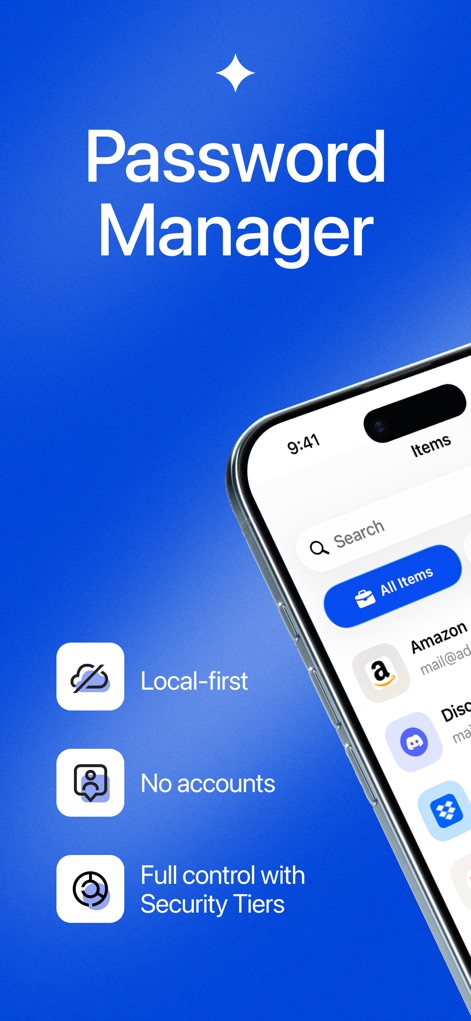
Discover how the app prioritizes user data with its 'Local-first' approach and offers 'Security Tiers' for enhanced protection.
Local-First Security

Explore the robust 'end-to-end encryption' safeguarding passwords and the secure 'local Vault storage' keeping data on-device.
Robust Encryption
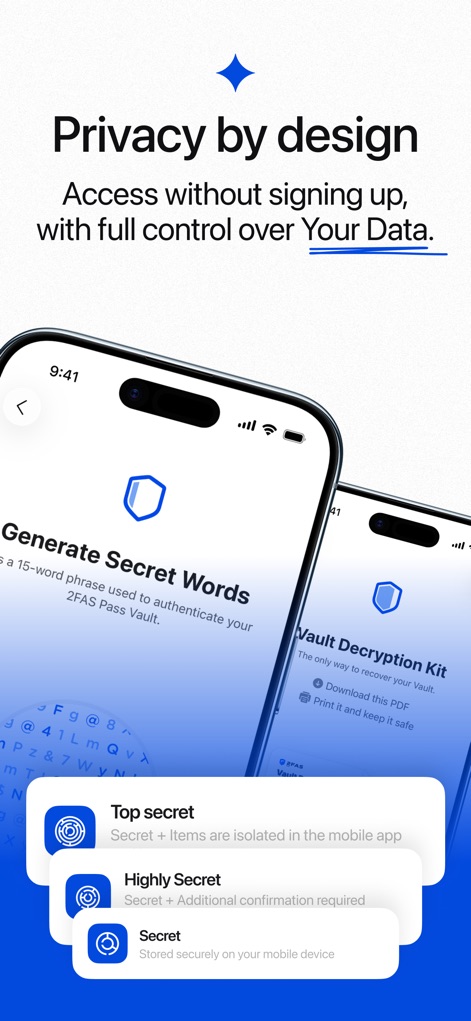
Witness the app's commitment to 'Privacy by design', allowing users to generate 'Secret Words' and manage data without traditional sign-ups.
Privacy Focused Design
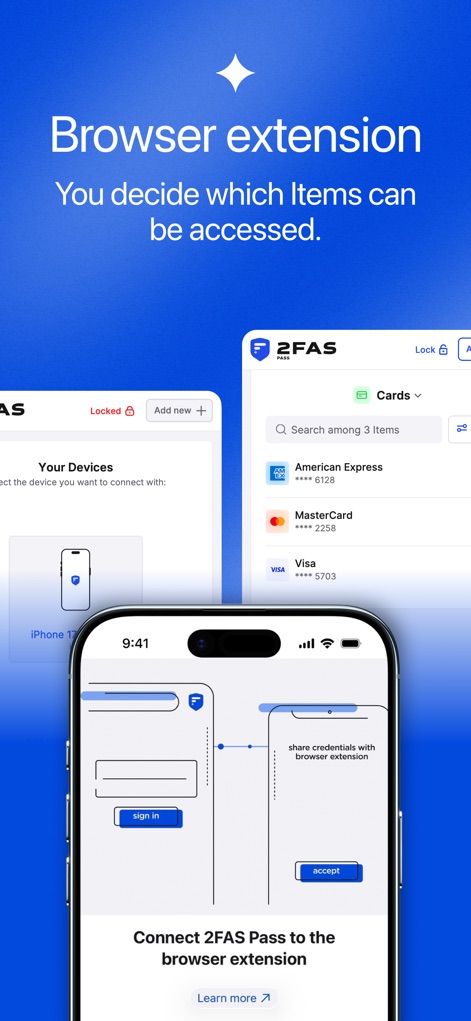
See how the app provides a 'Browser extension' for convenient access to credentials and displays 'Cards' like credit card details within the extension.
Seamless Integration
Description
Download
More Like This
Top-ranked apps in the same category

ChatGPT
OpenAI OpCo, LLC

Google Gemini
Google LLC

Grok
X.AI Corporation

Gmail - Email by Google
Google LLC

千问 - 阿里最强大模型官方AI助手
Shanghai Zhixin Puhui Technology Co., Ltd.

Google Drive
Google LLC

Microsoft Authenticator
Microsoft Corporation

Google Sheets
Google LLC

Google Docs
Google LLC
This page is not an official page of the app or its developer, but an independent editorial publication created for informational and commentary purposes. Unless expressly stated otherwise, neither the app nor its developer is affiliated with, endorsed by, sponsored by, authorized by, or otherwise officially connected with MWM, Apple, Google Play, the app publisher, or the app's developer, and nothing on this page implies that the app was developed using MWM's services. Any trademarks, logos, screenshots, and other content remain the property of their respective owners.