Password Manager Data Vault
Download on App Store

This page is not an official page of the app or its developer, but an independent editorial publication created for informational and commentary purposes. Unless expressly stated otherwise, neither the app nor its developer is affiliated with, endorsed by, sponsored by, authorized by, or otherwise officially connected with MWM, Apple, Google Play, the app publisher, or the app's developer, and nothing on this page implies that the app was developed using MWM's services. Any trademarks, logos, screenshots, and other content remain the property of their respective owners.

Logo of Password Manager Data Vault
Download on App Store

Password Manager Data Vault

Protect your passwords, bank accounts, and personal info with military-grade AES-256 encryption. Trusted for over 15 years by power users who demand total control over their data privacy.

Key Figures

Downloads

358K+

User Rating

4.5/5

Total Ratings

7K+

Publisher

Ascendo Inc.

Category

Productivity

Locales

7

Latest Version

7.3.31

Size

51.2 MB

First Released

Jul 25, 2009
Features

Professional-Grade Security for Your Entire Digital Life

Trusted for over 15 years, DataVault offers the perfect balance of military-grade encryption and intuitive organization to keep your private information safe and accessible across the Apple ecosystem.

Uncompromising AES-256 Security

Rest easy knowing your data is protected by bank-level encryption. Your information resides on your own hardware, giving you total control and privacy without cloud-only vulnerabilities.

Flexible Digital Wallet Templates

Go beyond passwords. Organize credit cards, bank accounts, and membership details using 50+ customizable templates and 200 icons designed for the ultimate digital organizer.

The following screenshots and description are sourced directly from the app's official store listing and are the property of the app developer.

App Store

Screenshots
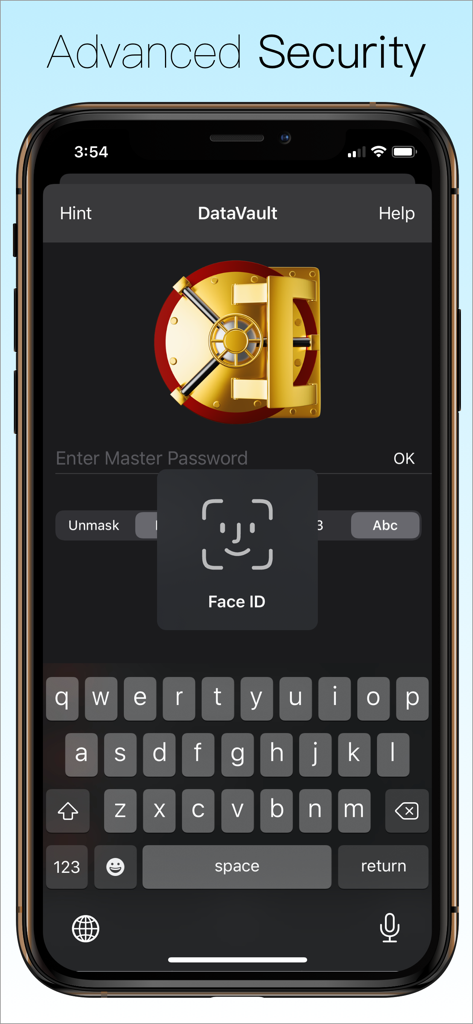
Password Manager Data Vault - DataVault Password Manager login screen showing Face ID authentication and master password input field.
DataVault Password Manager login screen showing Face ID authentication and master password input field.

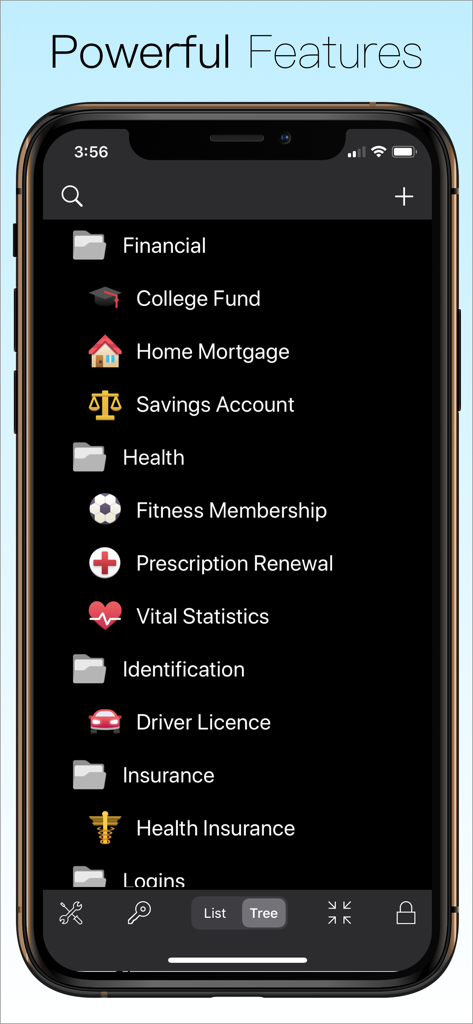
Password Manager Data Vault - DataVault Password Manager interface displaying organized folders for financial, health, and identification items.
DataVault Password Manager interface displaying organized folders for financial, health, and identification items.

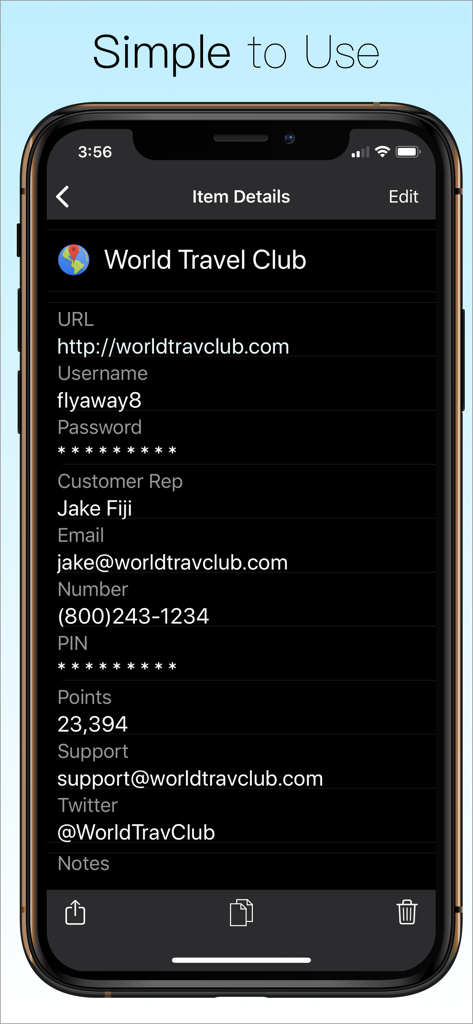
Password Manager Data Vault - Smartphone screen showing DataVault Password Manager app with detailed login and account information for World Travel Club
Smartphone screen showing DataVault Password Manager app with detailed login and account information for World Travel Club

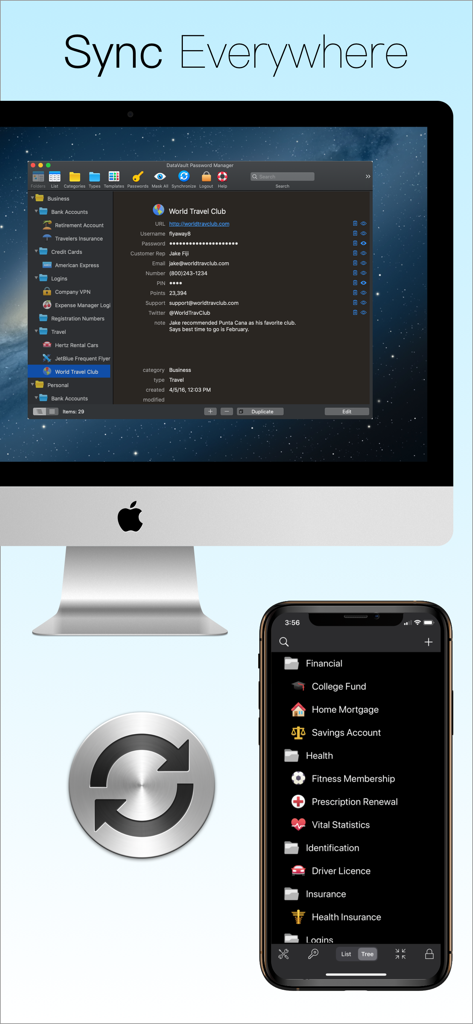
Password Manager Data Vault - DataVault Password Manager showing synchronization between a Mac desktop and an iPhone mobile screen
DataVault Password Manager showing synchronization between a Mac desktop and an iPhone mobile screen

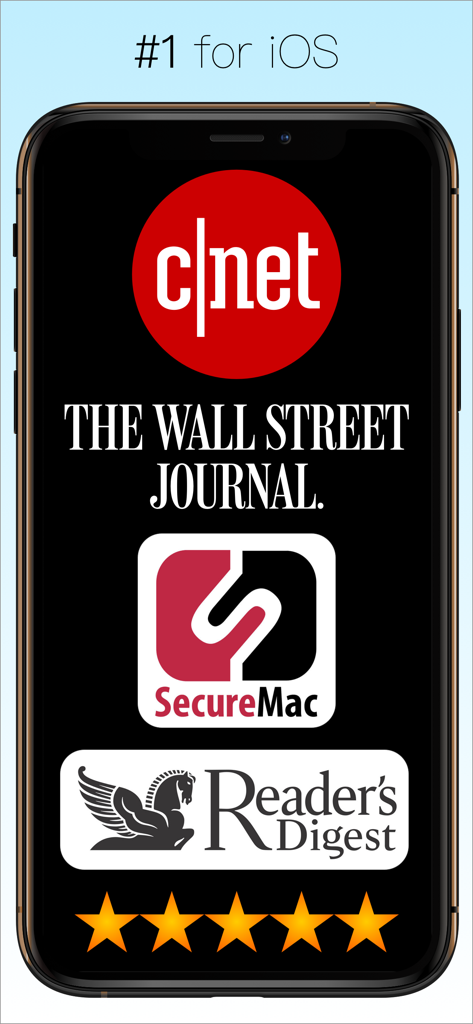
Password Manager Data Vault - DataVault Password Manager app endorsements from CNET The Wall Street Journal and Readers Digest with five star rating
DataVault Password Manager app endorsements from CNET The Wall Street Journal and Readers Digest with five star rating

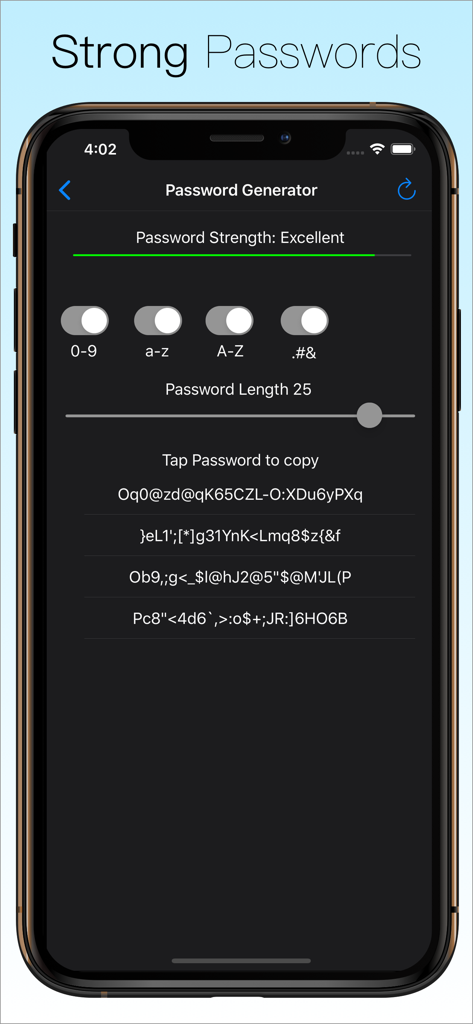
Password Manager Data Vault - The password generator interface of DataVault Password Manager showing customizable settings for length and character types to create strong passwords.
The password generator interface of DataVault Password Manager showing customizable settings for length and character types to create strong passwords.

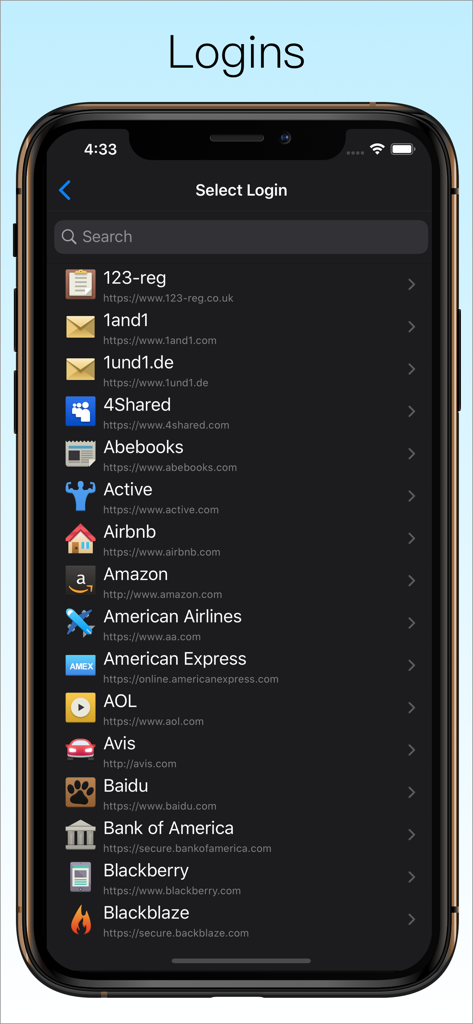
Password Manager Data Vault - List of website logins in the DataVault Password Manager app showing various account icons and URLs
List of website logins in the DataVault Password Manager app showing various account icons and URLs

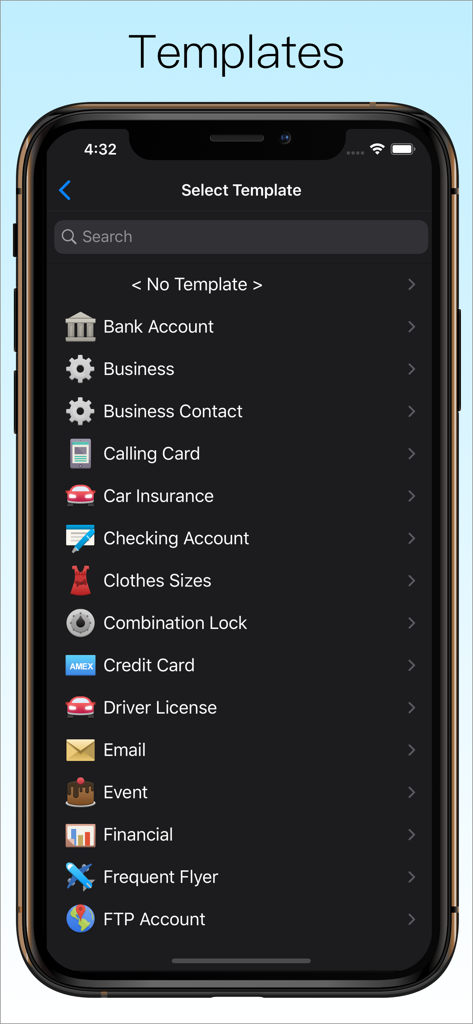
Password Manager Data Vault - DataVault Password Manager template selection screen with categories for bank accounts and credit cards
DataVault Password Manager template selection screen with categories for bank accounts and credit cards

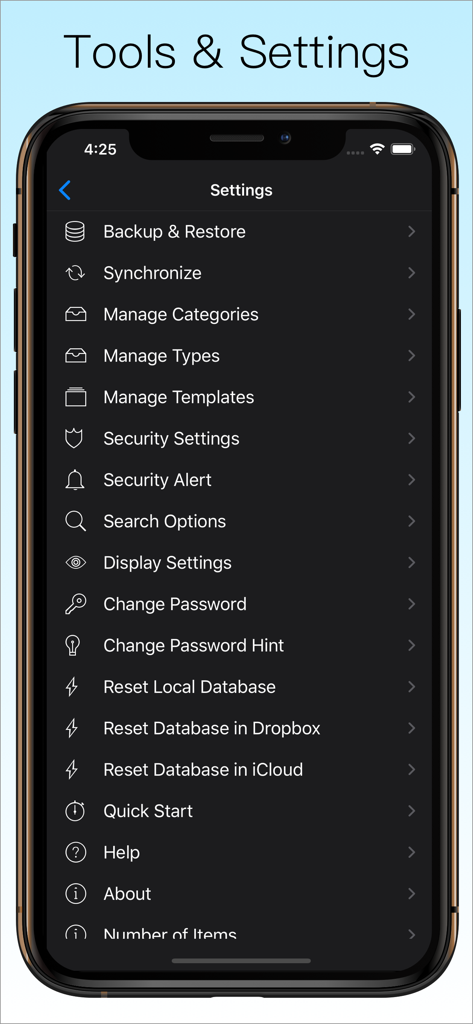
Password Manager Data Vault - The tools and settings screen of DataVault Password Manager showing backup, sync, and security options.
The tools and settings screen of DataVault Password Manager showing backup, sync, and security options.

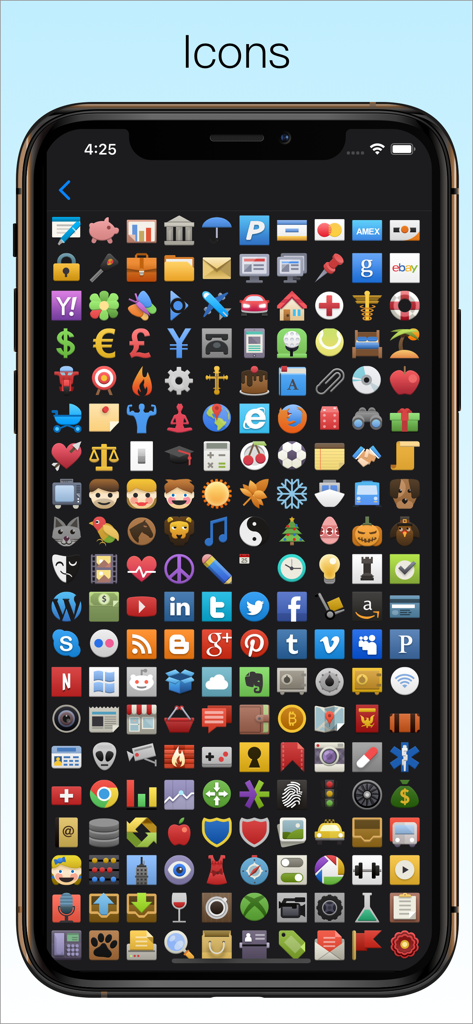
Password Manager Data Vault - A wide variety of colorful custom icons for personalizing entries in the DataVault Password Manager app.

A wide variety of colorful custom icons for personalizing entries in the DataVault Password Manager app.

Description

The Leading Password Manager for iPhone, iPad & iPod touch ◇ AES Encryption ◇ Face ID ◇ Touch ID ◇ Apple Watch ◇ Website Logins ◇ Safari Autofill ◇ iCloud Sync ◇ Automatic Backups ◇ Password Generator ◇ Flexible Templates ◇ Advanced Security Options Secure. Powerful. Simple. Try DataVault Password Manager today! #1 Must-Have App for iPhone - Cnet Apps that will Change your Life - Wall Street Journal #1 App to Banish Forgetfulness - Reader’s Digest Robust Password Management - Secure Mac Best iPad Password Manager - BrightHub Is your private information safe? Are your passwords secure? DataVault Password Manager protects confidential information related to credit cards, bank accounts, logins and more using Advanced Encryption Standard (AES), the most powerful technology to keep your data secure. DataVault Password Manager includes a unique set of features like Face ID, Touch ID, Website Logins, iCloud backups and advanced security options to protect your most precious information. Unrivaled features and ease-of-use have made DataVault a best-selling password manager for iPhone, iPad & iPod touch. USER REVIEWS “Essential Gear. A password manager should be one of the first apps you download. I compared a few and this one excelled because it could sync across multiple devices.” “Rock Solid Foundation. I've tried most of the password apps and selected this one for its flexibility in defining item templates, ability to sync one database to multiple mobile devices, and strong desktop versions. I have 1100 items now and the app has performed brilliantly.” “Terrific Customer Support. My question was answered within 24 hours and the issue resolved. Now that's what I expect from a developer!!!” “I have been using DataVault for many years. Song the way, I have tried other Password Managers but have always come back to DataVault. It is simple to use, and all data resides on my hardware, fully encrypted.” “Absolutely the best password safe across all platforms and outstanding support!” SECURE YOUR LIFE • Encrypts information using 256-bit AES with PBKDF2 and salting to insure the highest security of any password manager. Nobody can access your data without your master password, not even Ascendo. • Enable Face ID to login with facial recognition and Touch ID to login with your fingerprint. • Set Auto-Lock duration to require login after an inactivity delay. • Set Maximum Login Attempts to wipe your data after successive failed login attempts. • Set a hint in case you forget your master password. • Mask information to shield it from prying eyes. POWERFUL FEATURES • Access passwords and private information securely on your Apple Watch. • Log in to websites automatically using Safari. * Choose from 65 pre-configured logins such as Amazon, Paypal, etc. or make your own. • Generate strong passwords with settings for length & types of characters. • Use Strength Meter to determine if your passwords are weak, good or strong. • Backup your data automatically to insure you never lose your important information. • Synchronize with DataVault for Mac (sold separately) using iCloud, Dropbox or Wi-Fi. SIMPLE TO USE • View Items in list view or folder view. • Use Templates for common items such as bank accounts, credit cards & logins. • Choose from 50 default templates or create your own. • Initiate phone calls, emails or web site logins with action fields. • Use categories & types to organize items. And a whole lot more… • Full iPad support with split screen display. • 200 icons to personalize your items. • Import from text files in CSV format. • Import from Keeper, 1Password, EWallet, SplashID, mSecure, Keepass & other password managers with DataVault Desktops (sold separately). • Great support. One copy of DataVault Password Manager can be installed on up to 5 authorized iOS devices. Questions? Contact at info@ascendo.co Get peace of mind with the best password manager for iOS. Download DataVault Password Manager today!

Download

Download on App Store

This page is not an official page of the app or its developer, but an independent editorial publication created for informational and commentary purposes. Unless expressly stated otherwise, neither the app nor its developer is affiliated with, endorsed by, sponsored by, authorized by, or otherwise officially connected with MWM, Apple, Google Play, the app publisher, or the app's developer, and nothing on this page implies that the app was developed using MWM's services. Any trademarks, logos, screenshots, and other content remain the property of their respective owners.








