
This page is not an official page of the app or its developer, but an independent editorial publication created for informational and commentary purposes. Unless expressly stated otherwise, neither the app nor its developer is affiliated with, endorsed by, sponsored by, authorized by, or otherwise officially connected with MWM, Apple, Google Play, the app publisher, or the app's developer, and nothing on this page implies that the app was developed using MWM's services. Any trademarks, logos, screenshots, and other content remain the property of their respective owners.

Password Manager ®
Protect your passwords, Wi-Fi, and secure notes with military-grade AES-256 encryption. Say goodbye to password fatigue and keep your sensitive info safe.
Downloads
94K+User Rating
Total Ratings
0Publisher
Category
ProductivityLocales
3Latest Version
3.1.7Size
92.9 MBFirst Released
Oct 10, 2020Your Entire Digital Life, Secured and Simplified
Stop the constant cycle of password resets. Protect your logins, sensitive notes, and private data with military-grade encryption and one-tap access.
Military-Grade Protection
Rest easy with AES-256 encryption. Your data is locked behind a Master PIN that only you know, keeping your identity safe from hackers.
A Complete Digital Vault
It’s more than a manager. Securely store Wi-Fi passwords, private notes, and sensitive contact info in one organized, encrypted home.
Frequently Asked Questions
Everything you need to know about Password Manager ®
What is Password Manager ® and what does it do?
Password Manager ® remembers and secures all your passwords behind a single master password. It generates strong passwords, stores them in an encrypted database, and secures personal information like contacts and Wi-Fi passwords.
How does Password Manager ® secure user data and passwords?
Password Manager ® secures data using an encrypted database and Advance Encryption Standard (AES-256). All information is protected behind a master pin, ensuring only the user can access it.
Can Password Manager ® generate strong, unique passwords for me?
Yes, Password Manager ® features a powerful password creator. It generates strong passwords using complex algorithms, helping users create secure credentials to ward off hackers.
Does Password Manager ® support Face ID or Touch ID for unlocking?
Yes, Password Manager ® supports unlocking via Face ID and Touch ID. This provides convenient and secure access to your password vault on compatible devices.
What is the subscription cost for Password Manager ® Unlimited?
Password Manager ® Unlimited costs $7.99 per month. This is a 1-month auto-renewable subscription that includes a 3-day free trial.
Does Password Manager ® sync passwords and data across all my devices?
Yes, Password Manager ® syncs all your data across multiple devices. This ensures essential information is accessible and consistent across your iPhone, iPad, and other compatible devices.
Can Password Manager ® automatically fill in passwords for websites and apps?
Yes, Password Manager ® offers autofill functionality. It automatically fills passwords on apps and Safari web browsers, enabling one-tap sign-in to websites and applications.
Beyond passwords, what other personal information can Password Manager ® secure?
Password Manager ® securely stores various personal information. This includes contacts, Wi-Fi passwords, and secure notes, providing a comprehensive solution for essential data.
The following screenshots and description are sourced directly from the app's official store listing and are the property of the app developer.
App Store
Screenshots
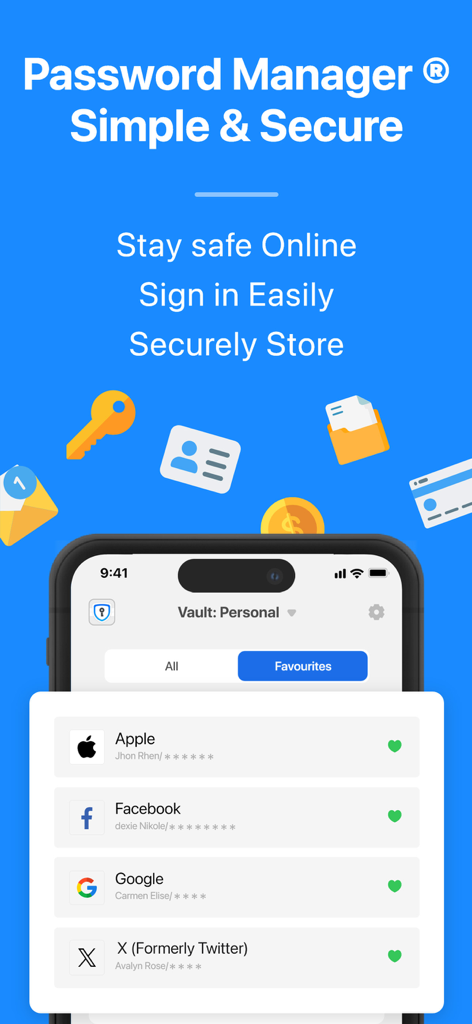
Password Manager app interface showing a secure personal vault with saved logins for Apple, Facebook, and Google.
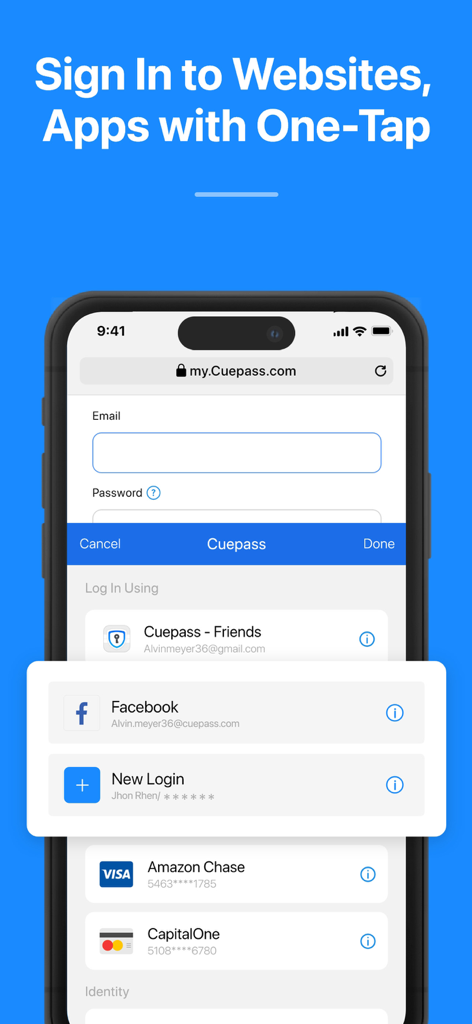
Password Manager app screen showing the one tap sign in feature for websites and apps
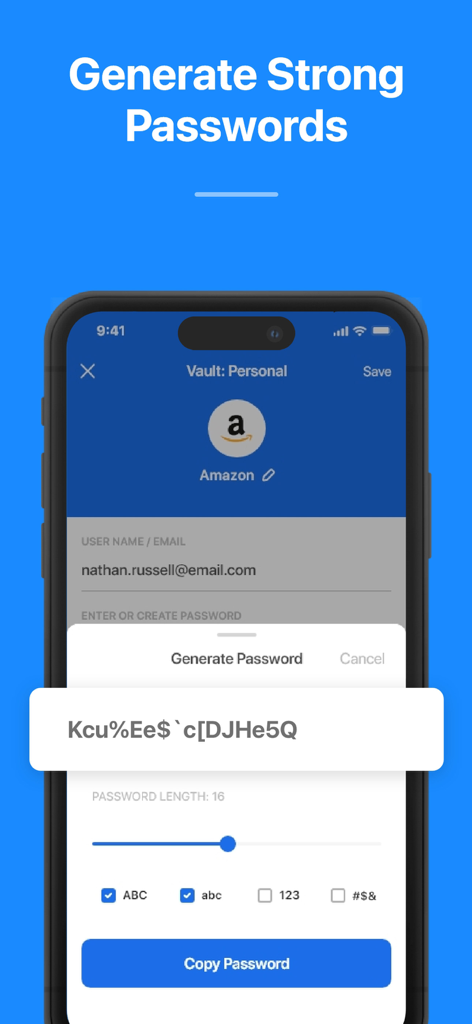
A mobile app interface showing the generation of a complex secure password with customizable settings
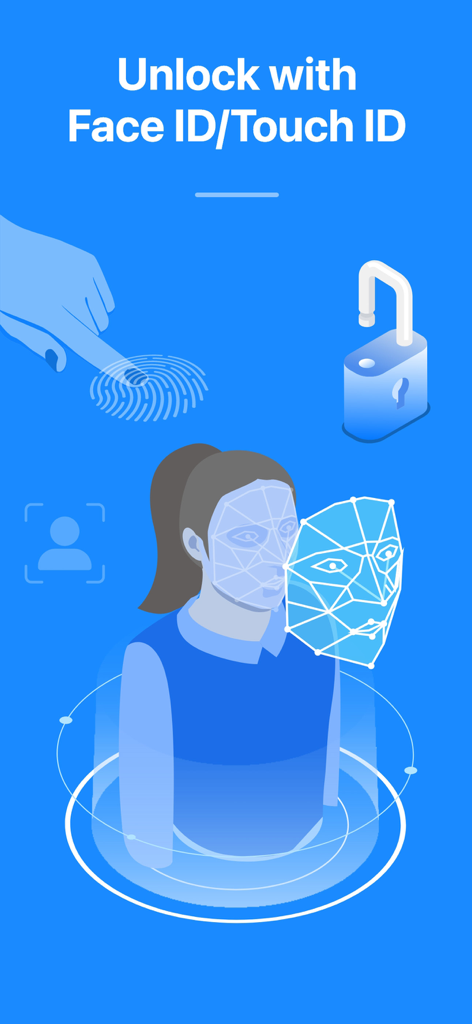
Graphic showing biometric Face ID and Touch ID authentication to unlock the password vault.
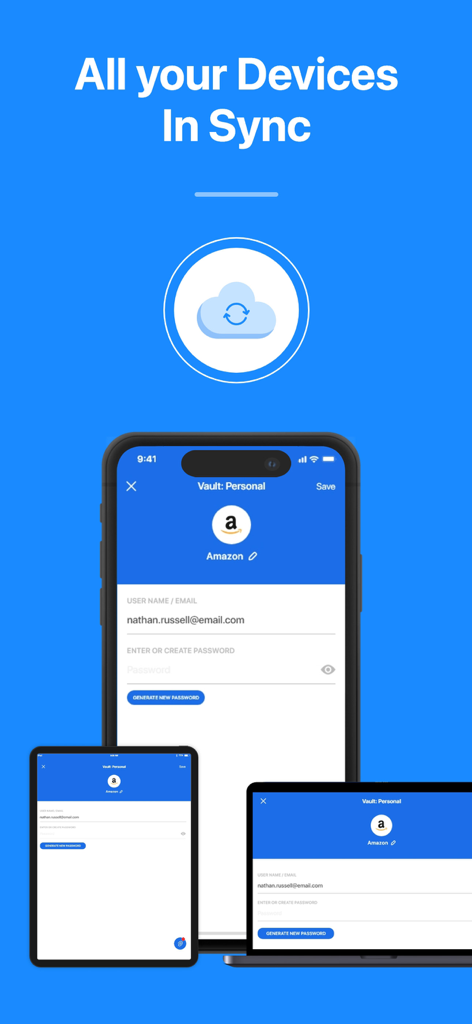
Password Manager app interface synchronized across a smartphone, tablet, and laptop showing the same account details
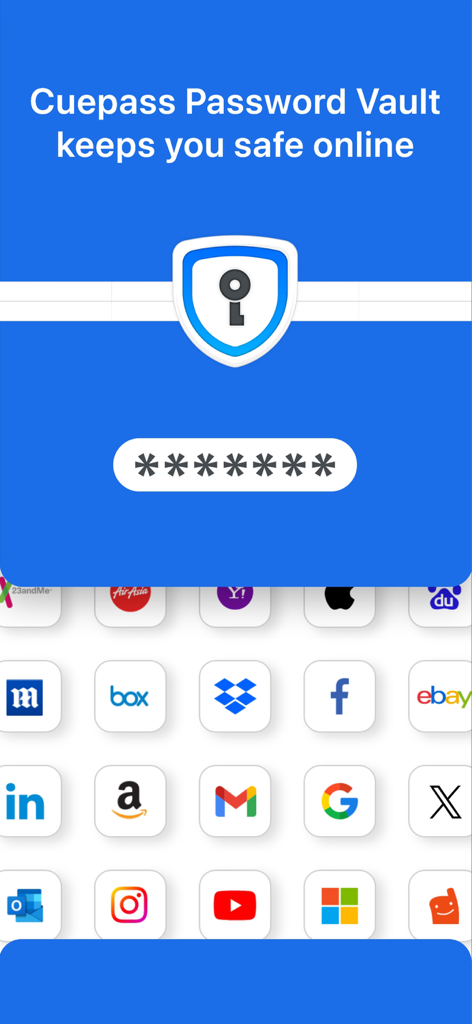
Mobile interface of a password vault showing a secure master pin entry and a grid of popular app icons
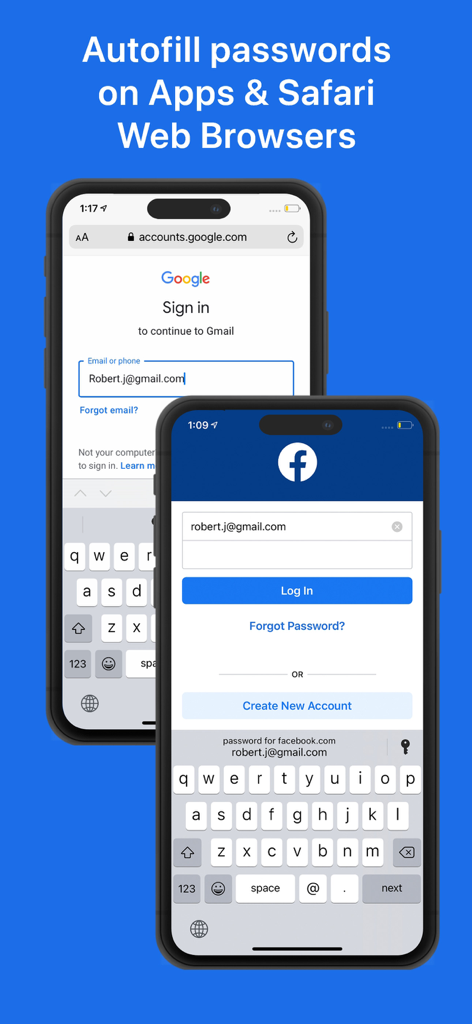
Password Manager autofill feature on iPhone for apps and Safari web browser
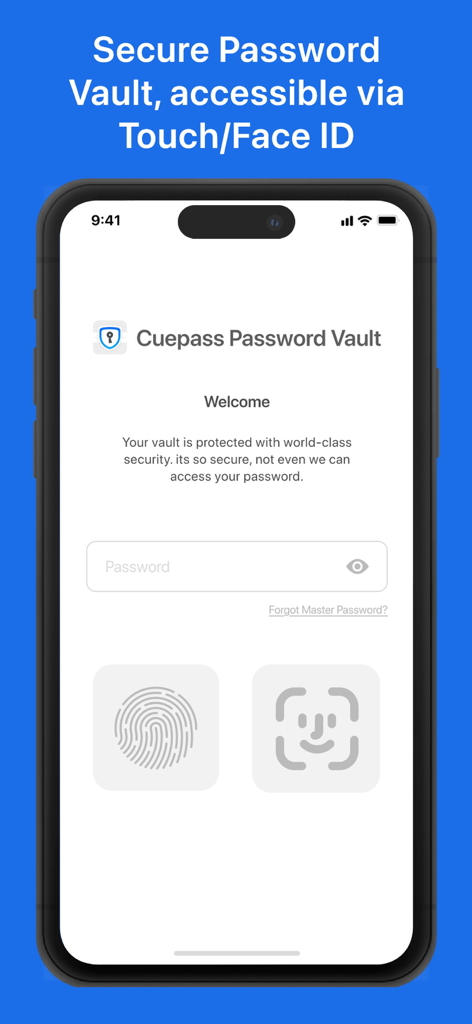
Login screen of Password Manager app showing password field and biometric authentication options for Face ID and Touch ID
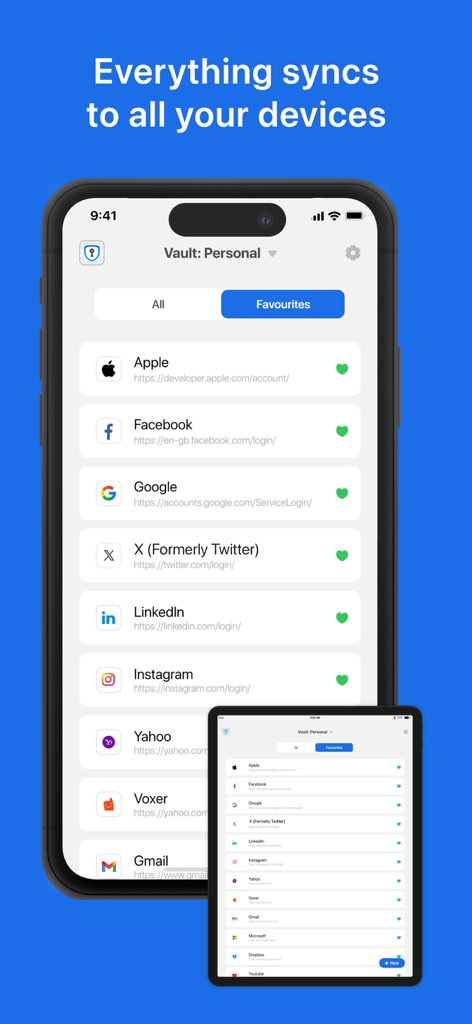
Password Manager app displaying synchronized personal vault on iPhone and iPad.

Five star user testimonial from Michael Miller for the Password Manager app
Description
Download
More Like This
Top-ranked apps in the same category

ChatGPT
OpenAI OpCo, LLC

Google Gemini
Google LLC

Grok
X.AI Corporation

Gmail - Email by Google
Google LLC

千问 - 阿里最强大模型官方AI助手
Shanghai Zhixin Puhui Technology Co., Ltd.

Google Drive
Google LLC

Microsoft Authenticator
Microsoft Corporation

Google Sheets
Google LLC

Google Docs
Google LLC
This page is not an official page of the app or its developer, but an independent editorial publication created for informational and commentary purposes. Unless expressly stated otherwise, neither the app nor its developer is affiliated with, endorsed by, sponsored by, authorized by, or otherwise officially connected with MWM, Apple, Google Play, the app publisher, or the app's developer, and nothing on this page implies that the app was developed using MWM's services. Any trademarks, logos, screenshots, and other content remain the property of their respective owners.