Password Manager - Secure
Download on App Store

This page is not an official page of the app or its developer, but an independent editorial publication created for informational and commentary purposes. Unless expressly stated otherwise, neither the app nor its developer is affiliated with, endorsed by, sponsored by, authorized by, or otherwise officially connected with MWM, Apple, Google Play, the app publisher, or the app's developer, and nothing on this page implies that the app was developed using MWM's services. Any trademarks, logos, screenshots, and other content remain the property of their respective owners.


Logo of Password Manager - Secure
Download on App Store

Password Manager - Secure

Protect your digital identity and personal memories with military-grade AES-256 encryption. Securely store passwords, hide private photos, and enjoy seamless one-tap autofill designed exclusively for the iOS ecosystem.

Key Figures

Downloads

60K+

User Rating

4.7/5

Total Ratings

100

Publisher

RV AppStudios LLC

Category

Utilities

Locales

9

Latest Version

2.9.6

Size

104.2 MB

First Released

Mar 21, 2017
Features

Your All-in-One Digital Fortress

Protect your login credentials, sensitive media, and private notes with military-grade encryption designed specifically for your iOS lifestyle.

Seamless Password Management

Eliminate 'forgot password' fatigue with one-tap logins, Safari autofill, and a powerful generator for un-guessable security.

Secret Folder for Private Media

Safeguard personal photos, videos, and notes in an encrypted vault, keeping them completely invisible to anyone borrowing your phone.

The following screenshots and description are sourced directly from the app's official store listing and are the property of the app developer.

App Store

Screenshots
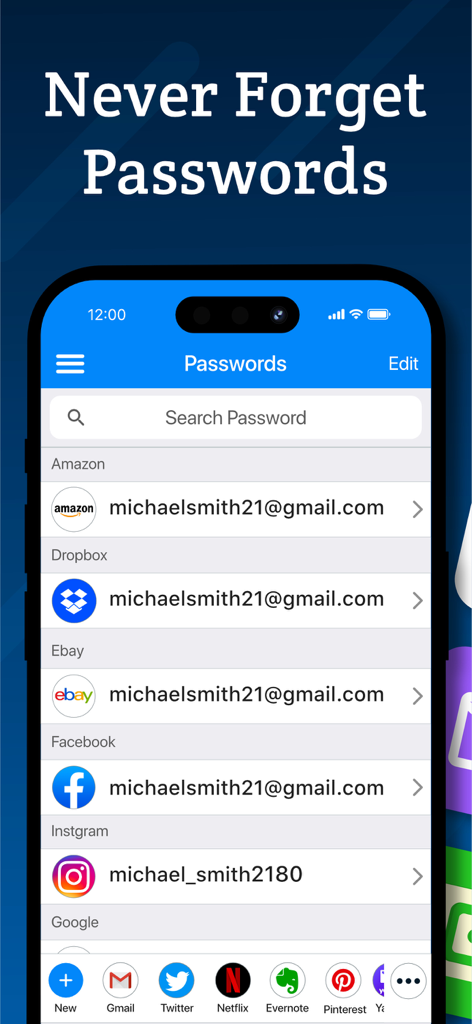
Password Manager - Secure - Interface of Password Manager - Secure showing a list of saved passwords for apps like Amazon, Facebook, and Instagram on an iPhone
Interface of Password Manager - Secure showing a list of saved passwords for apps like Amazon, Facebook, and Instagram on an iPhone

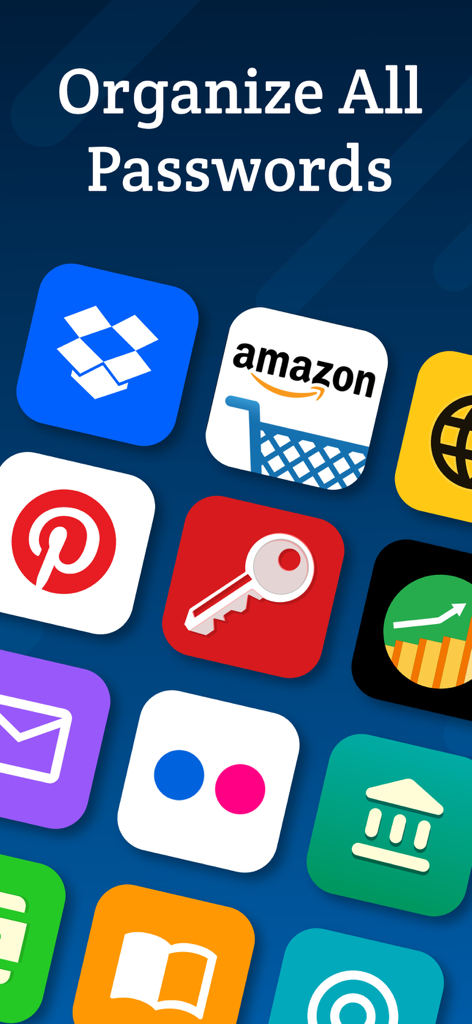
Password Manager - Secure - Mobile app screen showing various icons like Amazon and Dropbox under the text Organize All Passwords
Mobile app screen showing various icons like Amazon and Dropbox under the text Organize All Passwords

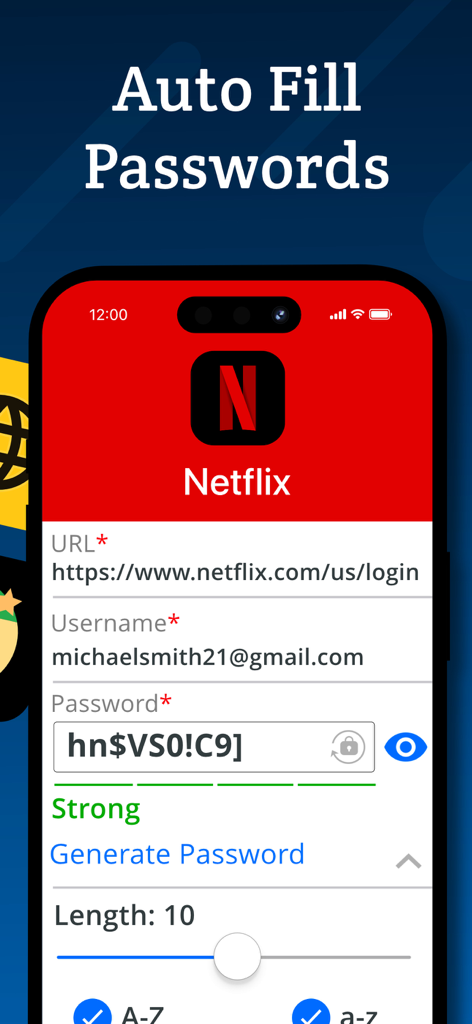
Password Manager - Secure - A mobile app screen showing the autofill password feature for a Netflix account login.

A mobile app screen showing the autofill password feature for a Netflix account login.

Password Manager - Secure - Interface showing the secret photo vault feature with a secure lock icon.
Interface showing the secret photo vault feature with a secure lock icon.

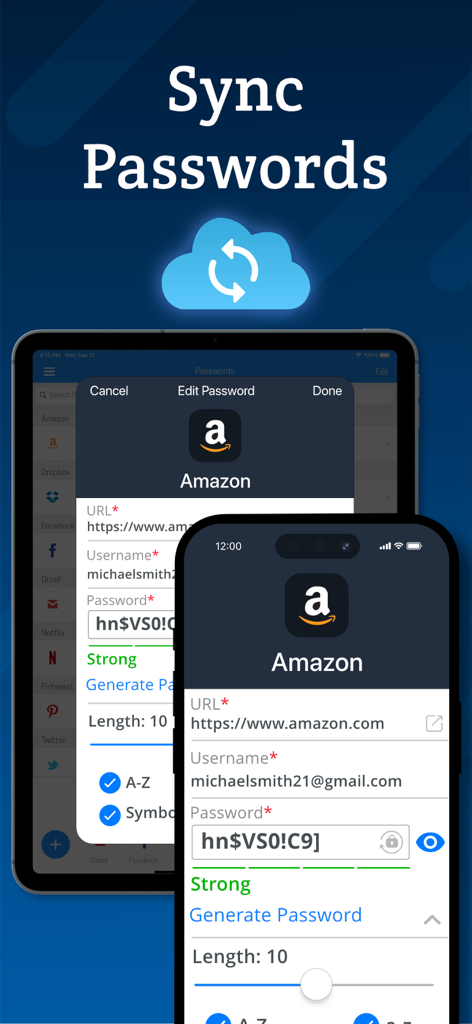
Password Manager - Secure - Password synchronization across iPhone and iPad devices using cloud backup

Password synchronization across iPhone and iPad devices using cloud backup

Description

Password Manager Vault is a convenient, all-in-one password management and secret folder app that allows you to store login details, photos, videos and notes securely. Password Manager Vault and Secret Folder is the only app that lets you safeguard and store your data with complete privacy across all of your iOS devices. Login information is protected by AES 256-bit encryption. That means only you can access them, not your neighbor, not us, not even your best friend! Keep your files, passwords and photos safe with Secure! Password Management - Store passwords for your most frequently visited sites. Log in with a single tap, and then get back to browsing! - Automatic form filling with just one tap. Never fill in another sign-up form again! - Detects new logins and saves information so you don’t have to memorize anything. - Powerful password generator to create un-guessable passwords. - Secure protects everything with a master password that encrypts and decrypts your data on command. Secret Folder Feature - Move images and videos into the photo vault to keep them private and secure. - Hide your media from prying eyes. Only you can see your photos! Browsing - Secure web surfing with a built-in browser - Multitab browsing keeps you more productive - Connect Secure to Safari to quickly use stored passwords while you browse - Autofill passwords on iOS 12 Media Storage - Organize photos, videos and notes into albums for easy viewing. - Powerful search and sort features let you find what you're looking for in an instant. - Import and export from your camera, photo library or cloud storage service such as Dropbox or Google Drive. - Innovative filters and effects to add a personal touch to your photos. Privacy - Your data, photos and files are accessible only by you! - Change open applications by flipping the device. Instant privacy! - Dummy screen to protect your privacy even when friends use your phone. - Secure snaps photos and saves location information to log break-in attempts. - Backup and restore device data via iTunes and iCloud. - Compatible with Touch ID and Face ID. New Features - Use Picture-In-Picture to watch a video while using your iPad for other tasks. - Use Spotlight Search to find things quickly on your iOS device. Password Manager Vault and Secret Folder is built exclusively for iOS 10 and above. VIP Subscription: Password Manager Vault VIP subscription which is available on a weekly, monthly and yearly tier, auto-renewable. The yearly subscription is priced at 3.99 USD/week, 6.99 USD/month and 24.99 USD/year (or local equivalent). You will be able to use more cloud storage, photo filter effects and more for the duration of the subscription. Payment will be charged to iTunes Account at confirmation of purchase. Subscription automatically renews for the same price and duration period as the original package unless auto-renew is turned off at least 24-hours before the end of the current period. Account will be charged for renewal within 24-hours prior to the end of the current period at the cost of the chosen package. Subscriptions may be managed by the user and auto-renewal may be turned off by going to the user's iTunes Account Settings after purchase. No cancellation of the current subscription is allowed during active subscription period. You may cancel a subscription during its free trial period via the subscription setting through your iTunes account. This must be done 24 hours before the end of the subscription period to avoid being charged. You may turn off the auto-renewal of your subscription via your iTunes Account Settings. However, you are not able to cancel the current subscription during its active period. Unused portions of free trials, if offered, will be forfeited upon purchase of a subscription. Links to our Privacy Policy and Terms of Service: Privacy Policy: http://www.rvappstudios.com/app-privacy-policy.html Terms of Use: http://www.rvappstudios.com/app-privacy-policy.html#terms/

Download

Download on App Store

This page is not an official page of the app or its developer, but an independent editorial publication created for informational and commentary purposes. Unless expressly stated otherwise, neither the app nor its developer is affiliated with, endorsed by, sponsored by, authorized by, or otherwise officially connected with MWM, Apple, Google Play, the app publisher, or the app's developer, and nothing on this page implies that the app was developed using MWM's services. Any trademarks, logos, screenshots, and other content remain the property of their respective owners.








