
This page is not an official page of the app or its developer, but an independent editorial publication created for informational and commentary purposes. Unless expressly stated otherwise, neither the app nor its developer is affiliated with, endorsed by, sponsored by, authorized by, or otherwise officially connected with MWM, Apple, Google Play, the app publisher, or the app's developer, and nothing on this page implies that the app was developed using MWM's services. Any trademarks, logos, screenshots, and other content remain the property of their respective owners.

PDF Converter -Document Editor
Effortlessly scan, edit, sign, and summarize documents in seconds. The ultimate paperless workflow for professionals and students seeking maximum efficiency on the go.
Downloads
80K+User Rating
Total Ratings
0Publisher
Category
ProductivityLocales
23Latest Version
1.1.8Size
110.9 MBFirst Released
Aug 15, 2024Master Your Documents Anywhere
From AI-powered summaries to professional electronic signatures, get all the desktop-class tools you need in one powerful mobile workflow.
AI-Powered Summarization
Save hours of reading by instantly condensing long reports, legal contracts, or academic papers into key bullet points.
Professional Scanner & OCR
Turn your iPhone into a high-res scanner. Digitize receipts and documents into searchable text with advanced OCR technology.
Frequently Asked Questions
Everything you need to know about PDF Converter -Document Editor
Can PDF Converter -Document Editor convert PDFs to Word documents?
Yes, PDF Converter -Document Editor converts PDFs to Word documents. It also converts Word documents back into PDF format, supporting versatile document editing needs.
Does PDF Converter -Document Editor support converting images to PDF?
Yes, PDF Converter -Document Editor supports converting images to PDF. Users can easily transform JPG images into PDF format and extract images from existing PDFs.
How does PDF Converter -Document Editor handle document scanning?
PDF Converter -Document Editor includes a Quick Scan feature for iPhone & iPad. It captures images of documents, receipts, or printed material, saving them as multi-page PDFs.
Can I use AI to summarize PDFs with PDF Converter -Document Editor?
Yes, PDF Converter -Document Editor features "Chat PDF" which uses AI to read, summarize, and answer questions from PDFs. This feature is available for free.
What annotation tools are available in PDF Converter -Document Editor?
PDF Converter -Document Editor offers various annotation tools. Users can highlight, comment, draw, or insert images into PDFs, choosing from multiple annotation formats.
Does PDF Converter -Document Editor allow users to sign PDF forms?
Yes, PDF Converter -Document Editor allows users to fill out and sign PDF forms. This can be done easily using a finger or stylus directly within the app.
Is OCR (Text Recognition) available in PDF Converter -Document Editor?
Yes, OCR (Text Recognition) is available in PDF Converter -Document Editor. It converts any scanned image or document into highly accurate, extractable text.
How can I secure my PDFs using PDF Converter -Document Editor?
PDF Converter -Document Editor secures PDFs by allowing users to add or remove password protection. This feature enhances document security directly within the app.
Does PDF Converter -Document Editor offer PDF compression?
Yes, PDF Converter -Document Editor offers PDF compression. It reduces file size while maintaining document quality, as demonstrated by compressing 1MB to 500KB.
What are the subscription options for PDF Converter -Document Editor Premium?
PDF Converter -Document Editor Premium subscriptions are billed monthly or weekly. Payment is charged to the iTunes Account upon purchase confirmation.
How do I manage auto-renewal for PDF Converter -Document Editor subscriptions?
Users manage auto-renewal for PDF Converter -Document Editor subscriptions through their iTunes Account Settings after purchase. Auto-renewal must be turned off 24 hours before the period ends.
Can PDF Converter -Document Editor merge multiple PDF files?
Yes, PDF Converter -Document Editor merges multiple PDF files. It combines various PDFs into a single, organized document.
Does PDF Converter -Document Editor allow splitting large PDFs?
Yes, PDF Converter -Document Editor allows splitting large PDFs. Users can extract specific pages or divide extensive documents into smaller, more manageable files.
Can I add watermarks to PDFs with PDF Converter -Document Editor?
Yes, PDF Converter -Document Editor enables adding custom watermarks to PDFs. Users can apply text or image watermarks with adjustable transparency and position.
The following screenshots and description are sourced directly from the app's official store listing and are the property of the app developer.
App Store
Screenshots
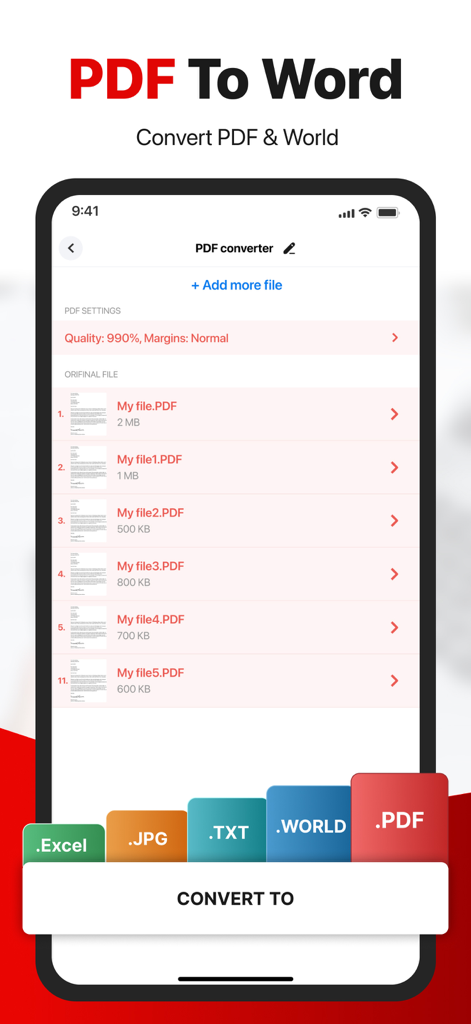
Mobile app interface showing PDF to Word conversion with a list of documents and export options for Excel JPG and TXT formats
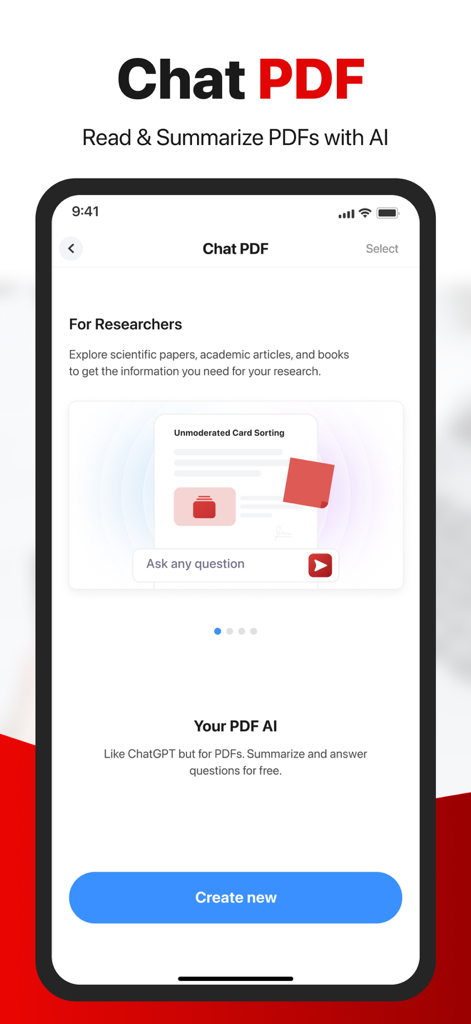
Interface of the Chat PDF feature for summarizing and answering questions about documents using AI
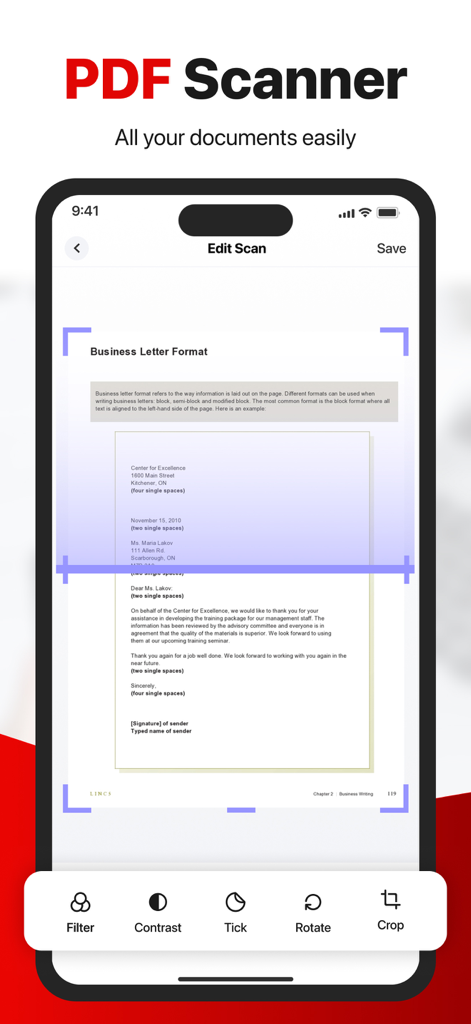
A mobile app interface showing a document scanner scanning a business letter with editing options like crop and filter
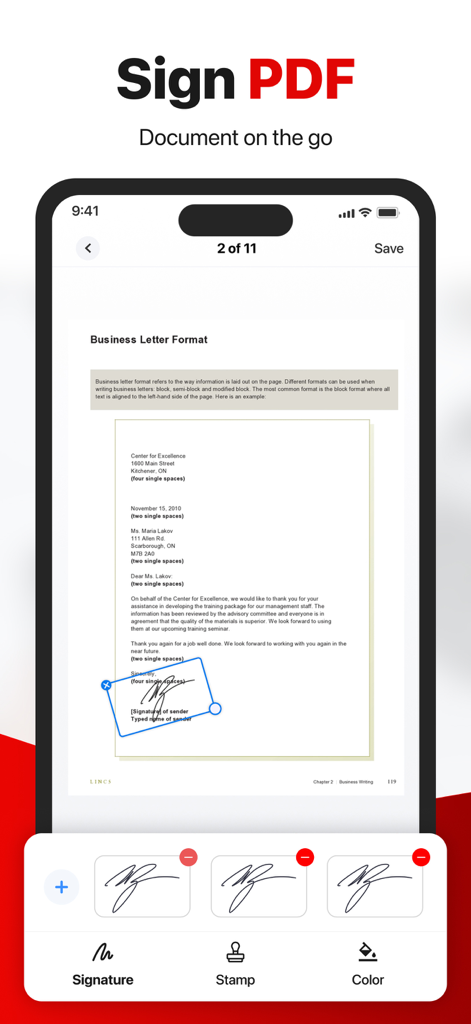
Mobile app interface showing a business letter being signed with a digital signature tool
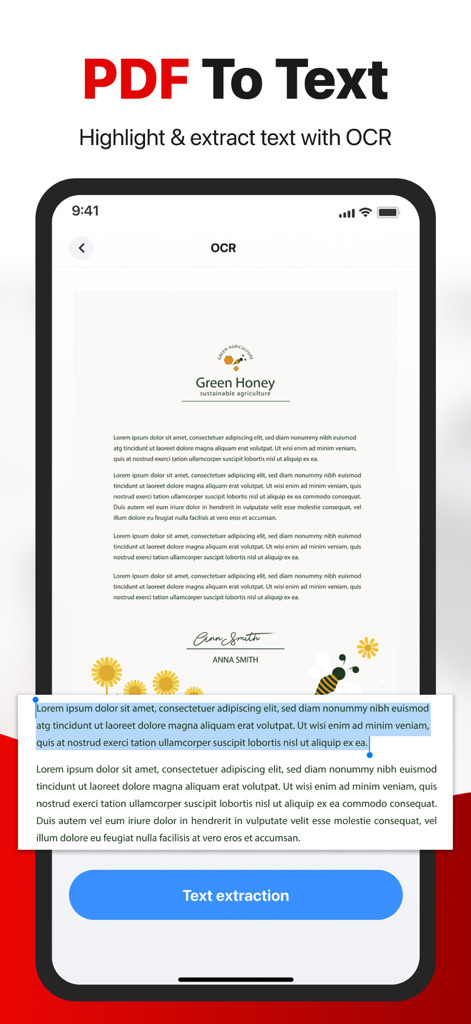
A smartphone interface demonstrating the PDF to text feature with OCR and text extraction capabilities.
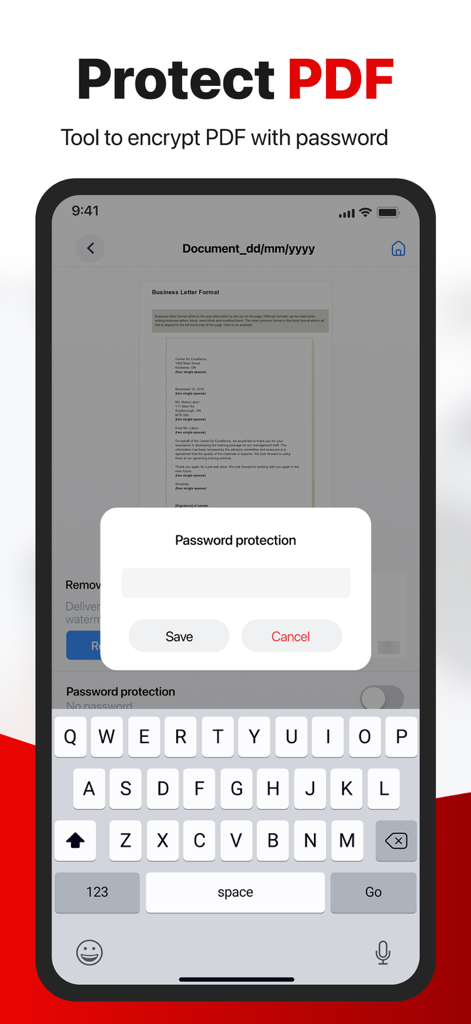
Mobile app interface showing how to encrypt a PDF document with a password
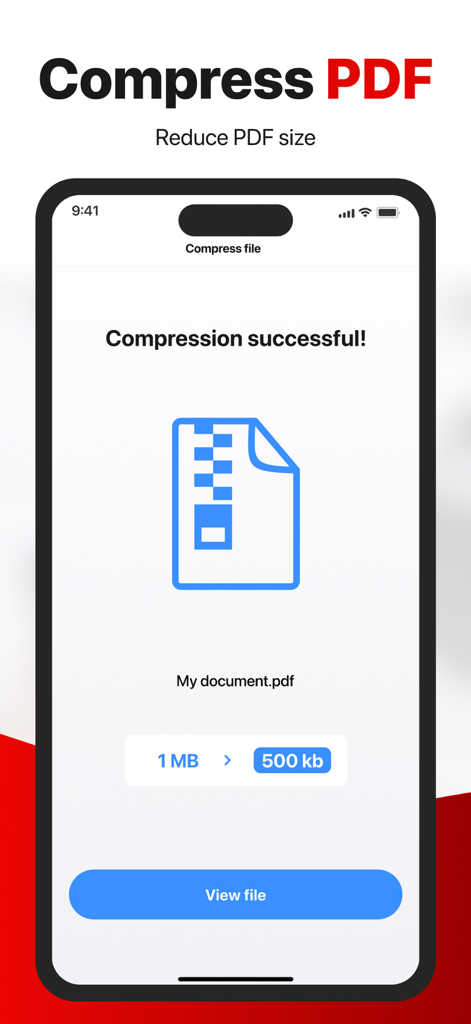
Mobile interface showing successful PDF compression from 1MB to 500KB in the PDF Converter app
Description
Download
More Like This
Top-ranked apps in the same category

ChatGPT
OpenAI OpCo, LLC

Google Gemini
Google LLC

Grok
X.AI Corporation

Gmail - Email by Google
Google LLC

千问 - 阿里最强大模型官方AI助手
Shanghai Zhixin Puhui Technology Co., Ltd.

Google Drive
Google LLC

Microsoft Authenticator
Microsoft Corporation

Google Sheets
Google LLC

Google Docs
Google LLC
This page is not an official page of the app or its developer, but an independent editorial publication created for informational and commentary purposes. Unless expressly stated otherwise, neither the app nor its developer is affiliated with, endorsed by, sponsored by, authorized by, or otherwise officially connected with MWM, Apple, Google Play, the app publisher, or the app's developer, and nothing on this page implies that the app was developed using MWM's services. Any trademarks, logos, screenshots, and other content remain the property of their respective owners.