
This page is not an official page of the app or its developer, but an independent editorial publication created for informational and commentary purposes. Unless expressly stated otherwise, neither the app nor its developer is affiliated with, endorsed by, sponsored by, authorized by, or otherwise officially connected with MWM, Apple, Google Play, the app publisher, or the app's developer, and nothing on this page implies that the app was developed using MWM's services. Any trademarks, logos, screenshots, and other content remain the property of their respective owners.

PDF Converter - Flyingbee
Transform documents into editable Word, Excel, and PowerPoint files in seconds. Experience 100% private, offline processing that keeps your layouts perfect without ever leaving your device.
Downloads
72K+User Rating
Total Ratings
0Publisher
Category
ProductivityLocales
12Latest Version
8.8.6Size
77.8 MBFirst Released
Nov 25, 2015Master Your Workflow Anywhere
The ultimate bridge between static PDFs and editable Microsoft Office documents, designed for high-performance professionals who value speed and security.
Desktop Power, Mobile Speed
Convert complex PDFs to Word, Excel, or PowerPoint in under 30 seconds, directly on your iPhone or iPad.
Enterprise-Grade Privacy
Keep sensitive data safe with 100% offline processing. Your documents are never uploaded to a server.
Frequently Asked Questions
Everything you need to know about PDF Converter - Flyingbee
What is PDF Converter - Flyingbee?
PDF Converter - Flyingbee is an iOS app that converts PDF files to Word, PowerPoint, Excel, CSV, RTF, Text, and HTML formats. It preserves original content and formatting for easier editing and reuse.
What file formats does PDF Converter - Flyingbee support for conversion?
PDF Converter - Flyingbee converts PDFs to Word (.docx), PowerPoint (.pptx), Excel (.xlsx), CSV (.csv), RTF (.rtf), Text (.txt), and HTML (.html) formats. It ensures content and layout preservation.
Does PDF Converter - Flyingbee require an internet connection for PDF conversion?
No, PDF Converter - Flyingbee does not require an internet connection for conversion. The entire conversion process occurs 100% on your local iOS device, ensuring privacy and convenience.
How fast is PDF conversion with PDF Converter - Flyingbee?
PDF Converter - Flyingbee offers extremely fast conversion. It can convert a 50-page PDF file within 30 seconds, ensuring quick processing of your documents and saving valuable time.
Can users convert specific pages from a PDF file using PDF Converter - Flyingbee?
Yes, PDF Converter - Flyingbee allows users to convert specific pages from a PDF file. Users can select individual pages (e.g., 1, 3-8, 26) or all pages to save time during the conversion process.
What are the steps to convert a PDF file using PDF Converter - Flyingbee?
To convert a PDF with PDF Converter - Flyingbee, open the PDF in a mail app and use "Open In.." to send it to the converter. Then, open the PDF in the app and click the "Convert" button.
Why does PDF Converter - Flyingbee display a "Conversion Failed" error message?
A "Conversion Failed" error message in PDF Converter - Flyingbee indicates that the PDF file has password security or other restrictions. These restrictions must be removed before conversion can proceed successfully.
Why does PDF Converter - Flyingbee not extract some text from PDF files?
PDF Converter - Flyingbee may not extract text if the text in the PDF file is embedded as images rather than actual text. The app does not guarantee conversion for PDFs with picture text.
Does PDF Converter - Flyingbee support cloud storage connections?
Yes, PDF Converter - Flyingbee supports connections to online cloud storage. This includes Cloud Me and any FTP or WebDAV Server, allowing users to manage and access their files remotely.
How can users transfer files into PDF Converter - Flyingbee?
Users can transfer files into PDF Converter - Flyingbee in four ways: "Open in.." from other apps, iTunes USB file sharing, Wifi Sharing, and Cloud Disk, providing flexible import options.
Is PDF Converter - Flyingbee compatible with Microsoft Office applications?
Yes, PDF Converter - Flyingbee supports Microsoft Office 2007, 2008, 2011, and 2025 Office Word, Excel, and PowerPoint applications. It is not completely compatible with iWorks.
Is PDF Converter - Flyingbee a subscription-based application?
Yes, PDF Converter - Flyingbee operates on a subscription model. Duration and price for each subscription are displayed in the app storefront at the time of purchase, with payment charged to iTunes.
How can I manage auto-renewal for PDF Converter - Flyingbee subscriptions?
Users can manage or turn off auto-renewal for PDF Converter - Flyingbee subscriptions in their iTunes account settings. Auto-renew must be turned off no later than 24 hours before the current period ends.
Does PDF Converter - Flyingbee preserve the original formatting during conversion?
Yes, PDF Converter - Flyingbee preserves the original formatting during conversion. It maintains the content layout, color, font style, and images consistent with the original PDF document for convenient editing.
The following screenshots and description are sourced directly from the app's official store listing and are the property of the app developer.
App Store
Screenshots
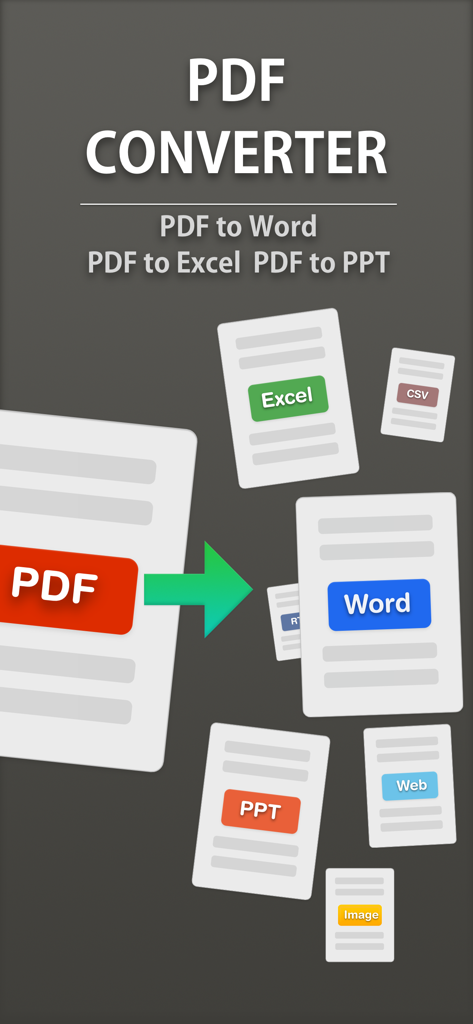
App screen showing PDF conversion to editable Word Excel and PowerPoint formats
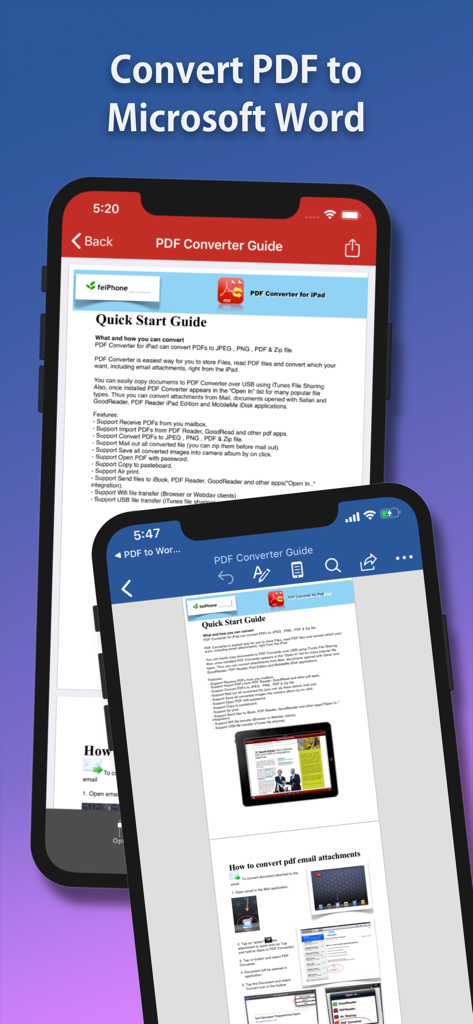
Screenshot showing the Flyingbee PDF Converter app converting a document to Microsoft Word on mobile devices.
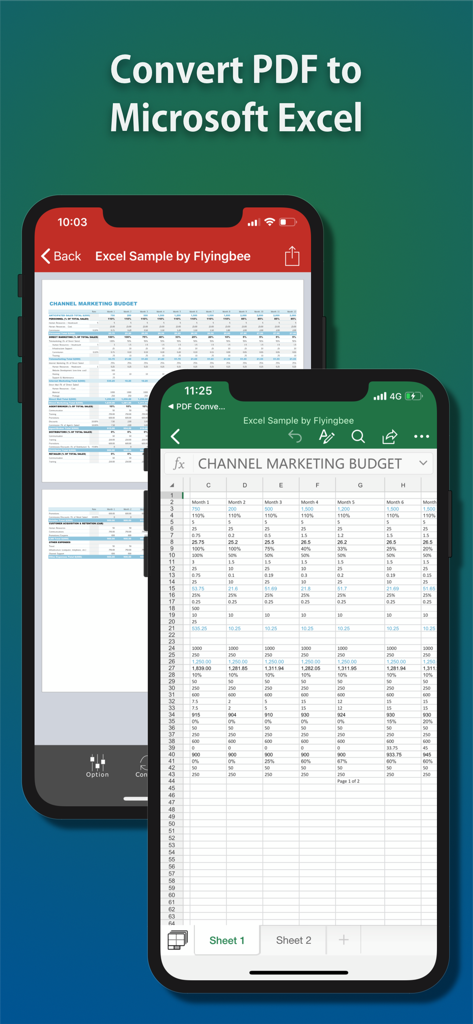
Mobile app interface showing a PDF document being converted into a Microsoft Excel spreadsheet on an iPhone.
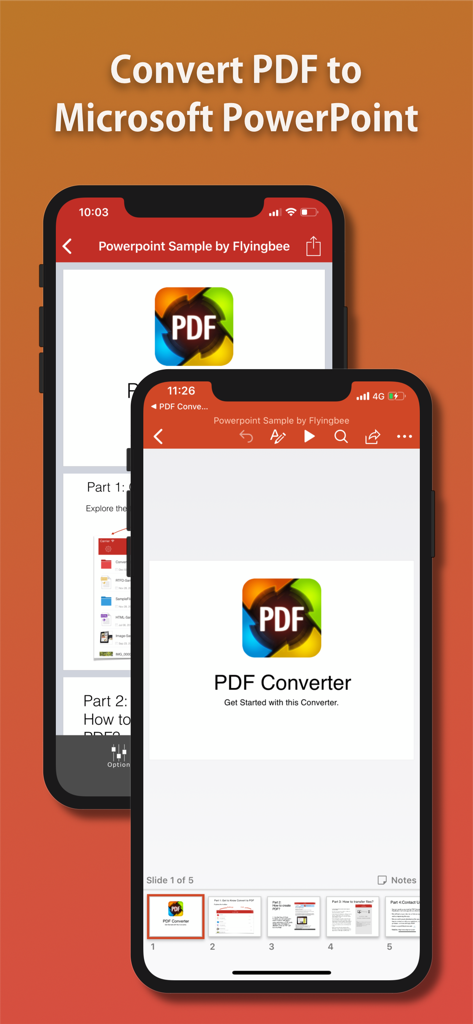
Interface of Flyingbee app converting a PDF file into a PowerPoint presentation on iPhone
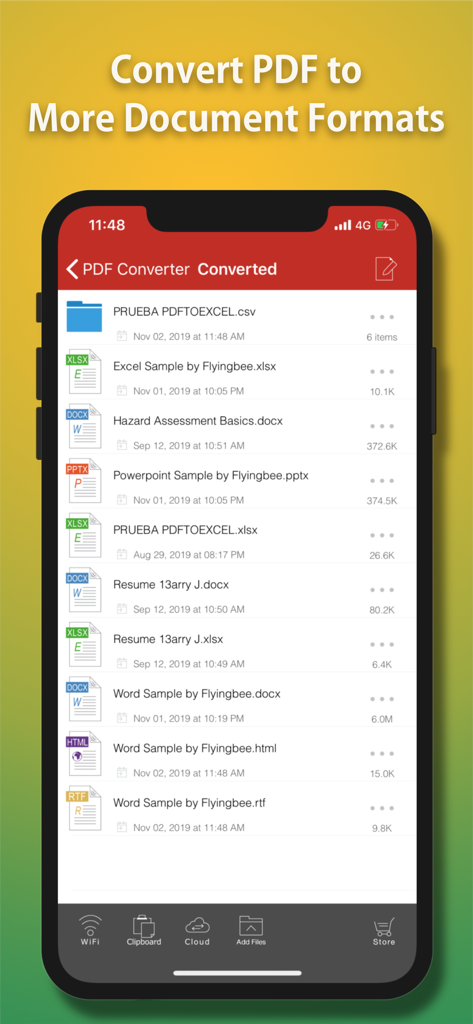
Flyingbee PDF Converter app interface showing a list of files converted into Word, Excel, PowerPoint, and HTML formats.
Description
Download
More Like This
Top-ranked apps in the same category

ChatGPT
OpenAI OpCo, LLC

Google Gemini
Google LLC

Grok
X.AI Corporation

Gmail - Email by Google
Google LLC

千问 - 阿里最强大模型官方AI助手
Shanghai Zhixin Puhui Technology Co., Ltd.

Google Drive
Google LLC

Microsoft Authenticator
Microsoft Corporation

Google Sheets
Google LLC

Google Docs
Google LLC
This page is not an official page of the app or its developer, but an independent editorial publication created for informational and commentary purposes. Unless expressly stated otherwise, neither the app nor its developer is affiliated with, endorsed by, sponsored by, authorized by, or otherwise officially connected with MWM, Apple, Google Play, the app publisher, or the app's developer, and nothing on this page implies that the app was developed using MWM's services. Any trademarks, logos, screenshots, and other content remain the property of their respective owners.