
PDF Document Scanner App °

Transform your iPhone into a powerful mobile office. Join nearly 1 million professionals who trust us to digitize contracts, manage receipts, and securely e-sign documents on the go.
Publisher
Category
BusinessDownloads
954K+User Rating
Total Ratings
32K+Locales
7Discover the interface used by 954K+ users.
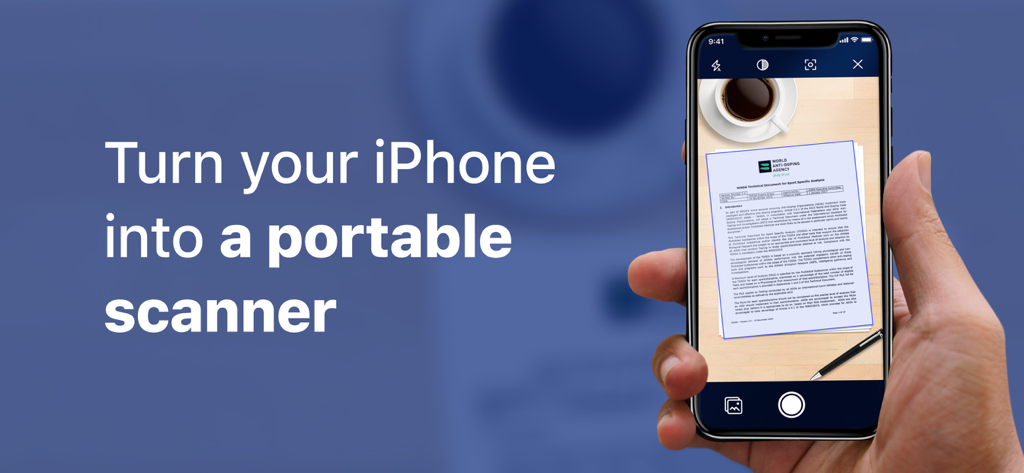
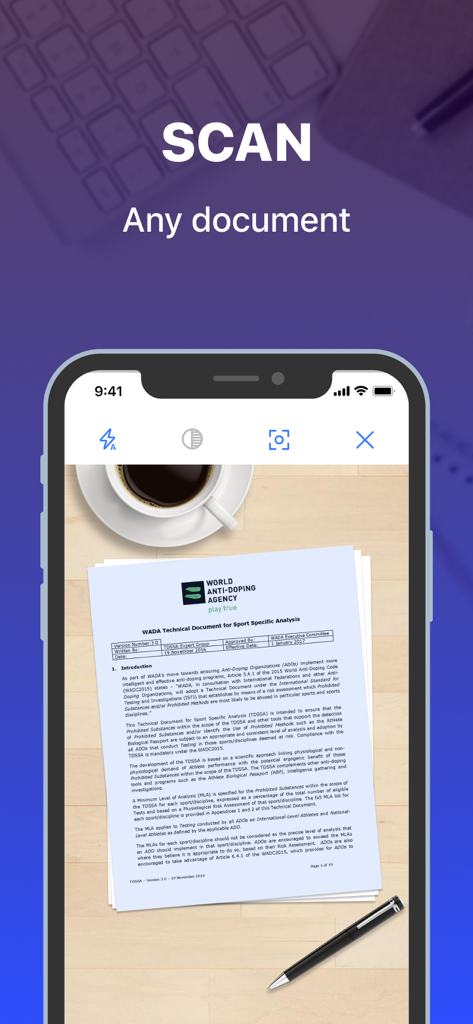
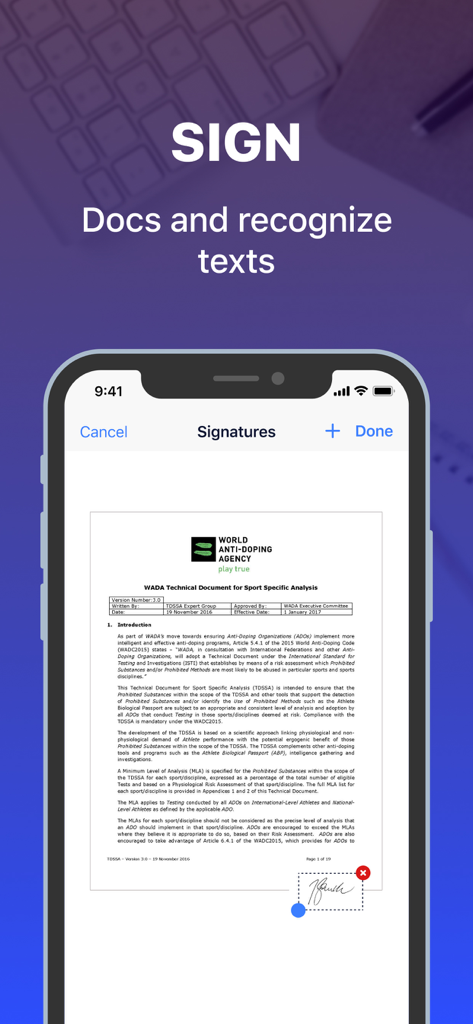
The tools that make this app stand out, trusted by 954K+ users.
Instantly turn any paper, receipt, or business card into a high-quality PDF or JPG with automatic edge detection.
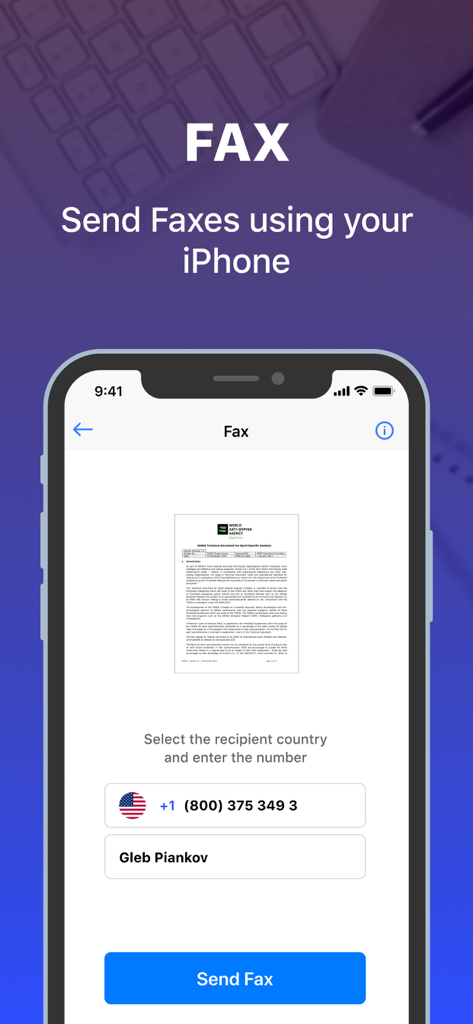
Finalize contracts on the fly with built-in digital signatures and send faxes directly to any office—no hardware required.
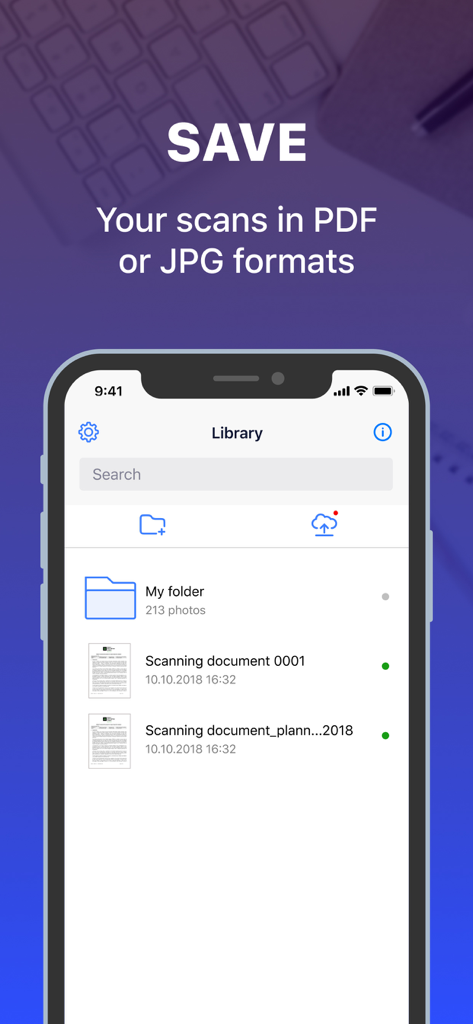
Group and store your critical documents into secure folders to keep your business and personal life perfectly organized.
Insights from user reviews.
Sentiment Score
Summary
This app receives overwhelmingly negative feedback, primarily due to its aggressive and often misleading subscription model, with many users feeling forced to pay high weekly or monthly fees before accessing core features. While a few users find its PDF scanning capabilities effective for document handling, a significant number report that the app either fails to convert documents as advertised, offers limited functionality comparable to a phone's camera, or is plagued by bugs post-payment. Users also frequently express frustration over difficulties with canceling subscriptions and obtaining refunds, leading many to label it a 'scam' and advise against downloading.
Common Themes
Everything you need to know about PDF Document Scanner App °.
Description
Latest Version
2.31
Size
75.4 MB
First Released
Feb 21, 2019
Join 950,000+ professionals who scan, sign, and fax documents on the go. Start your free trial today and never hunt for a physical scanner again.
Everything you need to know about PDF Document Scanner App °
The PDF Document Scanner App scans various text documents, including contracts, business cards, receipts, paper notes, articles, and book pages.
Yes, PDF Document Scanner App allows users to sign documents directly within the app and supports text recognition for scanned content.
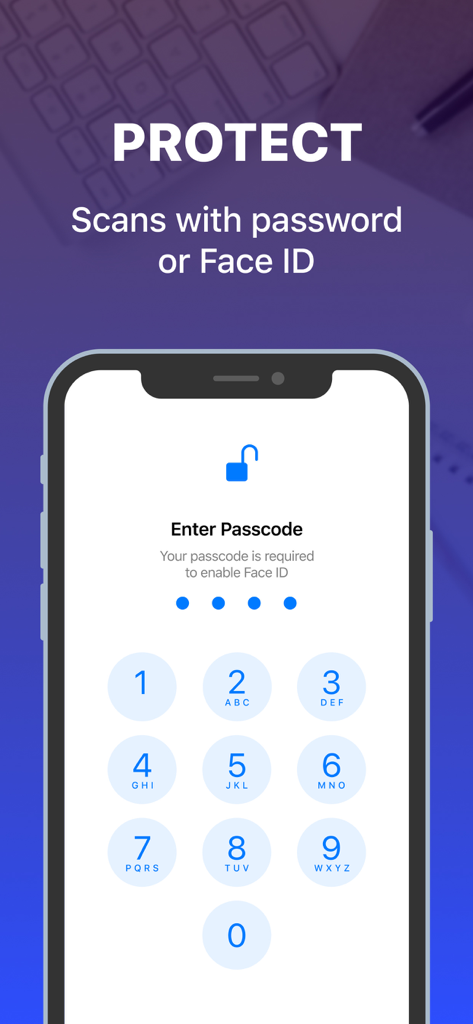
Yes, PDF Document Scanner App enables users to protect their scanned documents with a password or Face ID for enhanced security.
Yes, PDF Document Scanner App provides functionality to send faxes directly from your iPhone. The app includes an interface for sending faxes.
PDF Document Scanner App supports saving scanned documents in both PDF and JPG (JPEG) file formats, providing flexibility for storage and sharing.
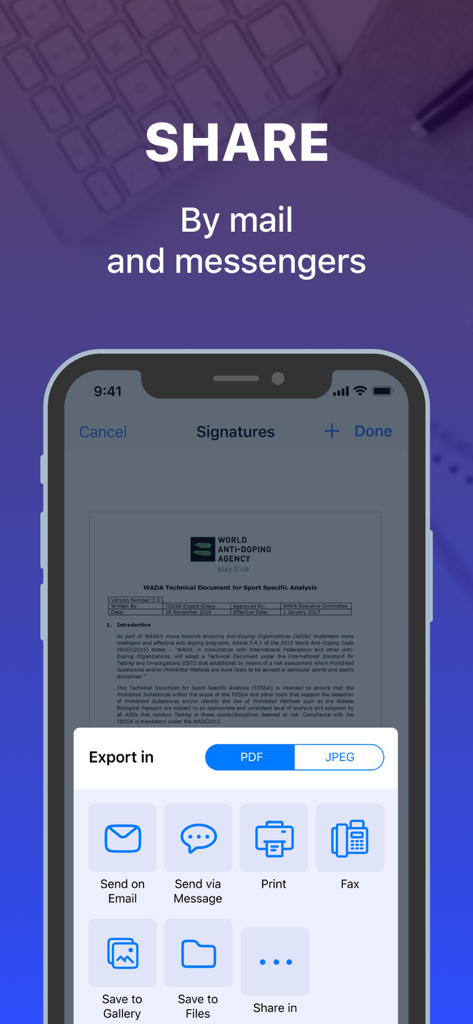
PDF Document Scanner App offers multiple sharing options, including email, messages, printing, and fax. Users can also save documents to their gallery or files.
Yes, PDF Document Scanner App offers a free trial period. If a package includes a trial, the subscription starts after three days and renews monthly unless canceled.
Users can cancel their PDF Document Scanner App subscription via their iTunes Account settings or by visiting the Apple Support URL provided in the app description.
Yes, PDF Document Scanner App subscriptions automatically renew. Users must turn off auto-renewal at least 24 hours before the current period ends to avoid charges.
The privacy policy for the PDF Document Scanner App is available on the dedicated page linked in the app's store description.
Apps with similar features and user experience

Balzo srl

NEXT K.U.M. LTD

INTSIG Information Co., Ltd

Adobe Inc.

KINGSOFT OFFICE SOFTWARE CORPORATION LIMITED

ILOVEPDF S.L.

The Grizzly Labs

Microsoft Corporation

INDY MOBILE APP COMPANY LIMITED
App information, icons, screenshots, and descriptions displayed on this page are sourced from the Apple App Store and are the property of their respective developers. Download estimates and rankings are based on MWM's proprietary models and may not reflect actual figures. This page is provided for informational and analytical purposes only.
Believe this page infringes your intellectual property? File a dispute