
PDF Editor: Fill, Edit, eSign

The ultimate tool for busy professionals to scan, edit, and sign contracts on the go. Join 394K+ users who eliminate the need for printers and desks with powerful OCR and mobile e-signing.
Publisher
Category
BusinessDownloads
394K+User Rating
Total Ratings
2K+Locales
20Discover the interface used by 394K+ users.
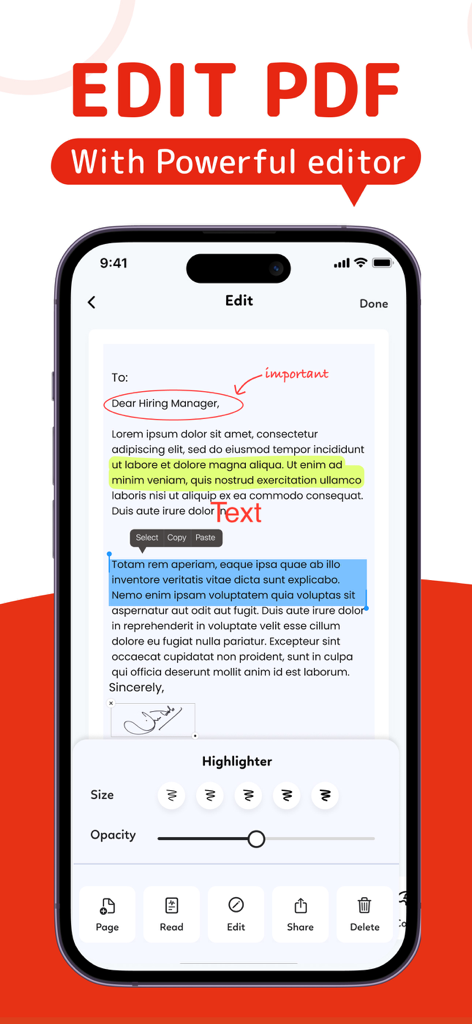
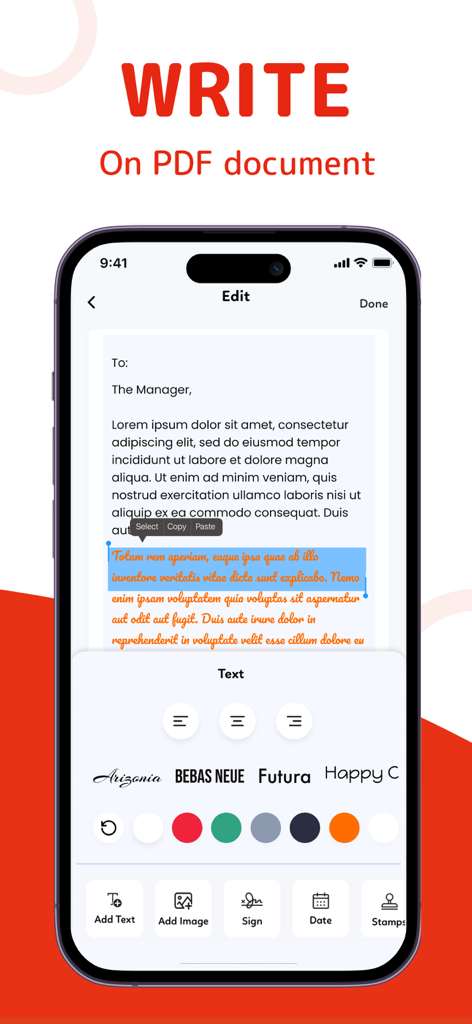
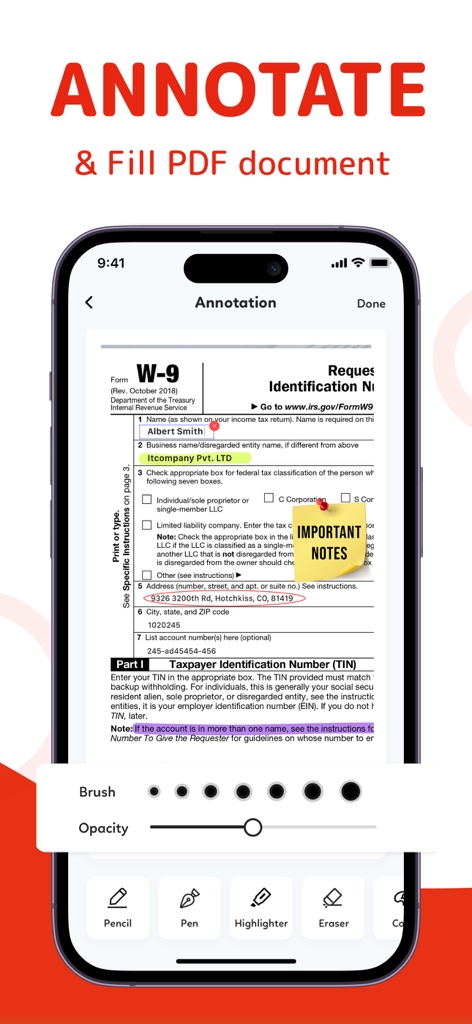
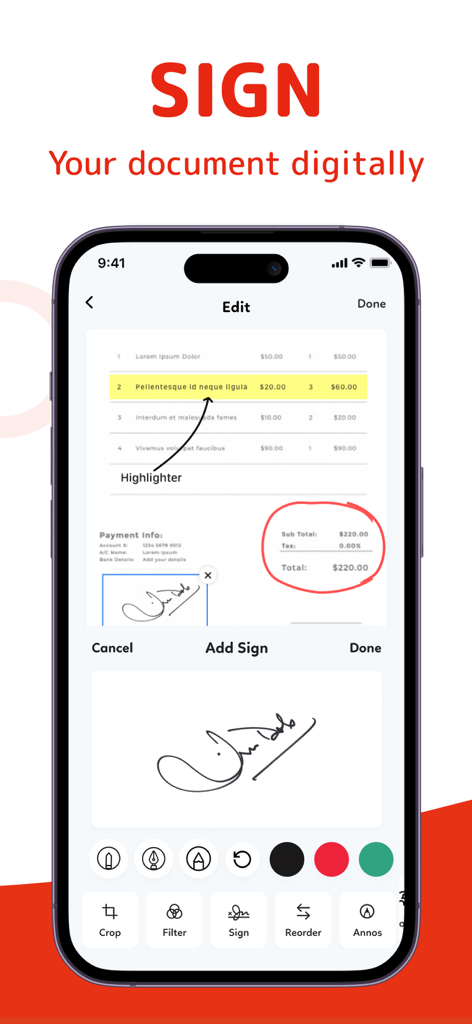
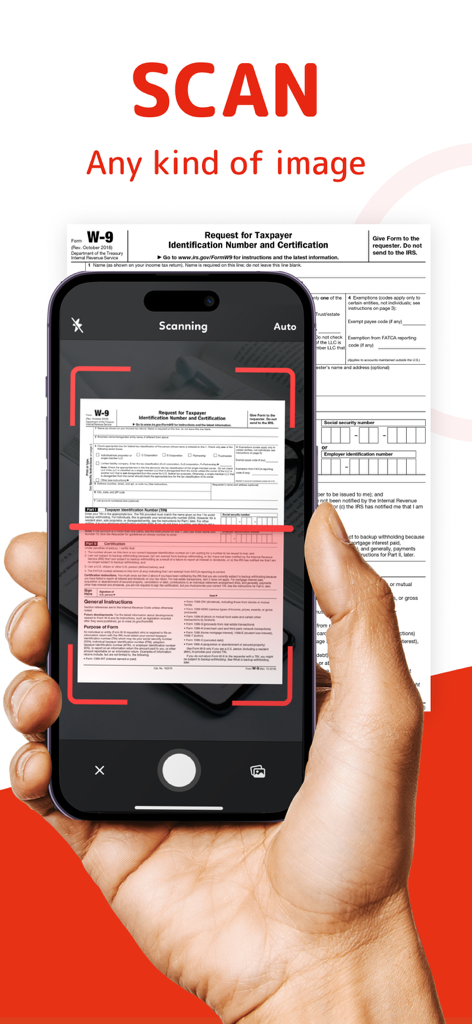
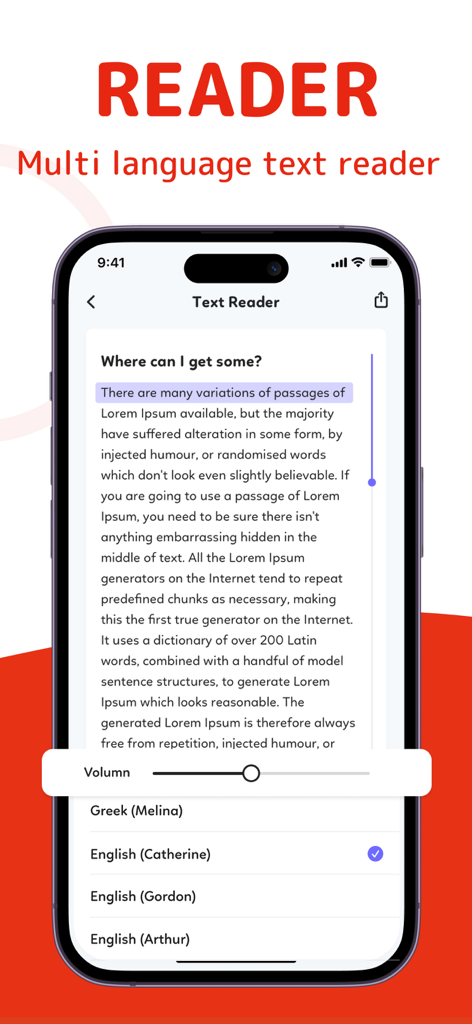
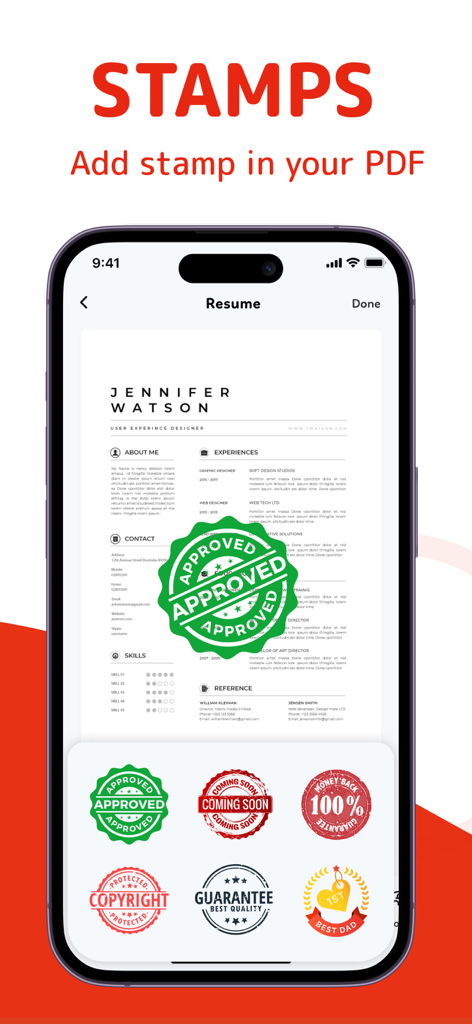
The tools that make this app stand out, trusted by 394K+ users.
Sign contracts, NDAs, and agreements instantly with your finger or Apple Pencil. Get deals done on the go without ever needing a printer.
Easily fill out complex PDF forms and modify text or images directly within your documents with desktop-level precision on your mobile device.
Convert physical paperwork into searchable, editable digital files. Our high-quality scanner and text recognition (OCR) keep your mobile office organized.
Everything you need to know about PDF Editor: Fill, Edit, eSign.
Description
Latest Version
1.1.77
Size
103.3 MB
First Released
Dec 16, 2021
Join over 394,000 professionals who turn their iPhone and iPad into a powerful mobile office. Ditch the printer and manage your business from anywhere.
Everything you need to know about PDF Editor: Fill, Edit, eSign
PDF Editor: Fill, Edit, eSign is a powerful application designed to fill, edit, sign, annotate, and manage PDF documents easily. It offers comprehensive tools for various PDF tasks.
Yes, PDF Editor: Fill, Edit, eSign allows you to edit PDF files. You can select, copy, highlight, and paste text directly within the document.
PDF Editor: Fill, Edit, eSign enables digital signatures. Users can draw their signature directly on the document through the designated sign function.
Yes, PDF Editor: Fill, Edit, eSign functions as a PDF Filler & Editor, allowing users to quickly and efficiently fill out PDF forms.
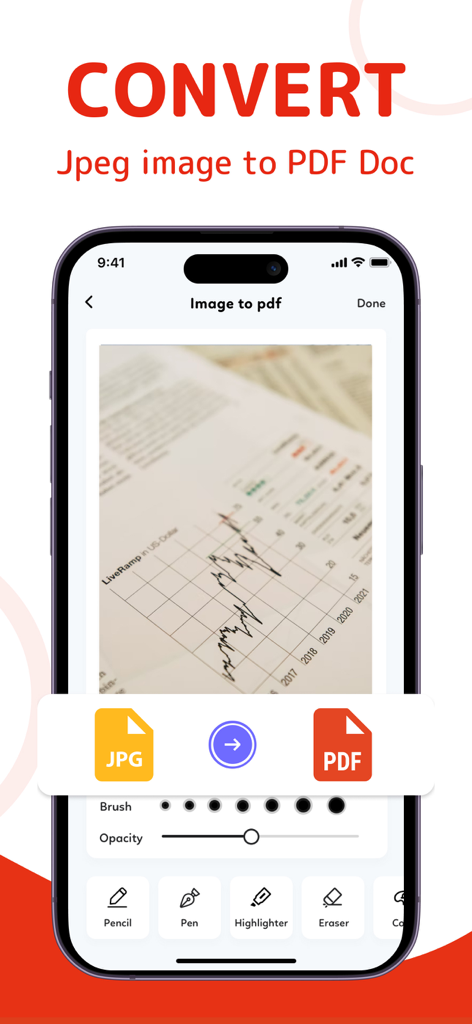
Yes, PDF Editor: Fill, Edit, eSign features a conversion tool that allows users to convert JPEG images into PDF documents.
PDF Editor: Fill, Edit, eSign offers unlimited access subscriptions billed either monthly or annually. The specific rate depends on the chosen plan.
Users manage subscriptions and turn off auto-renewal via their iTunes Account Settings after purchase. This must be done 24 hours before the period ends.
Yes, PDF Editor: Fill, Edit, eSign includes a multi-language text reader. It offers various language and voice options for reading documents.
Yes, PDF Editor: Fill, Edit, eSign supports scanning documents, including single or multi-page documents, directly into the app.
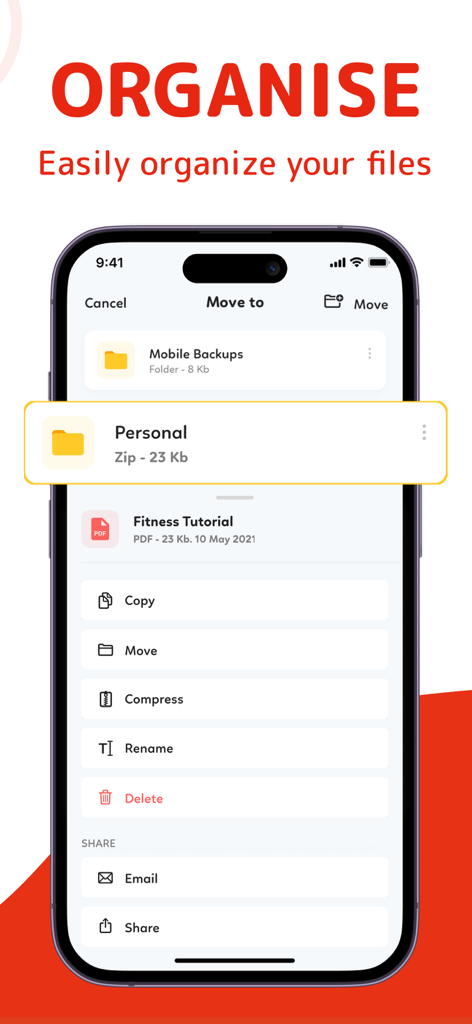
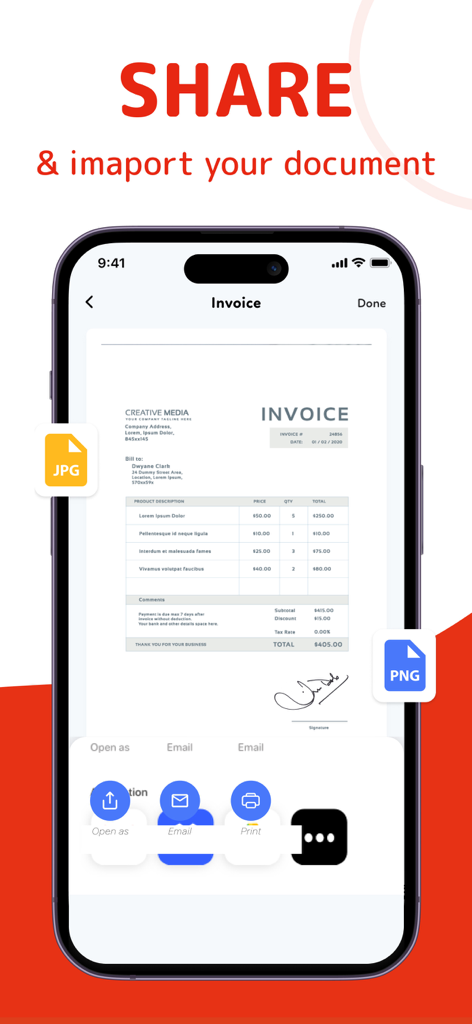
Yes, PDF Editor: Fill, Edit, eSign allows users to organize files by copying, moving, renaming, or deleting them. Documents can also be shared via email or cloud services.
Yes, PDF Editor: Fill, Edit, eSign allows users to add various stamps to their PDF documents, such as "APPROVED" or "GUARANTEE Best quality".
The Privacy Policy for PDF Editor: Fill, Edit, eSign is available on the official website at https://mkapps.app/pdfeditor/privacy-policy.html.
Apps with similar features and user experience

Balzo srl

NEXT K.U.M. LTD

INTSIG Information Co., Ltd

Adobe Inc.

KINGSOFT OFFICE SOFTWARE CORPORATION LIMITED

ILOVEPDF S.L.

The Grizzly Labs

Microsoft Corporation

INDY MOBILE APP COMPANY LIMITED
App information, icons, screenshots, and descriptions displayed on this page are sourced from the Apple App Store and are the property of their respective developers. Download estimates and rankings are based on MWM's proprietary models and may not reflect actual figures. This page is provided for informational and analytical purposes only.
Believe this page infringes your intellectual property? File a dispute