PDF Merge - Combine & Join PDF
Download on App Store

This page is not an official page of the app or its developer, but an independent editorial publication created for informational and commentary purposes. Unless expressly stated otherwise, neither the app nor its developer is affiliated with, endorsed by, sponsored by, authorized by, or otherwise officially connected with MWM, Apple, Google Play, the app publisher, or the app's developer, and nothing on this page implies that the app was developed using MWM's services. Any trademarks, logos, screenshots, and other content remain the property of their respective owners.

Logo of PDF Merge - Combine & Join PDF
Download on App Store

PDF Merge - Combine & Join PDF

Effortlessly merge, convert, and secure your files on the go. Join over 100,000 professionals and students who trust us to handle their documents with speed and security.

Key Figures

Downloads

113K+

User Rating

4.6/5

Total Ratings

17K+

Publisher

Haris Tayyab

Category

Utilities

Locales

45

Latest Version

1.9

Size

13.6 MB

First Released

Sep 16, 2021
Features

Power Your Productivity

The all-in-one PDF toolkit designed for the modern professional. Manage, convert, and secure your files without ever needing a desktop.

Unified File Management

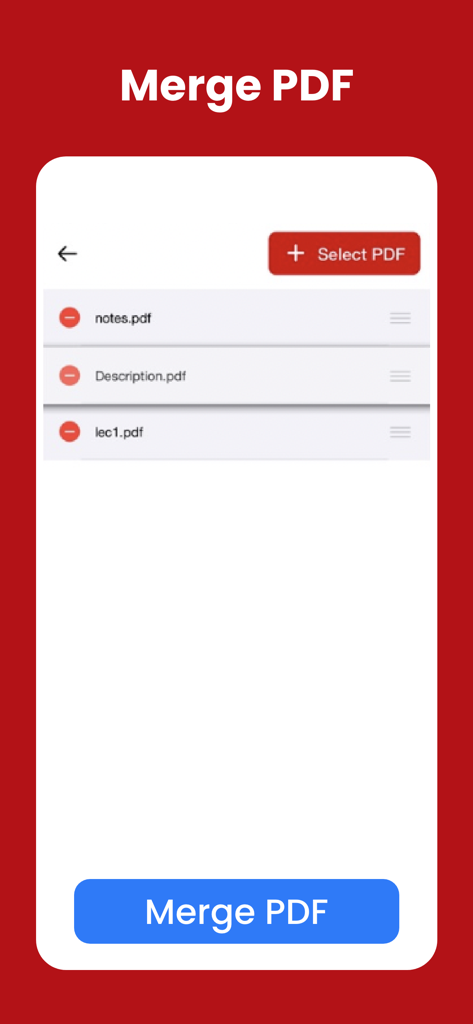
Combine multiple PDFs into one professional document. Reorder pages with a tap to ensure your presentation is perfect.

Universal Document Converter

Transform Word, Excel, and images into high-quality PDFs. Convert them back whenever you need to edit on the fly.

The following screenshots and description are sourced directly from the app's official store listing and are the property of the app developer.

App Store

Screenshots
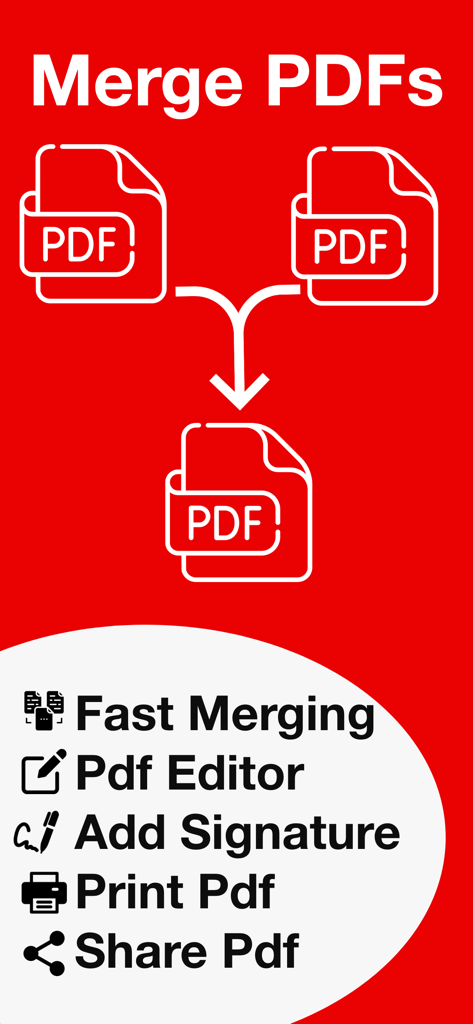
PDF Merge - Combine & Join PDF - Promotional graphic for a PDF app showing merge documents, editor, and signature features
Promotional graphic for a PDF app showing merge documents, editor, and signature features

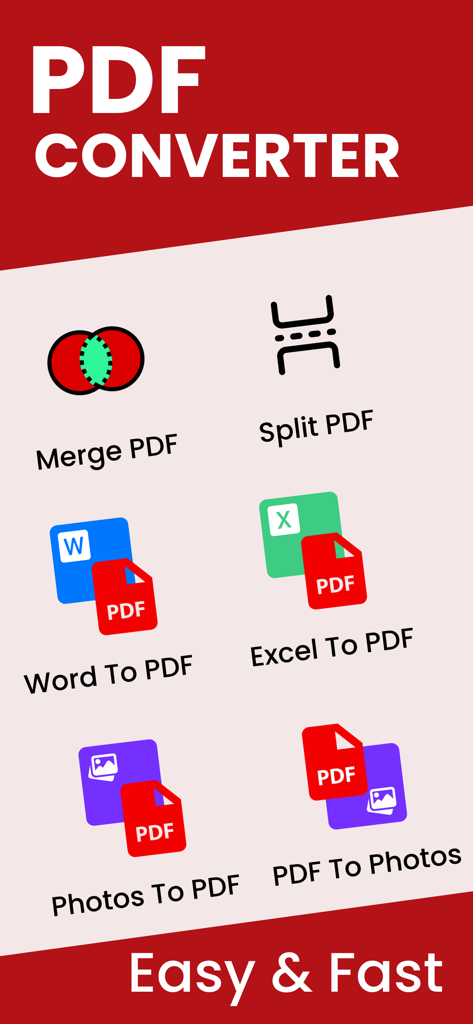
PDF Merge - Combine & Join PDF - Dashboard of the PDF Converter app showing tools to merge split and convert Word Excel and photos to PDF
Dashboard of the PDF Converter app showing tools to merge split and convert Word Excel and photos to PDF

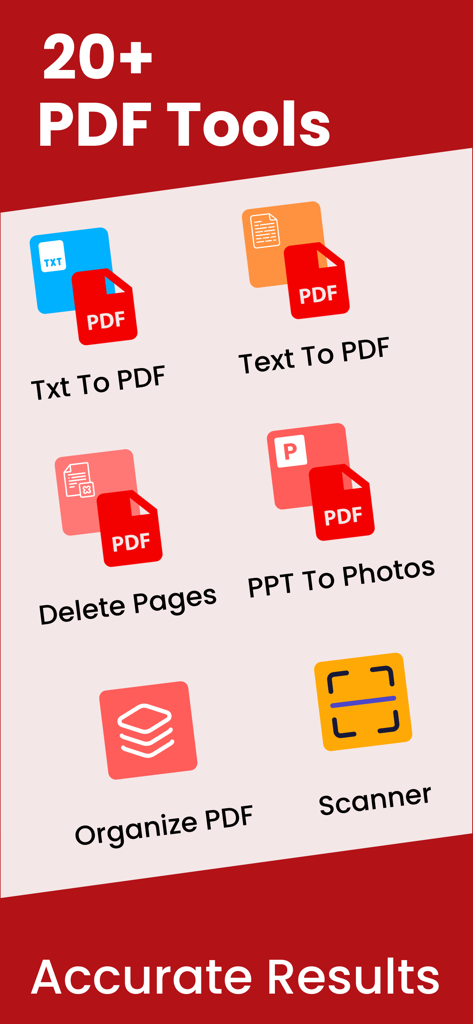
PDF Merge - Combine & Join PDF - Mobile app interface showing various PDF tools including text conversion, page deletion, document scanning, and file organization.
Mobile app interface showing various PDF tools including text conversion, page deletion, document scanning, and file organization.

PDF Merge - Combine & Join PDF - Mobile app screen showing a list of PDF files like notes and descriptions ready to be merged with a blue button at the bottom.
Mobile app screen showing a list of PDF files like notes and descriptions ready to be merged with a blue button at the bottom.

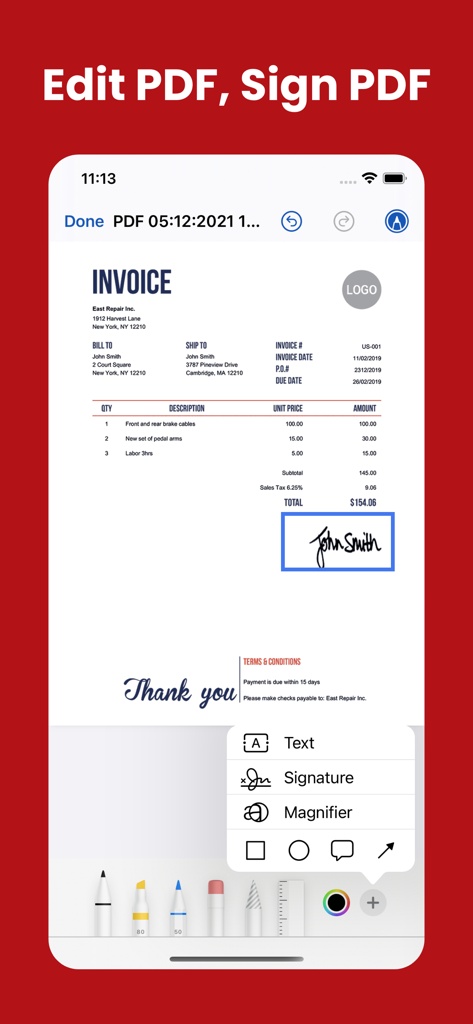
PDF Merge - Combine & Join PDF - Mobile interface for editing and signing a PDF invoice with a digital signature tool
Mobile interface for editing and signing a PDF invoice with a digital signature tool

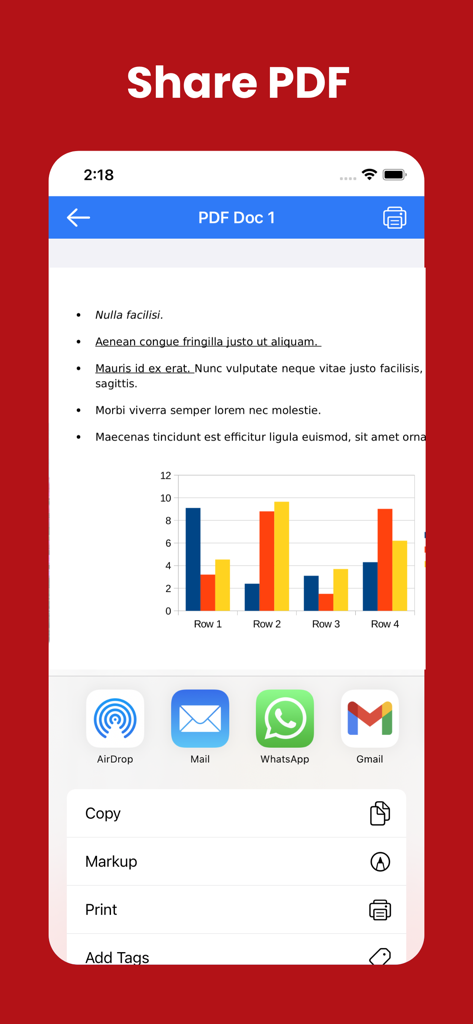
PDF Merge - Combine & Join PDF - Mobile app interface for sharing a PDF document with various options including AirDrop, Mail, WhatsApp, and Gmail.
Mobile app interface for sharing a PDF document with various options including AirDrop, Mail, WhatsApp, and Gmail.

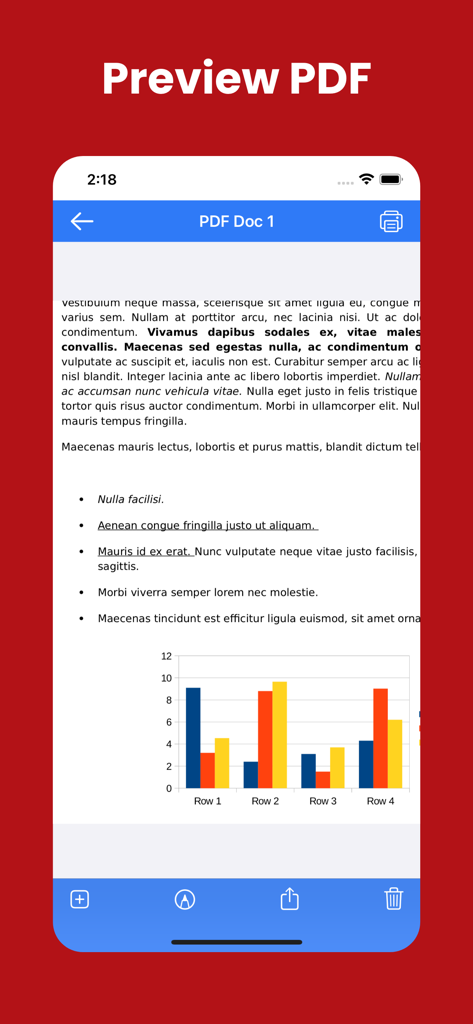
PDF Merge - Combine & Join PDF - Mobile application screen showing a preview of a PDF document containing text and a color bar chart

Mobile application screen showing a preview of a PDF document containing text and a color bar chart

Description

PDF Merger & PDF Converter – All-in-One PDF Toolkit PDF Merger & PDF Converter is the ultimate all-in-one solution to manage, convert, and secure your PDF documents—right from your iPhone and iPad. Whether you’re a student, professional, or business user, our powerful yet easy-to-use tools help you handle PDFs faster and smarter. Turn multiple files into a single PDF, convert documents to and from PDF, protect sensitive files, and organize pages with just a few taps. Key Features PDF Merge •⁠ ⁠Combine multiple PDFs into one document •⁠ ⁠Reorder files before merging •⁠ ⁠Fast and high-quality merging PDF to Photos •⁠ ⁠Convert PDF pages into high-resolution images •⁠ ⁠Share or save images instantly Convert To PDF Convert your documents into professional-quality PDFs: •⁠ ⁠Word to PDF •⁠ ⁠Excel to PDF •⁠ ⁠PowerPoint to PDF •⁠ ⁠Text (TXT) to PDF Perfect for sharing, printing, and archiving. Convert From PDF Easily turn PDFs back into editable formats: •⁠ ⁠PDF to Word •⁠ ⁠PDF to Excel •⁠ ⁠PDF to PowerPoint •⁠ ⁠PDF to Text Maintain formatting and content accuracy. Secure Your PDFs Protect your important documents: •⁠ ⁠Lock PDF with a password •⁠ ⁠Unlock password-protected PDFs •⁠ ⁠Keep your files safe and private Powerful PDF Tools Take full control of your PDFs: •⁠ ⁠Organize pages •⁠ ⁠Delete pages •⁠ ⁠Edit PDFs •⁠ ⁠Print PDFs •⁠ ⁠Import PDFs from Files, iCloud, or other apps Why Choose PDF Merger & PDF Converter? •⁠ ⁠Simple & intuitive interface •⁠ ⁠Fast and reliable performance •⁠ ⁠Works perfectly on iPhone & iPad •⁠ ⁠Ideal for work, school, and everyday use Download PDF Merger & PDF Converter today and manage your PDFs like a pro—anytime, anywhere. If you have any questions or suggestions, please send them to our support email. Note: Payment will be charged to your iTunes account at confirmation of purchase. Your subscription will automatically renew unless auto-renew is turned off at least 24-hours before the end of the current subscription period. Your account will be charged for renewal within 24-hours prior to the end of the current subscription period. Automatic renewals will cost the same price you were originally charged for the subscription. You can manage your subscriptions and turn off auto-renewal by going to your Account Settings on the App Store after purchase. Read our terms of service and Privacy Policy for more information. Privacy policy: https://mobileappstudio8.blogspot.com/2023/03/privacy-policy.html Terms of use: https://mobileappstudio8.blogspot.com/2023/03/terms-and-conditions.html

Download

Download on App Store

This page is not an official page of the app or its developer, but an independent editorial publication created for informational and commentary purposes. Unless expressly stated otherwise, neither the app nor its developer is affiliated with, endorsed by, sponsored by, authorized by, or otherwise officially connected with MWM, Apple, Google Play, the app publisher, or the app's developer, and nothing on this page implies that the app was developed using MWM's services. Any trademarks, logos, screenshots, and other content remain the property of their respective owners.








