PDF PRO Files - Quick & Easy

PDF PRO Files - Quick & Easy

Download on App Store
Logo of PDF PRO Files - Quick & Easy

PDF PRO Files: The All-in-One AI Document Powerhouse

Supercharge your productivity with the smartest reader and editor. Leverage an AI Assistant to summarize documents, sign with pixel-perfect Apple Pencil precision, and organize your professional library with secure, cloud-synced folders.

Download on App Store

Publisher

Kairoos Solutions S.L.

Category

Business

Downloads

48K+

User Rating

4.6/5

Total Ratings

0

Locales

10

Precision at a Glance

Discover the interface used by 48K+ users.
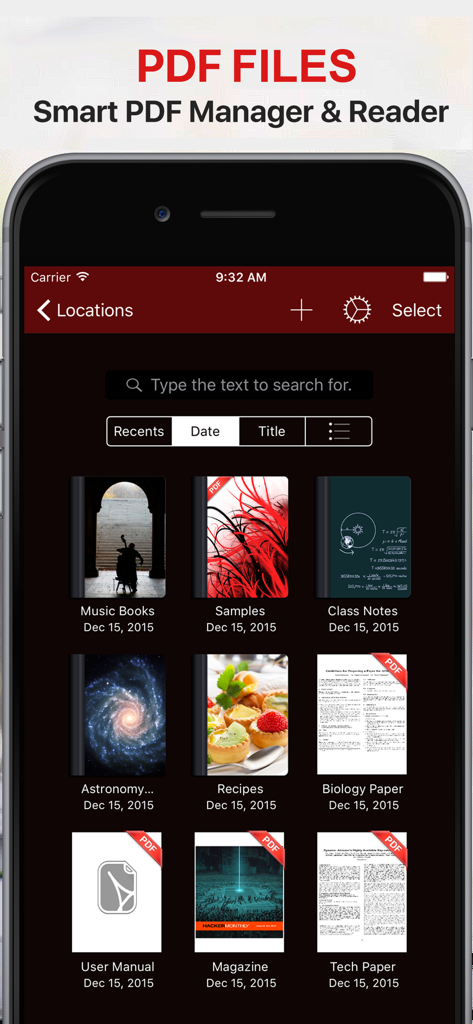
PDF PRO Files app document manager interface showing a library of PDFs in dark mode

PDF PRO Files app document manager interface showing a library of PDFs in dark mode

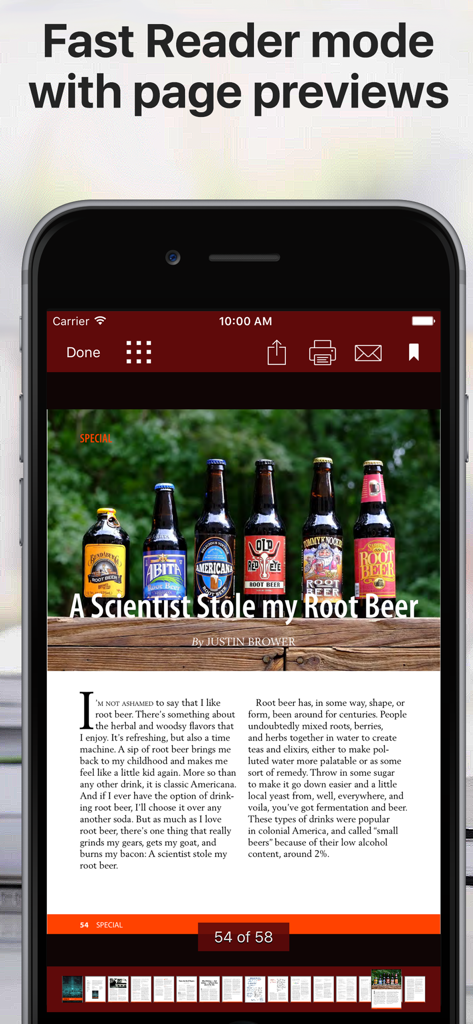
A mobile interface of a PDF reader app showing a document in fast reader mode with page previews at the bottom

A mobile interface of a PDF reader app showing a document in fast reader mode with page previews at the bottom

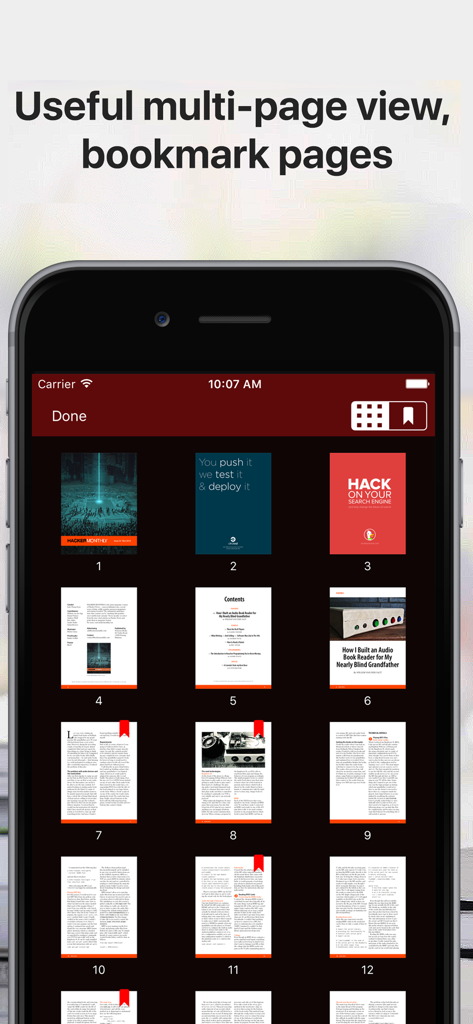
Multi page grid view of a PDF document with bookmarks in dark mode

Multi page grid view of a PDF document with bookmarks in dark mode

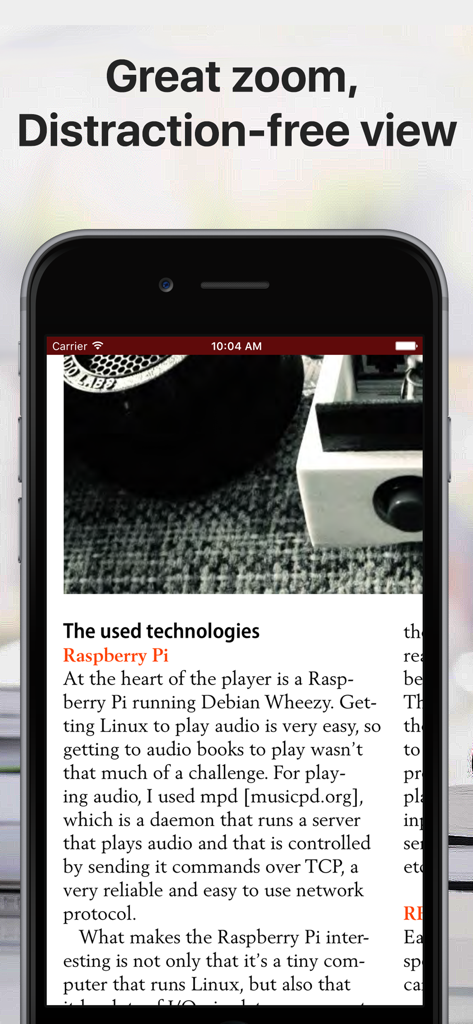
iPhone screen displaying a PDF document in distraction-free reader mode with a clean interface.

iPhone screen displaying a PDF document in distraction-free reader mode with a clean interface.

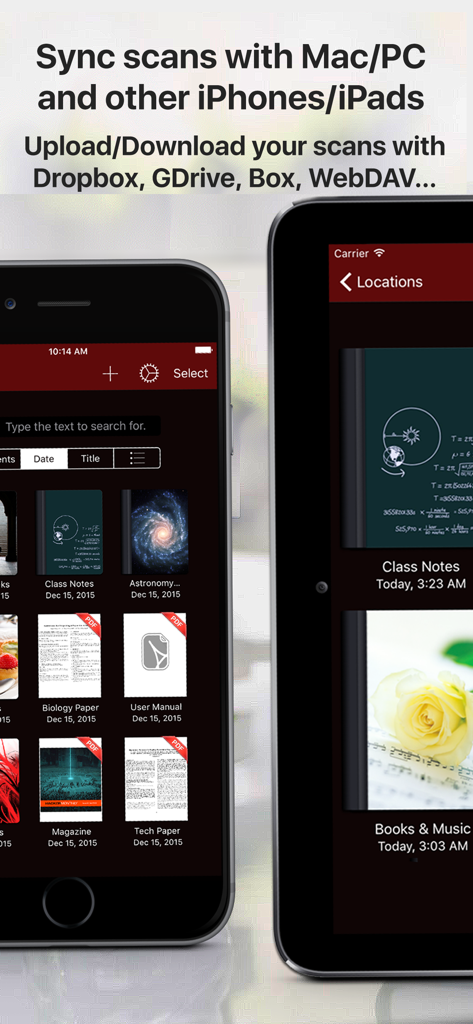
PDF PRO Files app library showing document sync and cloud storage features on mobile devices

PDF PRO Files app library showing document sync and cloud storage features on mobile devices

Master Your Documents with AI-Powered Precision

The tools that make this app stand out, trusted by 48K+ users.

🤖

Intelligent AI Assistant

Chat directly with your PDFs to summarize long reports, translate text instantly, and get clear explanations for complex terms in seconds.

🖋️

Pixel-Perfect Annotations

Experience the gold standard of handwriting with full Apple Pencil support, featuring tilt and pressure sensitivity for natural signing and note-taking.

📂

Pro-Grade File Management

Organize unlimited folders with custom covers, sync seamlessly across all cloud services, and keep sensitive documents secure with passcode protection.

About the app

Everything you need to know about PDF PRO Files - Quick & Easy.

Description

PDF Files is a smart and powerful but easy to use PDF reader, editor and file manager. Organize your libraries and collections of PDF in unlimited folders and subfolders. You can also convert Microsoft Office, iWork, and other documents to PDF and annotate them! With PDF Files you can: + Annotate, fill in, sign and highlight PDFs: lets you feel the ink and paper thanks to the intuitive, fast and pixel-perfect precise control of your Apple Pencil with useful tilt and pressure sensitivity, and support for palm rejection. Leap forward into the future of PDFs with an optional AI Assistant that is designed to assist you: + Aid in understanding: What’s that word? Allow the AI Assistant to explain. Need a brief? Ask it to summarize. Language barrier? Request for a translation. Your assistant is ready to lend a hand. Chat with the AI Assistant about your PDF! + Use the iOS camera to scan documents then edit and annotate them. + Organize small or huge collections of PDFs files + Powerful document browser integrated with Files app and any cloud services like iCloud, Dropbox, Box, GDrive, oneDrive, etc. to import, export and sync your files. + Powerful PDF Text to Speech read aloud. + File and documents manager. Customize the cover of folders and subfolders with your own images. + Quickly find your documents: List of most recent opened documents, order by date or by title and search by file name. + You can use your iPad and Apple Pencil (and other supported styluses) to write by hand in any text field in the PDF or in your own rich text boxes, like the search field in Safari or a text field in Mail. + Protect your PDF documents with a security passcode + Open PDF email attachments and store them in PDF Files + Bookmark pages in your documents like in an actual book + Zoom pages and read them in a distraction-free user interface + Reader mode interface for distraction free moments. + Dark mode supported. Ready for aviation use. Privacy Policy http://www.noteswriter.com/Kairoos_Privacy_Policy.html EULA https://www.apple.com/legal/internet-services/itunes/dev/stdeula/

Latest Version

4.4.0

Size

271.2 MB

First Released

Dec 17, 2015

Master Your Documents with AI-Powered Precision

Join 48,000+ power-users. Scan, sign, and summarize anything in seconds with the ultimate pro-grade PDF toolkit for iPad and iPhone.

Download on App Store

App information, icons, screenshots, and descriptions displayed on this page are sourced from the Apple App Store and are the property of their respective developers. Download estimates and rankings are based on MWM's proprietary models and may not reflect actual figures. This page is provided for informational and analytical purposes only.

Believe this page infringes your intellectual property? File a dispute