Xodo: The All-In-One PDF Editor, Scanner & E-Sign Tool
Go paperless with 30+ powerful tools designed for your mobile lifestyle. Edit, convert, and annotate documents anywhere with seamless cloud sync and Apple Pencil support.
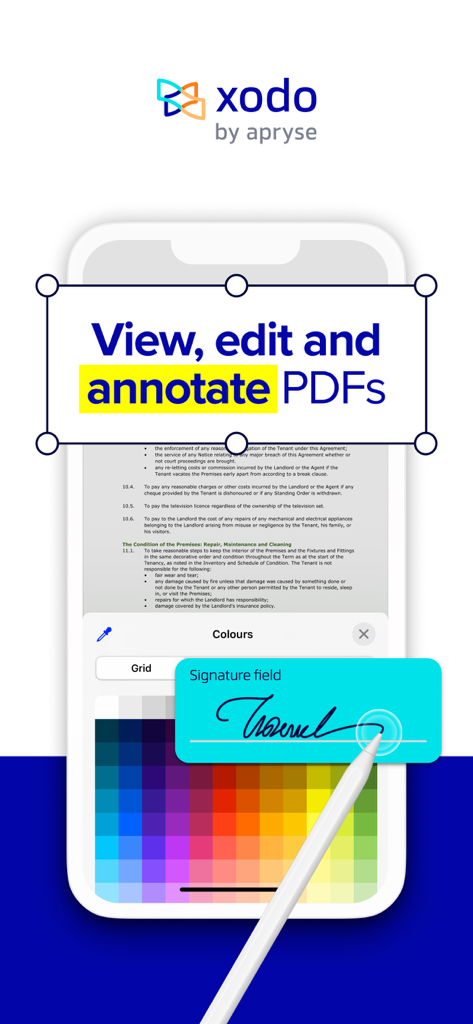
Xodo mobile app interface showing PDF document editing and digital signature with a stylus
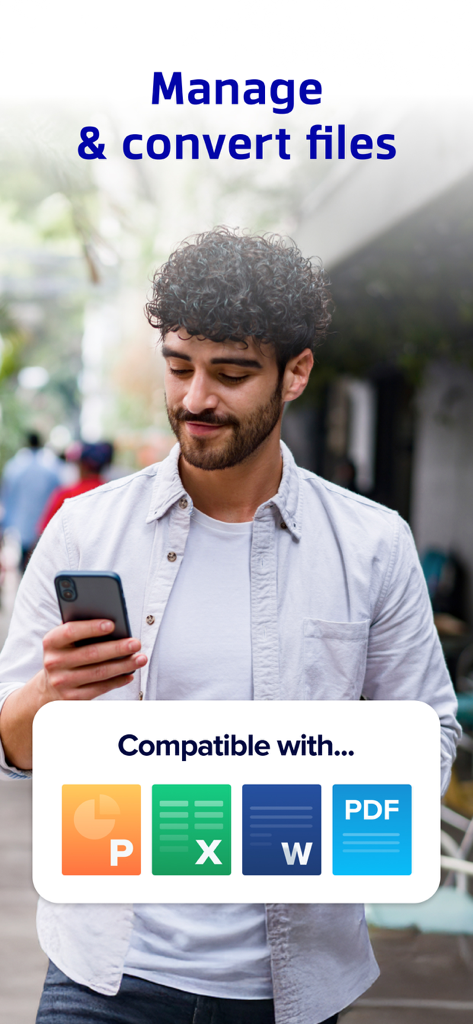
A person using Xodo on a smartphone to manage and convert Word Excel PowerPoint and PDF files
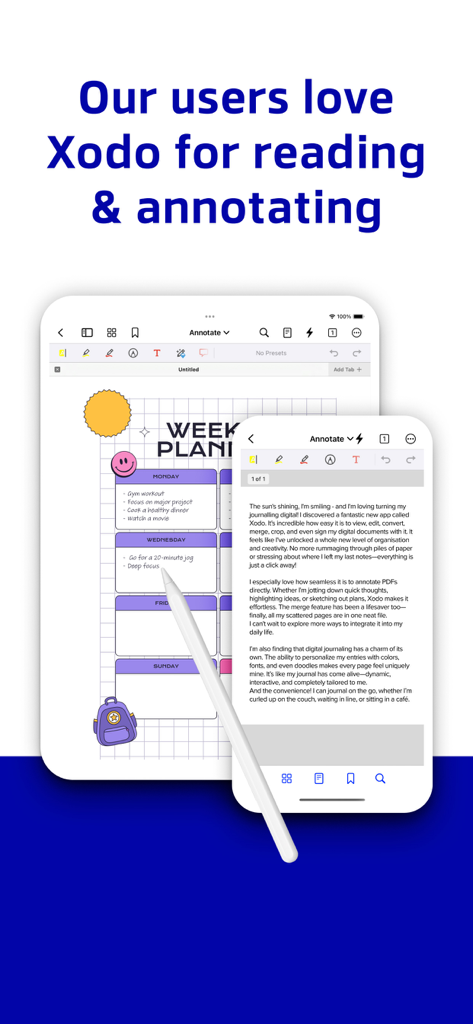
iPad and iPhone displaying Xodo PDF reader and annotation tools with a digital weekly planner
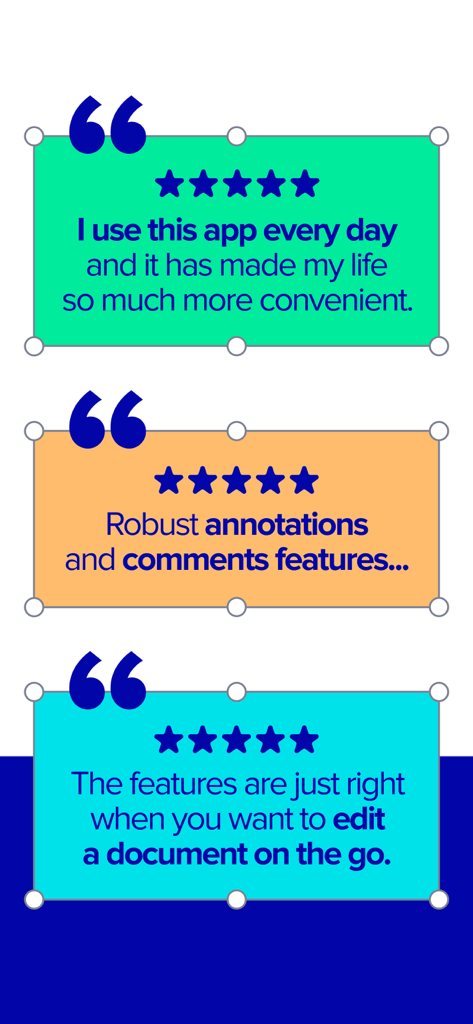
Positive user reviews and five star ratings for Xodo PDF Reader and Editor mobile app
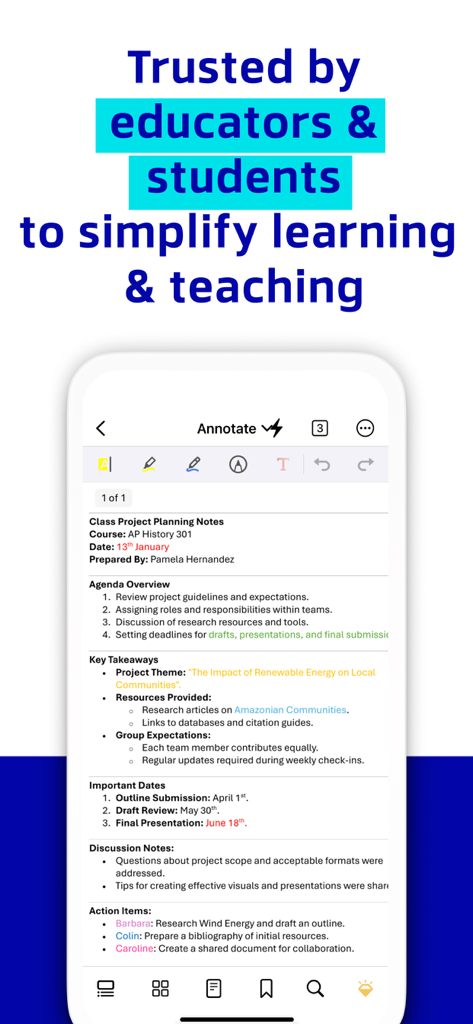
Xodo app interface displaying annotated class project planning notes for students and educators.
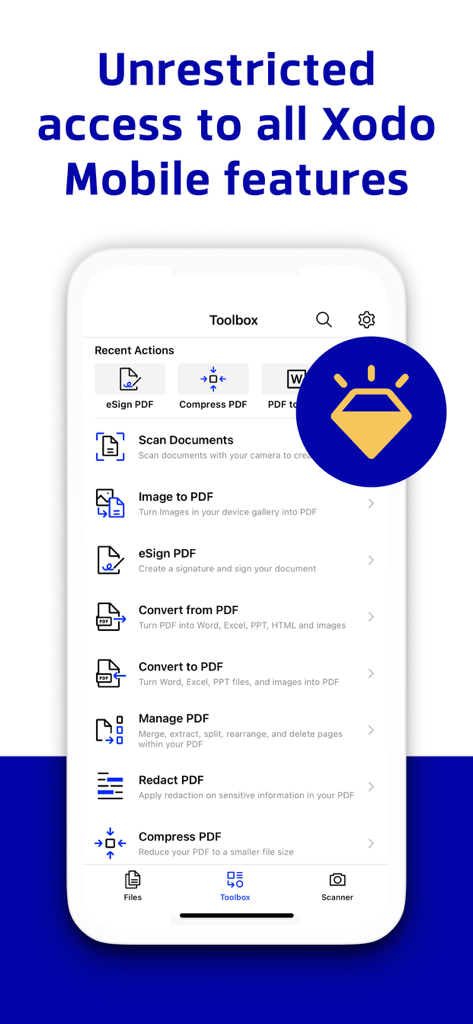
Xodo mobile app toolbox menu showing various PDF editing and document management tools
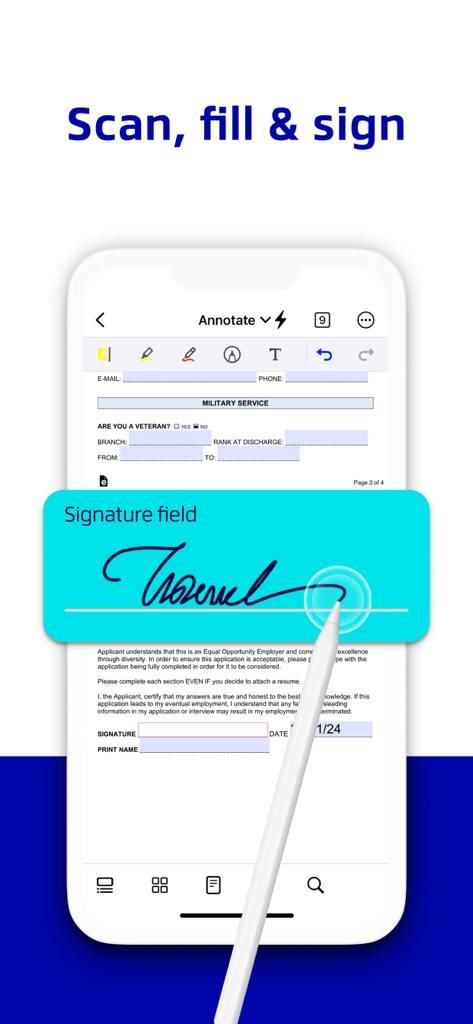
A hand using a stylus to sign a digital document within the Xodo PDF app signature field
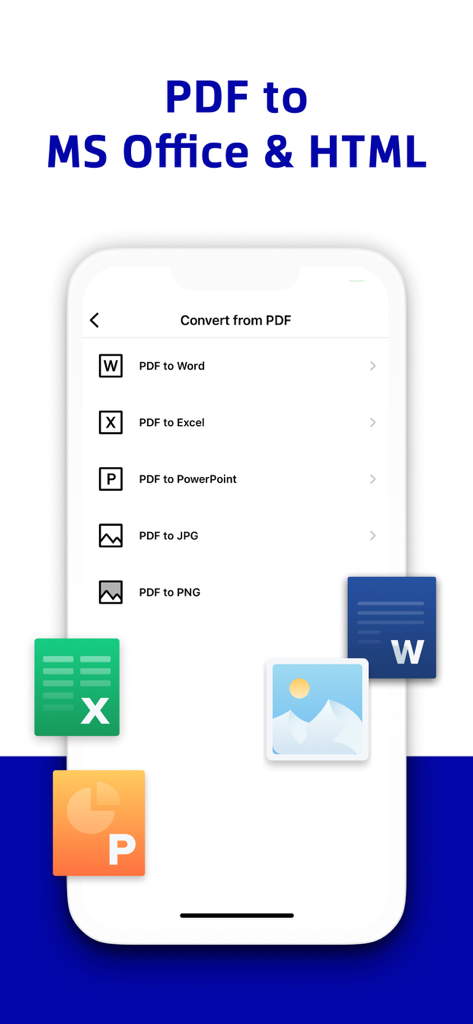
Xodo app interface showing PDF conversion options to Word Excel and PowerPoint
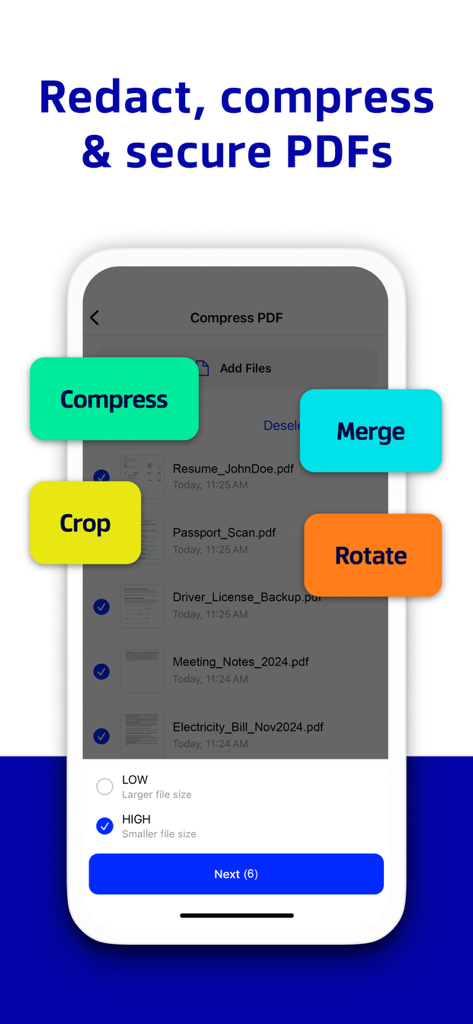
Xodo app interface showing tools to compress merge crop and rotate PDF documents
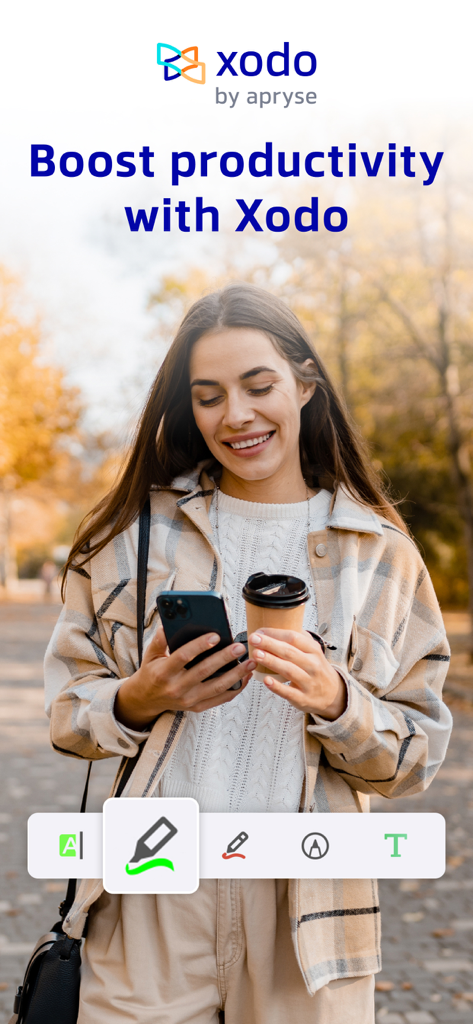
Woman using Xodo app on smartphone to edit PDF documents outdoors
Master Your Paperless Workflow
The tools that make this app stand out, trusted by 1M+ users.
✏️
Pro-Level Editing & Annotation
Highlight, comment, and edit text directly on your PDFs. Optimized for Apple Pencil to make note-taking and document review feel natural and precise.
✍️
Secure E-Sign & Form Filling
Finalize contracts on the fly. Create your digital signature to sign and fill out PDF forms in seconds without ever needing a printer or scanner.
🔄
Instant Conversion & Cloud Sync
Convert Office docs to PDF instantly and keep your files organized. Automatically sync with iCloud, Google Drive, and OneDrive to work anywhere.
Review Analysis
Insights from user reviews.
Sentiment Score
29%
Negative
Summary
The mobile app receives predominantly negative feedback, with a global sentiment score of 29/100. Users are highly frustrated by persistent critical bugs such as disappearing annotations, unsaved changes, and frequent app crashes, with many noting a significant degradation in performance following recent updates. The aggressive monetization strategy, including constant upgrade prompts, paywalled basic functionalities, and high subscription costs, is also a major point of contention, leading some to label the app a "scam" due to a poor user experience and refusal of refunds. While a few users appreciate its core PDF reading and basic annotation capabilities, as well as its general cross-platform functionality for these tasks, these positive aspects are largely overshadowed by widespread issues regarding reliability and value.
Common Themes
Overall User Experience(5)
PDF Reading(4)
Annotation Tools(3)
App Stability(2)
Pricing Model(1)
Cross-Platform Functionality(1)
About the app
Everything you need to know about PDF Reader & Editor | Xodo.
Description
Transform your PDFs. Get your work done quickly with Xodo's all-in-one PDF editor and reader with 30+ features - all available on your iPhone or iPad. Safely store and sync your files on your iCloud, OneDrive, Google Drive and Dropbox so you can easily view, edit, convert, e-sign and compress your files anytime, anywhere on your device.
Edit PDFs:
Intuitive, easy-to-use PDF editor for any user in mind.
• Compress PDF: Quickly reduce PDF file size for ease of sharing
• Flatten PDF: All annotations in PDF like fillable forms will be locked and merged into a single layer for protection
• Rotate & crop PDF: Add, remove, rearrange, rotate, crop PDF pages with ease
• Split & extract PDF: Instantly split PDF or extract pages to a new PDF file
• Create new PDF: Create PDFs from scratch or use one of our ready-made templates and edit file
Scan PDFs:
Seamlessly scan images and save as PDFs.
• PDF scanner: Scan image with your camera or open an existing image or file and save as a new PDF
• Edit scanned PDF: Edit, annotate, send your documents to iCloud, share via AirDrop, or any available app on your device
Fill & Sign PDF Forms:
Fill out, sign, and share your PDF forms.
• Create your e-signature: E-sign your documents by hand or type in your signature, and save to reuse for later
• Stylus-friendly: Supports Apple Pencil
Convert PDFs:
Convert files to PDF in seconds.
• PDF converter: Convert any MS Office (Word, Excel, PowerPoint) to PDF, iWork (Pages, Numbers, Keynote) to PDF
• Additional file formats: Convert JPG to PDF, PNG to PDF, PDF to JPG, PDF to PNG
View & print PDFs:
Quick and convenient PDF reader for e-books, reports, digital planner.
• Viewing mode: View in light, dark, and sepia color modes for comfort reading
• Bookmark feature: Tag your favorite PDF pages
• Multiple tabs: Use tabs to work across multiple PDF documents
• Print PDFs directly from your device
• Fully searchable text: Search text within PDF to save time
Annotate & Draw PDFs:
Utilize Xodo's annotation tools configured to you.
• Fully-featured mark-up tools: Add images, links, stamp or highlight text directly on PDF documents
• Arrange pages: Thumbnail browser for deleting pages, extracting, and inserting pages
• Scrolling mode: See all annotations at a glance with the touch of your finger
Store & Manage Files Securely:
Integrate with popular cloud apps and safely store your important files so you can pick up where you left off.
• Built-in file manager: Rename, copy, move, or delete docs and folders locally
• Cloud integration: Sync your files directly on iCloud, OneDrive, Google Drive and Dropbox to view in multiple devices
• Protected features: Protect your PDF files with password encryption and unlock your protected PDF with PDF password remover tool
Upgrade to Xodo Mobile Subscription:
Get unlimited access to all 30+ tools with custom toolbar for quick access.
• Free trial available in supported regions
• Convert PDF to MS Office (Word, Excel, PowerPoint)
• Remove sensitive content with PDF Redaction tool
• High compression file size
• Easily merge multiple documents to a single PDF
• Create fillable PDF forms to fill out and sign while you're on the go
• Support Smart pen to streamline and enhance note taking experience
• Annotate in Reader mode - When viewing a PDF in reader mode, you can highlight, underline and strikeout text.
• View and manage files with nesting layers - PDFs that include multi-level layers can be viewed individually
• Scanned images can save as PDFs with searchable text (OCR) option
• Flexible monthly and annual subscription options
• Cancel anytime
For Support and Feedback:
support@xodo.com
Visit Homepage:
xodo.com
Xodo is powered by Apryse | https://apryse.com
Latest Version
9.10.1
Size
121.1 MB
First Released
Jan 30, 2014
Master Your Workflow, Anywhere.
Join over 1 million professionals and students who trust Xodo for a faster, smarter, and entirely paperless PDF experience on iPhone and iPad.
FAQ
Frequently Asked Questions
Everything you need to know about PDF Reader & Editor | Xodo
What is Xodo and what does it do?
Xodo is a comprehensive PDF editor and reader for iPhone and iPad, offering over 30 features. It allows users to view, edit, convert, e-sign, and compress PDF files efficiently.
Does Xodo support cloud storage integration?
Yes, Xodo integrates with iCloud, OneDrive, Google Drive, and Dropbox. This allows users to securely store, sync, and access their files across multiple devices.
What PDF editing features does Xodo offer?
Xodo offers robust PDF editing capabilities. Users can compress, flatten, rotate, crop, split, and extract pages. It also enables creation of new PDFs from scratch or templates.
Can I e-sign documents using Xodo?
Yes, Xodo allows users to create e-signatures by hand or typing. These signatures save for future reuse. The app also offers stylus support, including Apple Pencil.
Which file types can Xodo convert to PDF and vice versa?
Xodo converts MS Office and iWork documents to PDF. It also supports converting JPG and PNG images to PDF, and PDF files to JPG or PNG formats.
How do I access all features in Xodo?
All 30+ features in Xodo are accessible with an Xodo Mobile Subscription. This subscription offers flexible monthly or annual payment options and can be cancelled anytime.
Does Xodo provide OCR functionality for scanned PDFs?
Yes, the Xodo Mobile Subscription includes an OCR option. This allows users to save scanned images as PDFs with fully searchable text, enhancing document usability.
App information, icons, screenshots, and descriptions displayed on this page are sourced from the Apple App Store and are the property of their respective developers. Download estimates and rankings are based on MWM's proprietary models and may not reflect actual figures. This page is provided for informational and analytical purposes only.
Believe this page infringes your intellectual property? File a dispute