PDF Scanner App - Scan to Docs

PDF Scanner App - Scan to Docs

Download on App Store
Logo of PDF Scanner App - Scan to Docs

PDF Scanner App - Scan to Docs: The Pro Scanner with Zero Subscriptions

Scan, convert, and protect your documents instantly. Enjoy unlimited scans and total privacy with 100% on-device processing—no internet or monthly fees required.

Download on App Store

Publisher

RHO DEVELOPERS LLC

Category

Business

Downloads

68K+

User Rating

4.5/5

Total Ratings

400

Locales

5

Your Paperless Office in Action

Discover the interface used by 68K+ users.
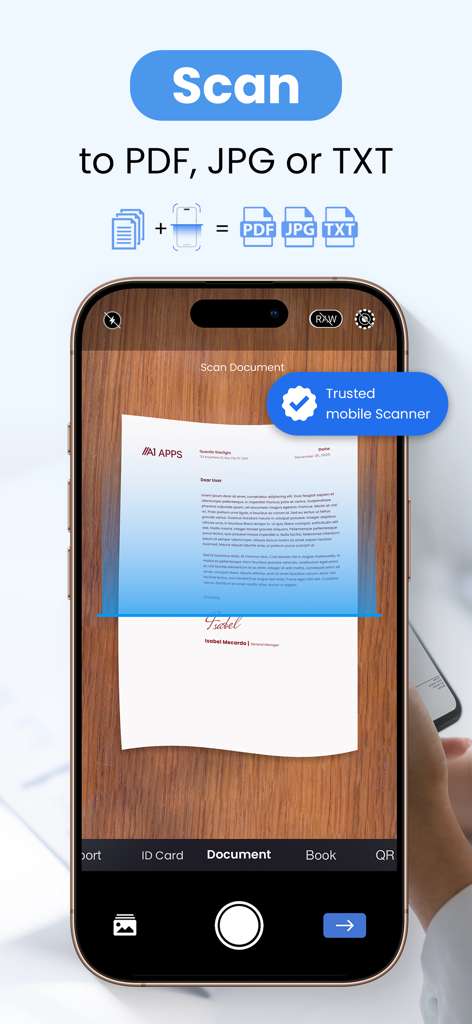
A smartphone scanning a paper document on a table to convert it into PDF JPG or TXT format.

A smartphone scanning a paper document on a table to convert it into PDF JPG or TXT format.

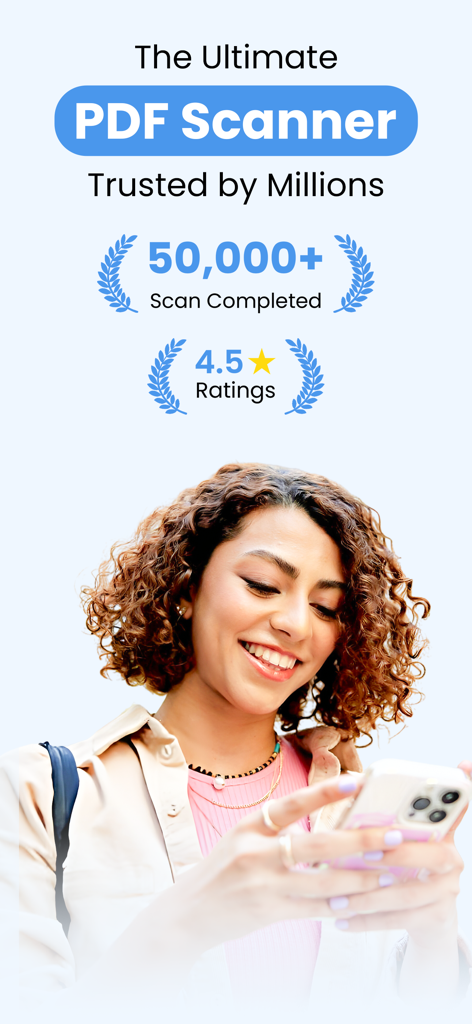
Smiling woman using the PDF Scanner App with high user ratings and scan counts displayed

Smiling woman using the PDF Scanner App with high user ratings and scan counts displayed

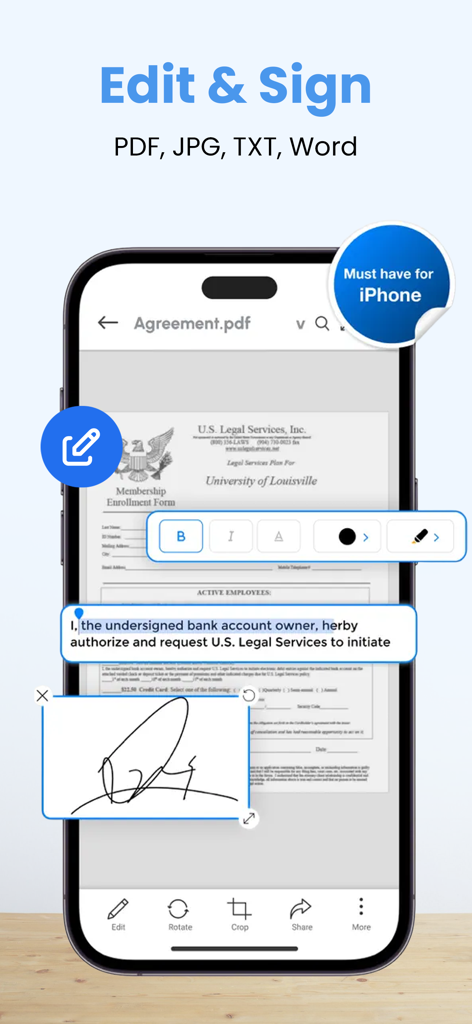
Interface of the PDF Scanner app showing how to edit text and add a signature to a digital document on an iPhone

Interface of the PDF Scanner app showing how to edit text and add a signature to a digital document on an iPhone

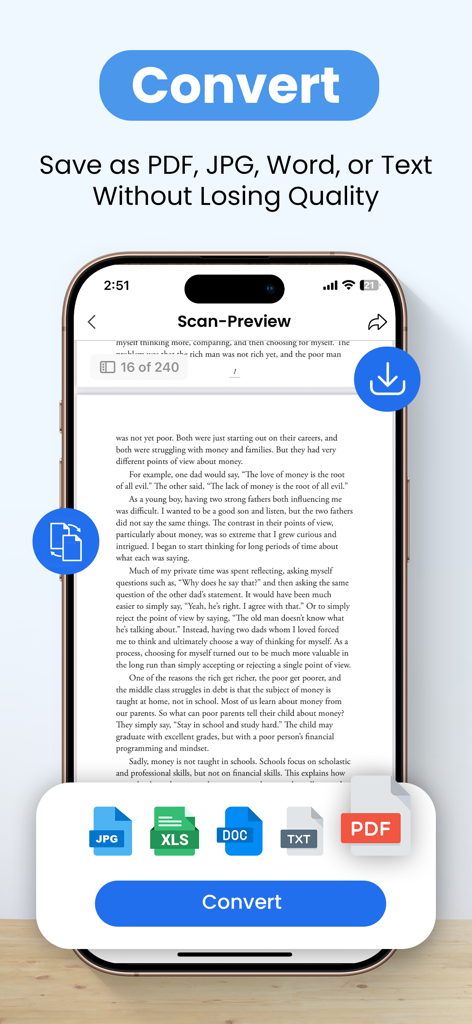
Mobile app interface showing options to convert scanned documents into PDF, JPG, Word, and Text formats without losing quality.

Mobile app interface showing options to convert scanned documents into PDF, JPG, Word, and Text formats without losing quality.

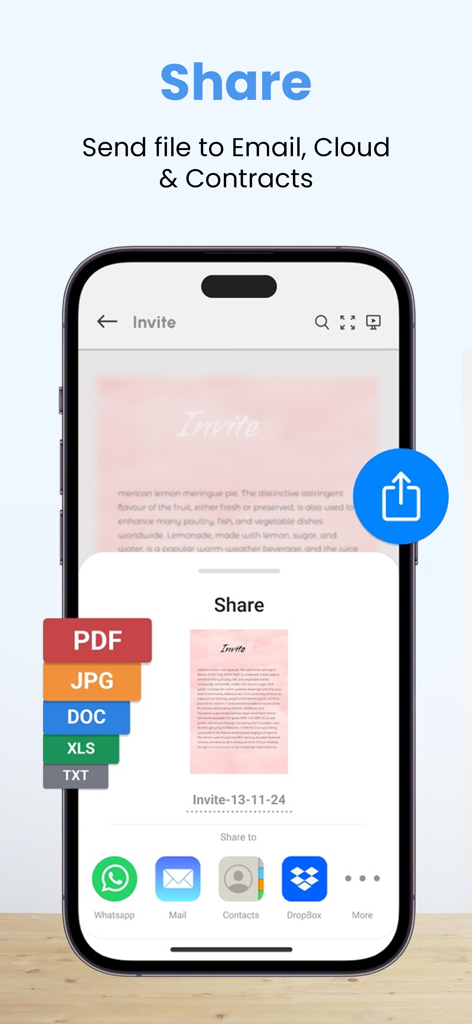
A smartphone screen showing the share menu of the PDF scanner app with options to export as PDF JPG or DOC and send via email or cloud services

A smartphone screen showing the share menu of the PDF scanner app with options to export as PDF JPG or DOC and send via email or cloud services

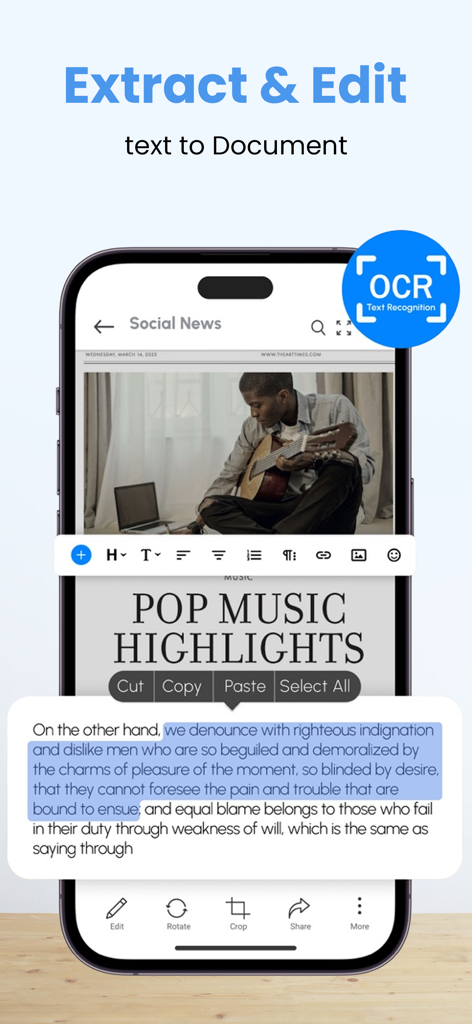
Mobile app interface showing OCR text recognition and text editing from a scanned document

Mobile app interface showing OCR text recognition and text editing from a scanned document

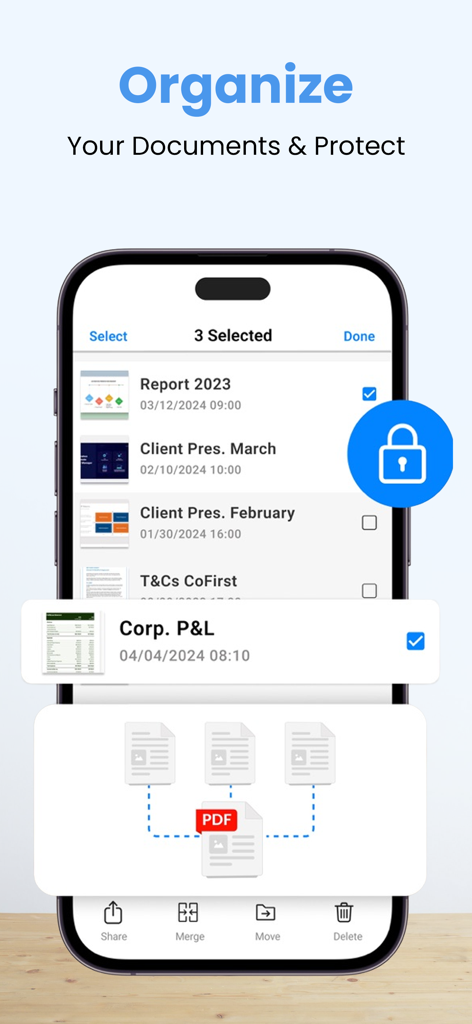
Mobile app interface showing document organization and protection features with options to merge and secure PDF files.

Mobile app interface showing document organization and protection features with options to merge and secure PDF files.

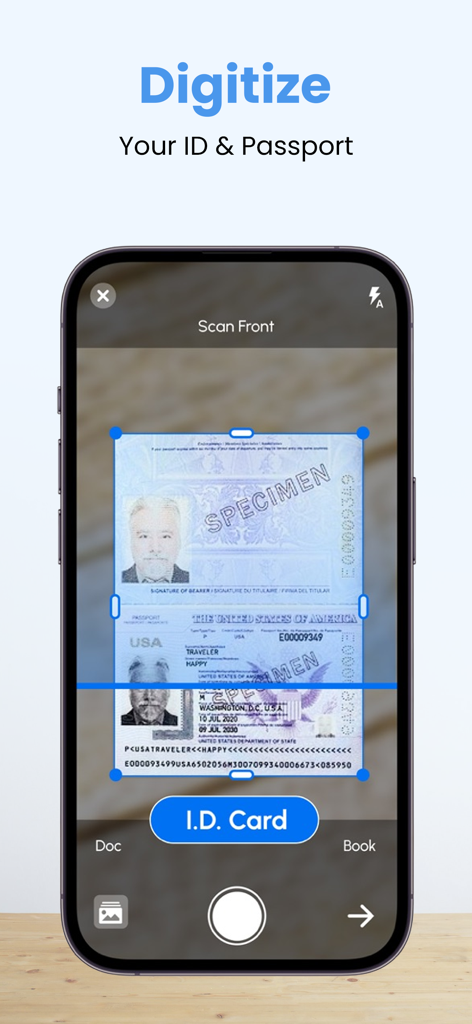
iPhone screen scanning a passport for digital document storage using the PDF scanner app.

iPhone screen scanning a passport for digital document storage using the PDF scanner app.

Professional Scanning Without the Price Tag

The tools that make this app stand out, trusted by 68K+ users.

💸

Unlimited Scanning, Zero Fees

Stop paying monthly subscriptions for basic tools. Enjoy unlimited scans and high-quality exports with every pro feature unlocked for free.

🔒

Private & Completely Offline

Your documents never leave your device. Process scans without an internet connection and keep your sensitive data secure and 100% private.

📑

Professional Document Toolkit

More than just a scanner. Convert Excel to PDF, add custom watermarks, and password-protect your files for secure, professional-grade sharing.

About the app

Everything you need to know about PDF Scanner App - Scan to Docs.

Description

PDF Scanner - Camera Scanner, is a powerful Cam and Document Scanner application for scanning documents anywhere and anytime. You can scan, save, archive, and share the documents. PDF Scanner or Document Scanner is the Best Indian Camera scanner app. It turns your phone camera into a PDF Scanner or PDF Maker. You can easily share scanned files as PDF or JPG. Easy to use PDF converter app. PDF Scanner, The Camera Scanner App is the best Doc Scanner & a must-have application for those people who are always traveling for business purposes. They can easily send scanned documents while being on the move. In this Document Scanner, PDF Conversion is completely offline and requires no internet connection. Using this Pdf Maker, save your PDF file in history and in the list of recently used documents. The documents scanned in Camera Scanner or Document scanner are not uploaded to any server for any processing. Document recognition in the photos after scanning is done on the device. Scan almost anything with the Camera scanner or Document scanner or pdf scanner. How to scan documents with PDF Scanner App – 1. Just click on the create new pdf tab and start scanning your document. 2. You can also select an image or a document from your gallery to scan. 3. Crop the edges according to your requirement. 4. Free filters for your documents and also you can use a brush to add your own colors. 5. You can compress your file according to the size you need in our PDF Scanner 6. You can choose the page type e.g A4, Legal, Ledger, etc 7. You can add your watermark to the document you are scanning. 8. After you have scanned your document, you can send and share it via email, WhatsApp, etc Features of Documents Scanner or PDF Scanner 1. Unlimited scans of documents & pdf allowed. 2. Completely free with no subscriptions whatsoever 3. No internet is needed to scan the documents or pdf. 4. PDF Maker: Select images to make a single pdf, Also use pdf converter 5. PDF reader, Additional pdf converter features added recently e.g text to pdf, excel to pdf, images to pdf. You can create a password-protected pdf file also. 6. Remove the duplicate pages easily from the pdf 7. Easily open the pdf with any pdf viewer. Privacy policy - https://blog.a1apps.co/privacy-policy-for-pdf-scanner/ Terms of Use - https://blog.a1apps.co/terms-of-use-a1-pdf-scanner/

Latest Version

1.0.31

Size

169.4 MB

First Released

Oct 7, 2022

Stop Paying for Scans. Get the Pro Tools for Free.

Join 68,000+ smart users who scan, sign, and secure documents without subscriptions. Your data stays on your device, exactly where it belongs.

Download on App Store

App information, icons, screenshots, and descriptions displayed on this page are sourced from the Apple App Store and are the property of their respective developers. Download estimates and rankings are based on MWM's proprietary models and may not reflect actual figures. This page is provided for informational and analytical purposes only.

Believe this page infringes your intellectual property? File a dispute