PDF Scanner by Flyingbee: Professional-Grade Document Scanning for Your Mobile Workspace
Transform your iPhone or iPad into a powerful portable office. Effortlessly scan, encrypt, and sync contracts, receipts, and notes to the cloud with industry-standard precision—anytime, anywhere.
Publisher
Flyingbee Software Co., Ltd.
Category
Business
Downloads
0
User Rating
3.3/5
Total Ratings
0
Locales
2
Efficiency at a Glance
Discover the interface used by 0 users.
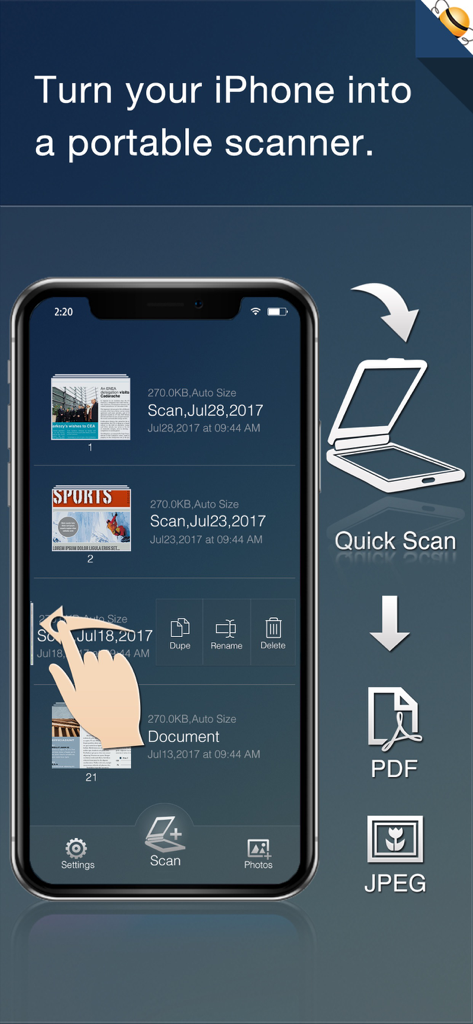
An iPhone displaying the PDF Scanner app interface with a list of scanned documents and options to export as PDF or JPEG
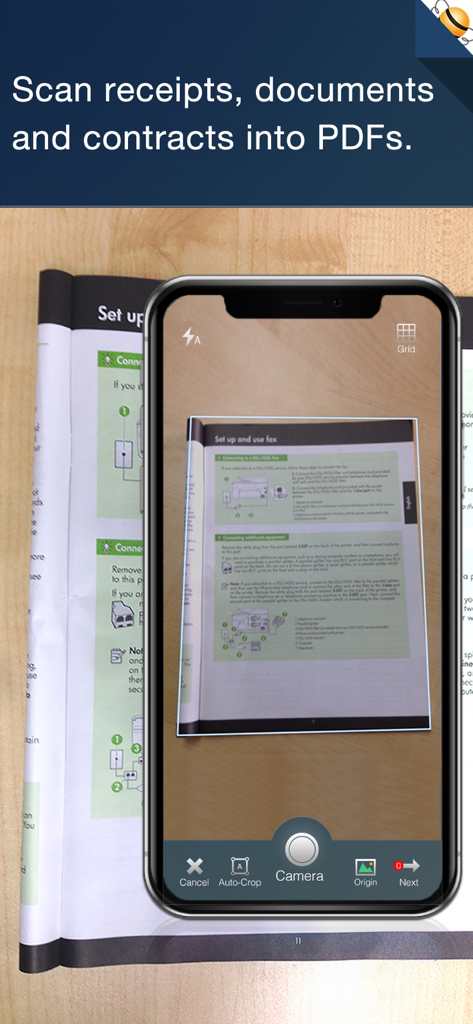
PDF Scanner app on iPhone scanning a document with automatic edge detection
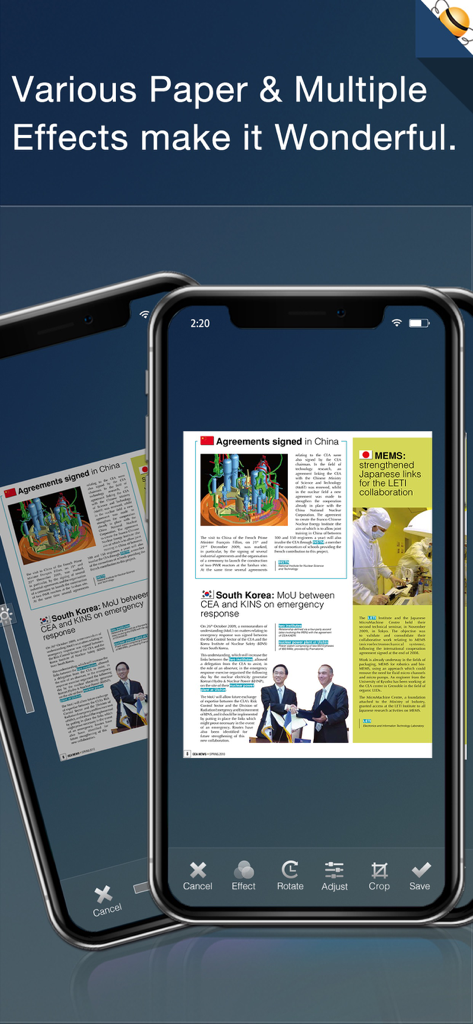
iPhone screen showing the PDF Scanner app interface with document editing options like effects rotate and crop
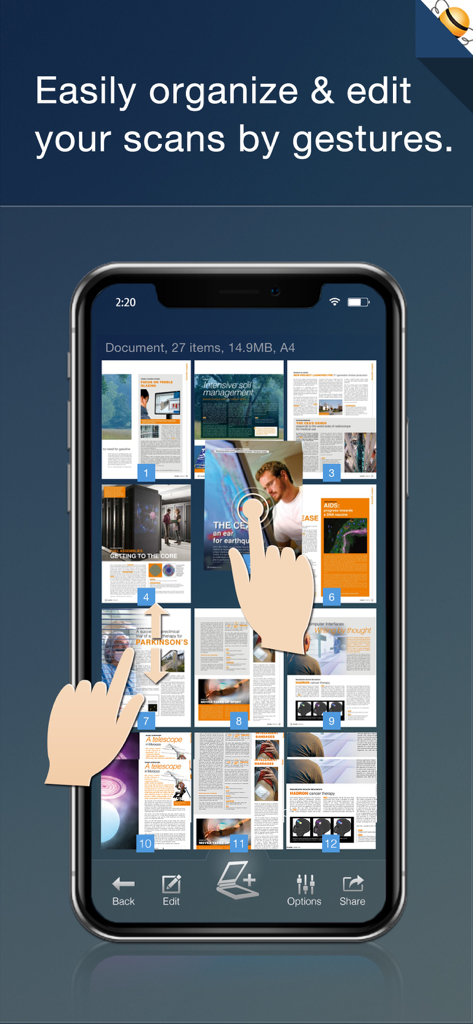
iPhone screen showing PDF Scanner app interface for organizing document pages with touch gestures
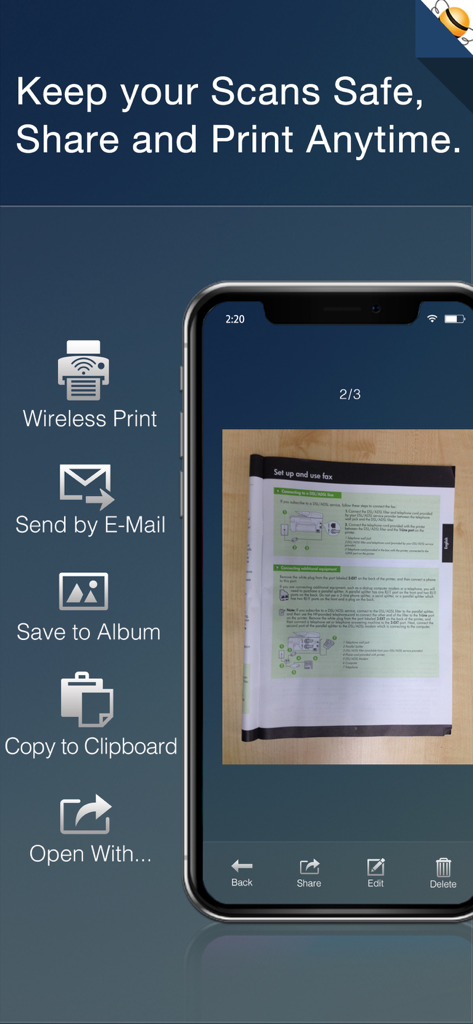
A mobile interface for PDF Scanner showing document sharing options like wireless printing, email, and clipboard copying.
Your High-Performance Mobile Office
The tools that make this app stand out, trusted by 0 users.
📄
Crystal-Clear Document Capture
Auto-detect edges and enhance contrast for sharp, professional PDFs that look better than the original, perfectly sized for Letter and Legal standards.
☁️
Built for Your Workflow
Instantly sync with Dropbox, Google Drive, and Evernote. Batch-scan contracts and receipts to keep your paperless office organized and your inbox at zero.
🔒
Enterprise-Level Security
Handle sensitive documents with confidence using encrypted PDF exports and password protection, ensuring your private data stays exactly where it belongs.
About the app
Everything you need to know about PDF Scanner by Flyingbee.
Description
PDF Scanner turns your iPhone & iPad into a portable scanner for documents such as receipts, contracts, articles, paper notes or sketches. It auto-detect page edges, brighten documents, adjust photos with filters. You can scan files to digital copies for print & fax, share via Internet and read them later.
Main features:
++ Incredibly Easy to Use.
PDF Scanner boasts a professional yet easy-to-use interface, simple workflow with an extremely neat, clear interface and interactive gestures. It can easily print & fax with HP, Canon, Kodak and other printers.
++ Real-time filter and board detection
With real-time filter, you can easily scan documents in color, grayscale, or black & white mode, it will auto-process and store the digital copies in your collection quickly.
++ Advanced Images Process.
- With built-in advanced algorithms, it can auto-detect document edges.
- Straighten the documents (rotate, sharper, crop & correct perspective, make it readable).
- Adjust the brightness, contrast and saturation.
- Apply optimized color, grayscale, or black & white effects.
- Brighten documents to save Ink costs.
- Automatic recognition of rotated documents.
++ High Quality Output.
- Various paper sizes including Letters, A3, A4, A5, B4, Business Cards, Legal and Ledger papers.
- Scan documents, receipts, invoices, contracts, business cards, whiteboards, schedules and other paper notes.
- Adjust quality & large image DPI output.
- Support Photo to PDF Conversion, add PDF properties, including author, title and subject.
- Support encrypted PDF with restrictions.
++ High Efficiency and Productivity.
You can quickly batch-scan your documents, share via emails, print out as industry-standard PDF or JPEG files anywhere, or open with other apps for cloud sync or save for further reading.
By using "Open In..." approach, sync files from many popular online storages: Dropbox, Evernote, GoogleDrive and other cloud storage; send PDFs to iBooks, Adobe Reader, GoodReader office app for best reading experience; Besides, you can send PDFs by e-mails, open them in other apps and even transfer them to the computer.
Several sample files have been attached, you can test it right now!
We are continuously developing this app. If you have any questions, problems, or suggestions, please feel free to contact us, we will reply ASAP.
Latest Version
3.5
Size
45.0 MB
First Released
Aug 12, 2014
Stop Printing. Start Scanning.
Join thousands of high-efficiency professionals who have ditched the desk scanner. Download PDF Scanner by Flyingbee today and turn your iPhone into a high-powered, portable office.
App information, icons, screenshots, and descriptions displayed on this page are sourced from the Apple App Store and are the property of their respective developers. Download estimates and rankings are based on MWM's proprietary models and may not reflect actual figures. This page is provided for informational and analytical purposes only.
Believe this page infringes your intellectual property? File a dispute