
pdf scanner-cam scan app



Transform your iPhone into a powerful portable office. Effortlessly scan documents, receipts, and notes with AI-powered shadow removal, OCR text extraction, and seamless cloud sharing for ultimate productivity.
Publisher
Category
BusinessDownloads
3M+User Rating
Total Ratings
76K+Locales
9Discover the interface used by 3M+ users.
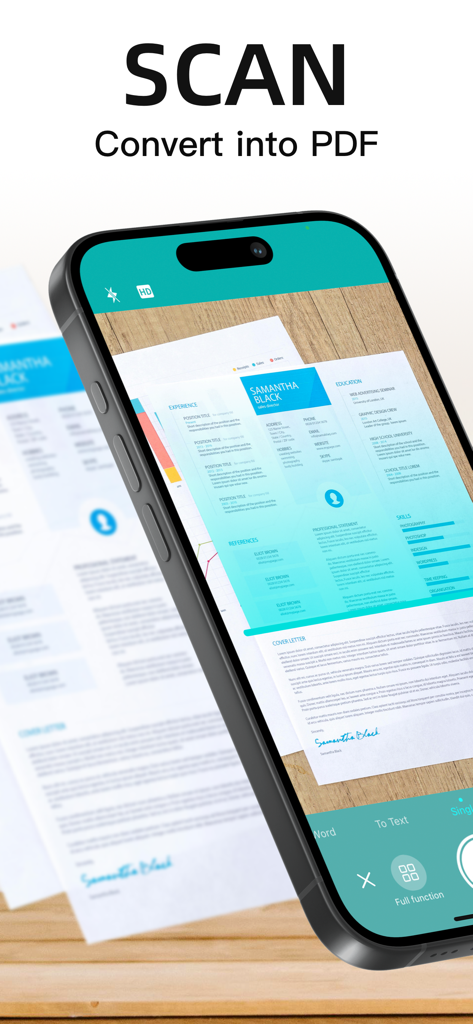
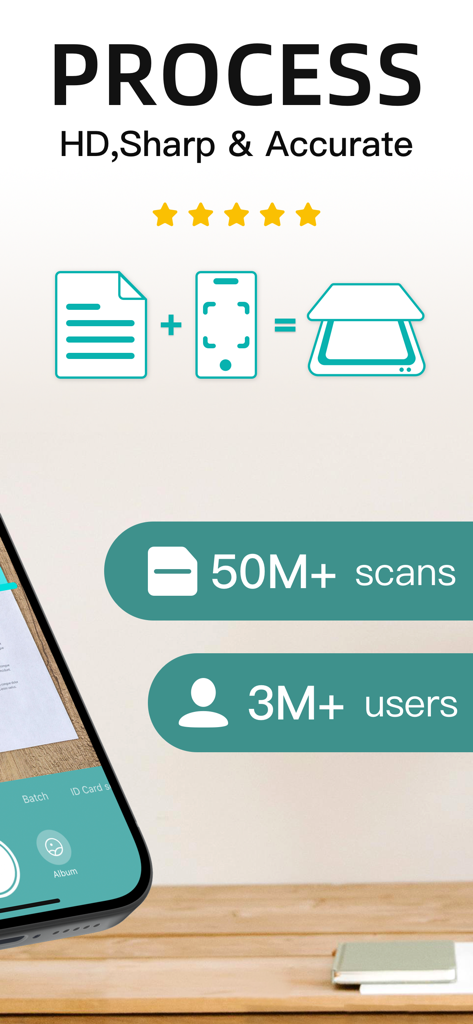
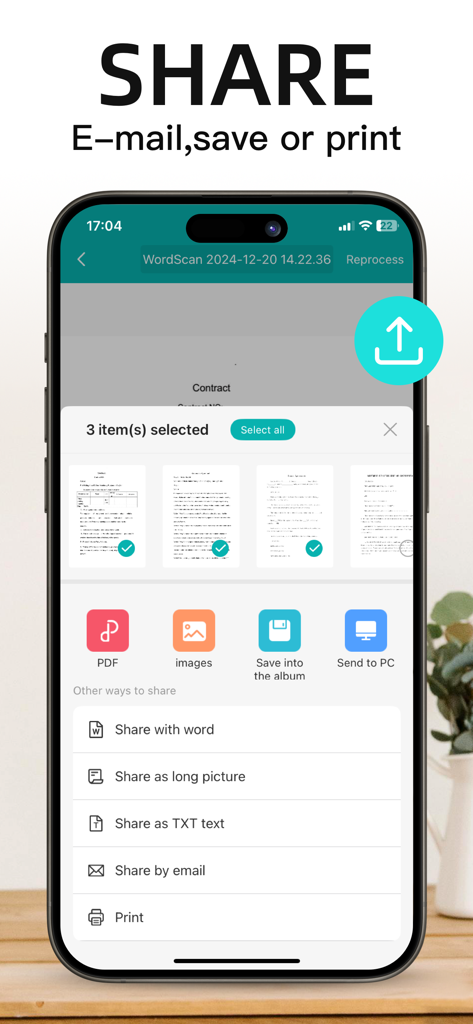
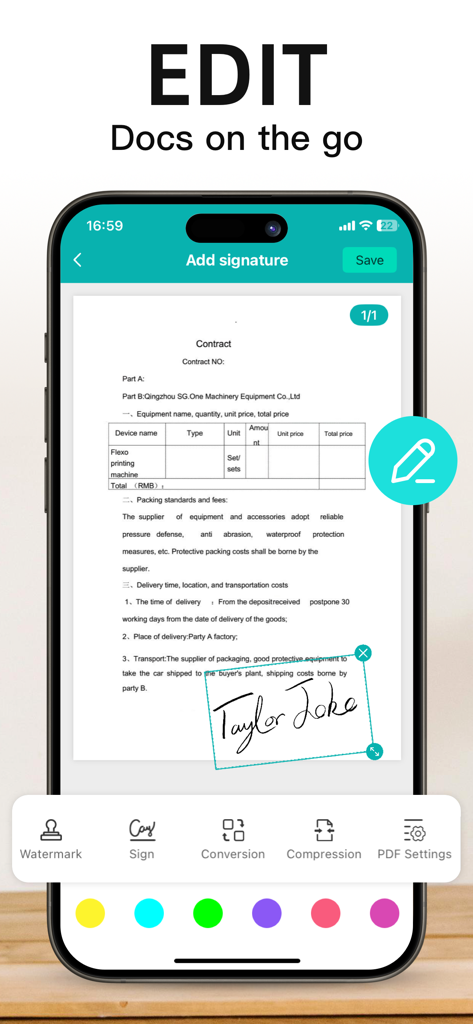
The tools that make this app stand out, trusted by 3M+ users.
Capture multi-page documents in seconds. Advanced algorithms automatically remove shadows and fix perspective for a sharp, professional PDF.
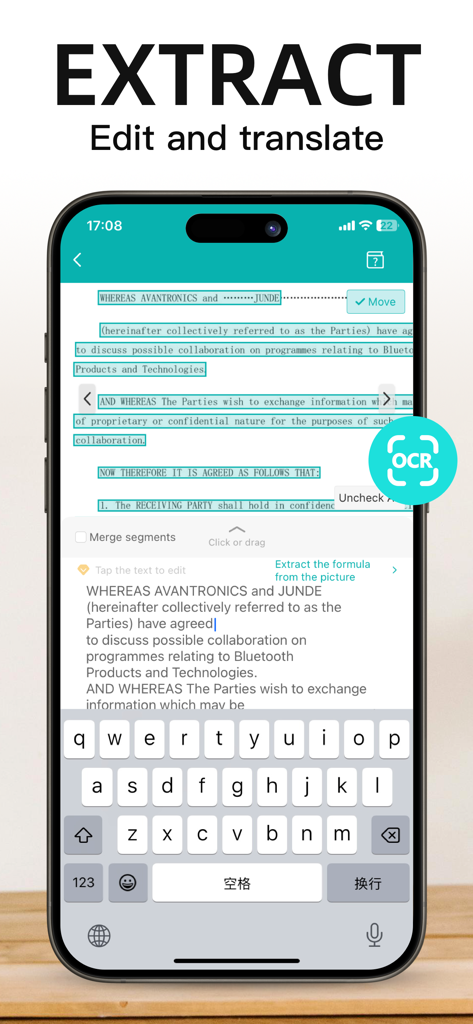
Turn images into editable text instantly. Extract data from receipts, notes, or contracts to save hours of manual typing and data entry.
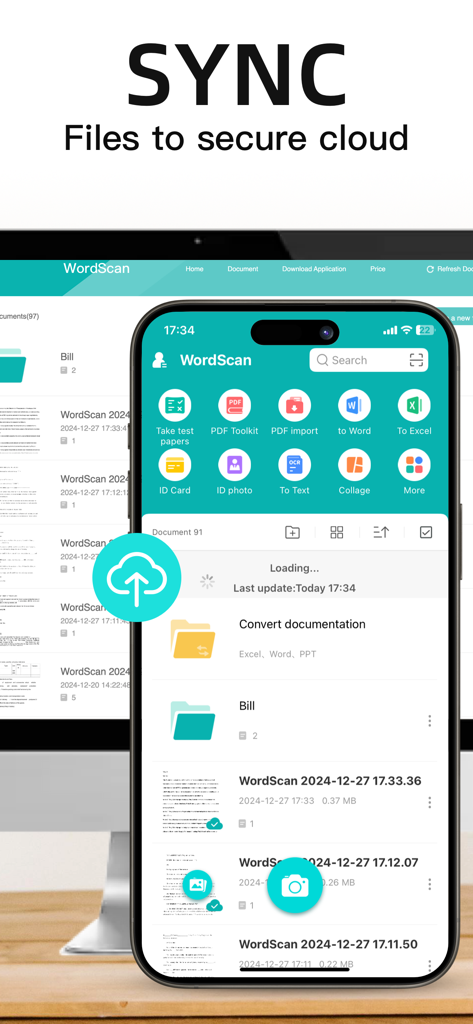
Categorize scans with custom tags and sync to the cloud. Keep your digital office clutter-free and send documents via email with one tap.
Everything you need to know about pdf scanner-cam scan app.
Description
Latest Version
5.12.36
Size
176.4 MB
First Released
Jun 15, 2012
Join over 3 million professionals and students who trust our high-speed scanner to turn any document into a crystal-clear PDF in seconds. Download now and carry a professional office in your pocket.
Everything you need to know about pdf scanner-cam scan app
The Scanner App converts documents, photos, receipts, and other items into clear and sharp image/PDF format. It allows users to save, email, print, and save scanned documents to the cloud.
Yes, the pdf scanner-cam app supports a batch mode feature. This mode combines multiple scans into a single PDF without process waiting, making scanning fast and convenient.
Yes, the Scanner App includes an OCR (optical character recognition) feature. It extracts texts from single pages for further editing or sharing.
The pdf scanner-cam app can export documents as PDFs or processed images. Sharing options include email, saving to the image library, and various share methods shown in the app.
Yes, the pdf scanner-cam app provides editing features for scanned documents. Users can add watermarks, sign documents, compress files, and adjust PDF settings.
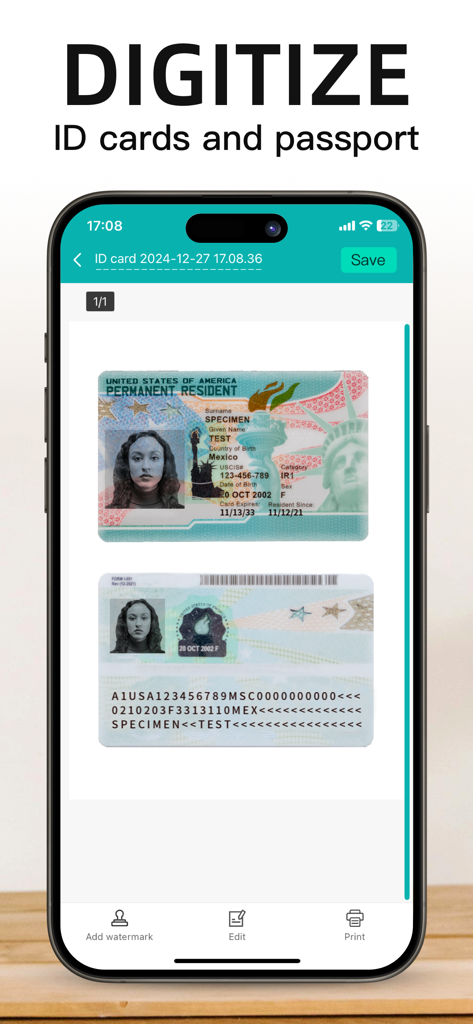
Yes, the Scanner App supports digitizing ID cards and passports. Users can scan and save these documents directly within the application.
The Scanner App uses advanced color processing algorithms to remove shadows, correct perspective and distortion. This technology makes scanned documents as readable as possible.
Yes, the pdf scanner-cam app offers multi-sized PDF options. More than 10 PDF sizes are available, and users can customize the size or use a self-adaption mode.
Yes, the Scanner App features an automatic side cut function. It utilizes a professional image processing algorithm to automatically help users cut the edges of scanned images.
Yes, the pdf scanner-cam app supports cloud synchronization. Users can sync their scanned files to a secure cloud for storage and access.
The Scanner App offers VIP subscription cycles for 1 week, 1 month, 1 quarter, 6 months, and 1 year. Each has a continuous renewal price.
To cancel automatic renewal for a Scanner App VIP subscription, manually turn off the automatic renewal function in iTunes/Apple ID settings management at least 24 hours before the current subscription expires.
Yes, a free trial period may be offered. Any unused portion of a free trial is forfeited when the user purchases a subscription.
The Privacy Policy for the pdf scanner-cam app is available at the provided URL: https://www.wordscan.net/ps/ws_privacy. This link is listed in the app description.
Apps with similar features and user experience

Balzo srl

NEXT K.U.M. LTD

INTSIG Information Co., Ltd

Adobe Inc.

KINGSOFT OFFICE SOFTWARE CORPORATION LIMITED

ILOVEPDF S.L.

The Grizzly Labs

Microsoft Corporation

INDY MOBILE APP COMPANY LIMITED
App information, icons, screenshots, and descriptions displayed on this page are sourced from the Apple App Store and are the property of their respective developers. Download estimates and rankings are based on MWM's proprietary models and may not reflect actual figures. This page is provided for informational and analytical purposes only.
Believe this page infringes your intellectual property? File a dispute


