
PDFMaker : Scanner Converter

No subscriptions, no hidden fees, and no cloud uploads. Scan, merge, and convert files in one click with the ultimate document tool for students and freelancers.
Publisher
Category
BusinessDownloads
834K+User Rating
Total Ratings
3K+Locales
1Discover the interface used by 834K+ users.
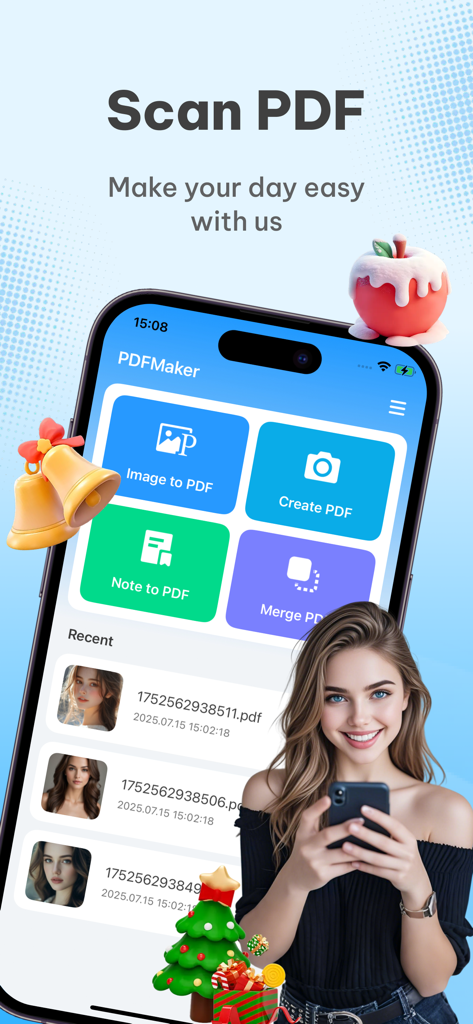
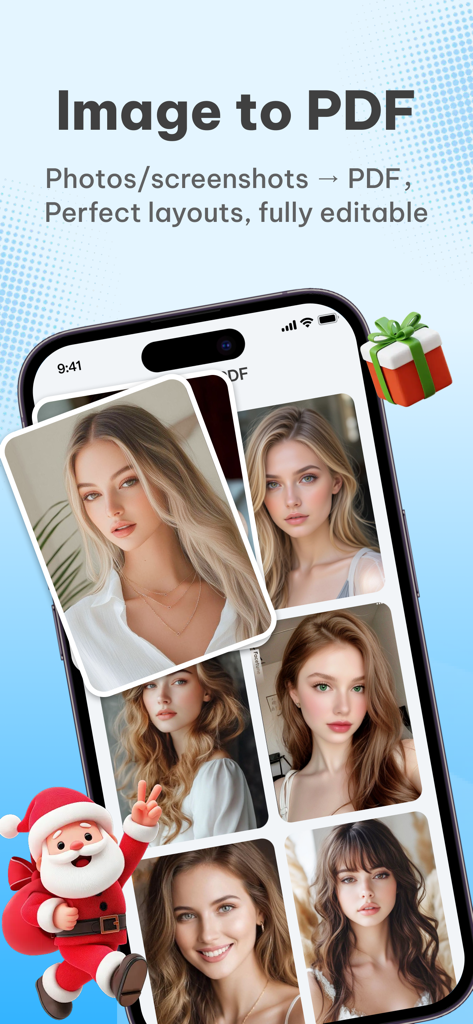
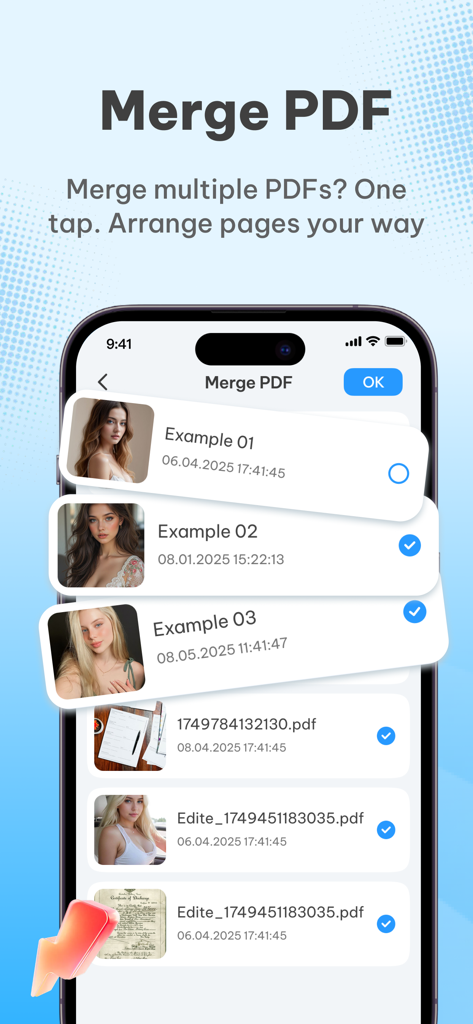
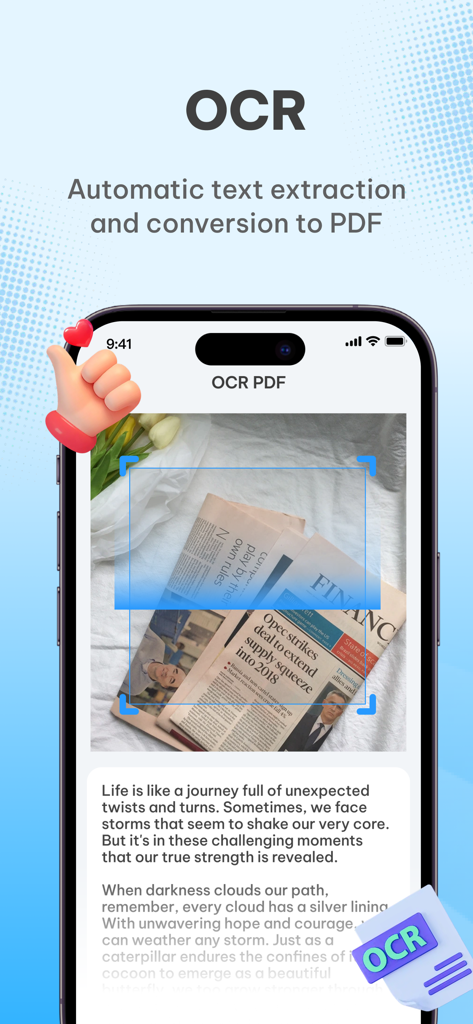
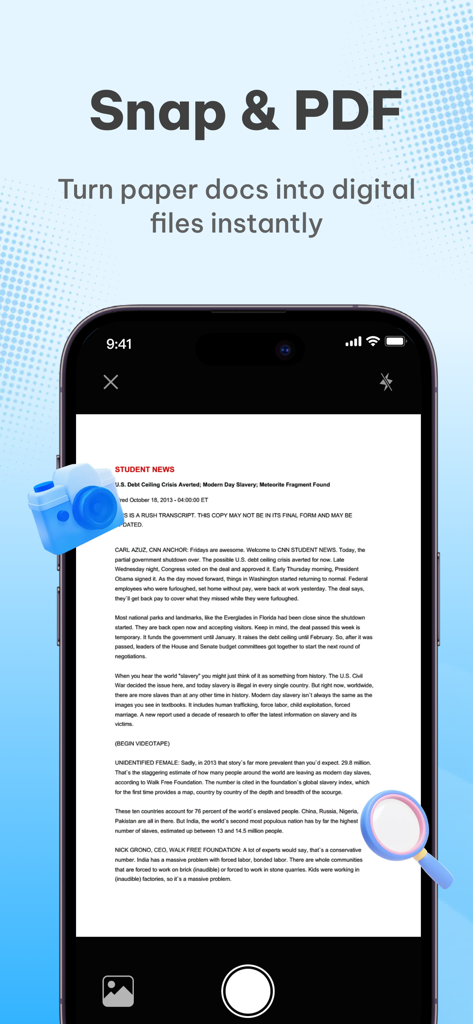
The tools that make this app stand out, trusted by 834K+ users.
Turn photos of notes, books, or receipts into high-definition PDFs with intelligent cropping and text enhancement.
Combine multiple images or documents into a single professional PDF. Rearrange pages with ease to keep your work tidy.
No subscriptions or hidden fees. All processing stays on your device, ensuring your sensitive data never leaves your phone.
Insights from user reviews.
Sentiment Score
Summary
This mobile app receives overwhelmingly negative feedback from users, with many uninstalling it due to a frustrating experience. The most significant and frequently cited issue is the excessive number of advertisements, which often render the app unusable. Many users also report the app as a 'scam' or containing 'false advertising,' leading to disappointment and immediate deletion. While there are a couple of positive ratings, these reviews lack specific praise for the app's features or functionality.
Common Themes
Everything you need to know about PDFMaker : Scanner Converter.
Description
Latest Version
1.1.1
Size
12.8 MB
First Released
Jul 16, 2025
Join 800k+ users who have ditched expensive subscriptions for our 100% free, secure, and all-in-one scanner. No hidden fees, no data uploads—just pure productivity in your pocket.
Everything you need to know about PDFMaker : Scanner Converter
Yes, PDFMaker is completely free. It requires no subscriptions or in-app purchases, making all its functions accessible without cost.
PDFMaker converts photos, images, and text content into PDF documents. It also supports creating new PDFs from notes and merging multiple files into one PDF.
PDFMaker ensures data privacy by processing all file conversions locally on the device. User files are not uploaded to any server.
Yes, PDFMaker allows users to merge multiple photos or screenshots into one PDF. It also supports adjusting the order and direction of these images.
Yes, PDFMaker enables users to merge multiple existing PDF files into a single PDF document. This feature is accessible with one tap.
Yes, PDFMaker features OCR (Optical Character Recognition) technology. This allows for automatic text extraction from documents and their subsequent conversion into PDF format.
PDFMaker converts photos to high-definition PDFs with one click. It optimizes image quality, supports automatic cropping, and enhances text clarity in the resulting PDF.
Apps with similar features and user experience

Balzo srl

NEXT K.U.M. LTD

INTSIG Information Co., Ltd

Adobe Inc.

KINGSOFT OFFICE SOFTWARE CORPORATION LIMITED

ILOVEPDF S.L.

The Grizzly Labs

Microsoft Corporation

INDY MOBILE APP COMPANY LIMITED
App information, icons, screenshots, and descriptions displayed on this page are sourced from the Apple App Store and are the property of their respective developers. Download estimates and rankings are based on MWM's proprietary models and may not reflect actual figures. This page is provided for informational and analytical purposes only.
Believe this page infringes your intellectual property? File a dispute