
This page is not an official page of the app or its developer, but an independent editorial publication created for informational and commentary purposes. Unless expressly stated otherwise, neither the app nor its developer is affiliated with, endorsed by, sponsored by, authorized by, or otherwise officially connected with MWM, Apple, Google Play, the app publisher, or the app's developer, and nothing on this page implies that the app was developed using MWM's services. Any trademarks, logos, screenshots, and other content remain the property of their respective owners.

Penbook Pencil Notebook
Elevate your note-taking with over 400 types of smart, customizable paper. From professional planners to scientific journals, bring your ideas to life on the world's most versatile digital notebook.
Downloads
3M+User Rating
Total Ratings
53K+Publisher
Category
ProductivityLocales
2Latest Version
7.2.12Size
104.2 MBFirst Released
Sep 24, 2019A Smarter Way to Put Pen to Paper
Penbook combines the tactile joy of handwriting with digital intelligence, offering over 400 specialized stationery types to organize your work, studies, and life.
400+ Specialized Layouts
From engineering grids and chemistry templates to music staves and habit trackers, find the perfect paper for every project or passion.
Intelligent Live Paper
Ditch static planners. Our Live Paper technology understands dates and times, automatically highlighting the current day and syncing with your calendar.
Frequently Asked Questions
Everything you need to know about Penbook Pencil Notebook
What is Penbook?
Penbook is a digital notebook app for Apple Pencil users, enabling natural writing on "Live Paper" with over 400 stationery types and PDF annotation capabilities.
What is Penbook's Live Paper feature?
Penbook's Live Paper is dynamic stationery with smart features like real-time calendar updates for monthly and daily planners, and a food diary that knows the current day.
Can users import PDFs into Penbook?
Yes, users can import their own PDFs into Penbook for quick annotation and editing directly within the app.
Does Penbook allow customization and sharing of notebooks?
Yes, Penbook allows users to give notebooks colorful covers with fun art and share them to ensure notes are always accessible.
What types of stationery are available in Penbook?
Penbook offers over 400 types of academic, scientific, and planning stationeries, including ruled, graph, dot, to-do, planner, Cornell, music, and chemistry papers.
Can Penbook recognize shapes drawn by hand?
Yes, Penbook features shape recognition that automatically snaps handwritten strokes to perfect shapes.
Can I search my handwritten notes in Penbook?
Yes, Penbook allows users to search their handwritten notes for specific words or phrases.
Is Penbook a free application?
Penbook allows free use of all stationery and writing features in a single notebook indefinitely. Upgrading to Penbook Premium unlocks unlimited notebooks and other benefits.
What features does Penbook Premium include?
Penbook Premium provides unlimited notebook creation and export, access to new stationery and covers, and regular app updates.
How can I purchase Penbook Premium?
Penbook Premium is available through a yearly subscription or a one-time (lifetime) in-app purchase. The yearly subscription offers a 7-day free trial.
Does Penbook offer a free trial for its Premium subscription?
Yes, Penbook offers a 7-day free trial for the yearly Premium subscription. Users can cancel anytime up to 24 hours before the trial ends to avoid charges.
Where can I find Penbook's privacy policy?
Penbook's privacy policy is available on its website at https://penbook.app/privacy-policy.
Can users customize their writing tools in Penbook?
Yes, Penbook allows users to customize writing tools, including pen type (e.g., stub fountain pen), ink thickness, and color palettes, as shown in the interface.
Does Penbook offer pre-designed notebook templates or editions?
Yes, Penbook offers "Book Editions" with pre-designed templates like the "Standard, Multi-Year Planner" and "Yesday" for various planning needs.
The following screenshots and description are sourced directly from the app's official store listing and are the property of the app developer.
App Store
Screenshots
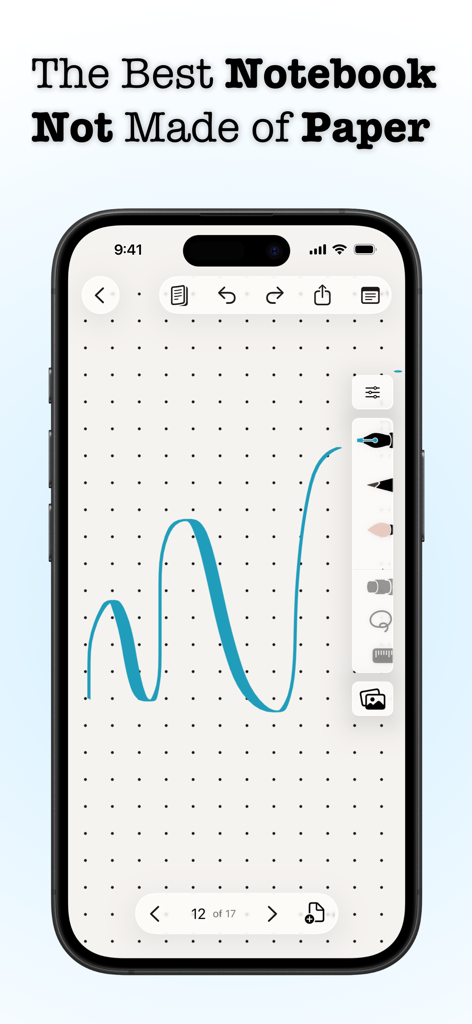
Penbook app displaying a blue ink stroke on dot grid paper stationery on an iPhone
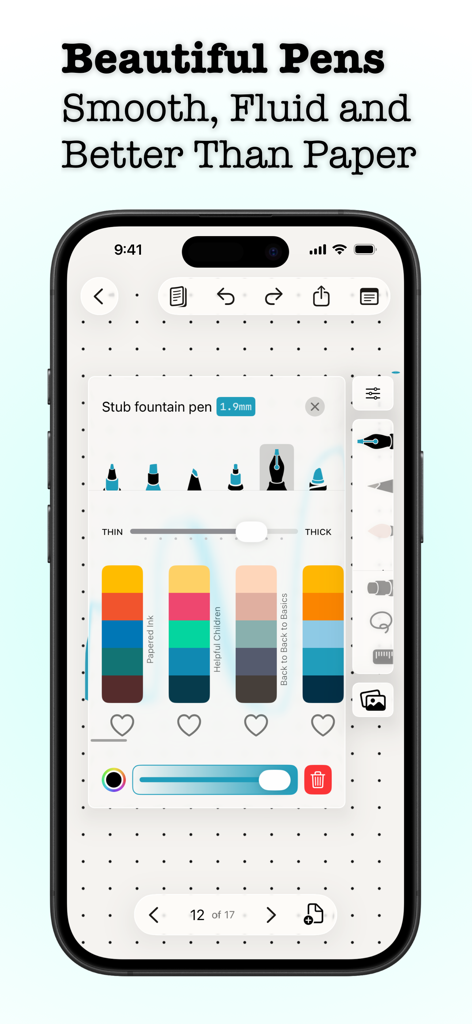
Penbook app screen showing digital pen tip selection, thickness slider, and color palettes on dot grid paper
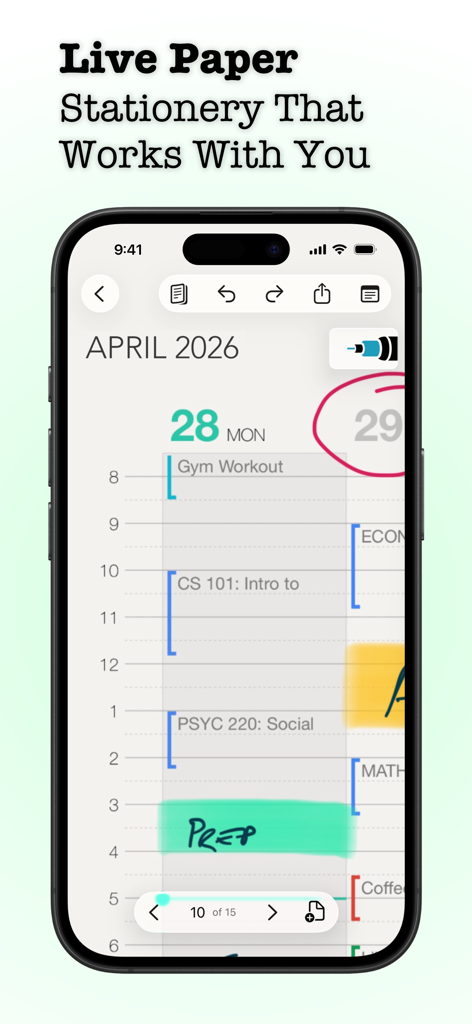
Penbook app daily planner showing handwritten notes and schedule on an iPhone screen
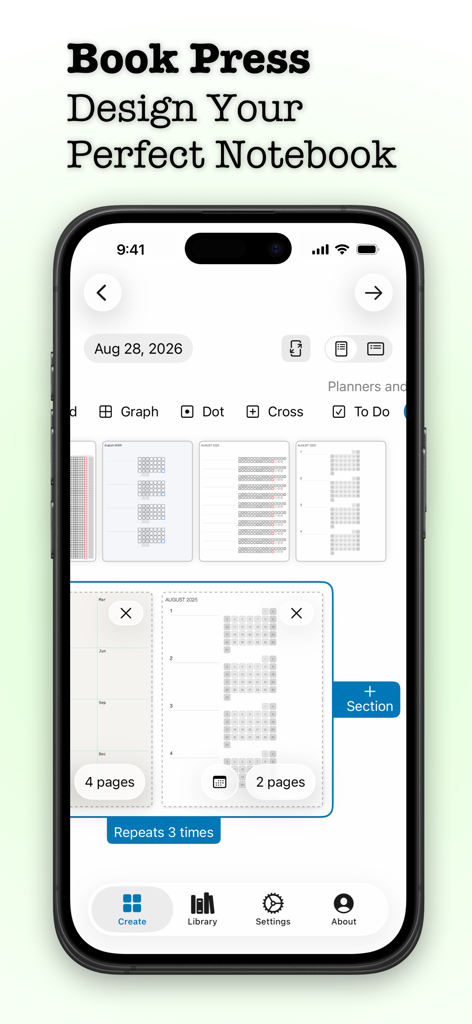
Interface of Penbook app showing the notebook design tool with various stationery templates and planner layouts
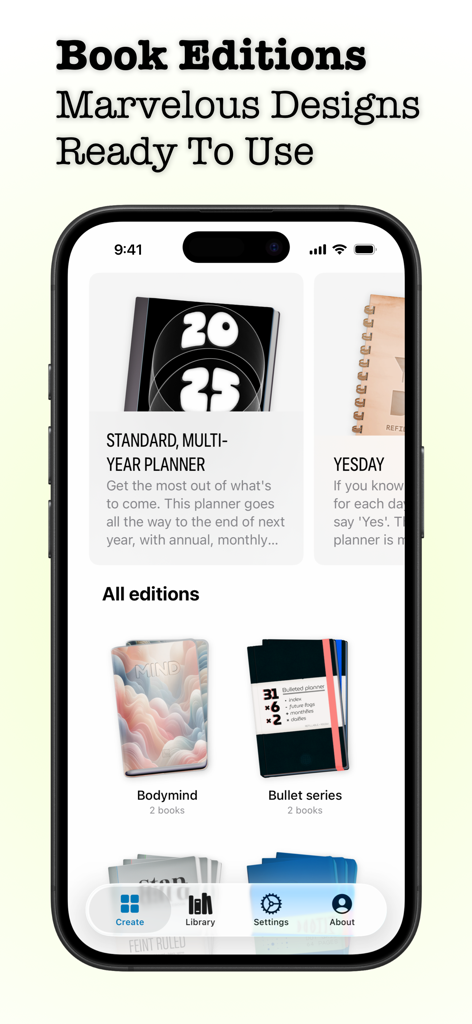
A mobile interface showing various digital notebook editions and planner designs in the Penbook app.
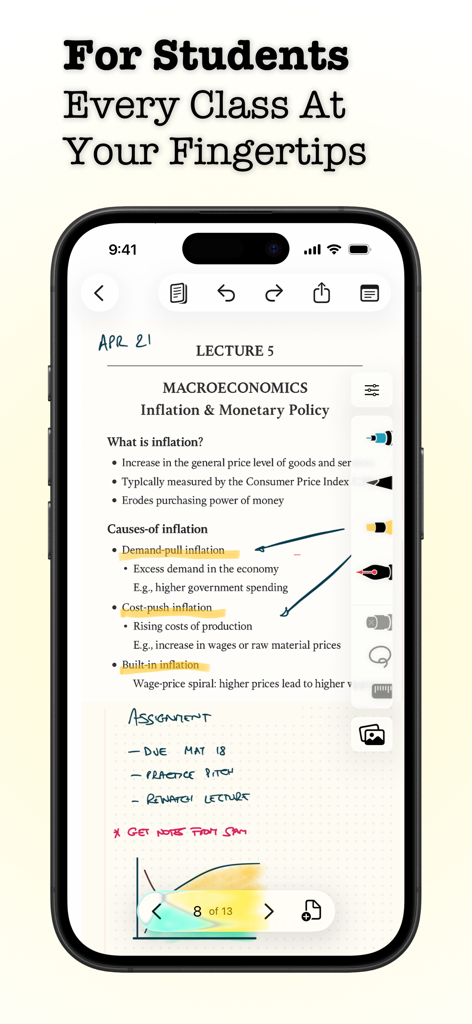
A smartphone showing the Penbook app with digital lecture notes for macroeconomics featuring typed text and handwritten annotations.
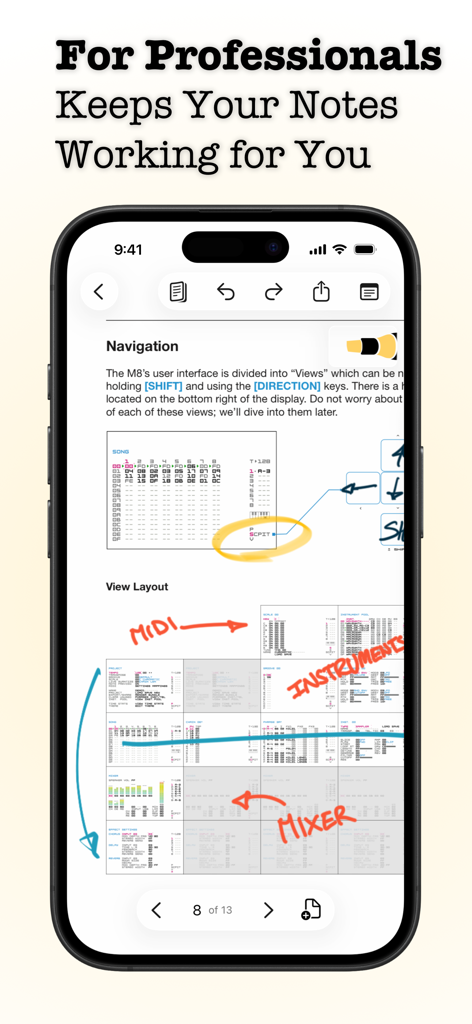
iPhone screen showing the Penbook app with a technical document featuring handwritten annotations and diagrams
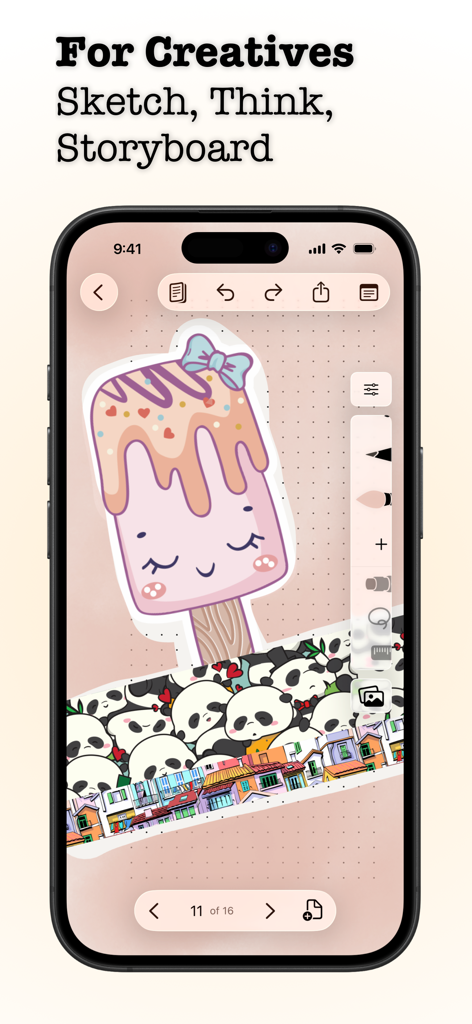
iPhone screen showing the Penbook app with a creative drawing of a popsicle and panda stickers
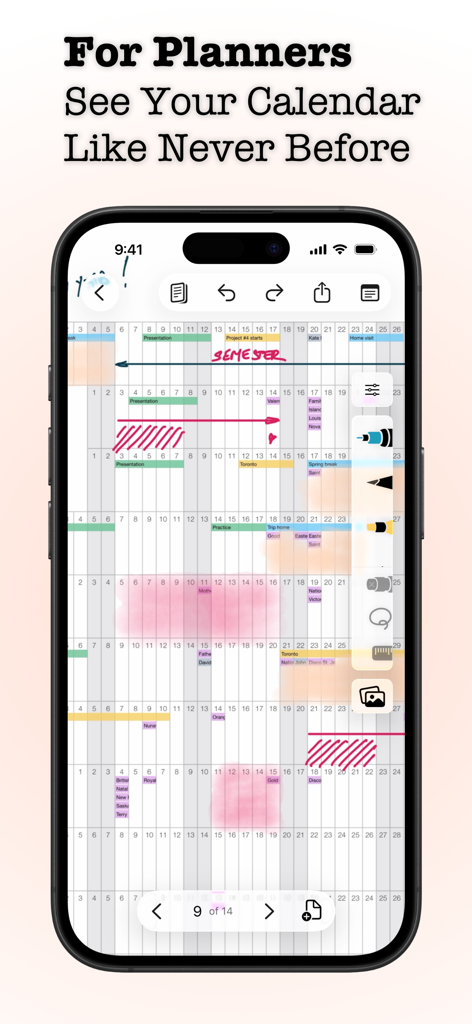
Digital calendar and planner interface in the Penbook app featuring handwritten notes and annotations
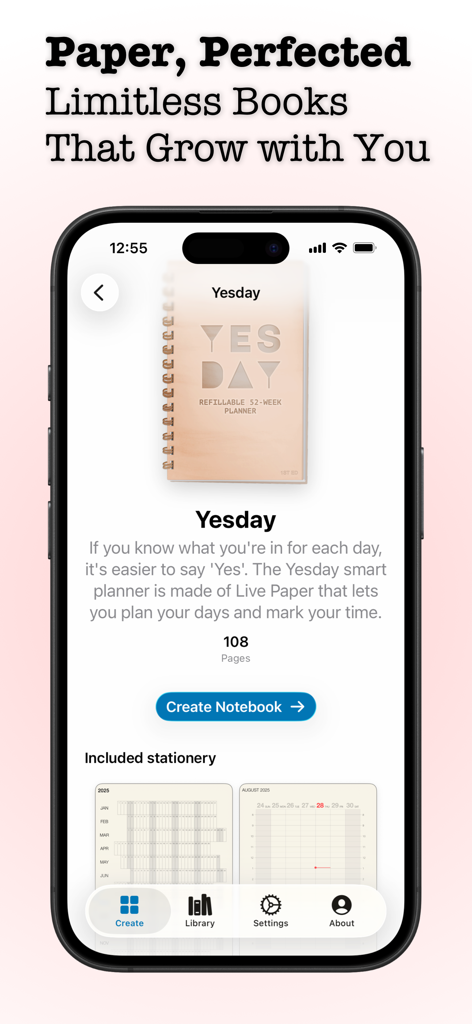
Screenshot of Penbook app interface showing the Yesday smart planner creation screen on an iPhone
Description
Download
More Like This
Apps with similar features and user experience

Notepad: Easy Notes & Memos
1381802 Ontario Inc.

EasyNote: Note, Handwrite, PDF
Hangzhou Tensorart Technology Co., Ltd

Wellnote-Notes&PDF
MAXEYE US INC.

AJournal - Planner & Journal
WonderApps AB

Element Note
Soysauce Lab

Notes Writer - Note Taking
Kairoos Solutions S.L.

Notewise - AI Notes, PDF, Docs
ZIIKR Pte. Ltd.

Notes Writer Pro 2026
Kairoos Solutions S.L.

Paintwork - Infinite Notebook
伟典 苏
This page is not an official page of the app or its developer, but an independent editorial publication created for informational and commentary purposes. Unless expressly stated otherwise, neither the app nor its developer is affiliated with, endorsed by, sponsored by, authorized by, or otherwise officially connected with MWM, Apple, Google Play, the app publisher, or the app's developer, and nothing on this page implies that the app was developed using MWM's services. Any trademarks, logos, screenshots, and other content remain the property of their respective owners.