
This page is not an official page of the app or its developer, but an independent editorial publication created for informational and commentary purposes. Unless expressly stated otherwise, neither the app nor its developer is affiliated with, endorsed by, sponsored by, authorized by, or otherwise officially connected with MWM, Apple, Google Play, the app publisher, or the app's developer, and nothing on this page implies that the app was developed using MWM's services. Any trademarks, logos, screenshots, and other content remain the property of their respective owners.

Performance Organizer
Stop digging through raw payloads. Triage crashes faster, catch regressions earlier, and make data-driven release decisions with a native, privacy-first workflow designed for iPhone, iPad, and Apple Vision Pro.
Downloads
0User Rating
Total Ratings
0Publisher
Category
Developer ToolsLocales
1Latest Version
2.0.0Size
19.7 MBFirst Released
Jun 8, 2024Ship with Absolute Confidence
Transform raw MetricKit data and App Store Connect logs into actionable intelligence. Performance Organizer gives you the professional-grade tools to catch regressions, triage crashes, and optimize your app's quality on every Apple device.
Visual Performance Intelligence
Stop digging through raw JSON payloads. Compare CPU, memory, and launch metrics across versions to pinpoint regressions and validate performance improvements instantly.
Pro-Grade Mobile Triage
Monitor your release pipeline from your iPhone or Vision Pro. Review crash diagnostics, TestFlight feedback, and Xcode Cloud build status without ever opening a browser.
The following screenshots and description are sourced directly from the app's official store listing and are the property of the app developer.
App Store
Screenshots
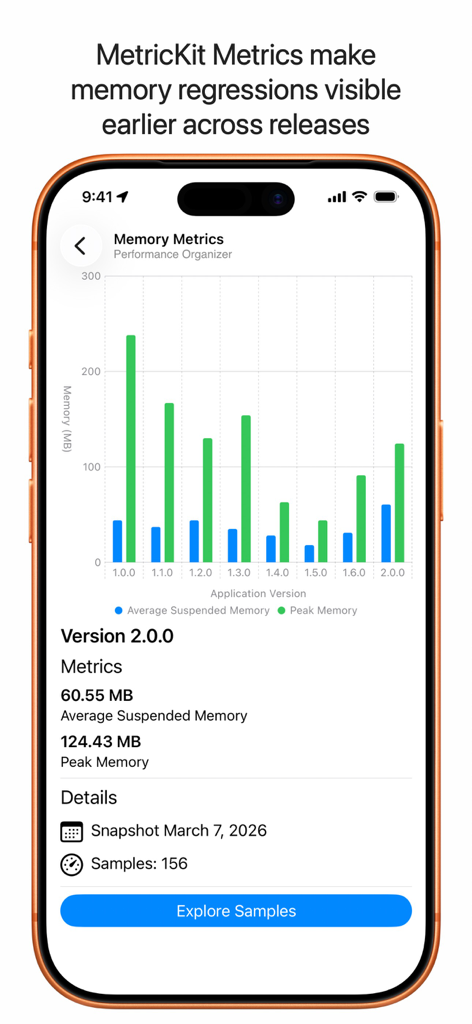
A bar chart comparing average suspended and peak memory usage across different application versions
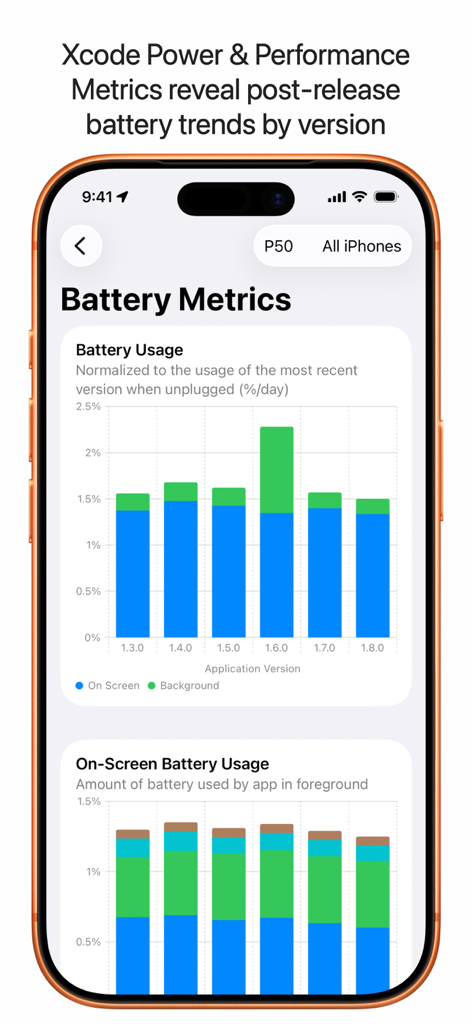
Performance Organizer screen displaying battery usage trends and metrics by app version
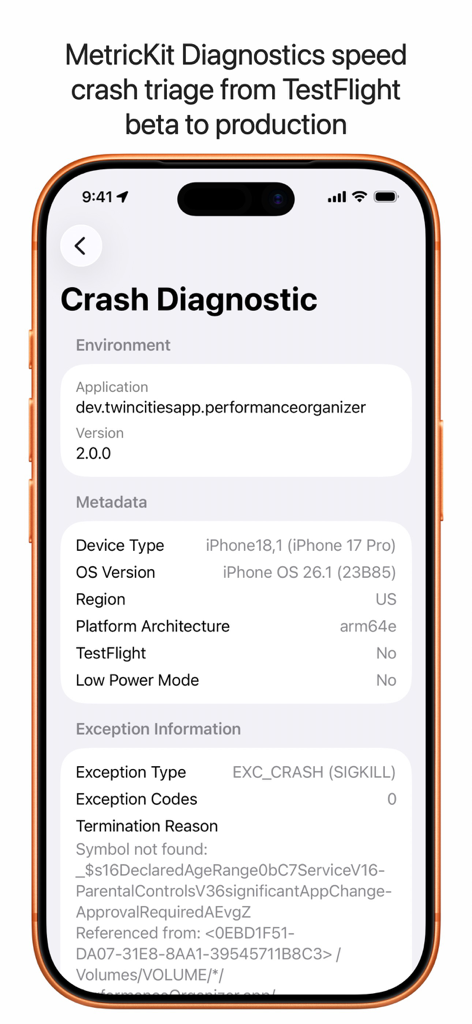
Performance Organizer app displaying a detailed crash diagnostic report with exception information.
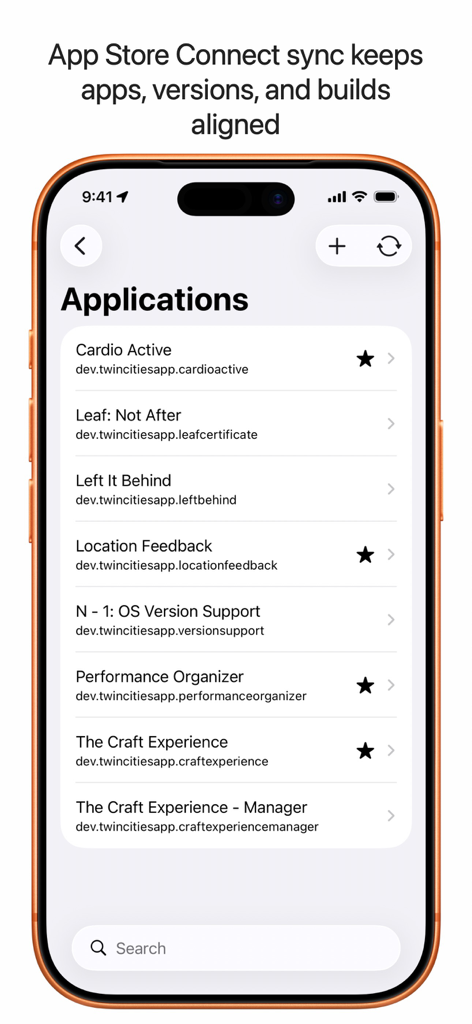
iPhone screen showing a list of synchronized developer applications in Performance Organizer
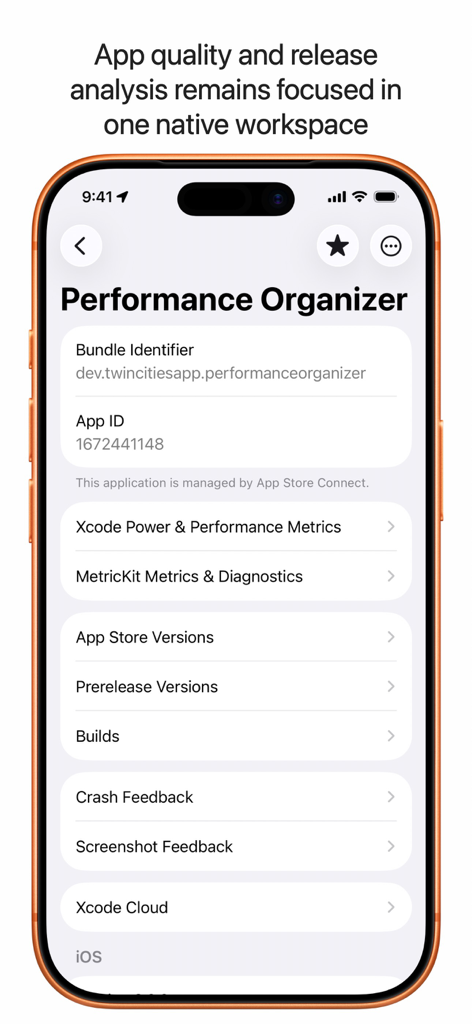
Performance Organizer app dashboard showing developer metrics and diagnostics on an iPhone
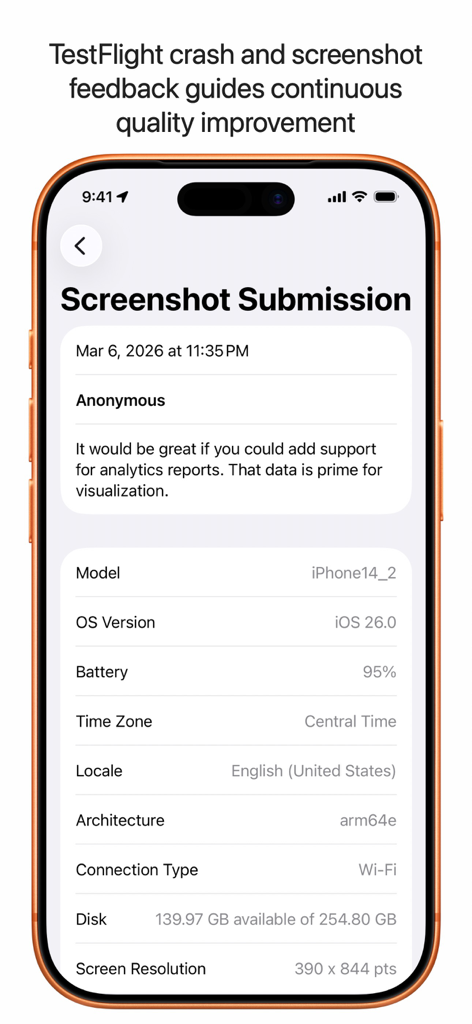
Performance Organizer app screen showing a TestFlight screenshot submission with device technical specifications.
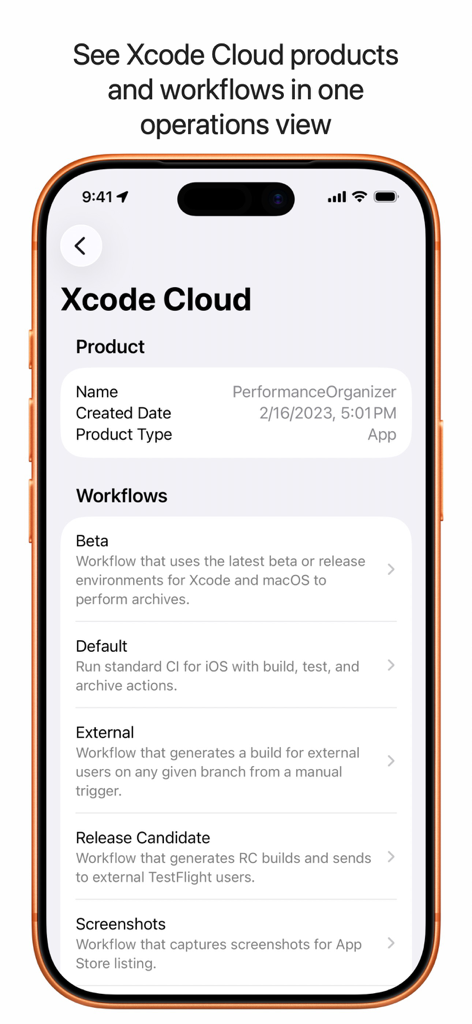
Xcode Cloud product details and automated workflows list in the Performance Organizer app
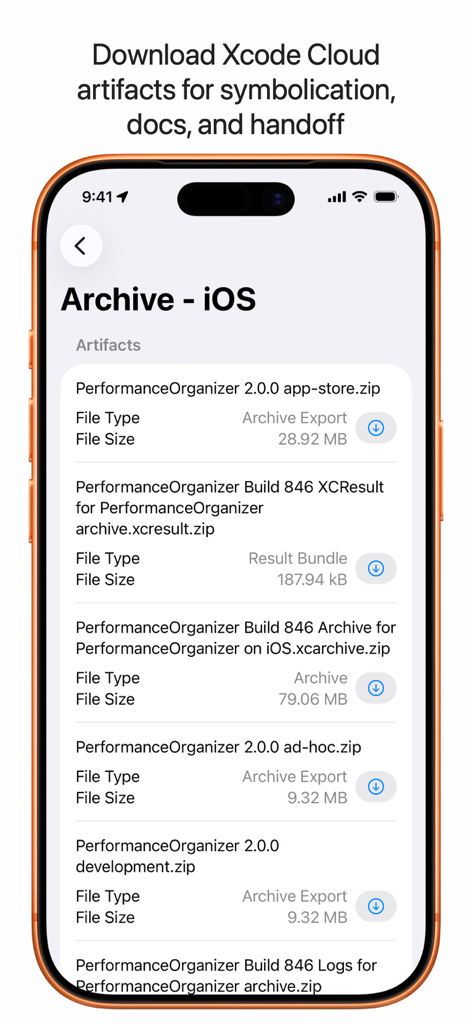
List of Xcode Cloud build artifacts in the Performance Organizer app
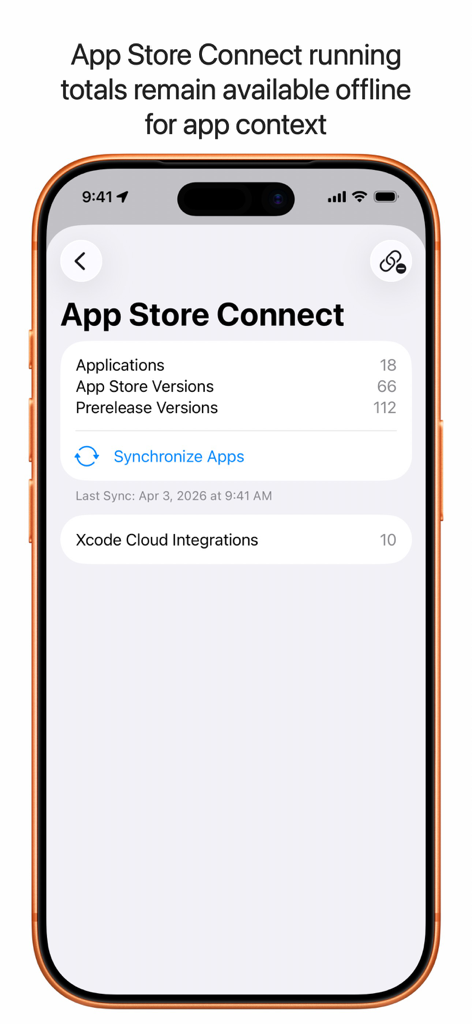
Performance Organizer dashboard displaying App Store Connect application and version synchronization data
Description
Download
More Like This
Top-ranked apps in the same category

TestFlight
Apple Inc.

Replit: Vibe Code Apps
Replit, Inc

GitHub
GitHub

Emergent AI: Vibe Code Apps
Emergent Labs Inc

O-KAM Pro
Shenzhen VeePai IoT Intelligent Technology LLC

Apple Developer
Apple Inc.

Expo Go
650 Industries, Inc.

ProxyPin - Open Source Capture
Minimalist Network Co., Ltd.

App Store Connect
Apple Inc.
This page is not an official page of the app or its developer, but an independent editorial publication created for informational and commentary purposes. Unless expressly stated otherwise, neither the app nor its developer is affiliated with, endorsed by, sponsored by, authorized by, or otherwise officially connected with MWM, Apple, Google Play, the app publisher, or the app's developer, and nothing on this page implies that the app was developed using MWM's services. Any trademarks, logos, screenshots, and other content remain the property of their respective owners.