Phone Clone - Copy My Data

Phone Clone - Copy My Data

Logo of Phone Clone - Copy My Data

Phone Clone - Copy My Data: Move Everything to Your New Device Instantly

The lightning-fast, cable-free way to transfer photos, videos, and contacts across any platform. Experience the ease of AirDrop for every smartphone—no cloud, no data limits, and no stress.

Publisher

Arpana Singh

Category

Utilities

Downloads

1K+

User Rating

4.9/5

Total Ratings

0

Locales

11

Simplicity in Motion

Discover the interface used by 1K+ users.

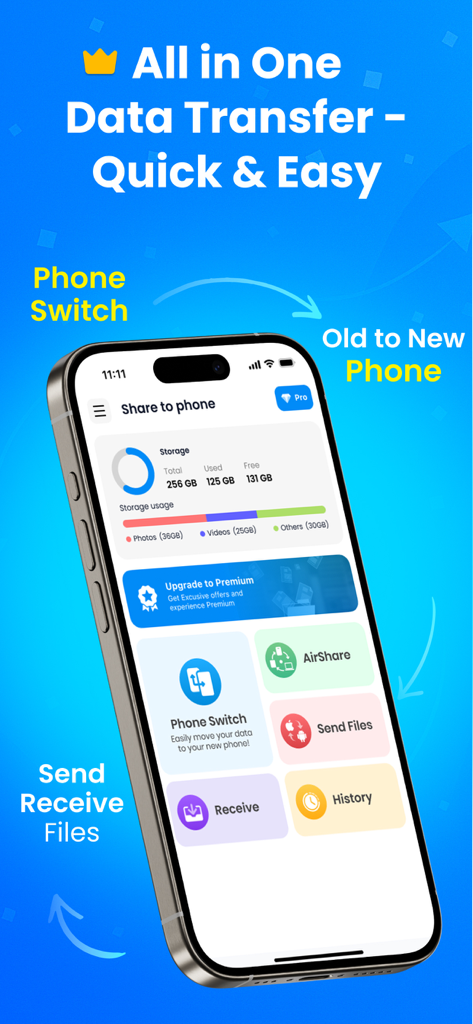
Phone Clone app interface showing data transfer and phone switch options
Phone Clone app interface showing data transfer and phone switch options

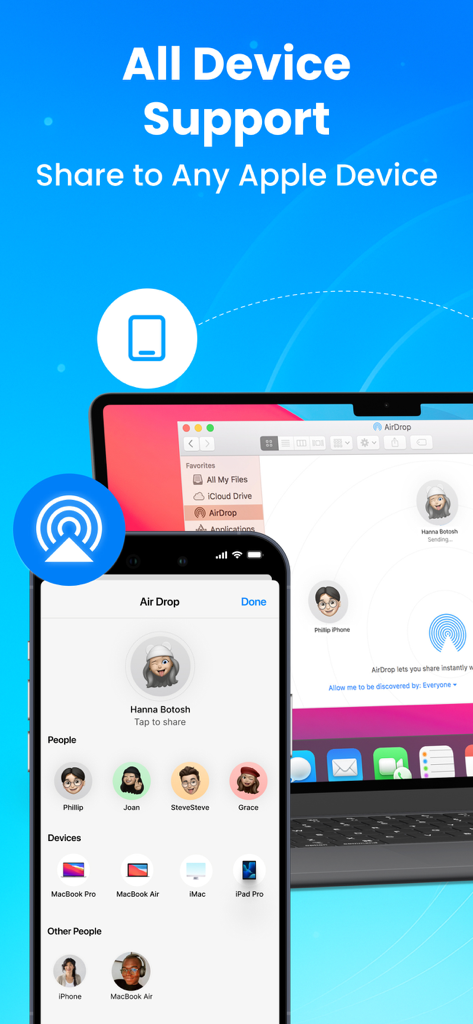
Phone Clone app interface showing data transfer and file sharing support for all Apple devices including iPhone and MacBook
Phone Clone app interface showing data transfer and file sharing support for all Apple devices including iPhone and MacBook

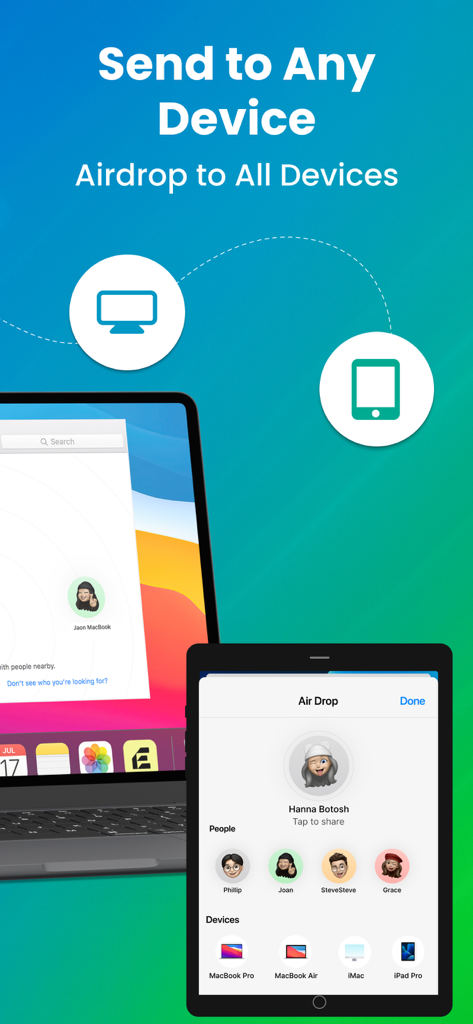
Phone Clone app showing the interface for sending files to multiple devices including MacBook and iPad Pro
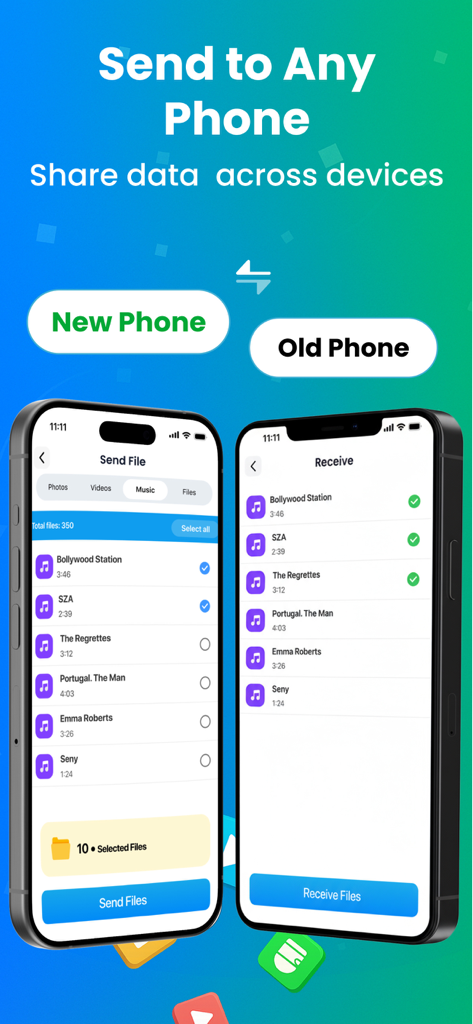
Phone Clone app showing the interface for sending files to multiple devices including MacBook and iPad Pro

Phone Clone app interface showing wireless data transfer between two smartphones
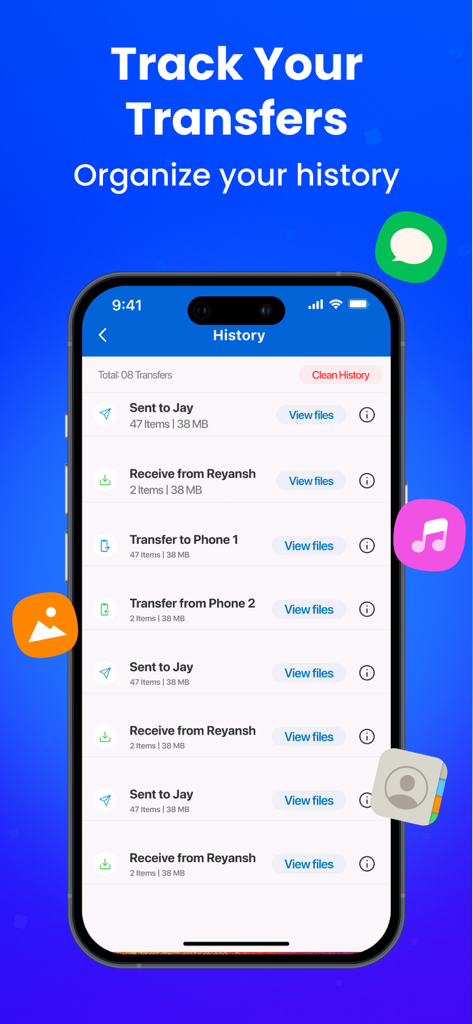
Phone Clone app interface showing wireless data transfer between two smartphones

A smartphone screen displaying the transfer history log in the Phone Clone app showing files sent and received
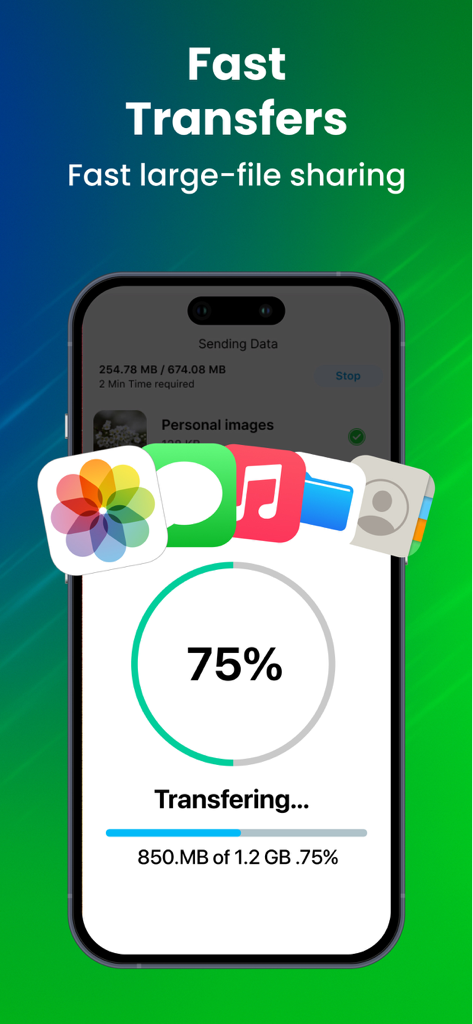
A smartphone screen displaying the transfer history log in the Phone Clone app showing files sent and received

A smartphone screen showing seventy five percent progress of a fast data transfer including photos music and files
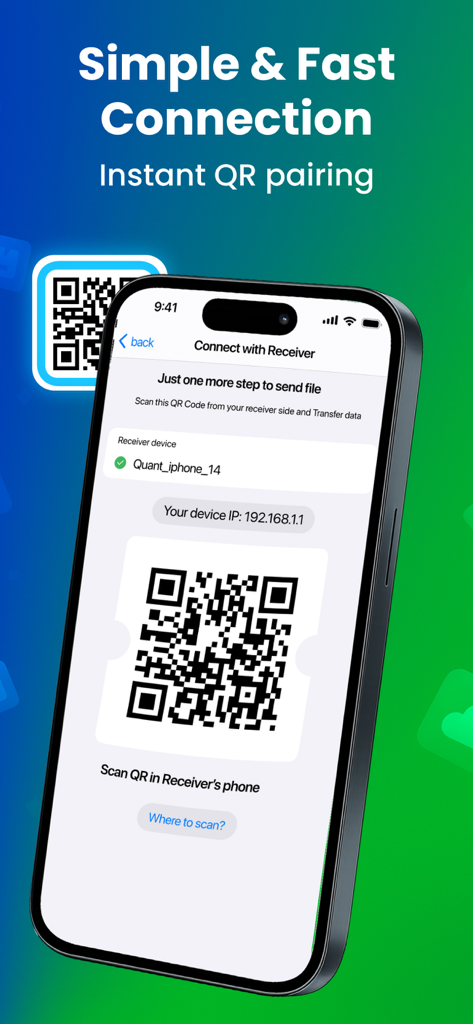
A smartphone screen showing seventy five percent progress of a fast data transfer including photos music and files

Smartphone interface showing a QR code for instant device pairing and data transfer.

Smartphone interface showing a QR code for instant device pairing and data transfer.

Transfer Your Digital Life in Minutes

The tools that make this app stand out, trusted by 1K+ users.

Lightning-Fast Transfers

Move gigabytes of 4K videos and ProRaw photos in seconds. Experience speeds significantly faster than Bluetooth or standard email attachments.

🔄

Universal Cross-Platform Sharing

Break free from the walled garden. Share high-res files between iOS and other platforms with the ease of AirDrop for everyone.

📱

One-Tap Phone Cloning

Upgrading to the latest model? Mirror your entire device—contacts, media, and documents—to your new phone with a single tap.

About the app

Everything you need to know about Phone Clone - Copy My Data.

Description

Looking for a fast and reliable way to transfer files between devices without cables, Bluetooth or complicated steps? Phone Clone - Copy My Data is your all-in-one solution to share files instantly across devices. Whether you need to send photos, videos, music or documents, this app gives you the smoothest experience possible - just like Airdrop for all smartphones. No matter if you want to copy my data from an old device to a new one, transfer to iOS, or simply share files with friends, Air File Share is designed to make the process quick, safe, and effortless. New Feature Alert: Now share files to any Apple device. Be it a phone, TV, Tab or any other device. Share File quickly using this Data Sharing App. Key Features Share photos, videos, music, audio and documents with high speed data transfer Experience lightning-fast transfer speeds - faster than Bluetooth or email attachments Works seamlessly just like Airdrop but for all platforms Send Files to any Apple device using the Apple's default Airdrop service Cross-Platform Support - Send Files to any device Move your data from any device to iOS or the other way around without any hassle Compatible for switching phones or upgrading to a new device Full compatibility with all smartphones and tablets Easy-to-Use Copy My Data App One-tap Phone Clone feature for instant transfers Send or receive large files without quality loss No need for mobile data, USB cables, or complicated setups Send It All – Any File, Any Size Transfer images, videos, contacts, documents, and even audio files. Select & Share multiple files at once with stable connectivity. Say goodbye to file size limits and speed restrictions. Copy My Data & Smart Transfer Backup and restore your received files with ease. Copy my data tool lets you clone your entire device content in just a few taps. Keep your contacts, photos, and videos safe while switching devices. Why Choose Phone Clone - Copy My Data? - Faster than Bluetooth and email - Cross-platform support: other platforms & iOS - Unlimited file size transfer - Secure, Reliable and easy-to-use - Easy Setup - no cable to Bluetooth connection required - All-in-one tool for file sharing How It Works Install Phone Clone - Copy My Data on both devices. Select “Send” on one phone and “Receive” on the other. Choose the files you want to share and tap Send It. Enjoy quick, seamless, and secure File Sharing! Suitable Use Cases Switching from Other Phone to iOS or iOS to Other Device with transfer to iOS tool. Sharing vacation photos and videos with friends instantly. Moving important work documents between devices with ShareFile style transfer. Maintaining history of shared files and open them when required. Cloning your phone & sharing all your data. Phone Clone - Copy My Data combines the power of Airdrop, Fileshare, Quick Share, ShareFile and Copy My Data into one ultimate tool for fast, secure, and cross-platform sharing. Whether you’re sending one file or transferring your entire device content, this app is your trusted companion for easy, fast, and limitless sharing. Data Collection: Device-specific information such as device model, OS version. It provides knowledge of how our app is being used so we can improve the user experience and the app. Disclaimer: This app is not associated with Apple or any of its products or services. All rights are reserved by Apple. The term "Apple" "Airdrop" is used for reference only. Payment data & an optional Email (if using paid Services) Premium plans: Monthly - $6.99 Yearly- $24.99 Subscription Info: User can cancel subscription at any time All prices include local taxes Subscription automatically renews at least 24-hours before The user's account will be charged for renewal within 24-hrs Privacy - https://www.q4umobileapps.com/web/datatransfer/privacy-policy Terms - https://www.q4umobileapps.com/web/datatransfer/tandc EULA - https://www.q4umobileapps.com/web/datatransfer/eula

Latest Version

3

Size

83.1 MB

First Released

Oct 2, 2025

Ready to Switch? Move Your Entire Digital Life in Minutes.

Experience lightning-fast, secure transfers with no cables or cloud delays. Join thousands who make upgrading phones and cross-platform sharing effortless.

App information, icons, screenshots, and descriptions displayed on this page are sourced from the Apple App Store and are the property of their respective developers. Download estimates and rankings are based on MWM's proprietary models and may not reflect actual figures. This page is provided for informational and analytical purposes only.

Believe this page infringes your intellectual property? File a dispute