Photo Album Private Manager
Download on App Store

This page is not an official page of the app or its developer, but an independent editorial publication created for informational and commentary purposes. Unless expressly stated otherwise, neither the app nor its developer is affiliated with, endorsed by, sponsored by, authorized by, or otherwise officially connected with MWM, Apple, Google Play, the app publisher, or the app's developer, and nothing on this page implies that the app was developed using MWM's services. Any trademarks, logos, screenshots, and other content remain the property of their respective owners.


Logo of Photo Album Private Manager
Download on App Store

Photo Album Private Manager

Go beyond the basic hidden folder. Experience total peace of mind with triple-layer encryption, intruder break-in reports, and seamless iCloud sync designed for the privacy-conscious professional.

Key Figures

Downloads

17K+

User Rating

4.3/5

Total Ratings

6K+

Publisher

Eben Software Private Limited

Category

Photo & Video

Locales

1

Latest Version

12.0

Size

35.4 MB

First Released

Feb 2, 2012
Features

Ultimate Privacy for Your Personal Memories

Secure your digital legacy with multi-layered protection and powerful tools to organize, sync, and enjoy your photos without compromise.

Unbreakable Security Layers

Go beyond the standard hidden folder. Protect your media with FaceID, ultra double-locks, and instant break-in reports that catch intruders in the act.

Stealth & Invisible Mode

Feel confident when passing your phone around. Hide sensitive albums completely with a stealth mode that makes private content vanish during your shared sessions.

The following screenshots and description are sourced directly from the app's official store listing and are the property of the app developer.

App Store

Screenshots
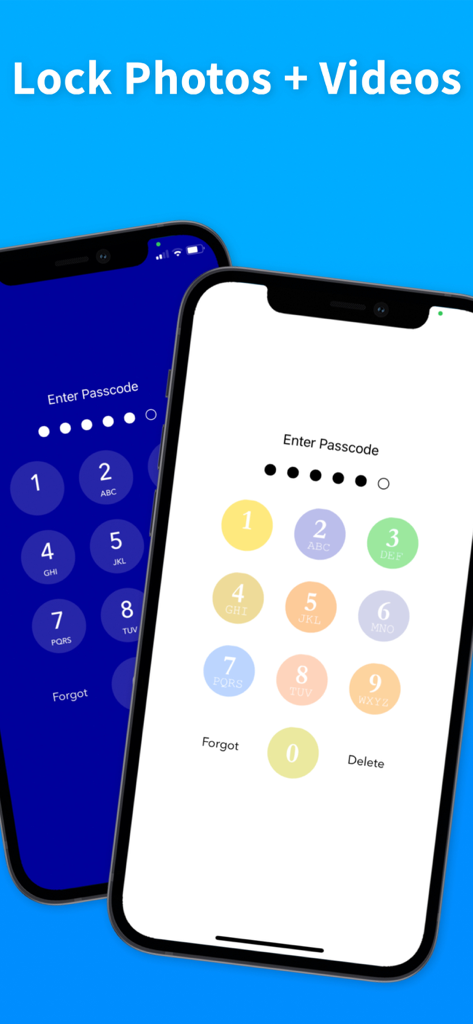
Photo Album Private Manager - Two iPhones showing the passcode entry screen with different themes to lock photos and videos
Two iPhones showing the passcode entry screen with different themes to lock photos and videos

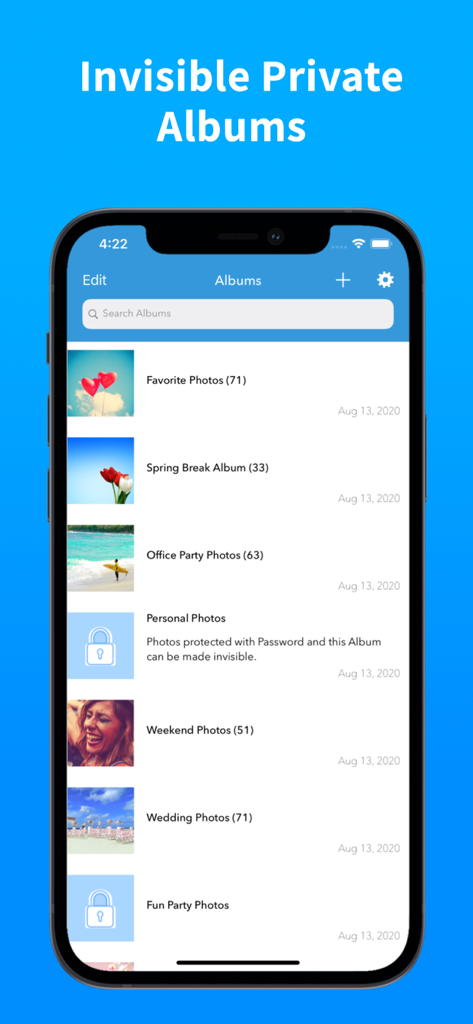
Photo Album Private Manager - Smartphone screen showing the Photo Album Private Manager app with a list of public and password protected private albums
Smartphone screen showing the Photo Album Private Manager app with a list of public and password protected private albums

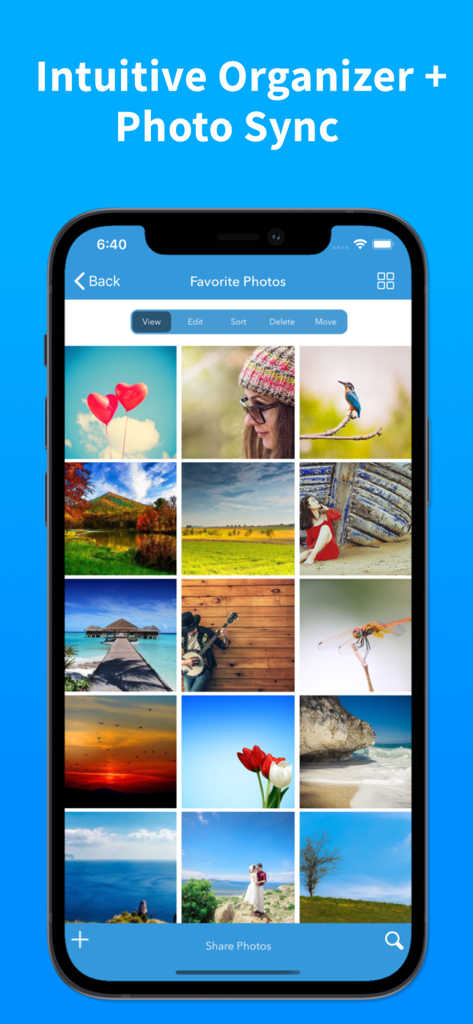
Photo Album Private Manager - Mobile app interface showing a grid of favorite photos with organization tools like sort and move

Mobile app interface showing a grid of favorite photos with organization tools like sort and move
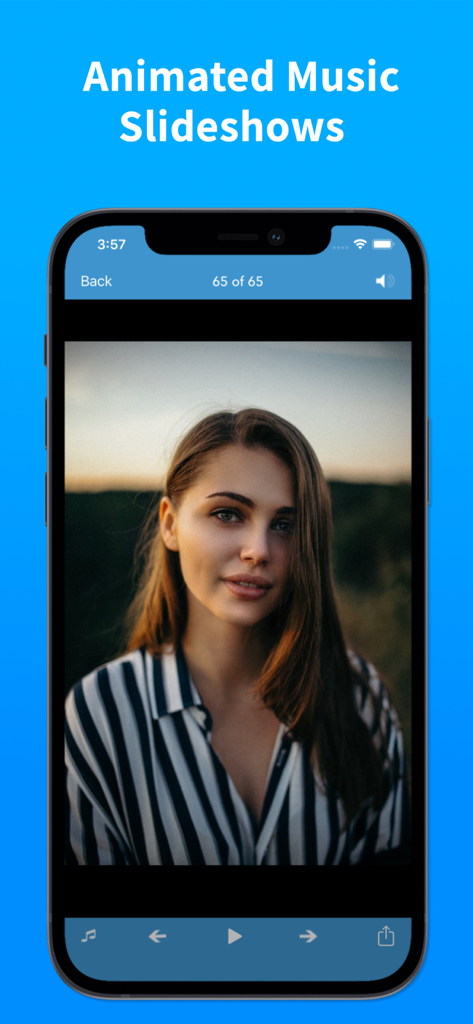
Photo Album Private Manager - A smartphone screen displaying the Animated Music Slideshows feature of the Photo Album Private Manager app with a portrait of a woman.
A smartphone screen displaying the Animated Music Slideshows feature of the Photo Album Private Manager app with a portrait of a woman.

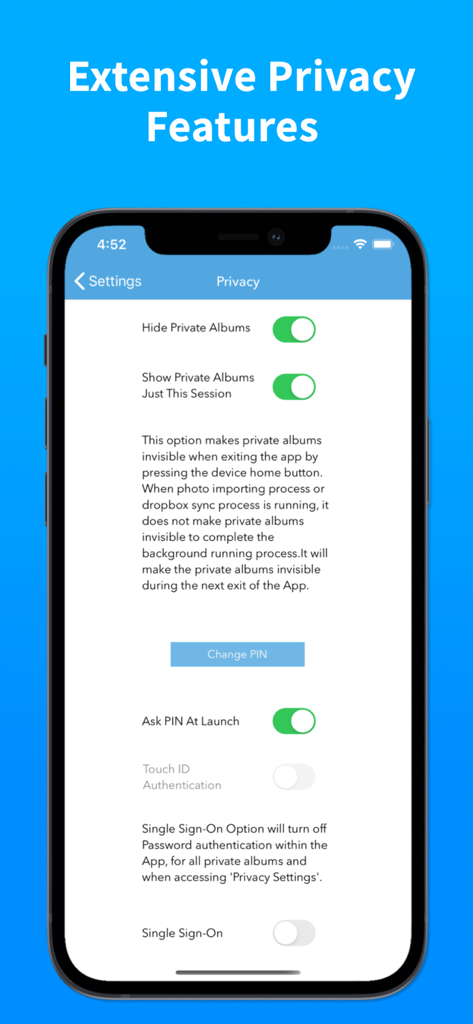
Photo Album Private Manager - iPhone screen displaying extensive privacy settings and security features for the Photo Album Private Manager app
iPhone screen displaying extensive privacy settings and security features for the Photo Album Private Manager app

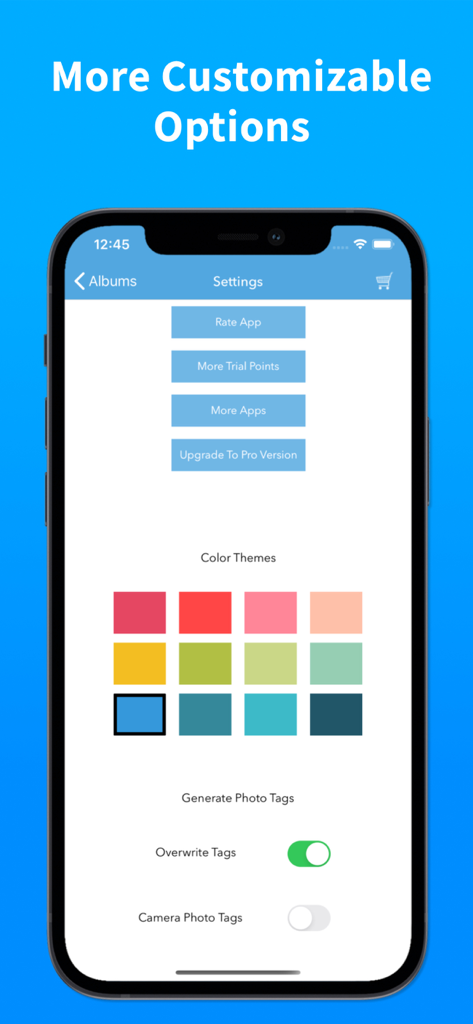
Photo Album Private Manager - Photo Album Private Manager settings screen showing color themes and customizable photo tag options
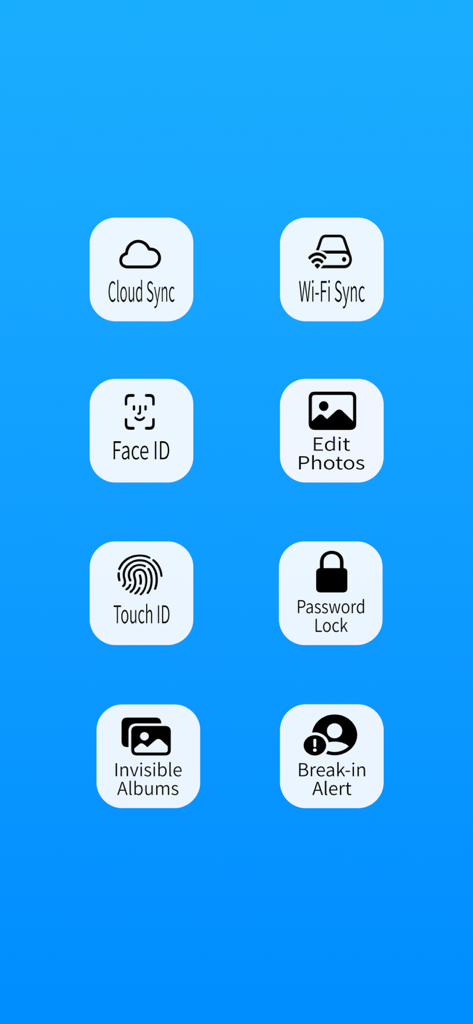
Photo Album Private Manager settings screen showing color themes and customizable photo tag options

Photo Album Private Manager - Overview of security and synchronization features for the Photo Album Private Manager app
Overview of security and synchronization features for the Photo Album Private Manager app

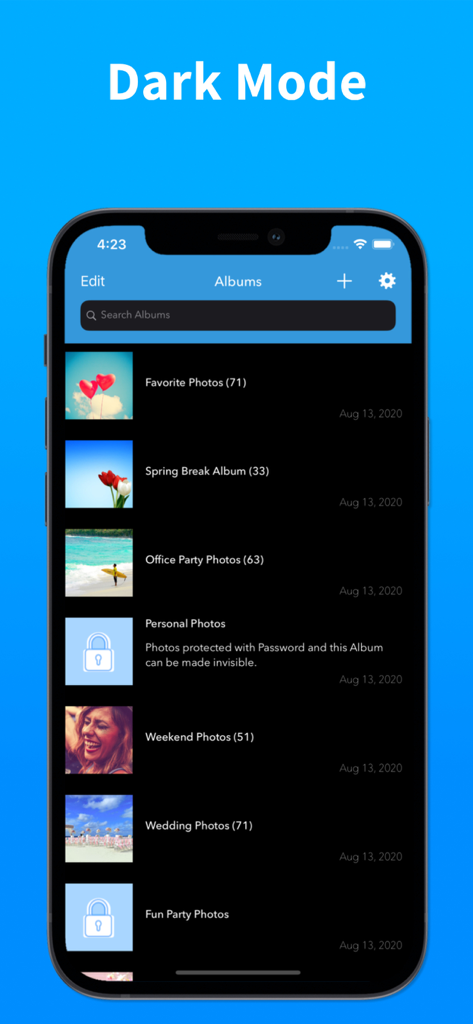
Photo Album Private Manager - Photo Album Private Manager app showing the album list with a dark mode interface and locked folders
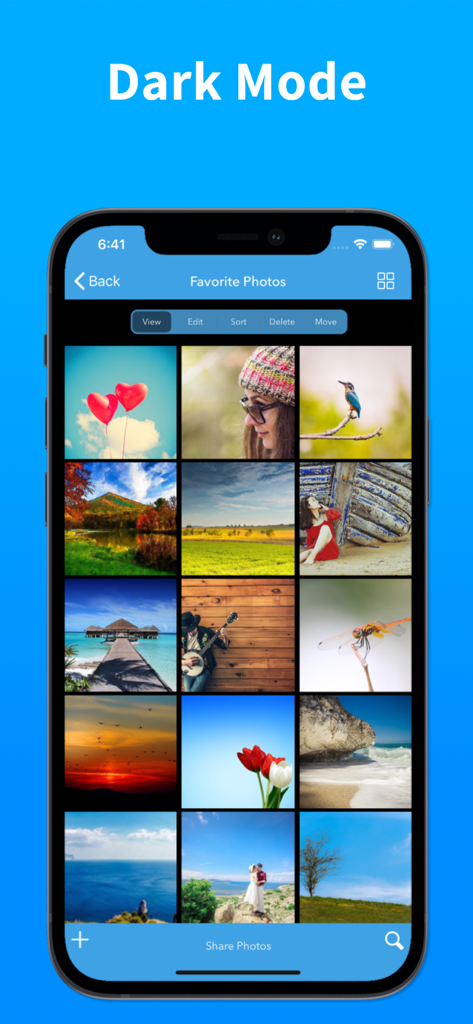
Photo Album Private Manager app showing the album list with a dark mode interface and locked folders

Photo Album Private Manager - Photo Album Private Manager dark mode interface showing a grid of favorite photos on an iPhone

Photo Album Private Manager dark mode interface showing a grid of favorite photos on an iPhone

Description

Looking for real privacy to manage your photos and videos? Photo Album is the best photo management solution to manage your photos and videos with strong Privacy features, lots of functionalities to Organize, create Slideshows and Sync your photos and videos between devices with iCloud end-to-end encryption and Dropbox. Sync directly from device to device and WiFi transfer of photos from device and computer. PRIVACY FEATURES + Customizable 4 digit to 10 digit passcode to login to the App. + Three layers of privacy with passcode, password and invisible mode for private albums. + Supports Face ID and Touch ID to login to the App. + Ultra double lock needs passcode and Face ID authentication to login. + Intruder Break-In report with photo, date and time. Report of all who tried to break-in to the App. + App access report with photo, date and time. Report of all who logged into the App. + PIN and Password reset option with unique secret key. + Turn invisible mode off just for the session to access private albums, private albums will disappear when closing the App with this option. + Safe share photos for secure encrypted access with iCloud link. PHOTO MANAGEMENT FEATURES + Import unlimited photos, videos and GIFs into Albums, option to select all or just unsaved photos, supports background process for importing photos. + Supports file sharing extension to allow importing from Photos, Files and from other Apps. + Sort or Move the photos(among multiple Albums) by a simple drag and drop gesture. + App generated photo categories, intuitive search by photo categories and face. + Search similar photos to find duplicate and redundant photos. + View photos with music in animated slideshow with 12 transition styles and effects. + View photo metadata with swipe up gesture on photo view screen. + Create wallpaper from photos in the album. + Listen to your favorite playlist of songs in the App with slideshows. + Record slideshows with animated GIFs, 12 transition styles and effects. + Wi-Fi Sync within App across devices and with computer using Wi-Fi drive and Web browser. + Backup and restore. Keep your photos and videos synced between devices with iCloud. + Backup and restore. Keep your photos and videos synced between devices with Dropbox. PHOTO ALBUM PREMIUM SUBSCRIPTION + Subscription payment will be charged to iTunes Account at confirmation of purchase. + Subscription automatically renews unless auto-renew is turned off at least 24-hours before the end of current subscription period. + Account will be charged for renewal within 24-hours prior to the end of the current subscription period. + Subscriptions can be managed by the user after purchase from App Store account settings to turn off auto-renewal of subscription. Terms Of Service: http://terms.ebensoftware.com Privacy Policy: http://privacy.ebensoftware.com Thank you for using Photo Album — Organizing becomes simple and private.

Download

Download on App Store

This page is not an official page of the app or its developer, but an independent editorial publication created for informational and commentary purposes. Unless expressly stated otherwise, neither the app nor its developer is affiliated with, endorsed by, sponsored by, authorized by, or otherwise officially connected with MWM, Apple, Google Play, the app publisher, or the app's developer, and nothing on this page implies that the app was developed using MWM's services. Any trademarks, logos, screenshots, and other content remain the property of their respective owners.








